Contributor Leaderboard



Popular Content
Showing content with the highest reputation on 16/12/09 in Posts
-
1 pointCracking Video Bedlington Open Casting http://www.youtube.com/watch?v=mIEno4cG2S8 site is where the golf course is now.1 point
-
1 pointWith Xmas just around the corner I was thinking of what I would like at Xmas. I don't need or want much but here is my list. Most important first. -Have my family around me (two son's, daughter and grandson) -Have a good Turkey dinner (it will be good as I will cook it) -Pair of slippers -Box of chocolates (1-3 boxes to hide under the bed) -A couple of winns at Predict The Premier would be good -A night out at The Station Club (I know that won't happen) So there's a couple of things1 point
-
1 point
-
1 pointWhat song,film,cartoon or saying would you consider apt for members on this site? Run to the hills(iron maiden) HP One minute wonder: Sian Home Alone: Mr Darn (sorry) Train-spotting: 4G1 point
-
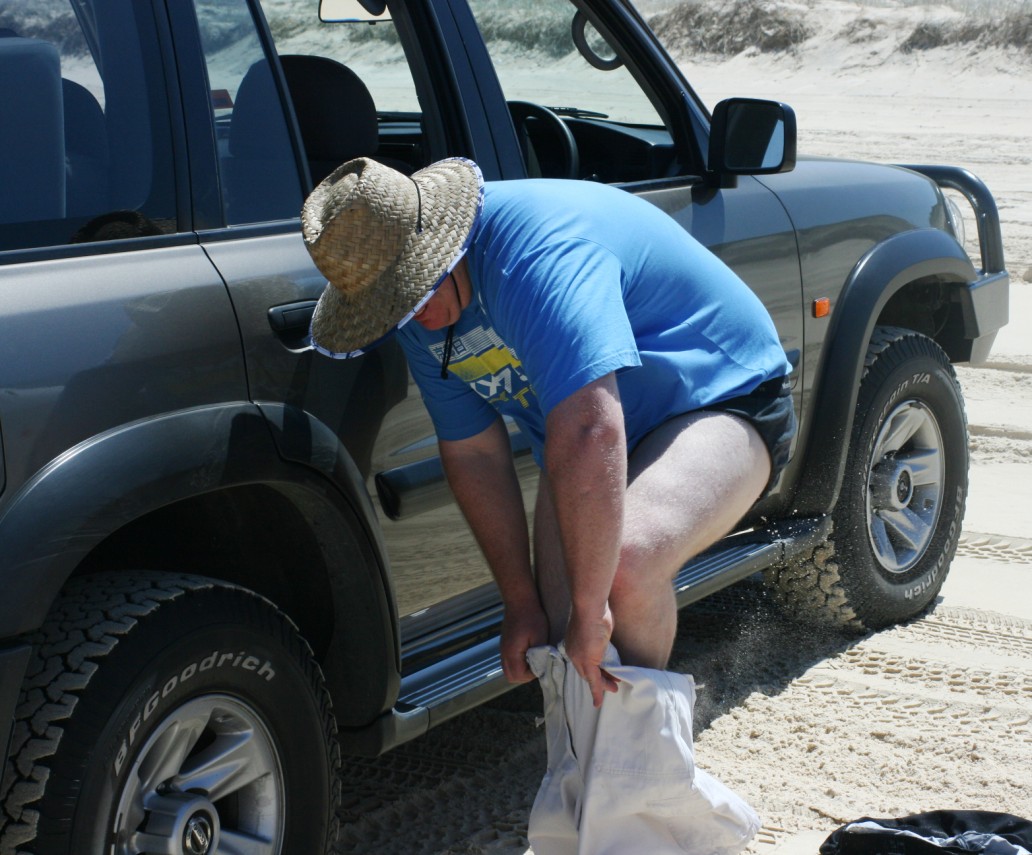
Must be summpin wrong with me i am still wearing shorts or nearly
 1 point