Contributor Leaderboard
-
John Fox (foxy)
Moderators1Points1,417Posts

Popular Content
Showing content with the highest reputation on 25/11/12 in Posts
-
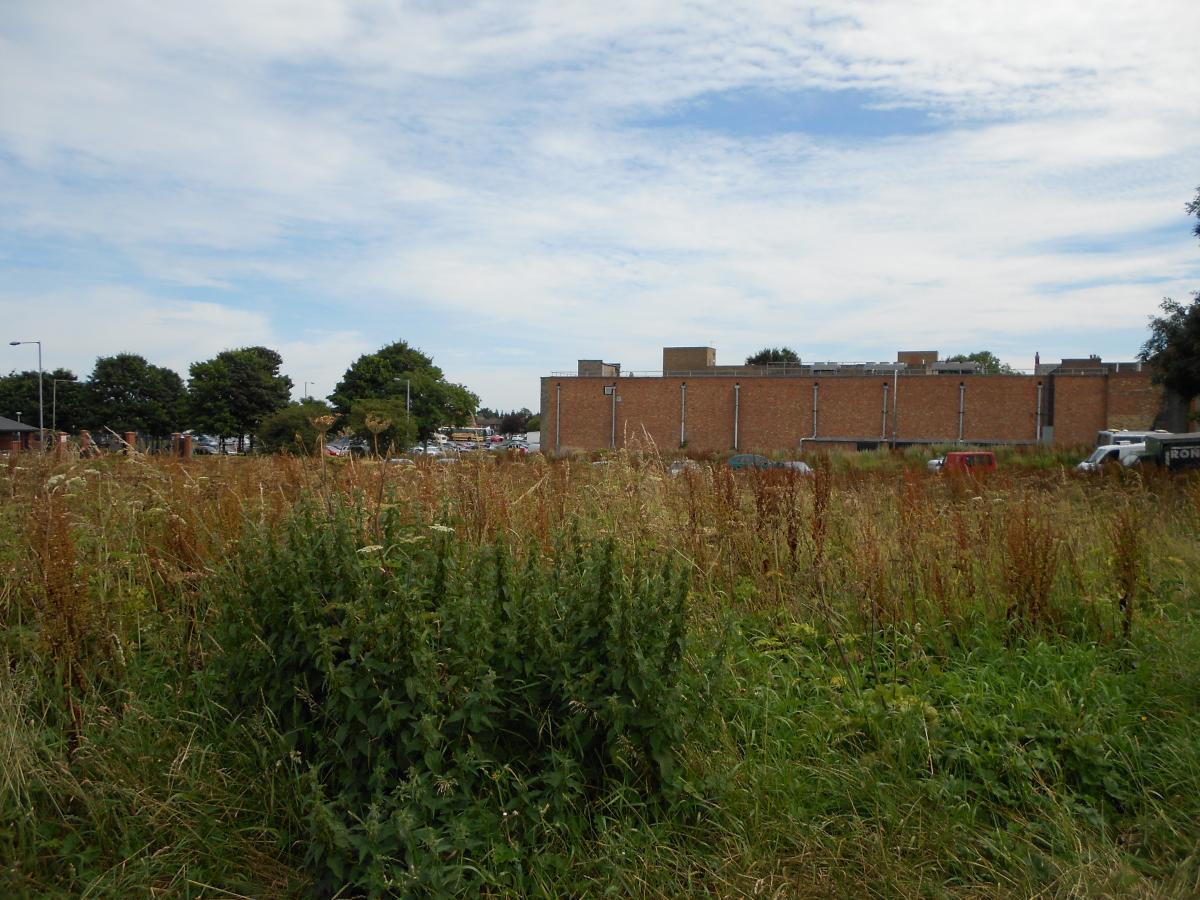
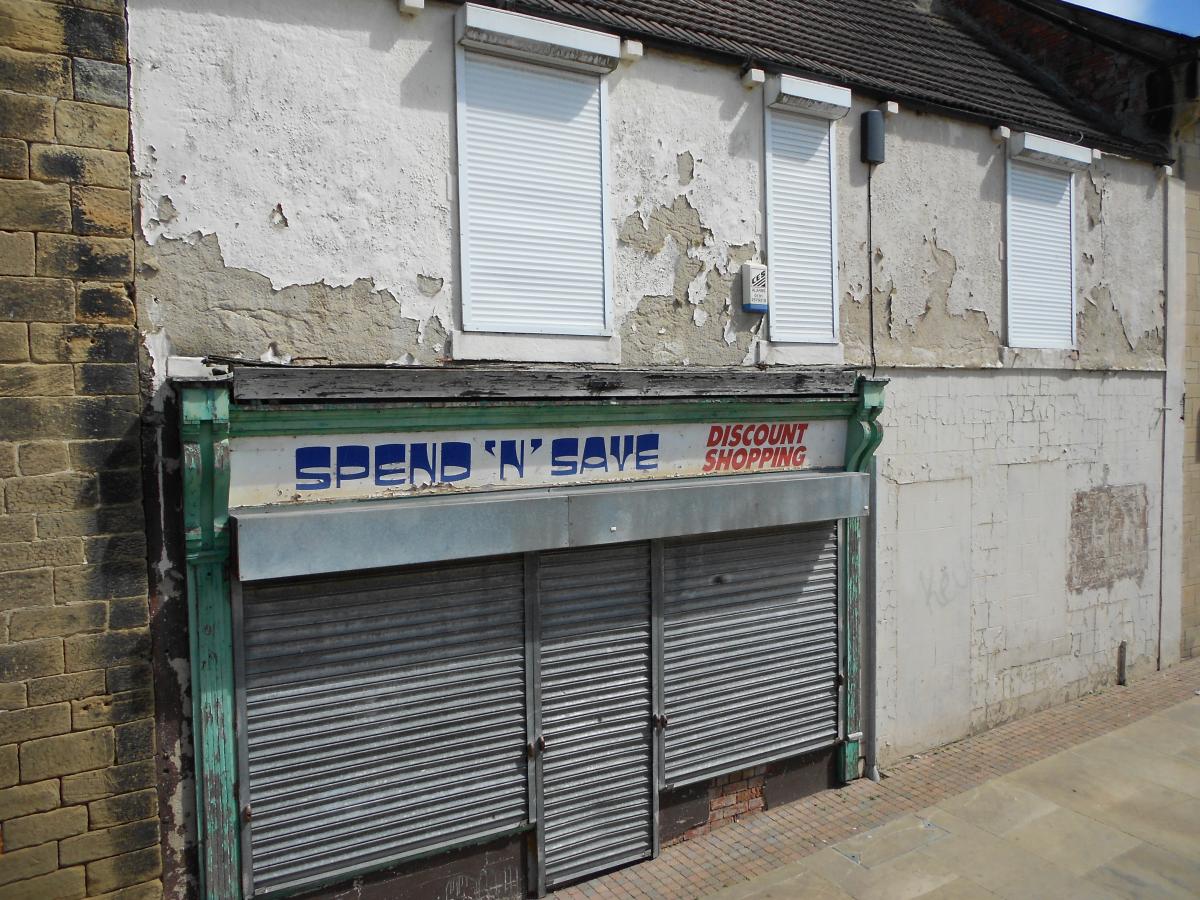
Looks like the only people who care are the ones that cannot do anything about it. The rats are more than likely living in this haven which has been created by Tescos. When the weather gets too bad they can move indoors into what was once a thriving business but sadly taken over and closed down. Bearing in mind both of these eyesores are in the heart of the conservation area, I often wonder how this company are allowed to get away with it, but then "Oh Yes" its Bully Boy Tesco, Their doing the same thing at Seaton Deleval, however the council there are trying to fight them while the councillors here say there's nothing they can do so we'll just have to sit back and wait. Well I can't wait for the next voting papers to drop through the letterbox.
 1 point