Contributor Leaderboard
-
John Fox (foxy)
Moderators1Points1,417Posts -
Maggie/915
Members1Points2,571Posts


Popular Content
Showing content with the highest reputation on 28/08/15 in Posts
-
The West Bedlngton Town Council Newsletter is interesting. It informs us that this site has not passed the contaminated land conditions A case officer with NCC planning department claims that for the building work to commence several conditions had to be met. In 2007 planning permission was granted on condition a contaminated land survey was submitted and appropriate remediation measures agreed and implemented before any development started. They state to date this important condition has not been discharged by the developer. If this is not dangerous to future occupants then the wall of the Whitley Memorial may finish the job. A crack has appeared onto the Main Street and the wall could fall. Check out the camera. Barricades have appeared but may not check or hold the movement.1 point
-
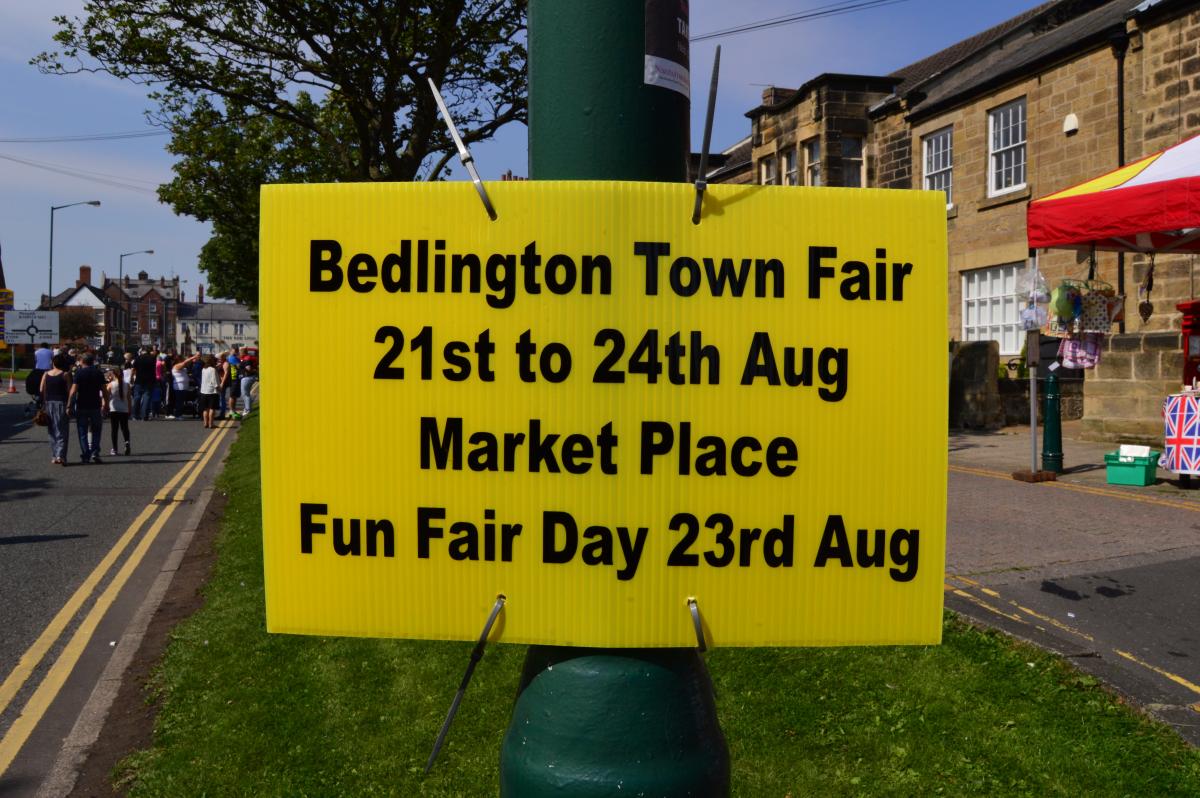
1 pointAnd we had the Town Fair which attracted between Seven to Ten thousand visitors and doesn't get a mention in the same local press. Could this be because the same local Councillors had nothing to do with the hugely successful event? Photos Attached

 1 point