


Contributor Leaderboard
-
mercuryg
Members2Points1,980Posts -
Symptoms
Members1Points1,630Posts -
John Fox (foxy)
Moderators1Points1,417Posts



Popular Content
Showing content with the highest reputation on 18/07/16 in Posts
-
Would be nice if the dumb Japanese investors were to put their money into UK businesses that actually manufacture something here, rather than those that deal almost solely in intellectual property, and get the hard work done cheaply abroad. Oops, I wasn't going to comment on political things; perhaps I'll make an exception for those I know something about, or who happen to have been clients of mine.1 point
-
1 point
-
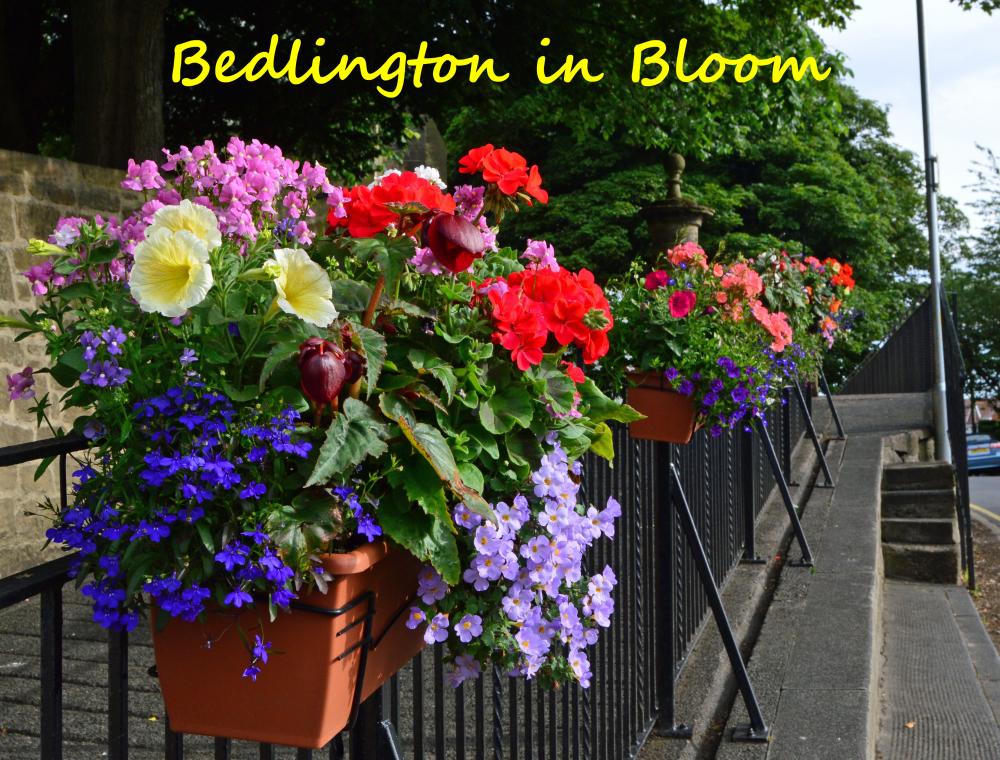
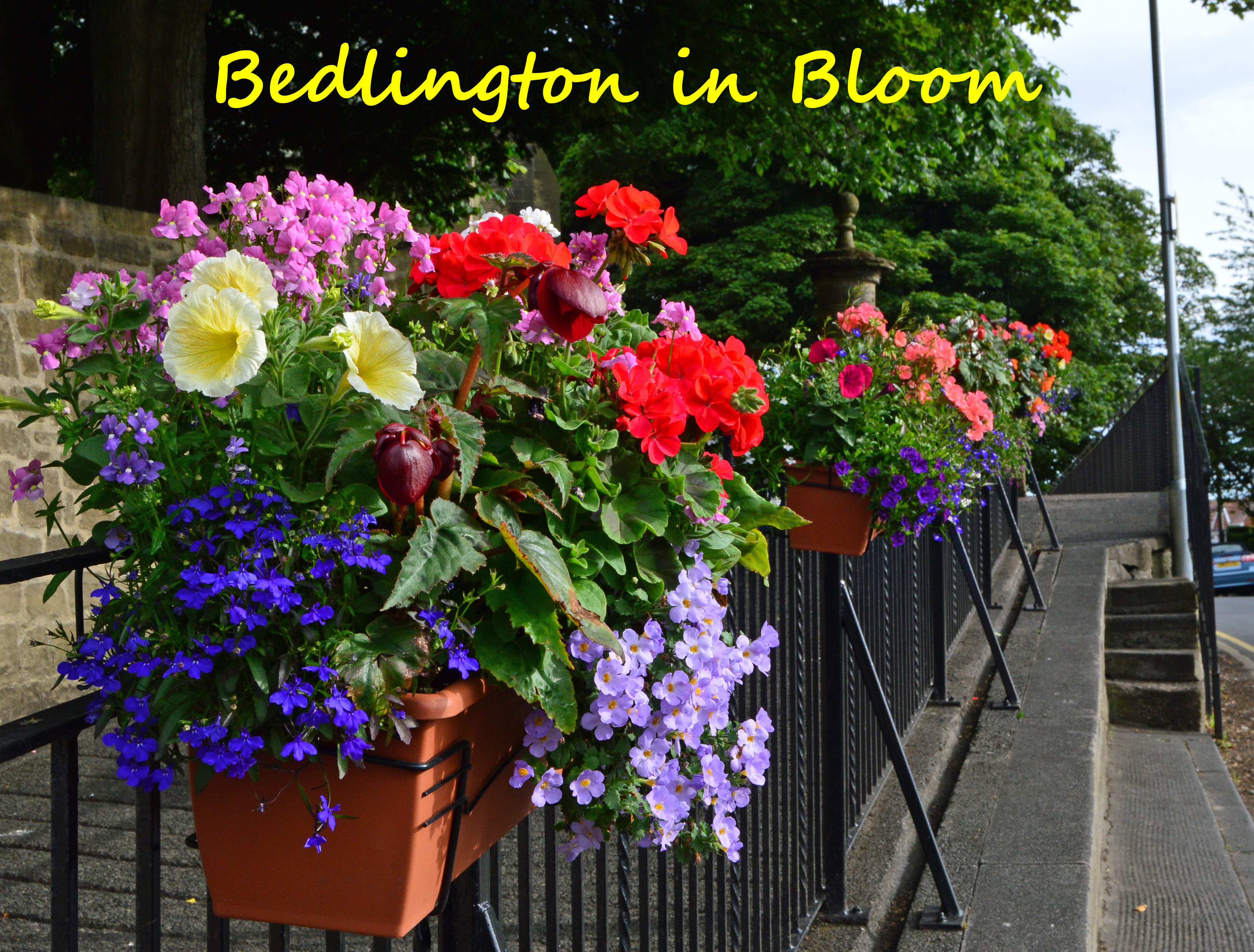
1 pointReset the camera which was on Large to Medium, went out and took these two test pics tonight, well done Eggy 1948 they uploaded first time. I'll try again tomorrow before I say Pints are on me!!
k.thumb.jpg.7298ee1e0e05bd2d73dbf7bec53e7273.jpg) 1 point
1 point -
1 pointPauline - contact Freemasons Hall in London ... it's the HQ for all English Freemasonry and has a records archive. Google for contact info.1 point
k.jpg.14f7162db3f973c0b4ceb30cbc6b6926.jpg)