Skip to content
View in the app

A better way to browse. Learn more.

Bedlington.uk

A full-screen app on your home screen with push notifications, badges and more.

To install this app on iOS and iPadOS
  1. Tap the Share icon in Safari
  2. Scroll the menu and tap Add to Home Screen.
  3. Tap Add in the top-right corner.
To install this app on Android
  1. Tap the 3-dot menu (⋮) in the top-right corner of the browser.
  2. Tap Add to Home screen or Install app.
  3. Confirm by tapping Install.

Contributor Leaderboard

Popular Content

Showing content with the highest reputation on 08/06/17 in Posts

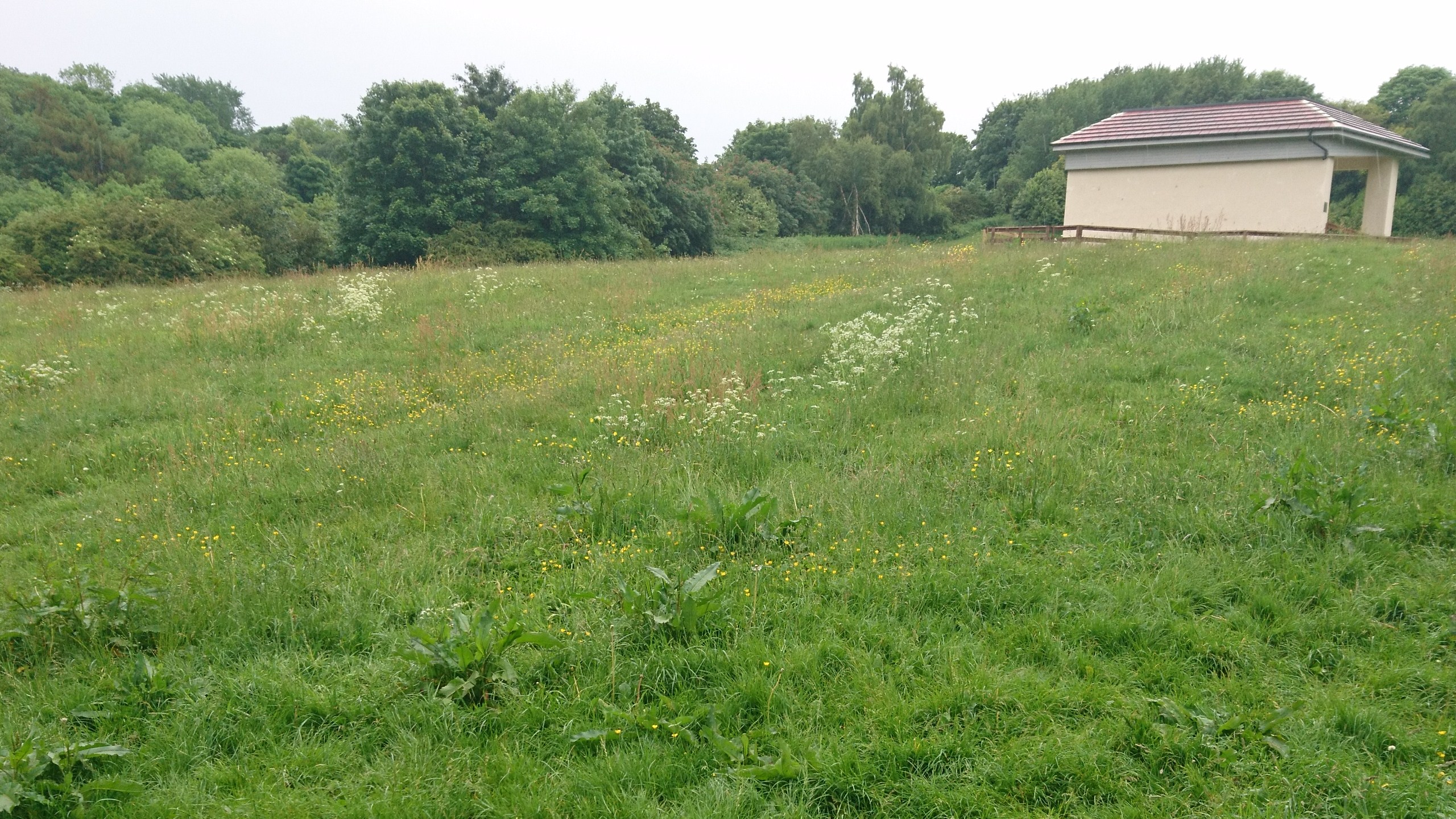
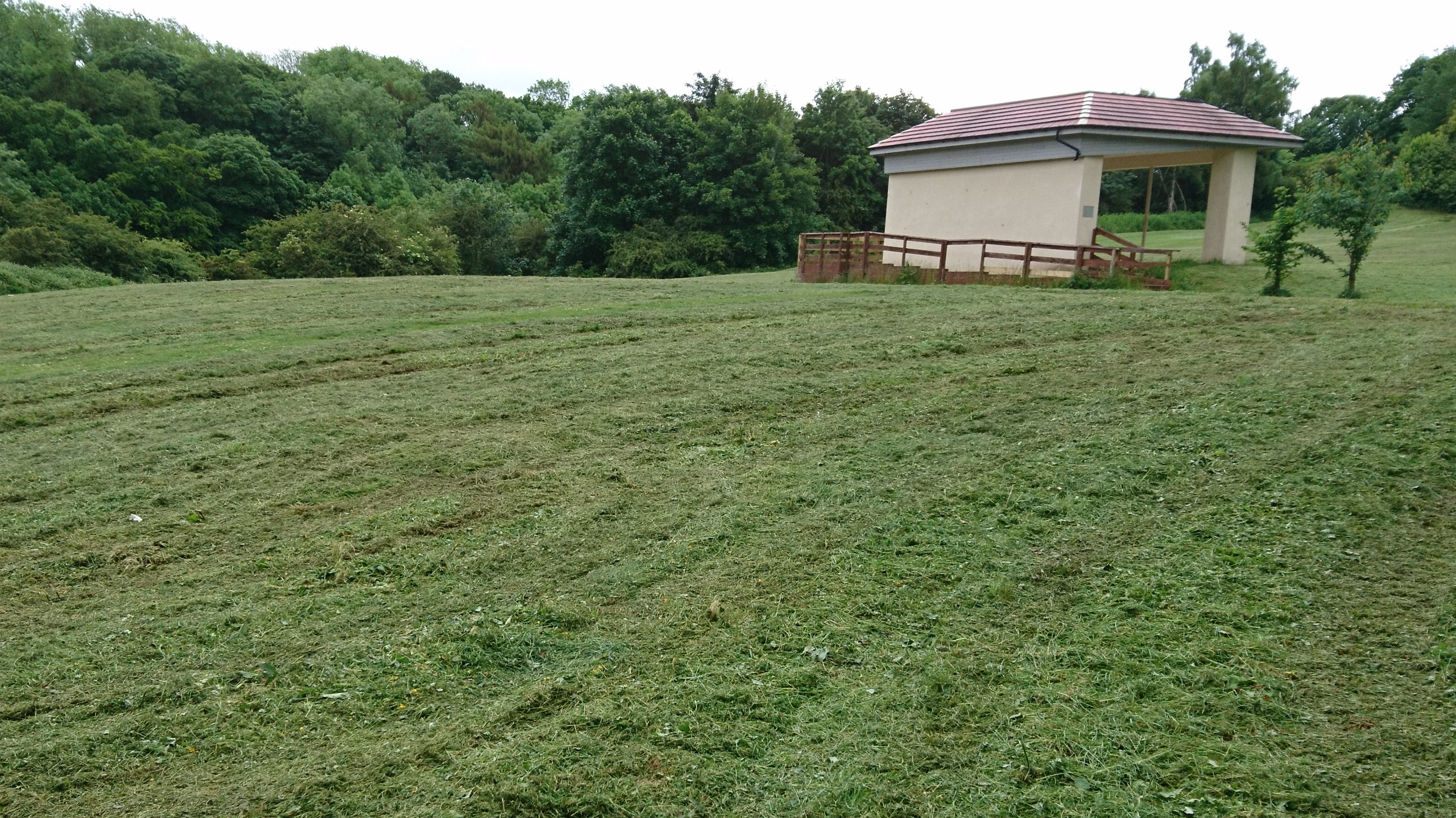
  1. bank top been done as well - the powers that be must be reading Bedlington.co.uk
  2. Before - After - Job done!
  3. 2 points
    30 hours free educational childcare for 3/4 year olds. Bedlington Bears Day Nursery and Preschool. Please telephone 01670 820888.
  4. Get on with Brexit. . . or Get on your bike! ! ! ! ? ? ?
  5. Chrome here too on a Galaxy Ace 4 SM-G357FZ running KitKat 4.4.4 Just checked and Live! runs fine too.

Account

Navigation

Search

Search

Configure browser push notifications

Chrome (Android)
  1. Tap the lock icon next to the address bar.
  2. Tap Permissions → Notifications.
  3. Adjust your preference.
Chrome (Desktop)
  1. Click the padlock icon in the address bar.
  2. Select Site settings.
  3. Find Notifications and adjust your preference.