


Contributor Leaderboard
-

Andy Millne
Administrators1Points3,465Posts

Popular Content
Showing content with the highest reputation on 09/06/17 in News articles
-
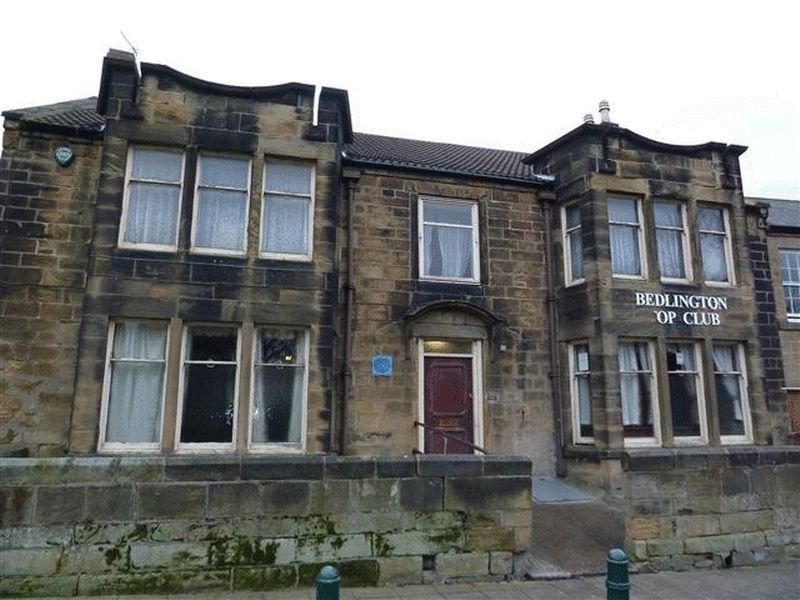 Plans for a boutique hotel at Lairds House on Front Street West were approved on Monday by the Local Planning Authority. The proposal is described as ; "Conversion of former social club and public house into a hotel, with restaurant and bar with external alterations including new conservation roof lights to front, steel gate and railings, and to the rear new dormer windows, rear extension to include office, lobby, dining area and kitchen with two storey off-shot for recreation room and cinema. Amended plans received 28th April 2017. " Leave your comments below. Full details of the planning application and decision are available at https://publicaccess.northumberland.gov.uk/online-applications/applicationDetails.do?activeTab=documents&keyVal=OLOKOYQSMXQ001 point