


Contributor Leaderboard
-
Bot
Moderators1Points1,669Posts

Popular Content
Showing content with the highest reputation on 21/02/18 in News articles
-
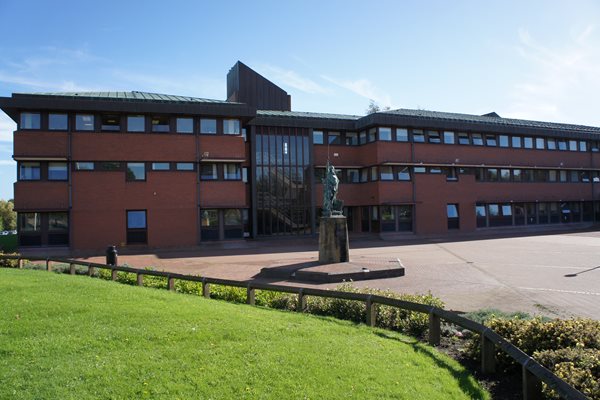 Northumberland County Council has agreed a budget to save £65m over the next four years while making ambitious plans for the future. Councillors approved efficiencies of £8.2m for the coming year, £21.1m in 2019-20, and rising to £65.1m over the term of the Medium Term Financial Plan 2018-2022. Council Leader Peter Jackson said: “We’re pleased to have agreed our budget which allows us to balance our books, and do the right thing for the people we serve. But the hard work starts now. “The next three years will be more challenging than ever, and may have a impact on the way we deliver services. “However, we’re bold and ambitious for the future, and by approving this budget we’ll be much better placed to help support a thriving local economy and deliver value for money for the communities we serve. To protect vital services and significant demand in services, the council has reluctantly decided to a Council Tax rise of 2.99%. While this rise in line with inflation, it equates to 85 pence per household per week for a Band D property. Coun Jackson added: ”We’re still very much ambitious for our future, and for the future for the people of Northumberland, and our capital programme of £588m is the biggest ever delivered in the county. “Over the coming years we pledge to continue investing in Northumberland’s future and making sure we get a fair deal for the whole county - one that works for everyone.”1 point