Contributor Leaderboard
-
James
Members1Points213Posts -
Malcolm Robinson
Moderators1Points6,416Posts


Popular Content
Showing content with the highest reputation on 26/06/20 in Posts
-
At last the upgrades to the front of the West Lea Cemetery have started. This is a jointly funded project between West Bedlington Town Council and myself. After being contacted by residents who asked about getting this path line and hedging sorted out because it was an eye sore and at times impassable, the Town Council agreed to help me fund it. Many thanks to them on another joint project in my ward. The first phase is nearing completion with the installation of a new metal fence designed to match the existing ones at the entrance. The second phase will be to plant mature hedging in all of the gaps in the existing hedge line. This will be carried out when the time for planting is suitable.1 point
-
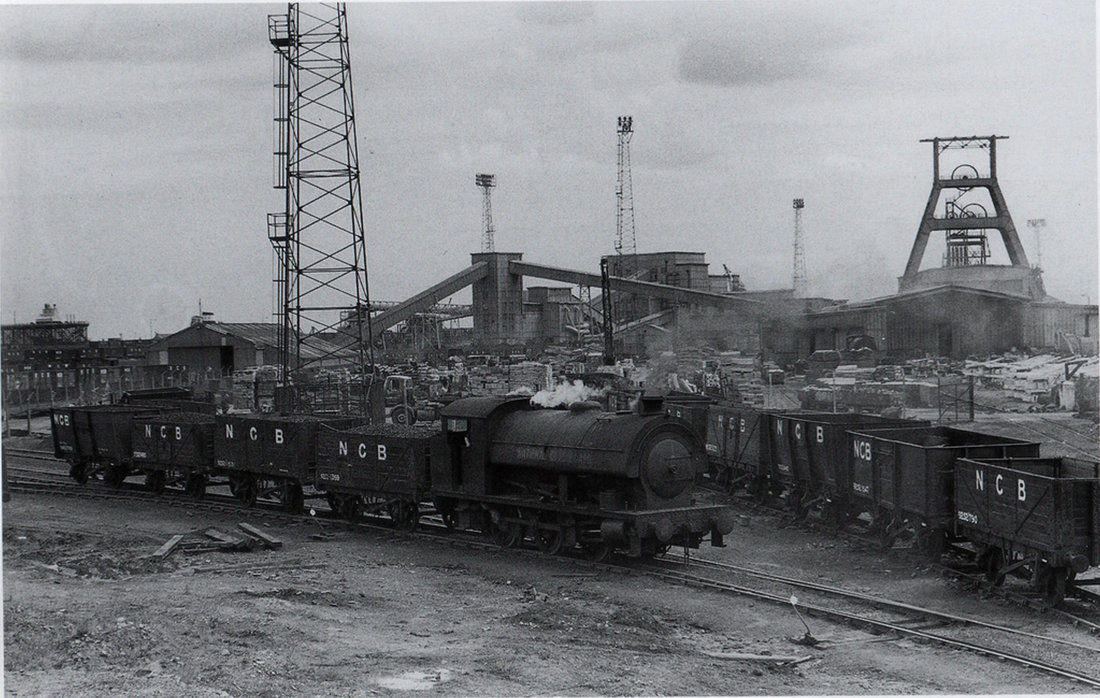
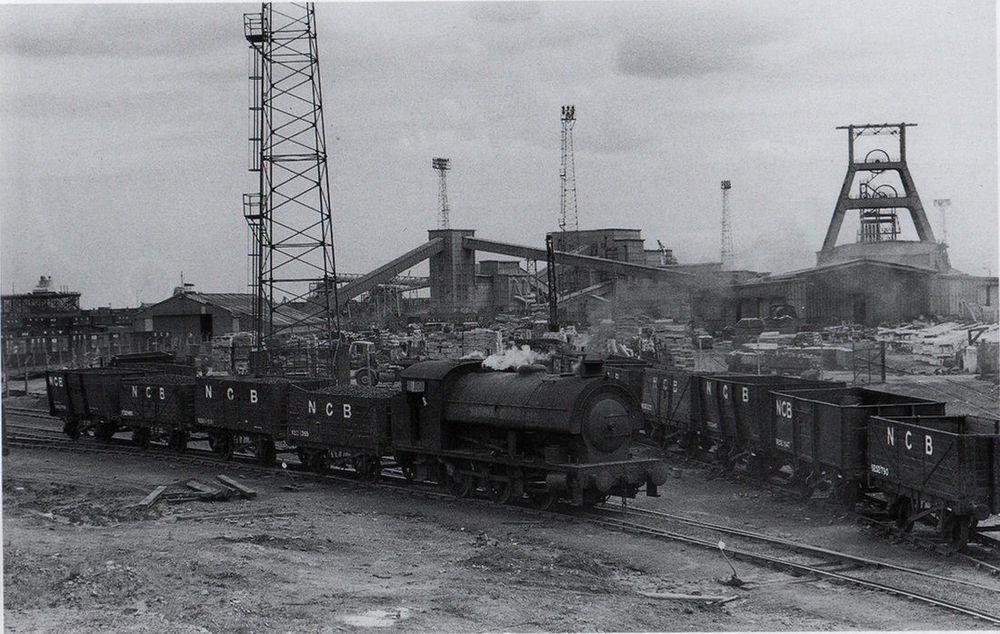
1 pointBates Colliery behind the offices around the wash plant area taken late 1950's
 1 point