


Skip to content
View in the app

A better way to browse. Learn more.

Bedlington.uk

A full-screen app on your home screen with push notifications, badges and more.

To install this app on iOS and iPadOS
  1. Tap the Share icon in Safari
  2. Scroll the menu and tap Add to Home Screen.
  3. Tap Add in the top-right corner.
To install this app on Android
  1. Tap the 3-dot menu (⋮) in the top-right corner of the browser.
  2. Tap Add to Home screen or Install app.
  3. Confirm by tapping Install.

Contributor Leaderboard

Popular Content

Showing content with the highest reputation on 15/06/21 in Posts

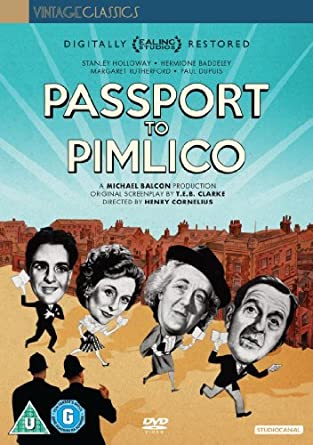
  1. Ive long ago argued the case for imposing passport controls on the Stakeford, Plessey and River Blyth Bridges! AKA..................Passport to Pimlico......
  2. Lilbill15, you can call me anything you want just don't call me late for a dinner! 😂 I did a lot of the research already and then John helped and Andy made it into something publishable..... Im just sick of being told Britishvolt have to be described as being at Blyth because everyone knows where Blyth is and they dont know where Bedlington is!

Account

Navigation

Search

Search

Configure browser push notifications

Chrome (Android)
  1. Tap the lock icon next to the address bar.
  2. Tap Permissions → Notifications.
  3. Adjust your preference.
Chrome (Desktop)
  1. Click the padlock icon in the address bar.
  2. Select Site settings.
  3. Find Notifications and adjust your preference.
