Contributor Leaderboard
-
Bedlingtonian
Members2Points191Posts -
Maggie/915
Members1Points2,571Posts -
Malcolm Robinson
Moderators1Points6,416Posts



Popular Content
Showing content with the highest reputation on 08/03/22 in Posts
-
1 pointI spoke with Michael Bradley about it recently and he confirmed it was still going. Unfortunately I can not help with opening times.1 point
-
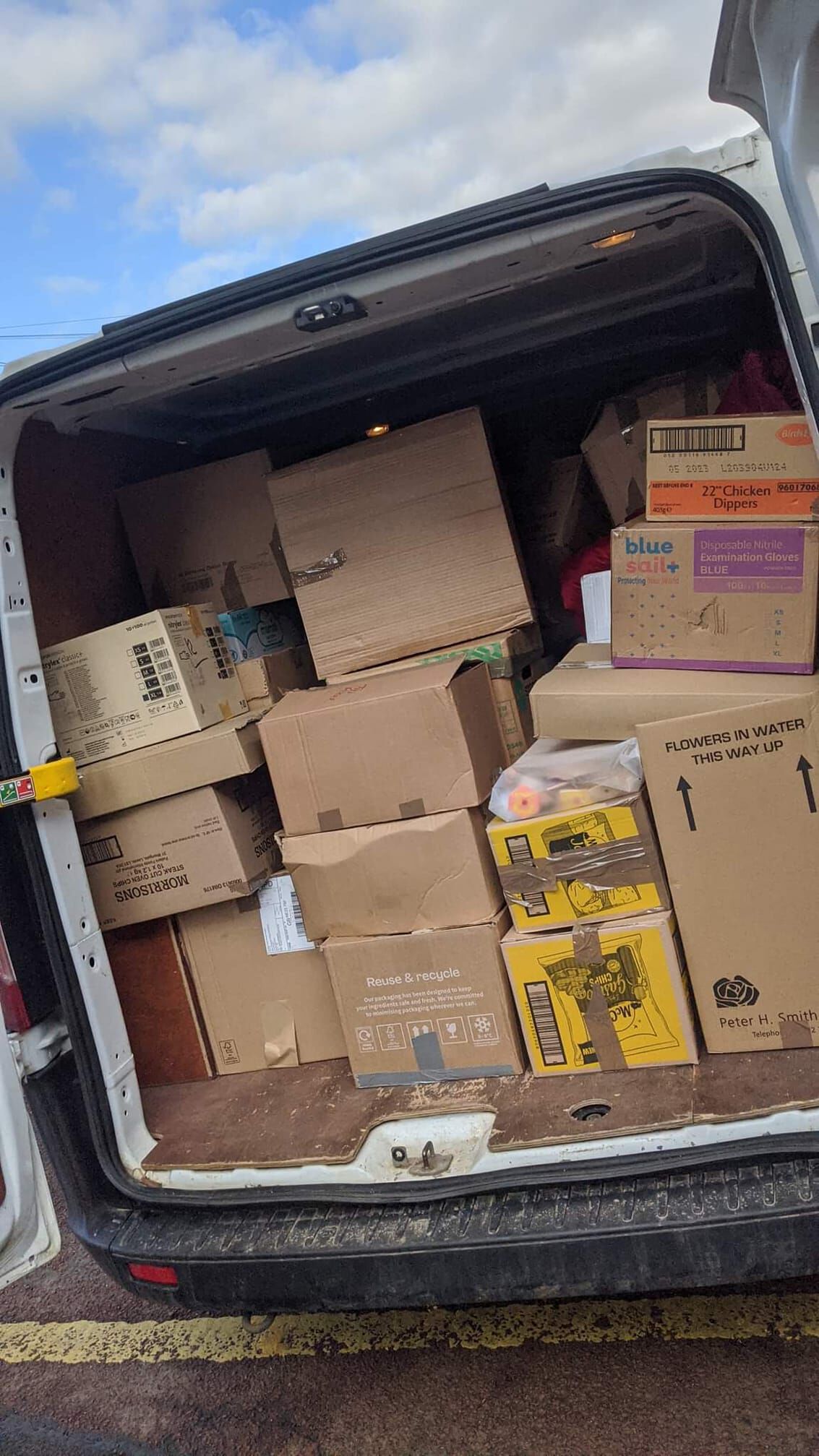
1 pointGreat effort by all. I was a little late today with my contribution having not read the opening hours of the centre. Good to see the flag flying and I am sure the whole of Bedlington supports the people of the Ukraine at this difficult time.1 point
-
1 pointFirst load of aid going from Bedlington to help the Ukranian crisis. Great effort by all involved.
 1 point
 -
1 point