Skip to content
View in the app

A better way to browse. Learn more.

Bedlington.uk

A full-screen app on your home screen with push notifications, badges and more.

To install this app on iOS and iPadOS
  1. Tap the Share icon in Safari
  2. Scroll the menu and tap Add to Home Screen.
  3. Tap Add in the top-right corner.
To install this app on Android
  1. Tap the 3-dot menu (⋮) in the top-right corner of the browser.
  2. Tap Add to Home screen or Install app.
  3. Confirm by tapping Install.

Contributor Leaderboard

Popular Content

Showing content with the highest reputation on 24/07/22 in Posts

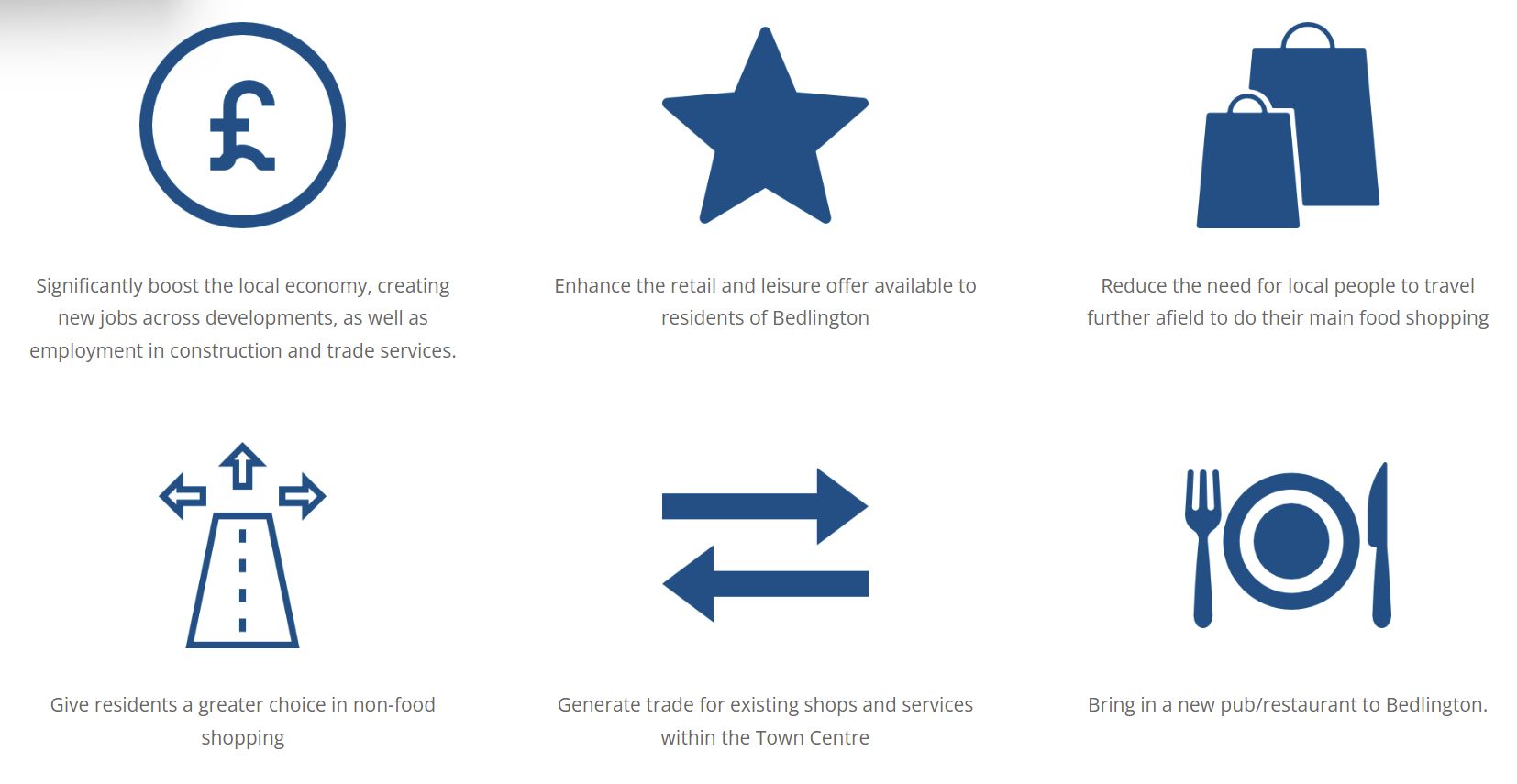
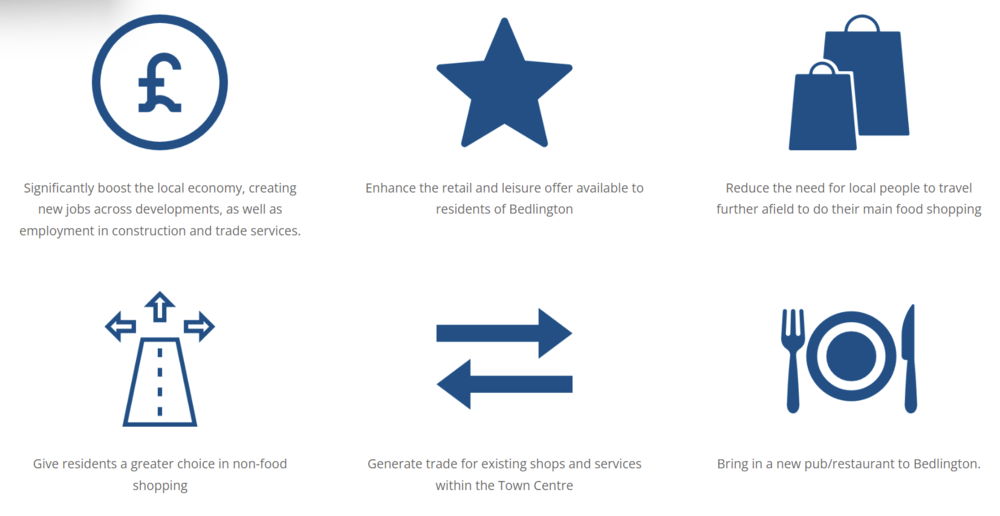
  1. You can put a big red cross through all six.......school report would read as a D-
  2. It is perhaps symbolic that emailing the "contact us" address on Investing in Bedlington results in a bounce with a "No Such User Here" 9 months since the last update on there. I wonder why they don't take the site down and save themselves the embarrassment of a monument to 7 years of broken promises. I wonder how many of the benefits of the scheme can now be safely ticked off the list?
Account

Navigation

Search

Search

Configure browser push notifications

Chrome (Android)
  1. Tap the lock icon next to the address bar.
  2. Tap Permissions → Notifications.
  3. Adjust your preference.
Chrome (Desktop)
  1. Click the padlock icon in the address bar.
  2. Select Site settings.
  3. Find Notifications and adjust your preference.