Contributor Leaderboard
-
Damian Robson
Members1Points16Posts

Popular Content
Showing content with the highest reputation on 08/06/26 in Posts
-
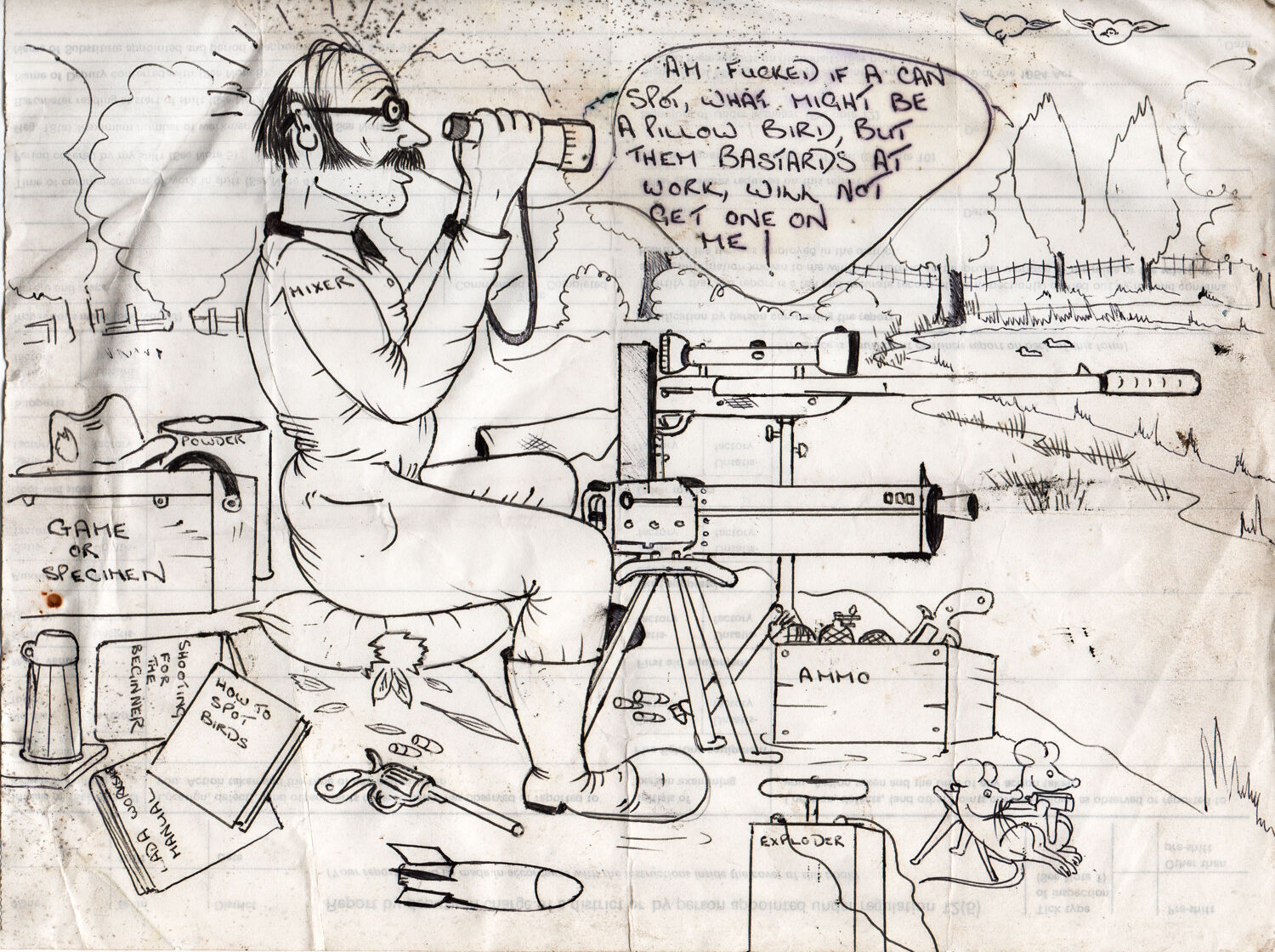
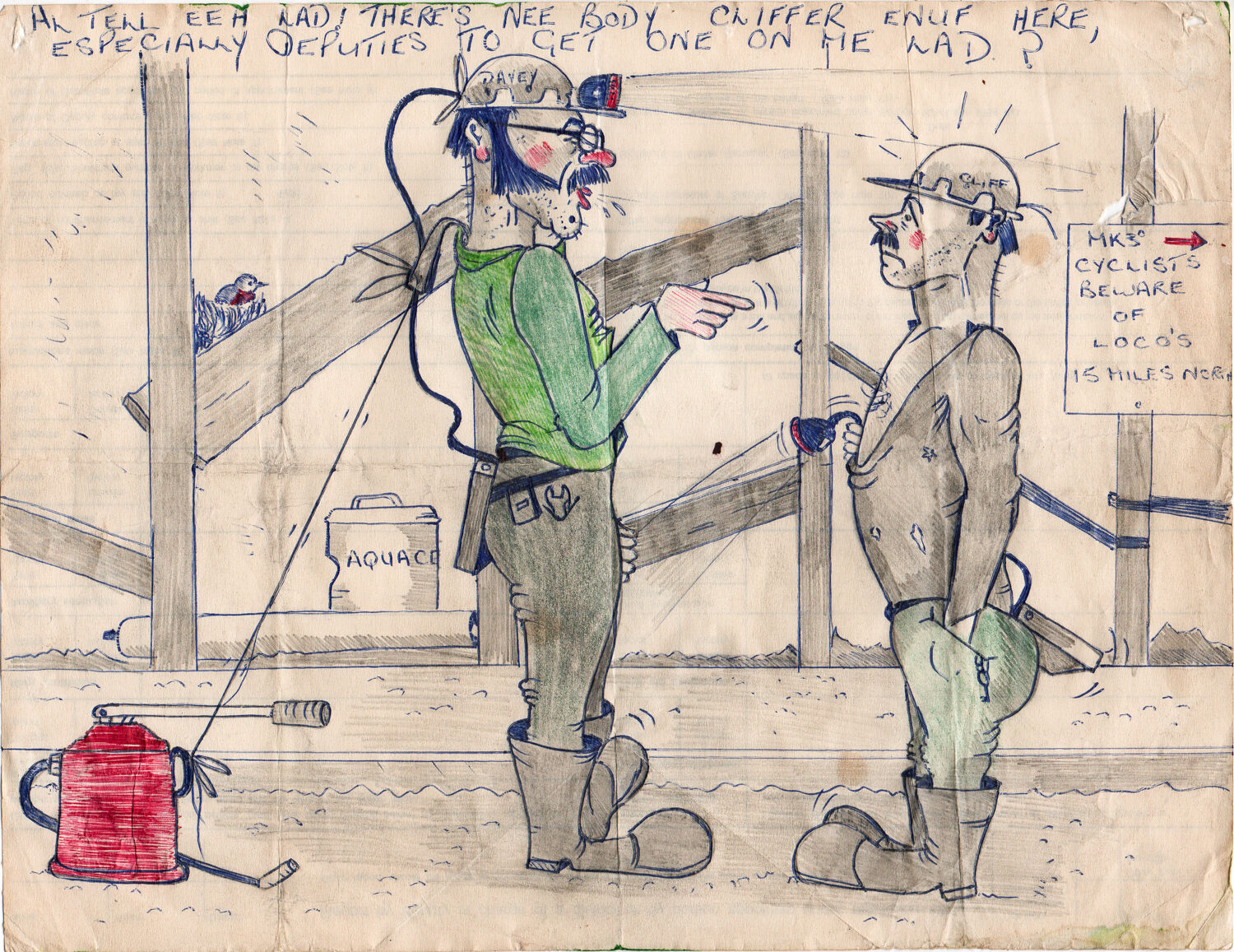
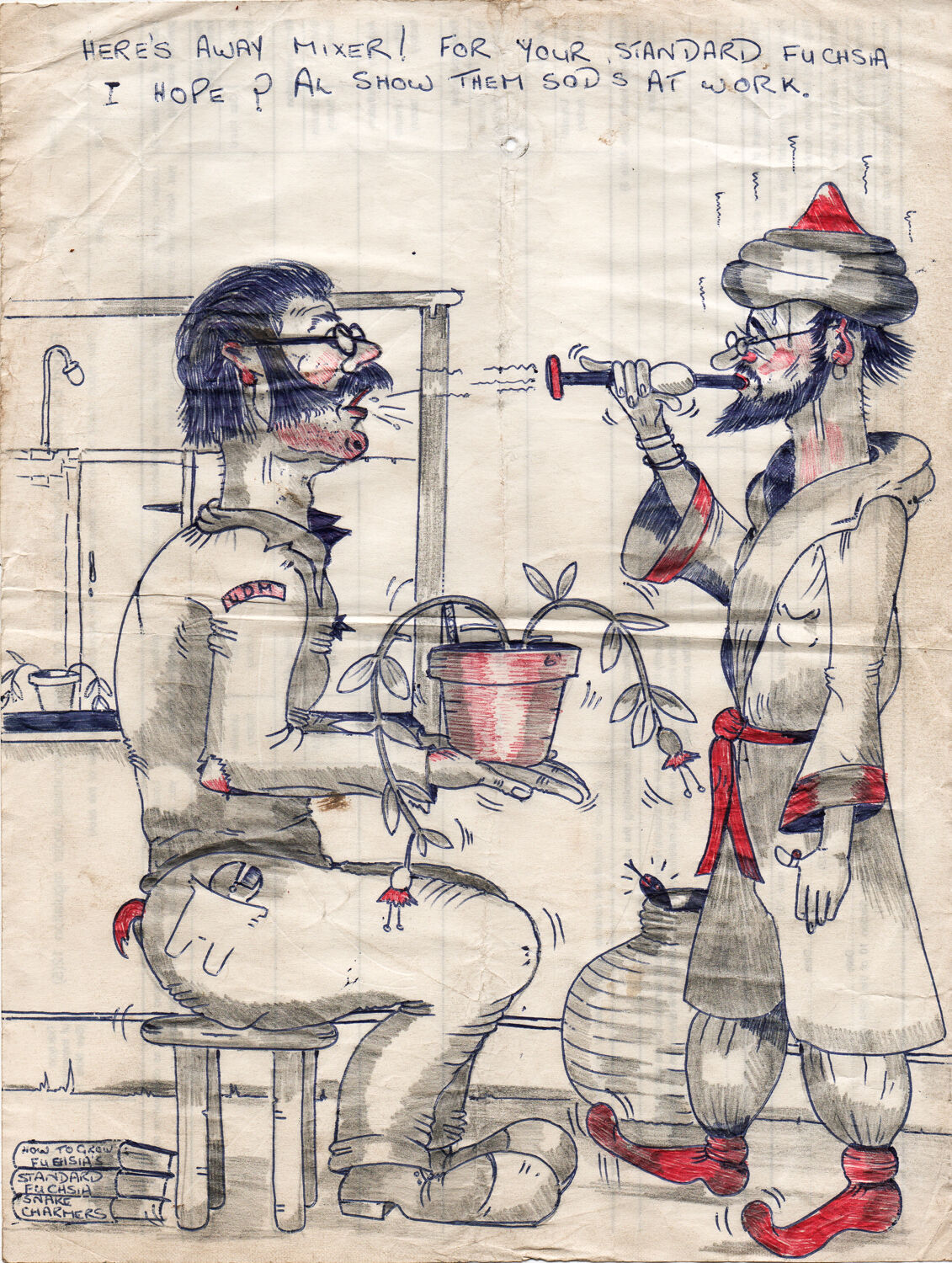
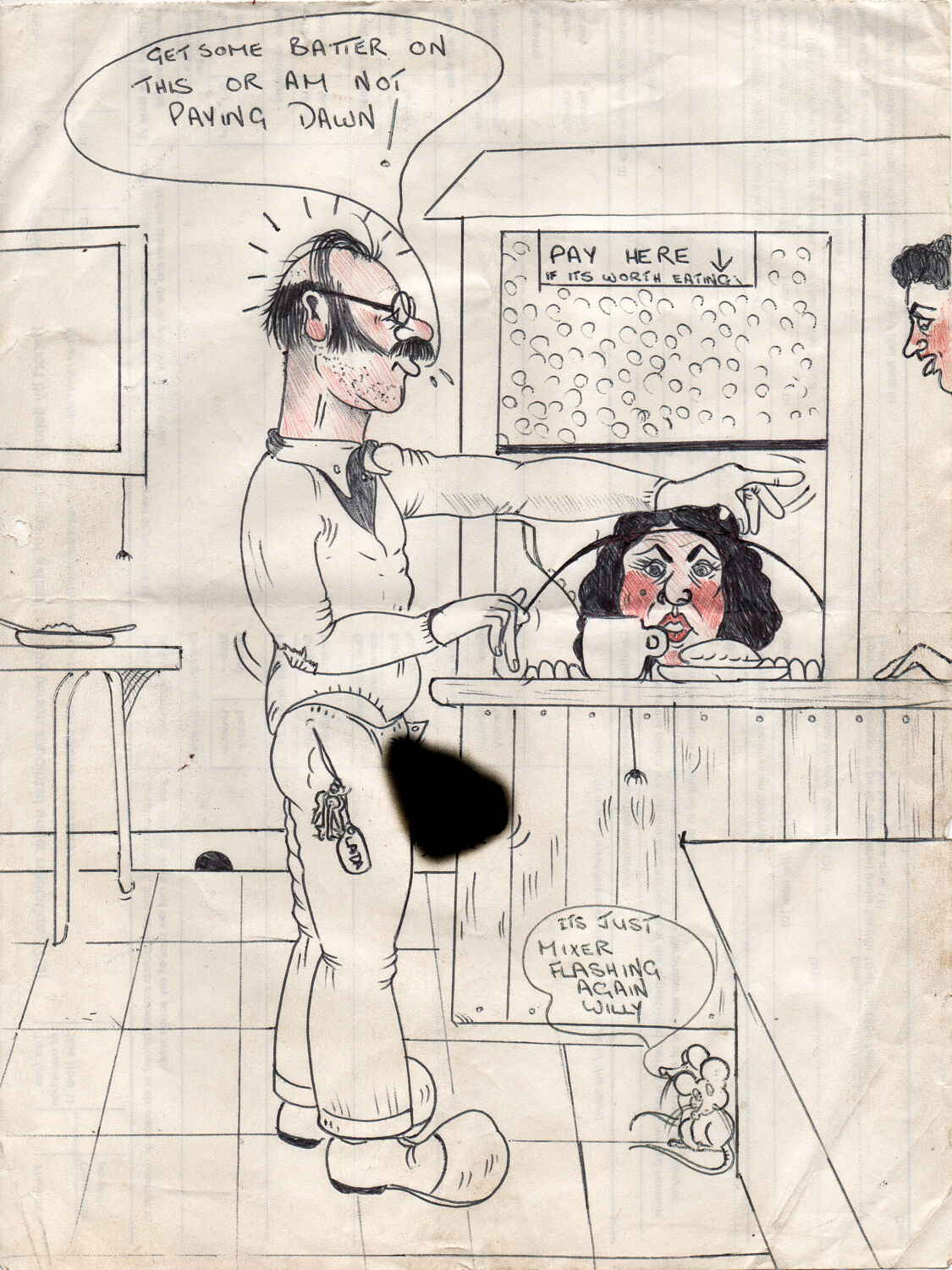
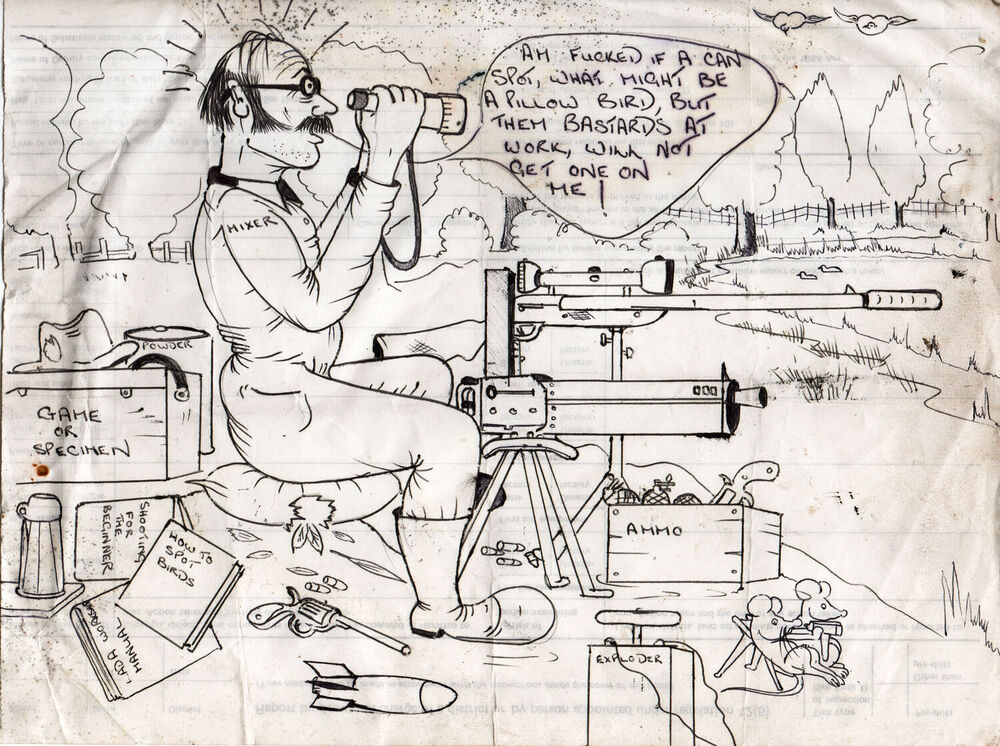
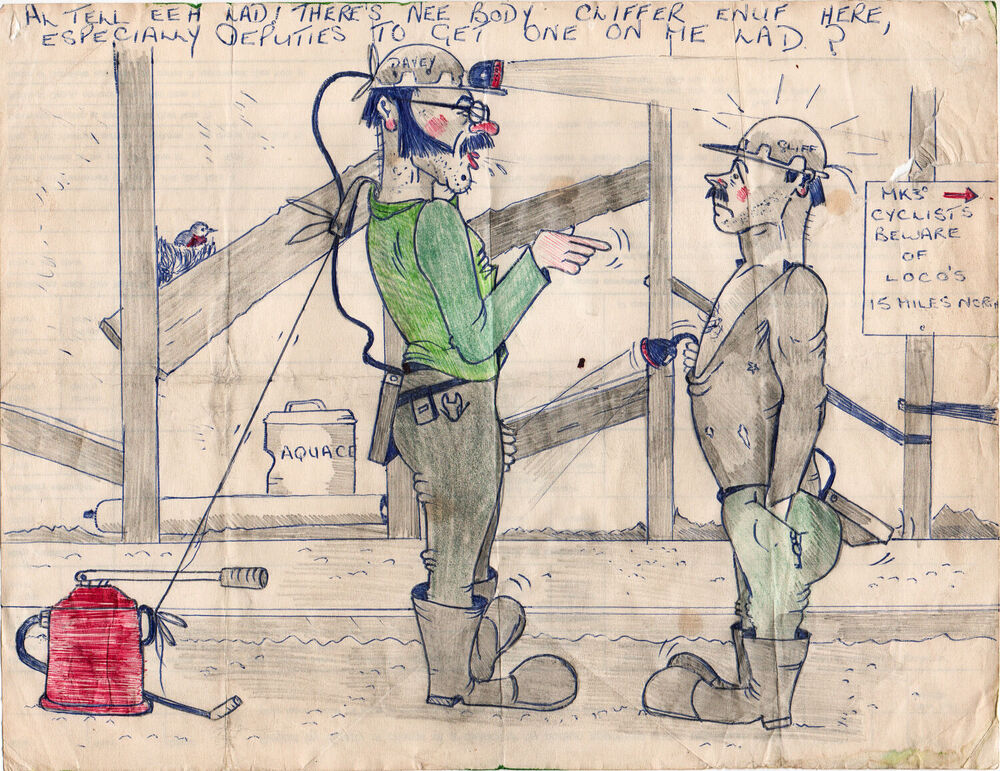
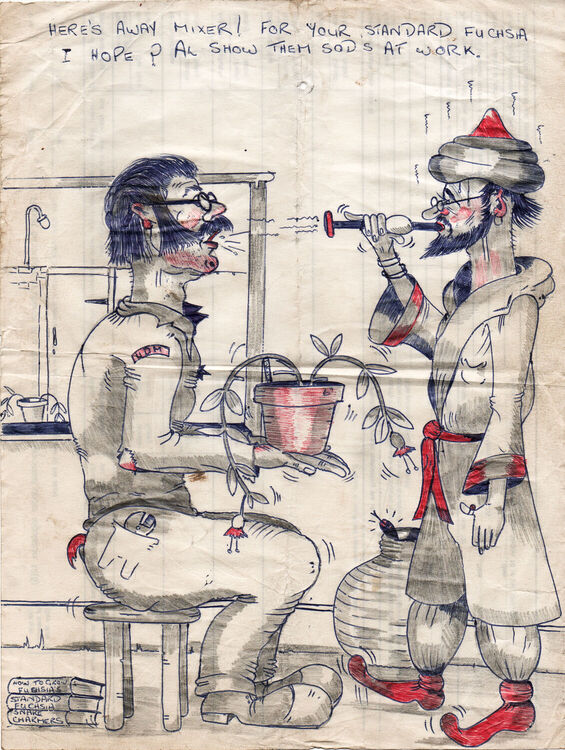
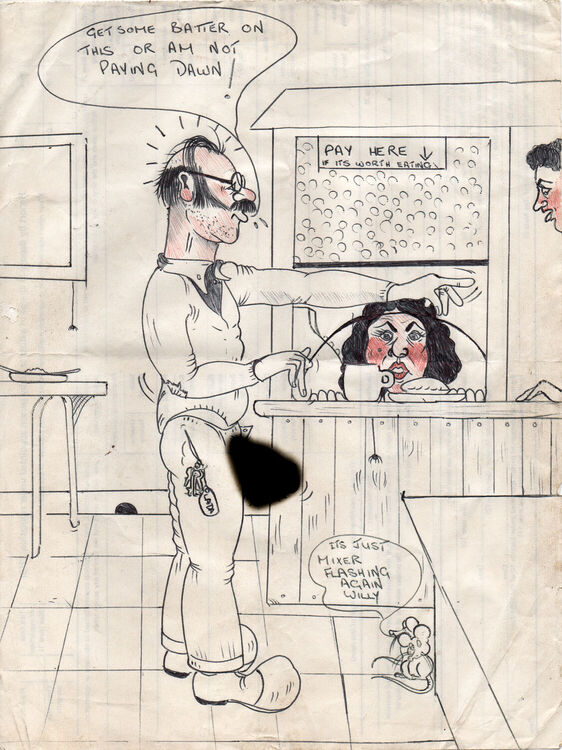
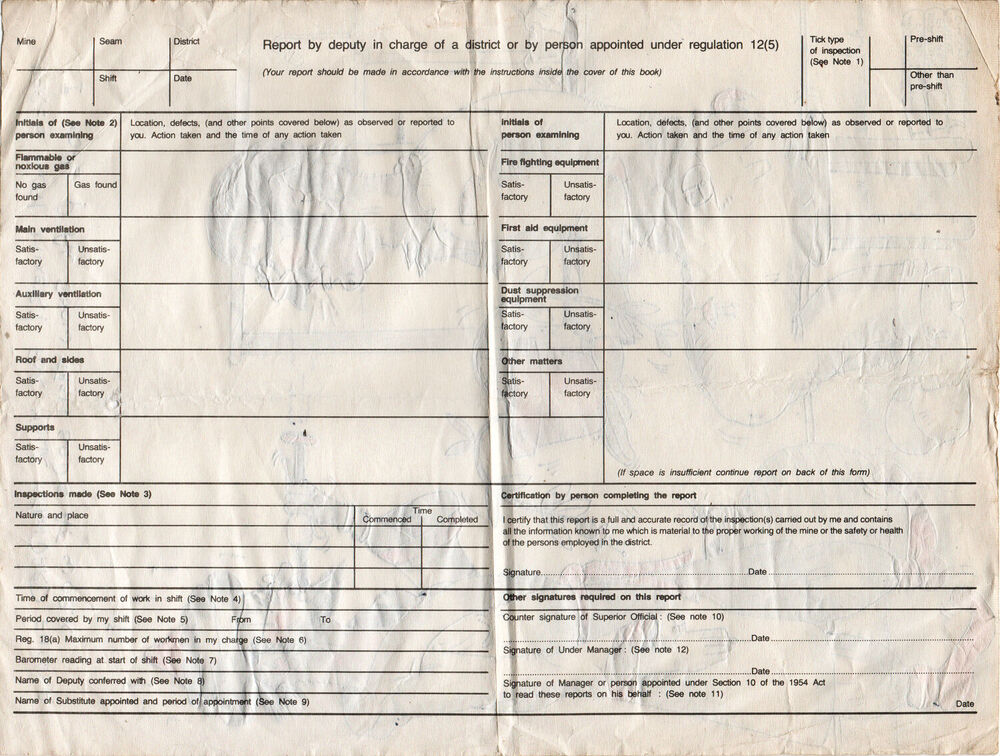
1 pointI was going through some old photos and documents belonging by my dad, when I found some funny caricatures drawn on the back of old mine documents. They were probably made by someone my dad worked with down the mine years ago. I hope the artist can be identified as they are very good. My dad is called David Robson, aka Davey and Mixer. He worked at Netherton Colliery in the late 60’s / 70’s then Bates, Ellington and possibly other pits around the 80’s and 90’s. The jokes centre around my dad and poke fun at him at work and for other things. I had to photoshop the phallus out of one drawing as it may offend someone. If anyone can shed more light on these drawings then I’d love to hear from them. Regards, Damian.
 1 point