



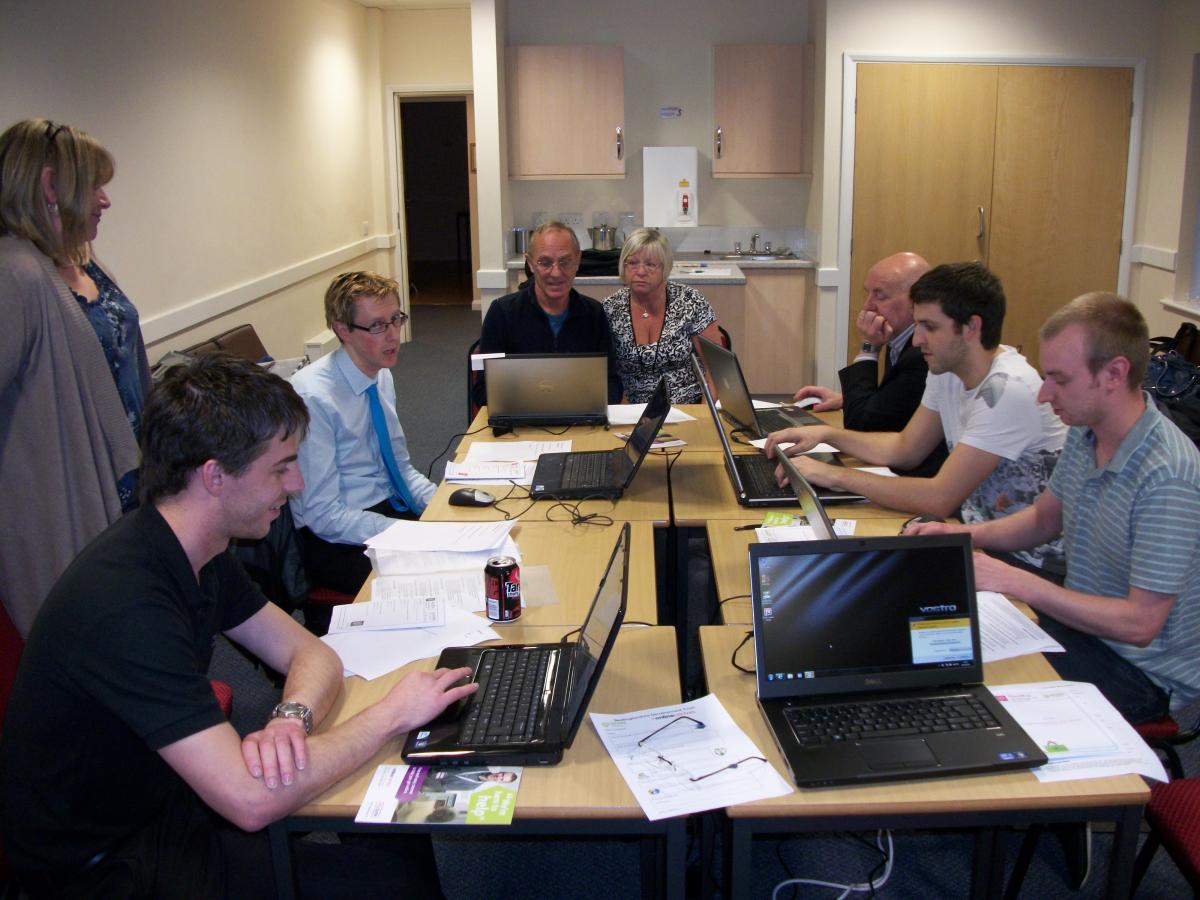
The Bedlingtonshire Development Trust has held their first computer training session working with UK Online. These free courses are for Bedlington residents who need a bit of help and advice to get the best value out of computers with particular relevance to the Internet. Seniors and the unemployed are the main targeted groups but the courses are open to anyone who wants them. It is hoped to run them every Monday 5.00pm- 8.00pm at the Salvation Army in Bedlington and include modules on opening e-mail accounts, internet safety and online searches.
The training is being delivered by volunteers within an informal atmosphere so no "˜techy talk' and learners can progress at their own speed. The Trust hopes to deliver additional training once interests have been identified by the learners themselves.
Anyone wanting more information or to enrol on a short course:
Phone 0797 008 5060.
Or e-mail"¦. bdt@bedlington.co.uk
Recommended Comments
Create a free account or sign in to comment