



Skip to content
View in the app

A better way to browse. Learn more.

Bedlington.uk

A full-screen app on your home screen with push notifications, badges and more.

To install this app on iOS and iPadOS
  1. Tap the Share icon in Safari
  2. Scroll the menu and tap Add to Home Screen.
  3. Tap Add in the top-right corner.
To install this app on Android
  1. Tap the 3-dot menu (⋮) in the top-right corner of the browser.
  2. Tap Add to Home screen or Install app.
  3. Confirm by tapping Install.

Breaking News

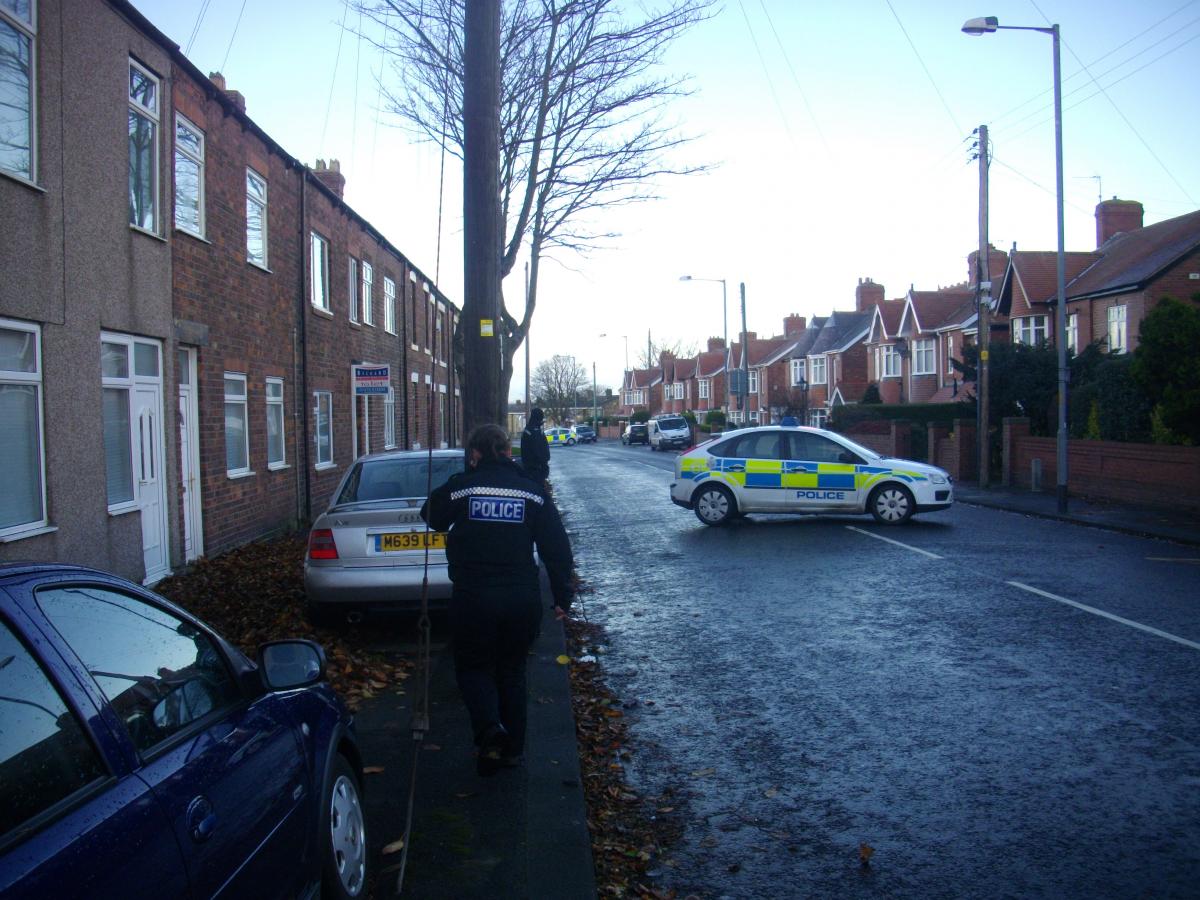
ccs-23-0-54543600-1386251158_thumb.jpg

Ridge Terrace and North Ridge residents adjacent have been asked to vacate their houses as a precaution.
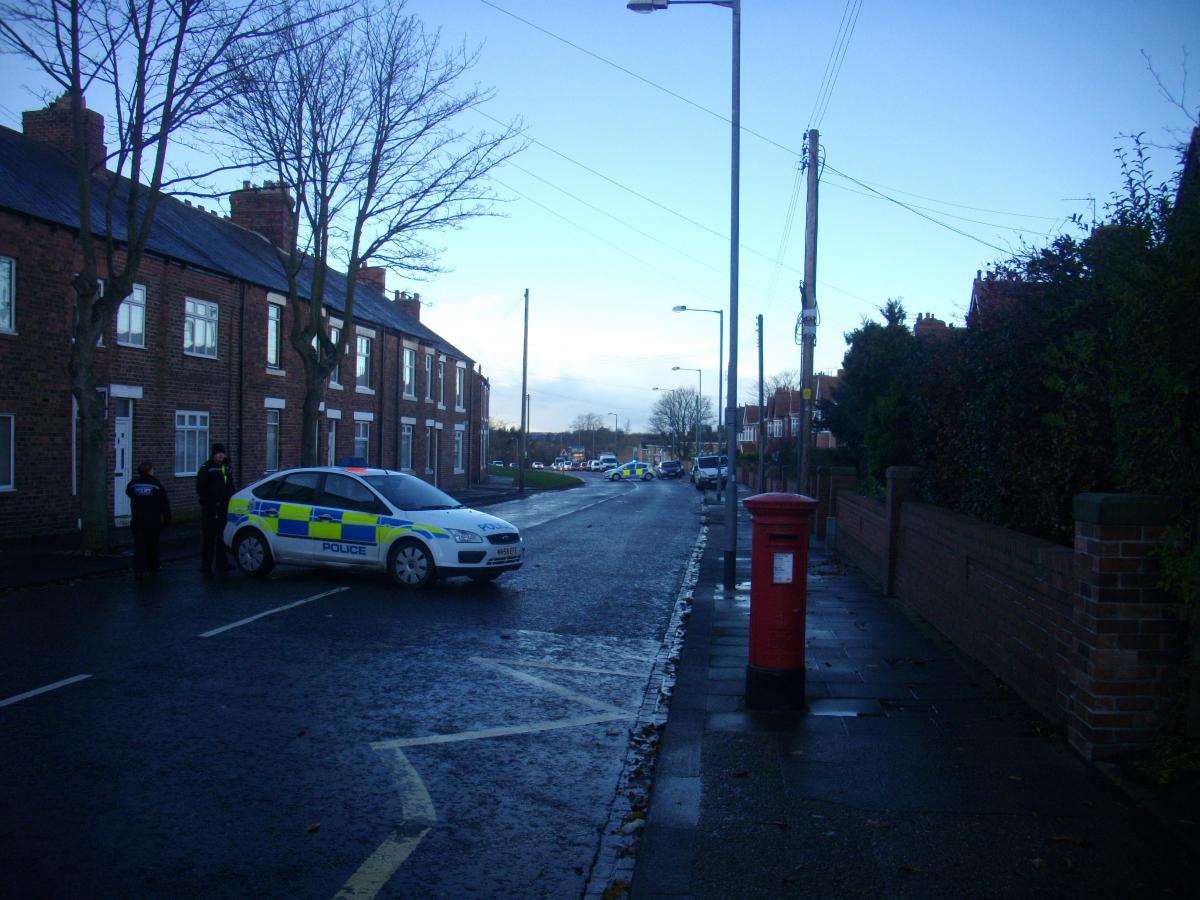
ccs-23-0-56353100-1386251191_thumb.jpg

This will of course cause widespread traffic issues as we progress to the tea time rush hour not least because this is the exit road for many of the school buses!
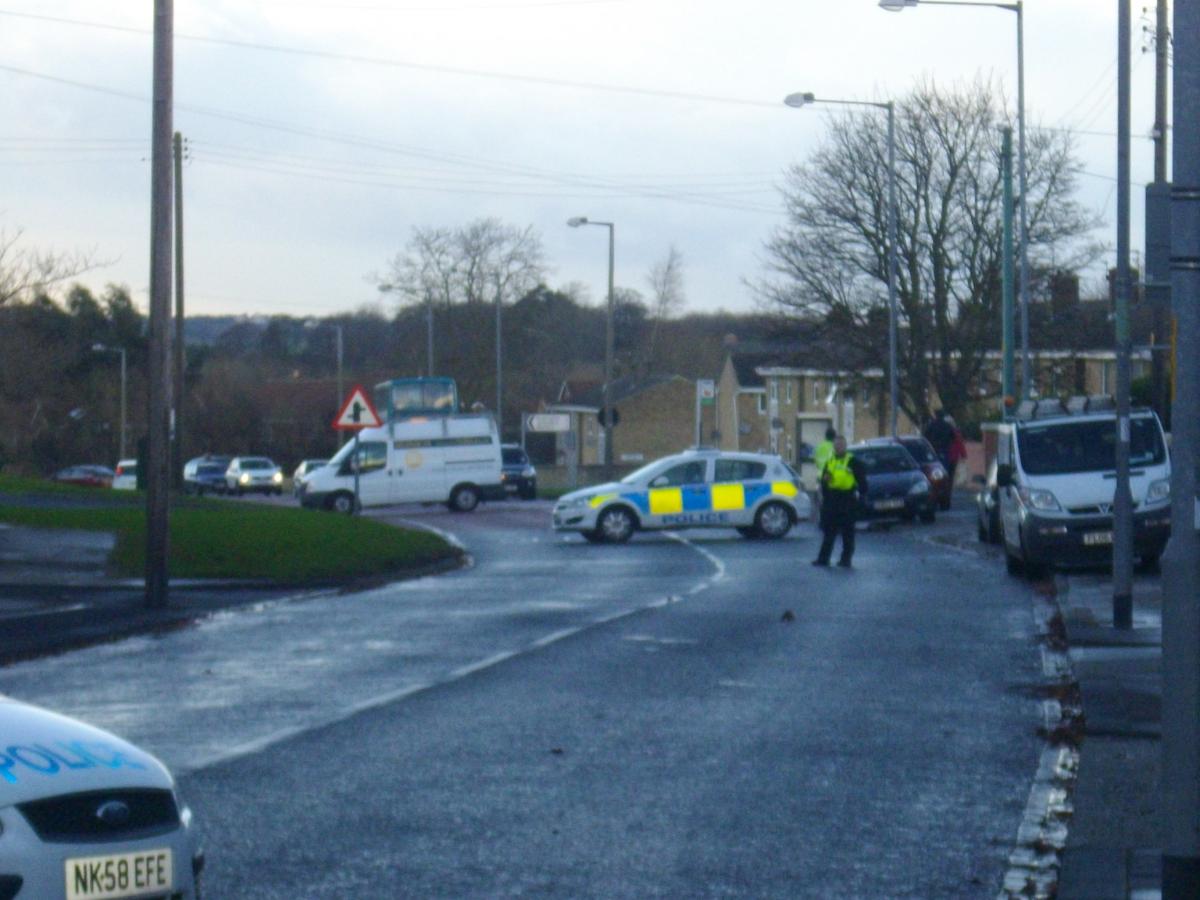
ccs-23-0-45210800-1386251218_thumb.jpg

User Feedback

Recommended Comments

There are no comments to display.

Create a free account or sign in to comment

Account

Navigation

Search

Search

Configure browser push notifications

Chrome (Android)
  1. Tap the lock icon next to the address bar.
  2. Tap Permissions → Notifications.
  3. Adjust your preference.
Chrome (Desktop)
  1. Click the padlock icon in the address bar.
  2. Select Site settings.
  3. Find Notifications and adjust your preference.