



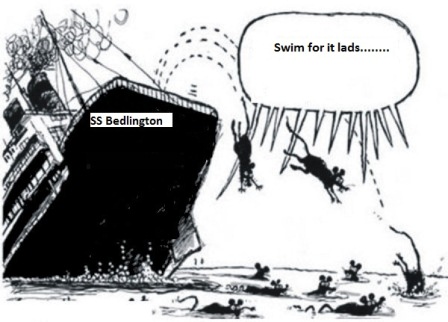
Following on from the HSBC "˜desertion' we now see the Lloyds TSB branch in Bedlington is on the "˜get rid of' list otherwise called "Project Verde". "˜'Project Merde"˜' more like as this could leave our Town without a banking presence on our high street, something which always calls into question the credibility of any small Town.
Who have we to thank for this intrusion, none other than the European Union who "˜Dictated' that Lloyds TSB has to shed 620 branches in the name of greater banking competition within the UK. Greater competition is all fine and dandy and the spoiler is always that it is in the interest of the customer but in this case how can that be true?
It could be that a group such as the Co-Op bank or even Virgin Money (AKA, Northern Rock and wouldn't that be an intriguing possibility after multi-millionaire Applegarth closed our Rock branch not so long ago in pursuit of his unsustainable financial dreams!) takes them or some over.
Whatever happens there is one group of people who have never been consulted; us, the punters, the customers, the great unwashed, which seems a bit of an oversight as all this is being done, supposedly, in our interests. You have to wonder if these decision makers ever come out of their ivory towers and actually mingle with "˜normal' people, I'm not even sure they are on the same planet!
Recommended Comments
Create a free account or sign in to comment