


Skip to content
View in the app

A better way to browse. Learn more.

Bedlington.uk

A full-screen app on your home screen with push notifications, badges and more.

To install this app on iOS and iPadOS
  1. Tap the Share icon in Safari
  2. Scroll the menu and tap Add to Home Screen.
  3. Tap Add in the top-right corner.
To install this app on Android
  1. Tap the 3-dot menu (⋮) in the top-right corner of the browser.
  2. Tap Add to Home screen or Install app.
  3. Confirm by tapping Install.

Two North East nature reserves to complete vital work after kind legacy from local school teacher

rssImage-392d4bc6d7963724114a2d9b8bb0081a.jpeg

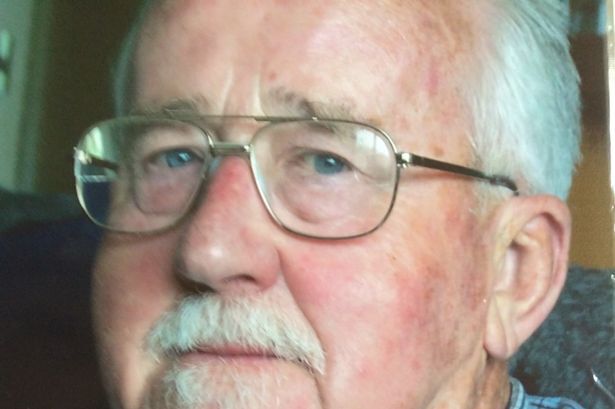
Dr John (Jim) Parrack from Seaton Sluice passed away in March 2020 and left £33,000 to Northumberland Wildlife Trust, with the instruction that the money was to be spent on improvements to the wildlife charity's reserves.

View the full article

User Feedback

Recommended Comments

There are no comments to display.

Create a free account or sign in to comment

Account

Navigation

Search

Search

Configure browser push notifications

Chrome (Android)
  1. Tap the lock icon next to the address bar.
  2. Tap Permissions → Notifications.
  3. Adjust your preference.
Chrome (Desktop)
  1. Click the padlock icon in the address bar.
  2. Select Site settings.
  3. Find Notifications and adjust your preference.
