


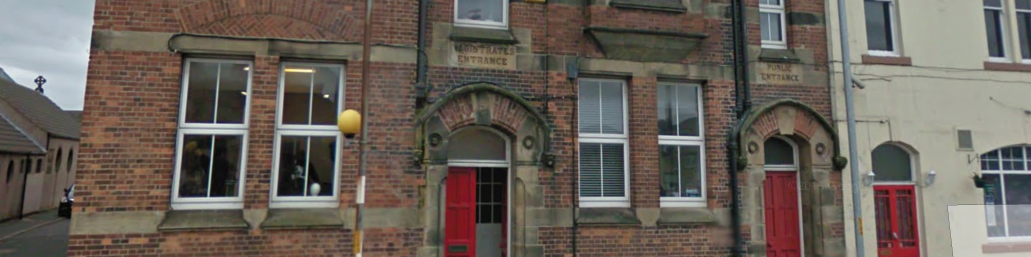
The Old Police Station Open Day

Event created by Heather
Did you know that at The Old Police Station there is a professional seamstress specialising in wedding gown and prom alterations that can change any clothes made of any material so that they fit you like a glove?
Did you know that at The Old Police Station you can get probably the best massage in the world from Sheila 'No Hands Massage'?
Did you know that at The Old Police Station you can have a relaxing afternoon tea or a delicious lunch at Hello Dolly, a beautifully decorated Vintage Tea room?
Did you know that at The Old Police Station you can receive a wonderfully relaxing sound bath treatment from Clare of Sound Sensations?
Did you know that at The Old Police Station Brenda of Aurora Natural Therapies has her treatment rooms. Pamper yourself with aromatherapy, a wide range of facials and ayurvedic/crystal massage?
Did you know that at The Old Police Station you can buy beautiful candles from Jill at Simply Scented?
Did you know that at The Old Police Station you can treat yourself to a relaxing Reiki session combined with either crystals, fairy tarot or art therapy from Heather of White Feather Reiki?
Join us on our Open Day (or pop in before) and meet all these amazing businesses right on your doorstop.
-
 3
3