


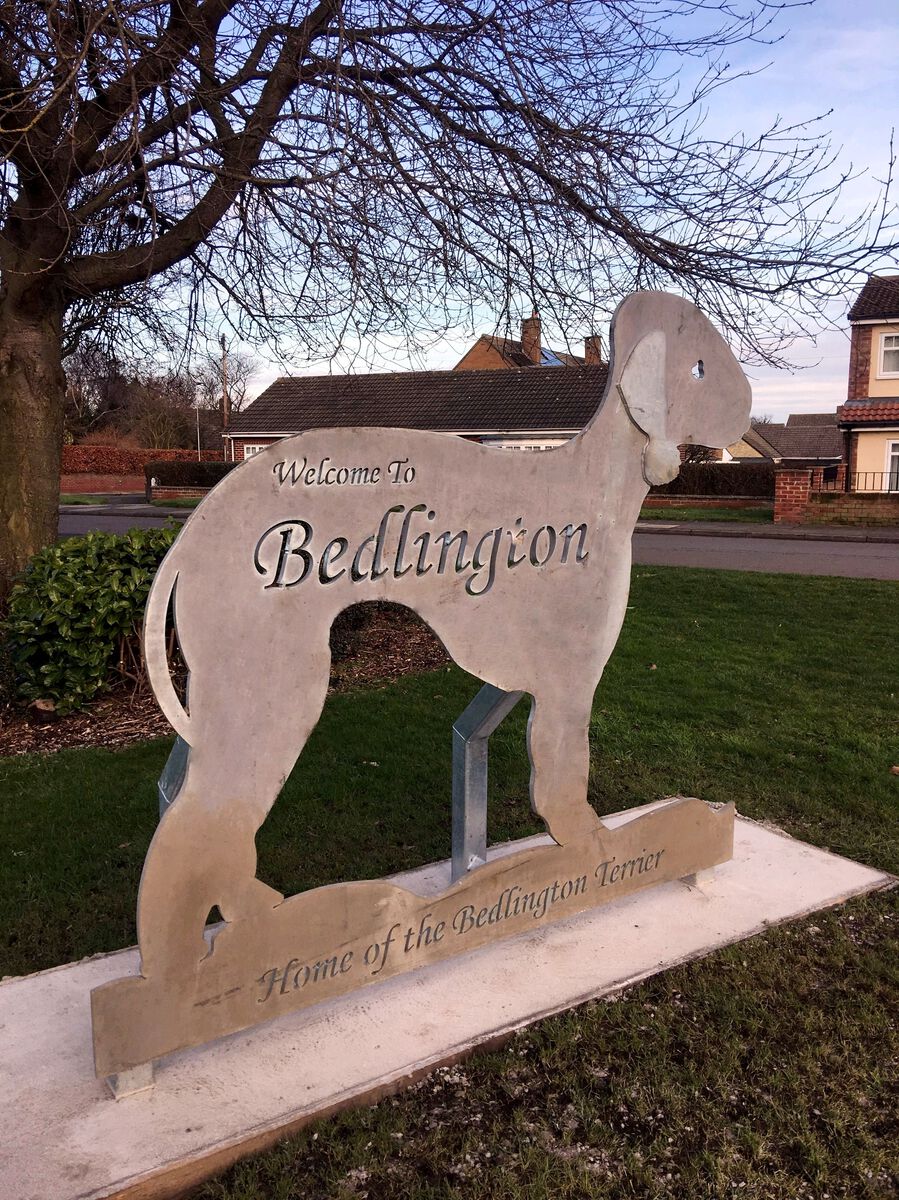
Bedlington Gateway Features
Album created by
Alan Edgar (Eggy1948) ·
Updated
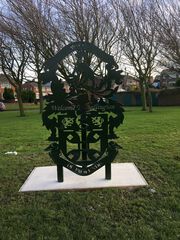
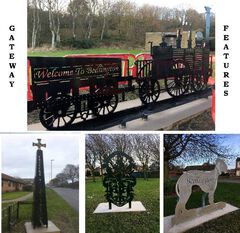
In 2017 four gateway features were chosen for their association with Bedlington. All are inextricably linked either by their commercial, religious or social heritage to the town. They have all been placed at strategic points to give anyone coming into the town by car or bus the maximum view point and all carry the adage "Welcome to Bedlington".
5 images
-
By Alan Edgar (Eggy1948) · 20 comments
-
By Alan Edgar (Eggy1948) · 1 comment
-
By Alan Edgar (Eggy1948) · 1 comment
-
By Alan Edgar (Eggy1948) · 1 comment
-
0 Album Comments
There are no comments to display.
Create a free account or sign in to comment