


DSC_0191.JPG


By DJA 24
- 1,767 views
- View DJA 24's images
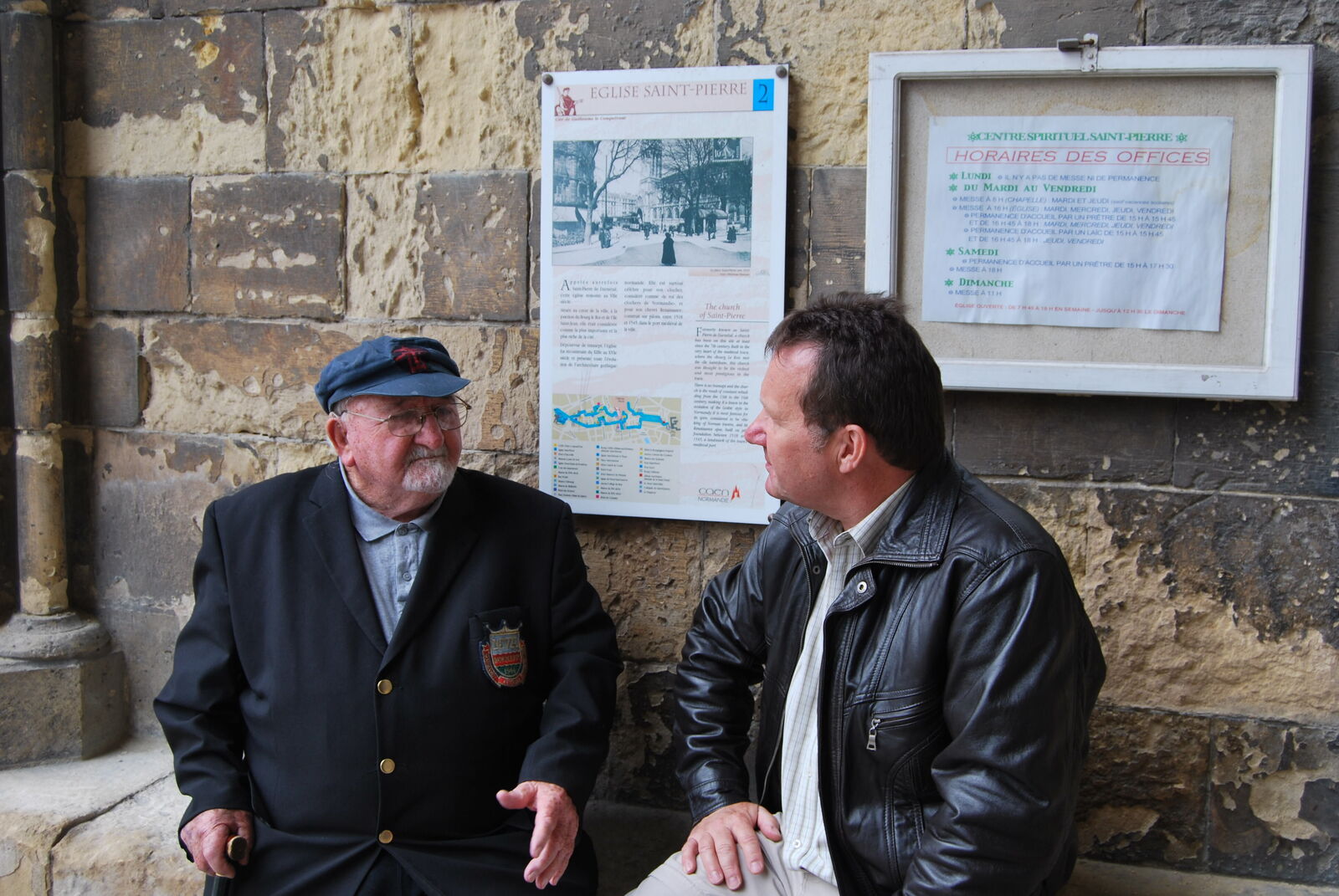
In June 2012 we were in Caen. Visiting a church we saw a couple sitting, the lady speaking in French. Leaving the church I spotted a badge on his jacket “Normandy Veterans”. As we walked on I said “I should have thanked him for what he did”, I’d never been able to say thank you to a veteran. “Go back” said Karen, and I did, speaking to the French lady. Karen said something to me in English and the lady said, “but he too is English”. I shook his hand and thanked him on behalf of my family and friends. Tears in his eyes he humbly said “But I was only doing my job” in a strong North East accent. He carried on telling me that he went back every D-Day anniversary to pay his respects to his mates who unlike him didn’t survive that day or the war. “What part of the North East?” I asked. “I live in Bedlington” he said, “but I was born in Bar'nton, which is now gone”. I know I said, I lived there until I was 4. Small world, I was very humble as they walked away. One of my simple desires realised to say thank you, and to a fellow Geordie. At the time we lived in the East Midlands and here we are now in Bedlington not too far from his birthplace.
Recommended Comments
Create a free account or sign in to comment