Contributor Leaderboard
-
mercuryg
Members2Points1,980Posts -
1Points6,990Posts
-
Malcolm Robinson
Moderators1Points6,416Posts



Popular Content
Showing content with the highest reputation on 06/05/16 in Posts
-
1 point
-
1 pointI have just once again asked the person who oversaw that project Eggy! You keep on at me and I will keep on at him until we get an answer!1 point
-
1 pointYou didn't write "get out of my face" which is a well known grade. You wrote "out there face" which is completely different. A 'of' would have helped. You're a little wide casting insults when your use of the native language is suspect. Unacceptable insults also, asterisks or not. I'm all for heady debate and banter, but let's keep it out of the gutter.1 point
-
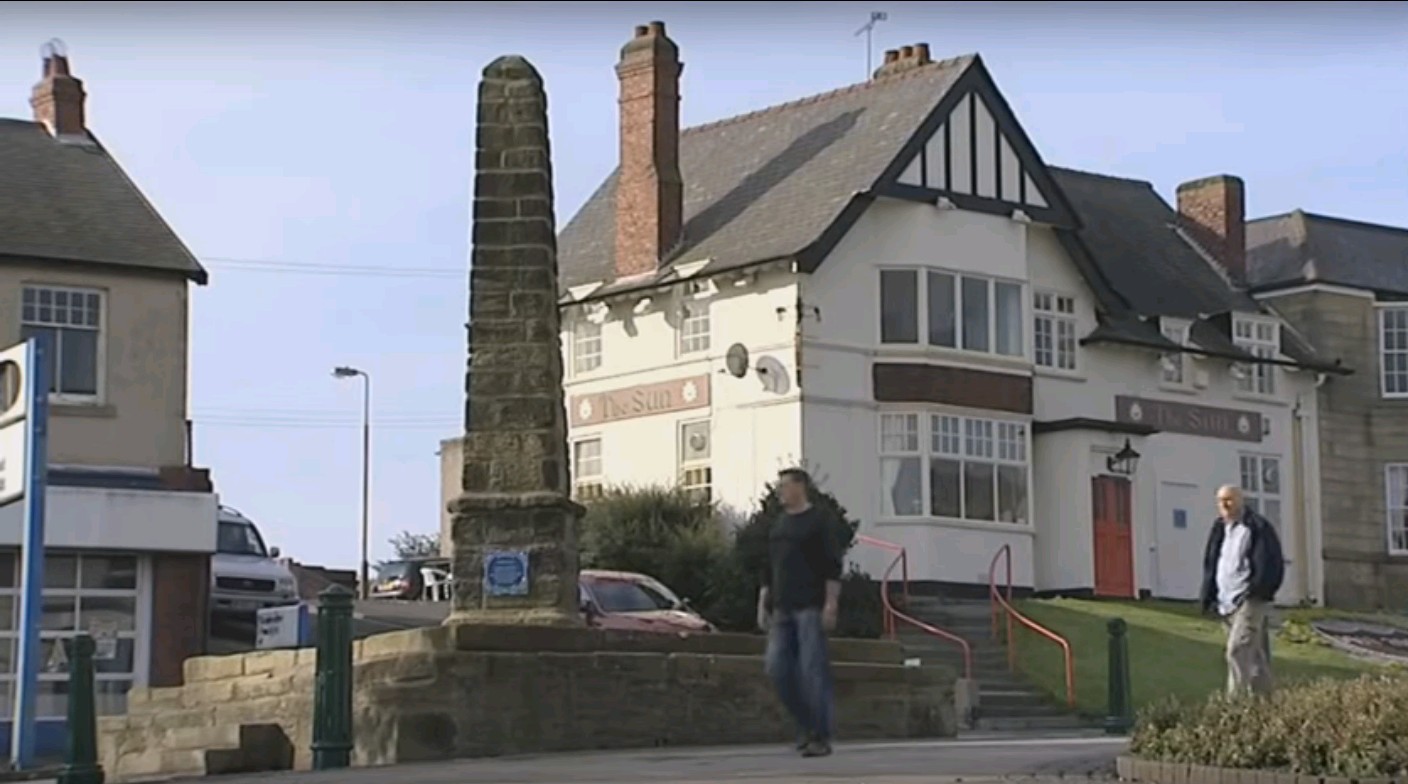
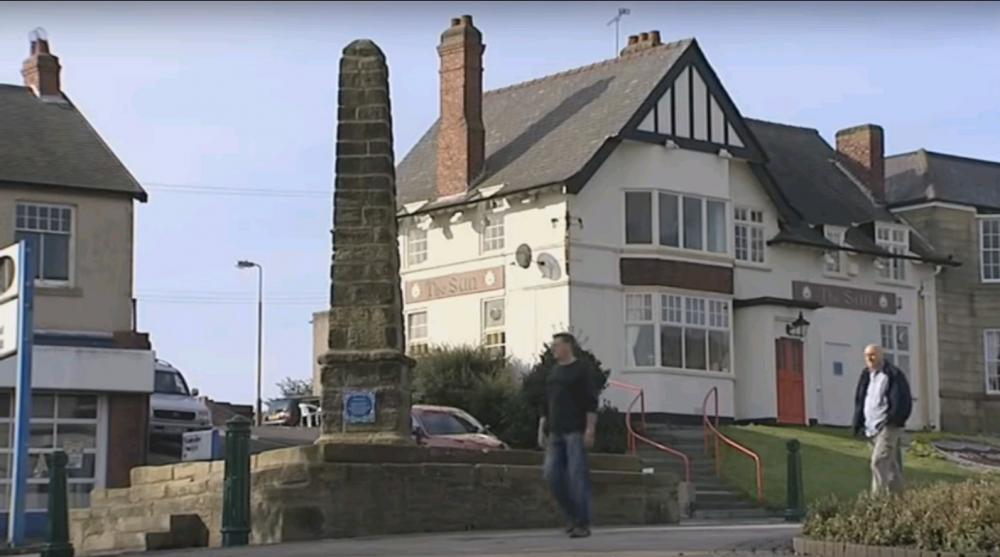
1 pointI have never seen the Blue Plaque that used to be on The Nail. Finally found a photo of the Blue Plaque on The Nail - An Adam Hogg posted on the Bygone Bedlington Facebook site a video, published on May 2, 2012, he found on YOUTUBE explaining how Tesco were going to help regenerate Bedlington and this shot was in the video.
 1 point