Skip to content
View in the app

A better way to browse. Learn more.

Bedlington.uk

A full-screen app on your home screen with push notifications, badges and more.

To install this app on iOS and iPadOS
  1. Tap the Share icon in Safari
  2. Scroll the menu and tap Add to Home Screen.
  3. Tap Add in the top-right corner.
To install this app on Android
  1. Tap the 3-dot menu (⋮) in the top-right corner of the browser.
  2. Tap Add to Home screen or Install app.
  3. Confirm by tapping Install.

Contributor Leaderboard

Popular Content

Showing content with the highest reputation on 11/08/18 in Posts

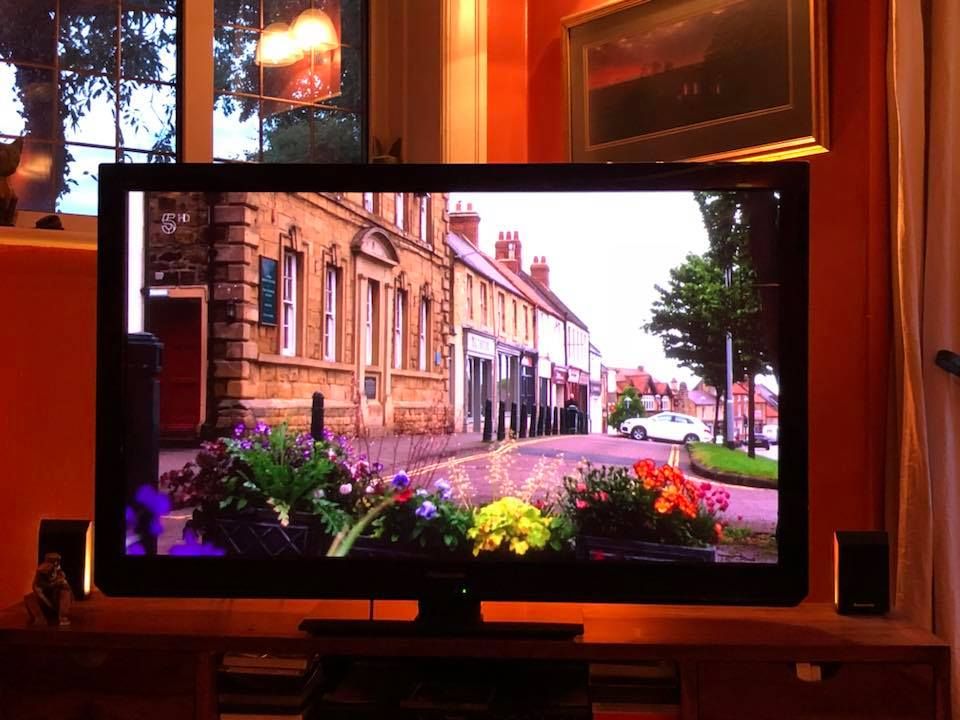
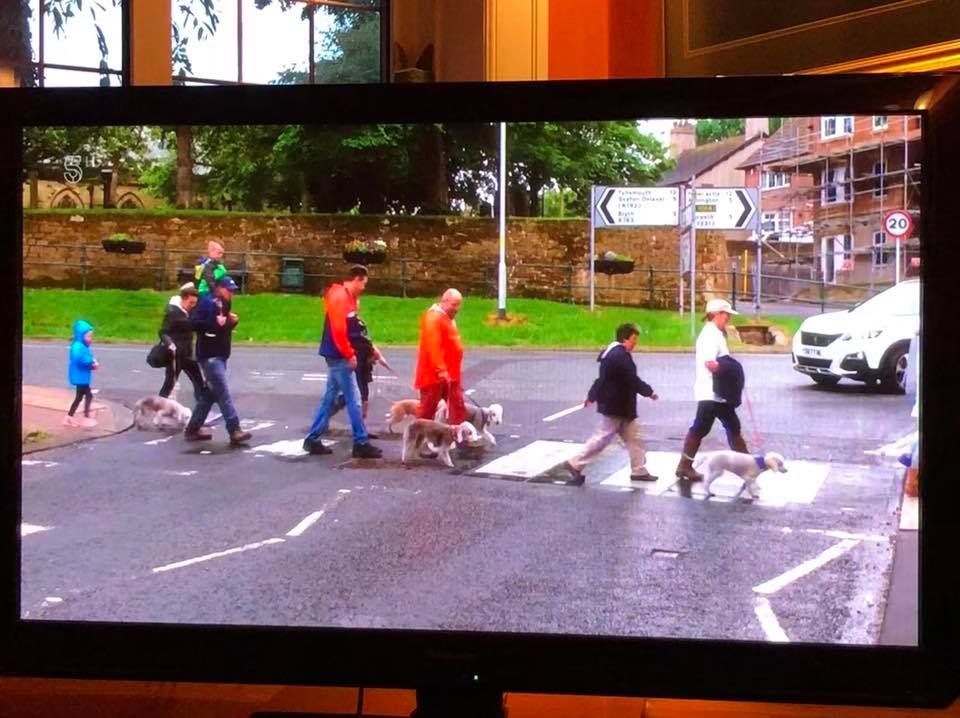
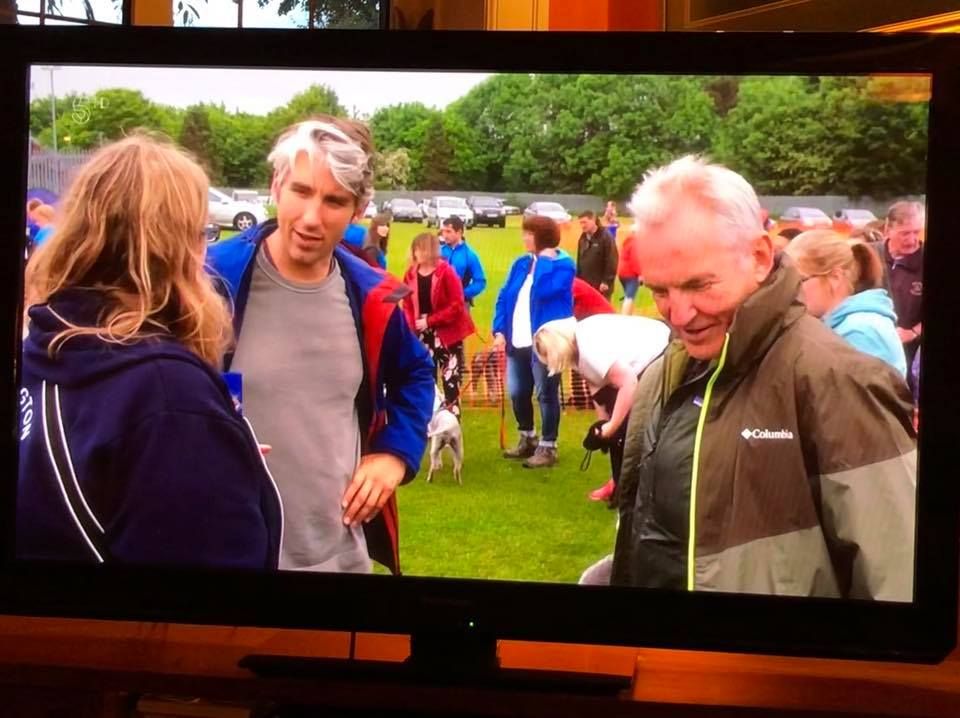
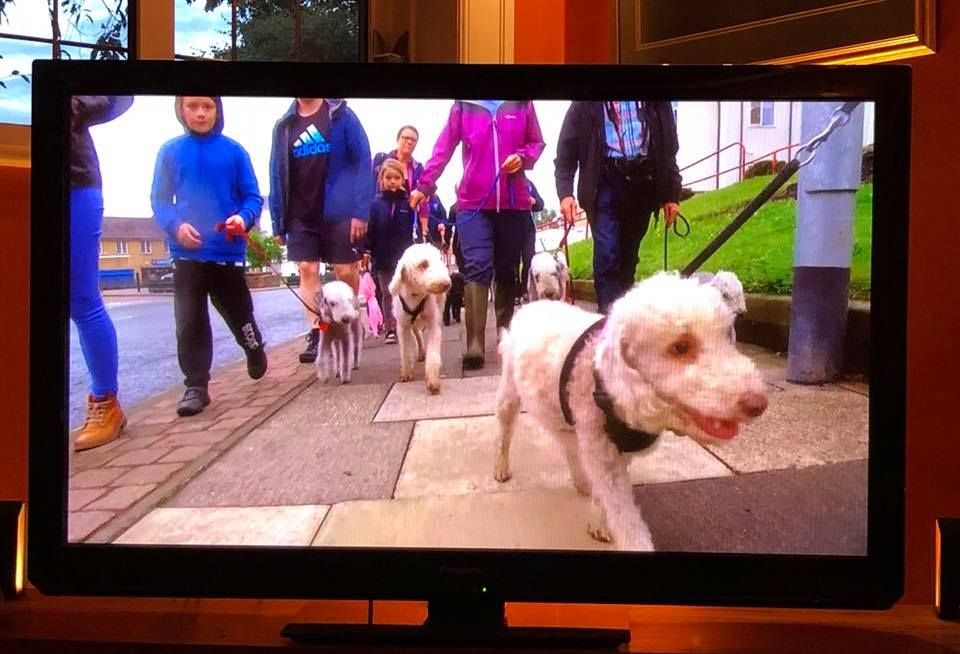
  1. Images of Bedlington + dogs, off the TV, posted on Facebook by Simon Williams last night and I think the show is repeated at 03:30 tomorrow morning but that is just a guess. If I'm right the show is :- Britain by Bike with Larry & George Lamb. Judging by the images I think this is the attempt to break the Guinness World Record - March 23rd 2018 - by the Bedlington Terrier group/club - most number of Bedlington Terriers in a park or on a beach?
Account

Navigation

Search

Search

Configure browser push notifications

Chrome (Android)
  1. Tap the lock icon next to the address bar.
  2. Tap Permissions → Notifications.
  3. Adjust your preference.
Chrome (Desktop)
  1. Click the padlock icon in the address bar.
  2. Select Site settings.
  3. Find Notifications and adjust your preference.