Contributor Leaderboard
-
3Points6,989Posts
-
John McBride
Members1Points1Posts


Popular Content
Showing content with the highest reputation on 25/03/20 in Posts
-
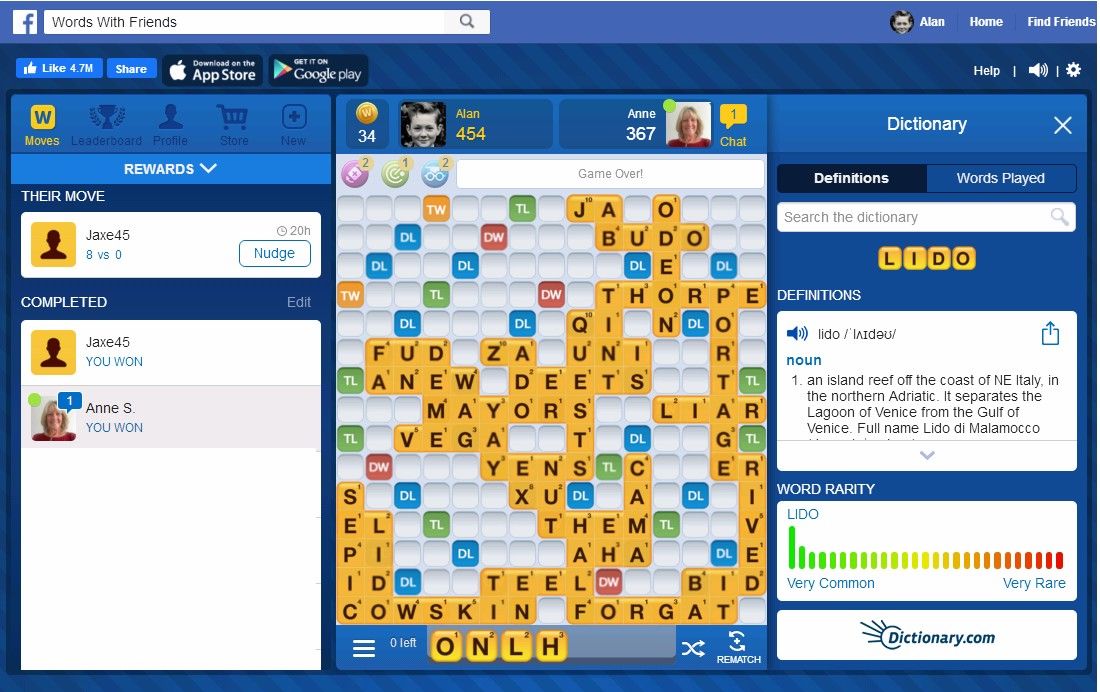
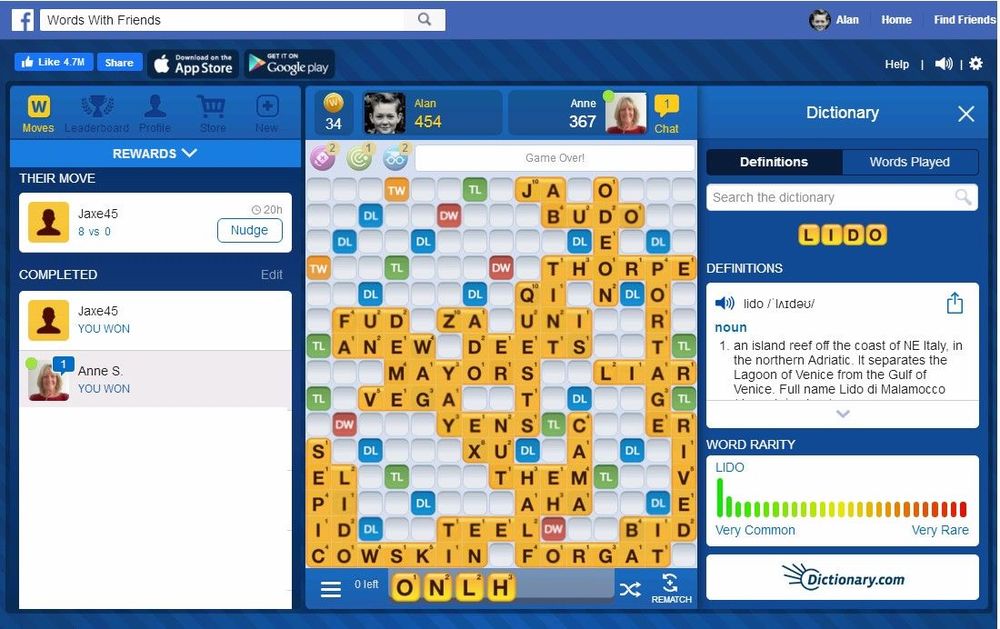
2 pointsHad to give the Scrabble up about four ago - involuntary reflex actions of the legs kept knocking the coffee table and destroying the board. Changed games and now play an online version of Scrabble = Words_With_Friends and the board stays intact.
 2 points
 -
Offend - never. I remember when our youngest was born, a Tuesday tea time, I was in such a hurry to get to the pub as we had a darts match that evening I forgot to phone, from the hospital, the in laws to let them know they had another grandchild. Only remembered when i was half way to the pub so I had to stop the car, find a phone box and ring them. By the time I got to the pub the match had started - and I had been replaced.1 point
-
1 pointI have photo of Dr Pit football team of 1943/44 which beat Blyth Spartans in the Cup. Happy to make copy and send to you if you wish.1 point