Contributor Leaderboard
-

lilbill15
Members2Points409Posts -
1Points6,990Posts


Popular Content
Showing content with the highest reputation on 29/05/21 in Posts
-
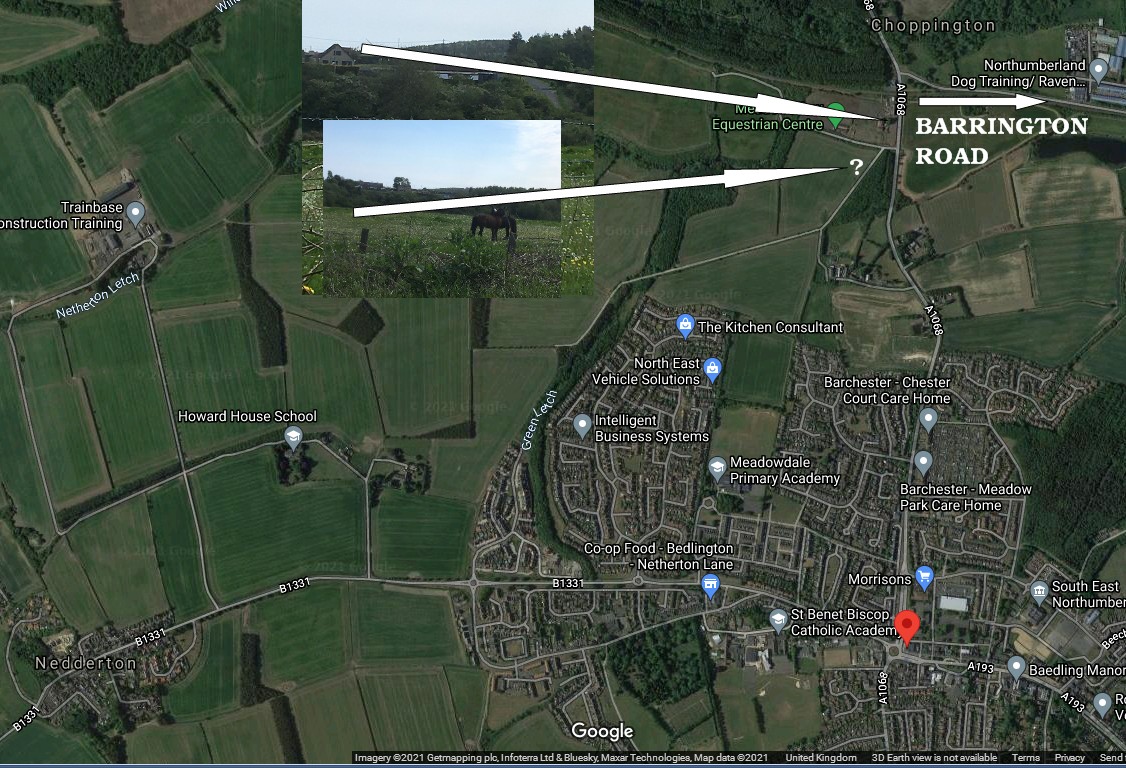
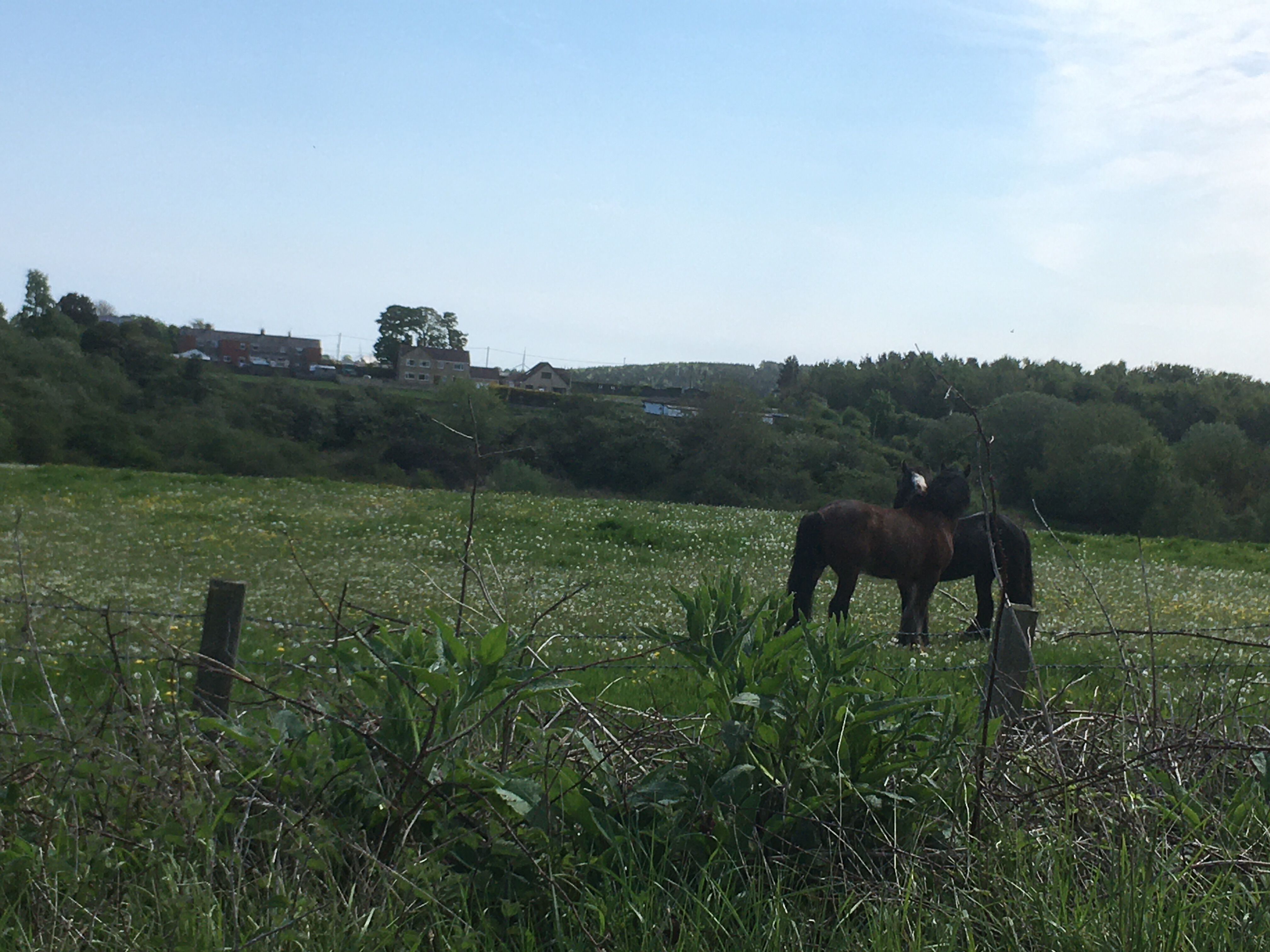
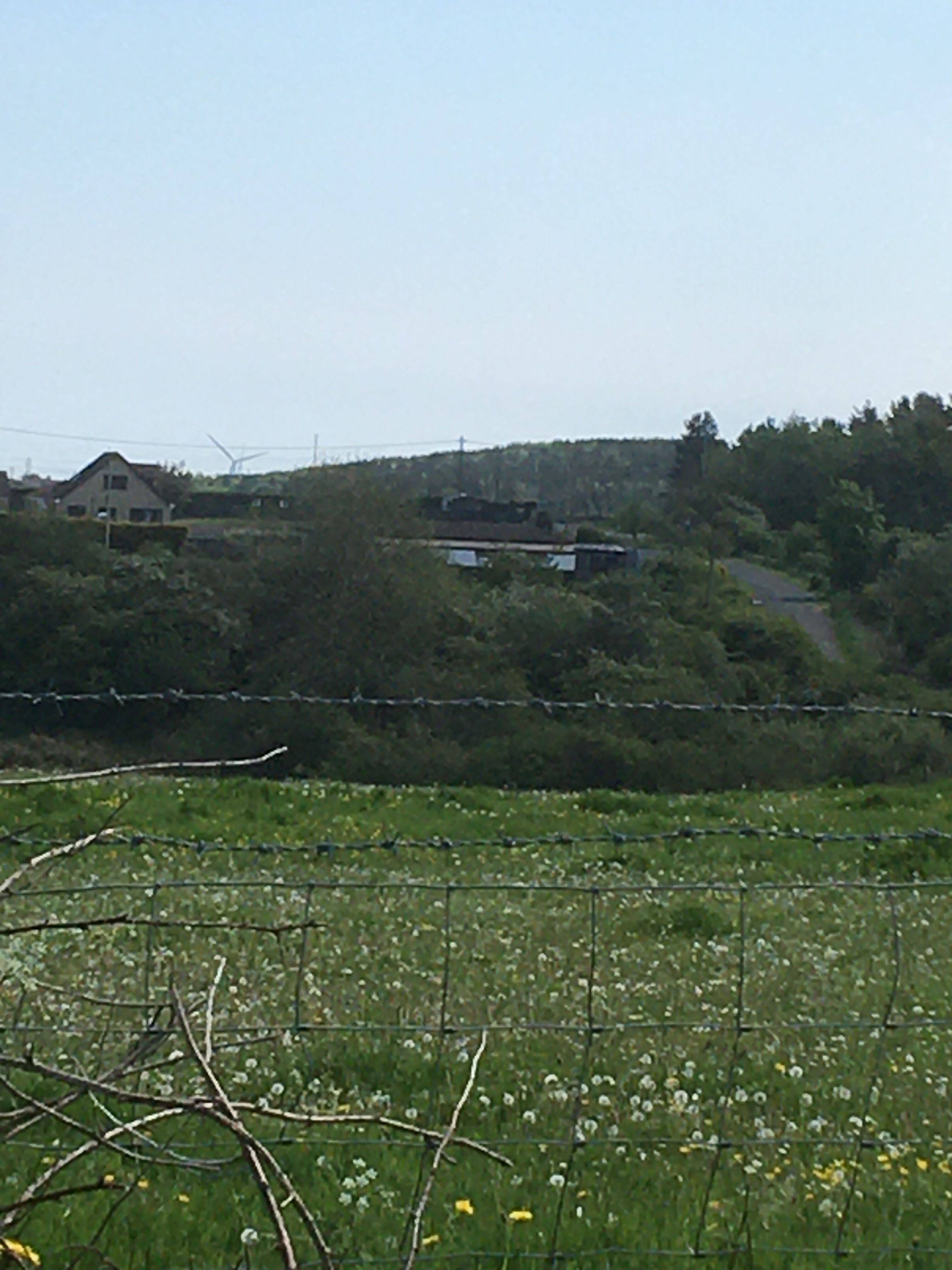
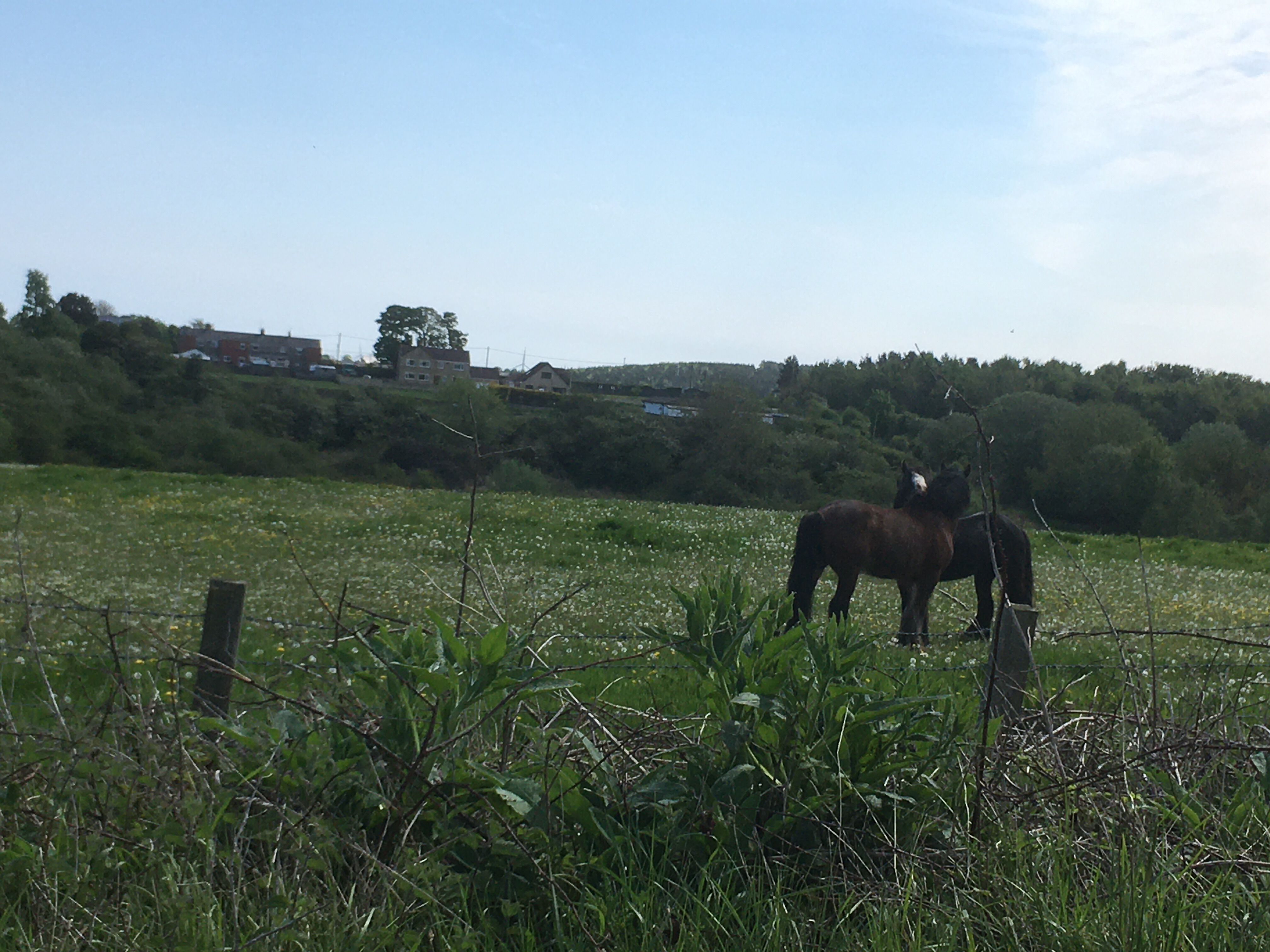
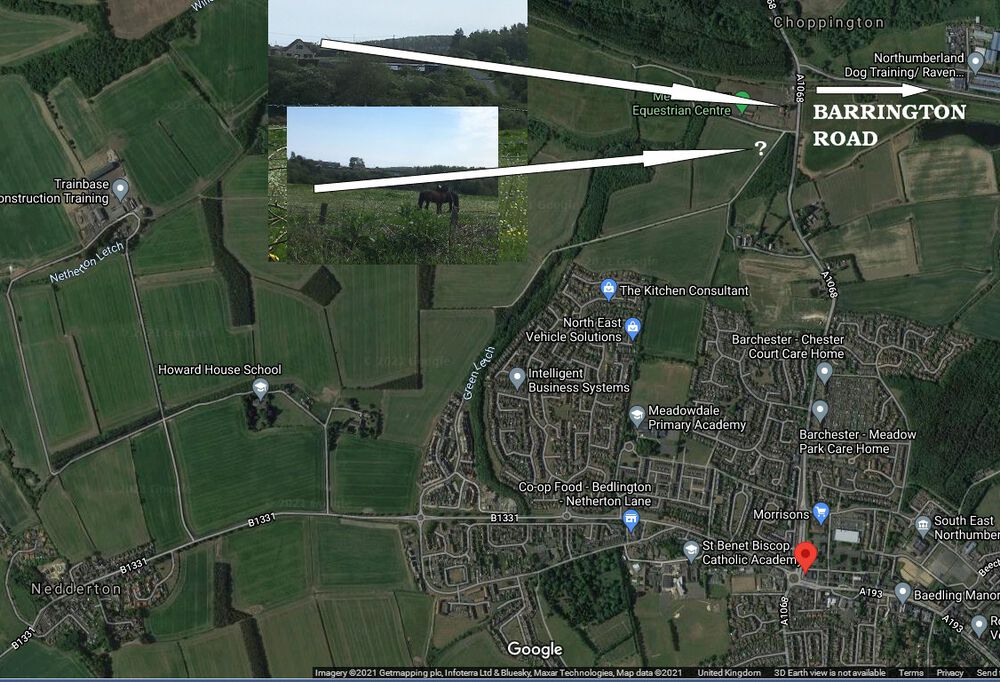
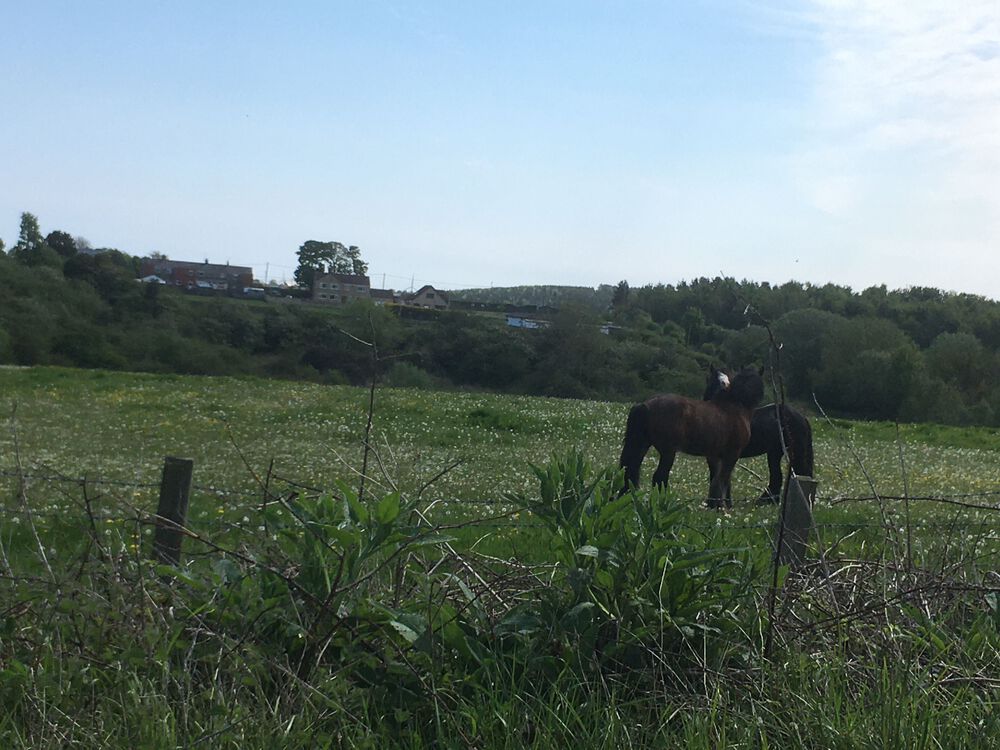
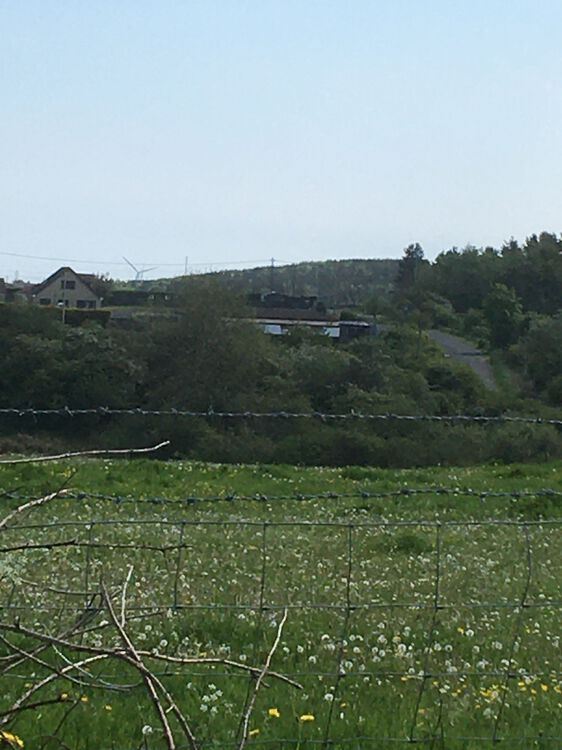
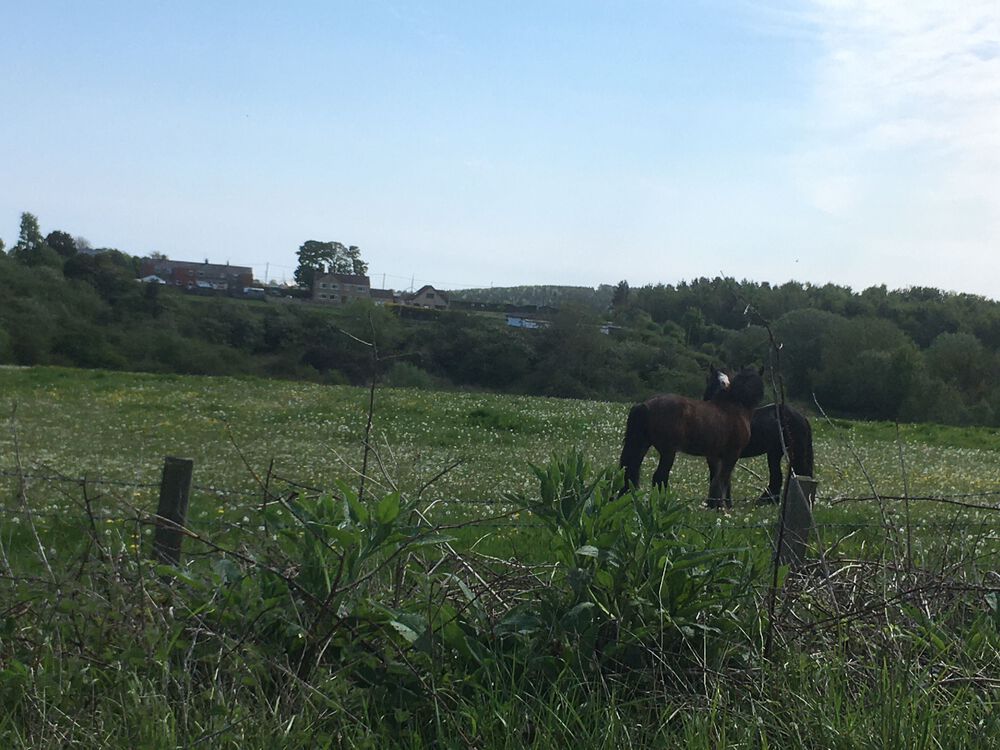
1 point@lilbill15 - @Alan dicksonstil a member but hasn't visited the group since July 23rd 2014 - you will find him on the Barrington, Barnt' n memories and stuff!! Facebook group where he is the Admin = https://www.facebook.com/groups/958444760904321 @Canny lass - the photo you were asking about is just before the railway lines where the Choppinton Railway Station used to be. There is a short terrace just before the railway lines and the house + Equestrian Centre in @lilbill15's photo was just built a couple of years ago.
 1 point
 -
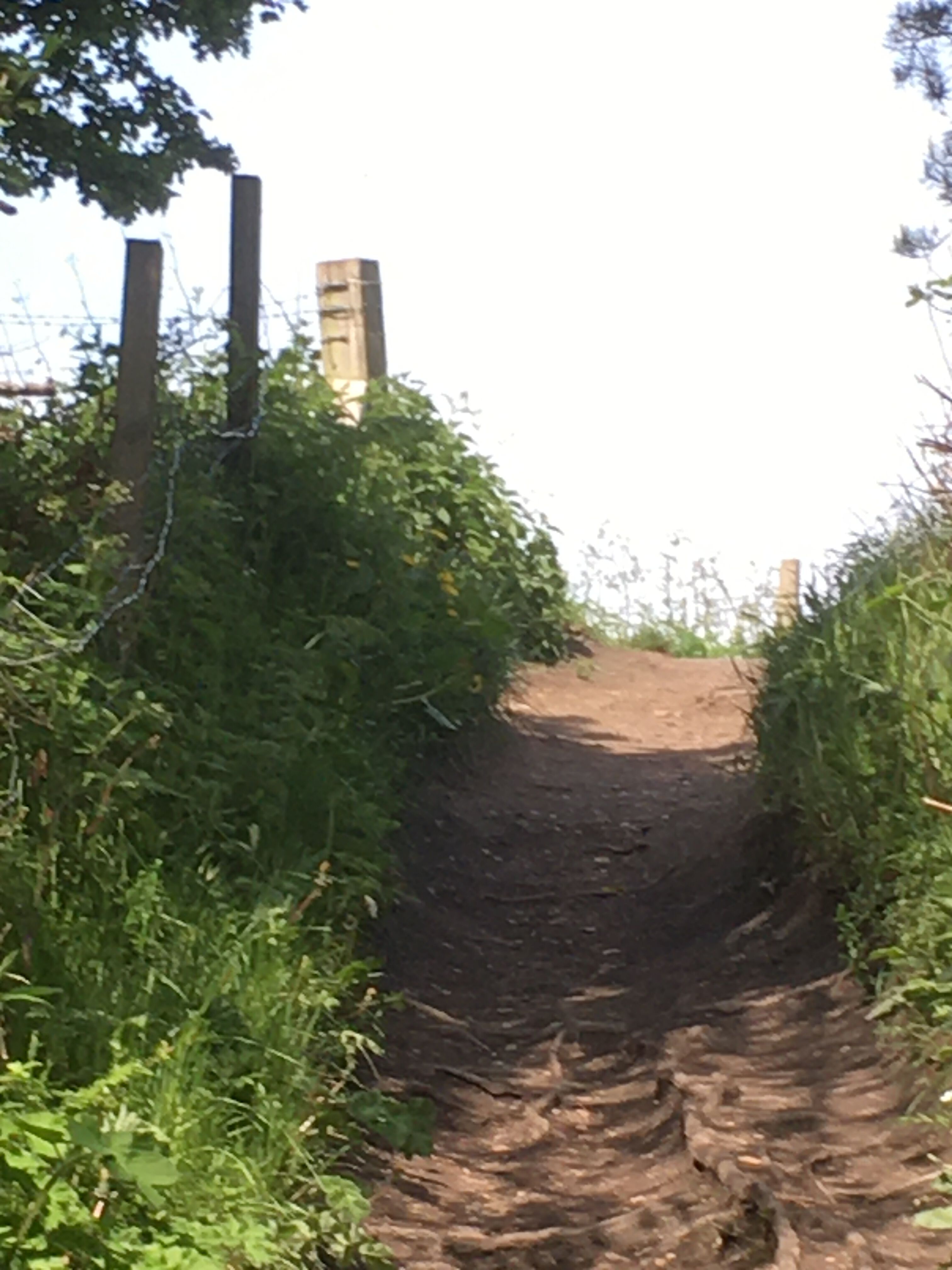
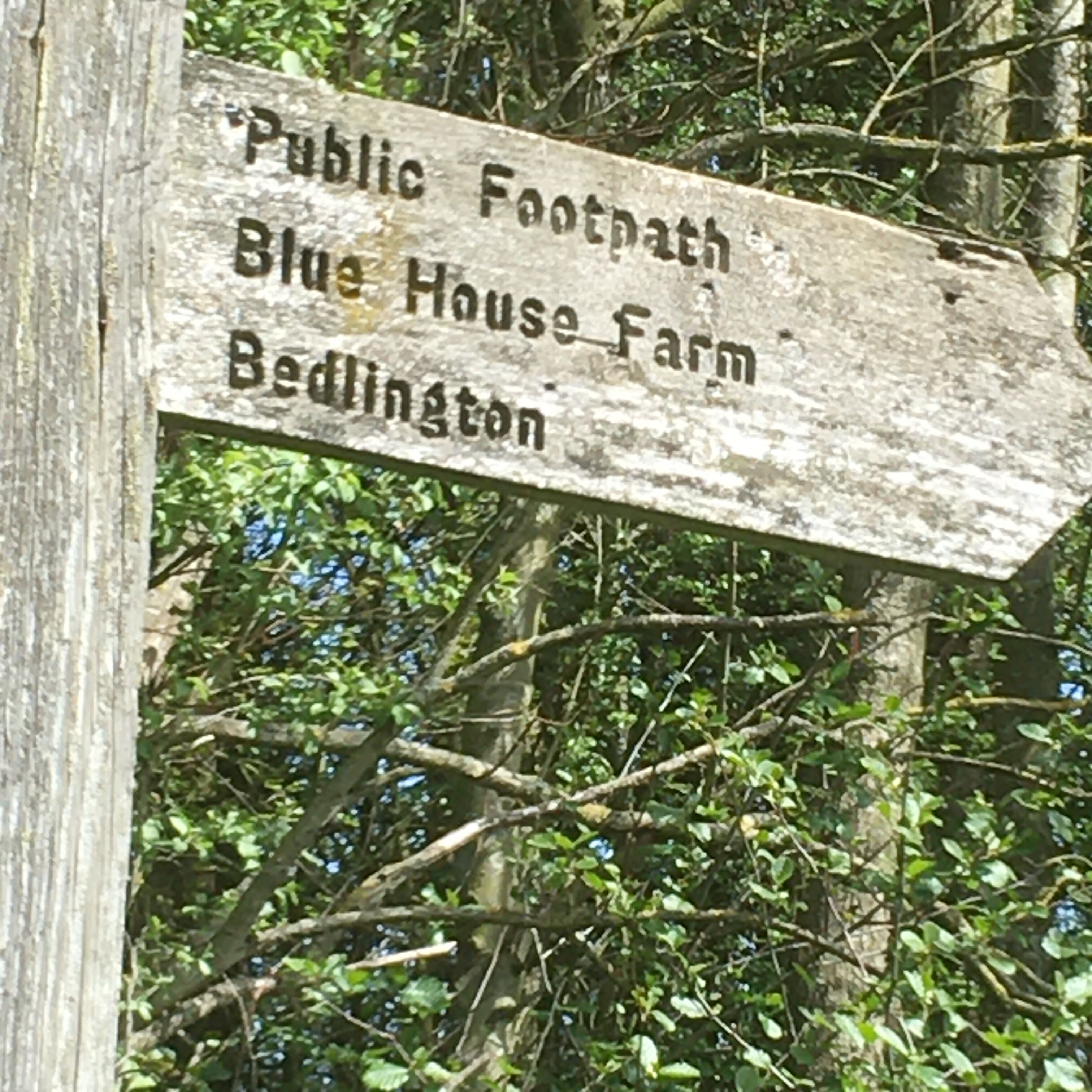
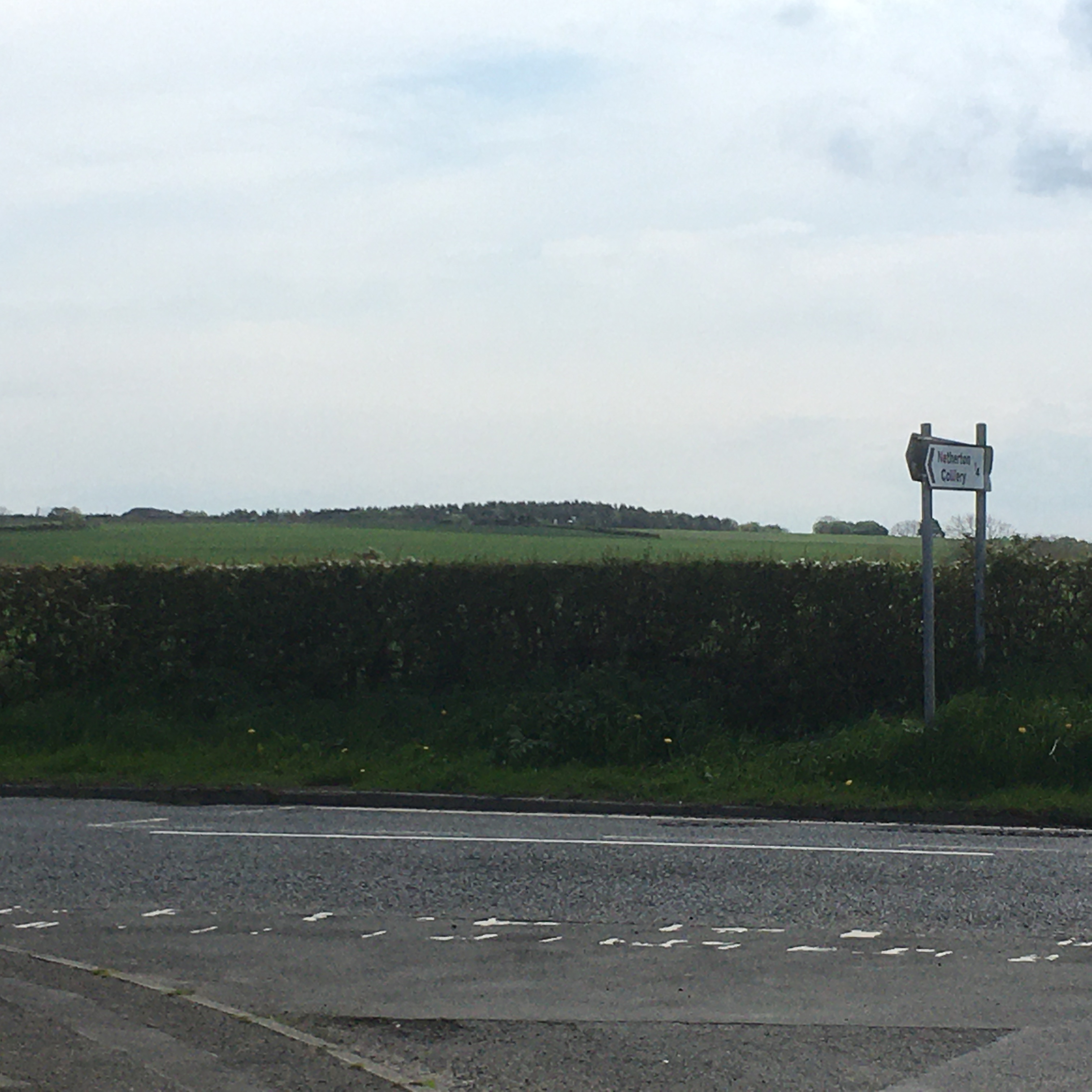
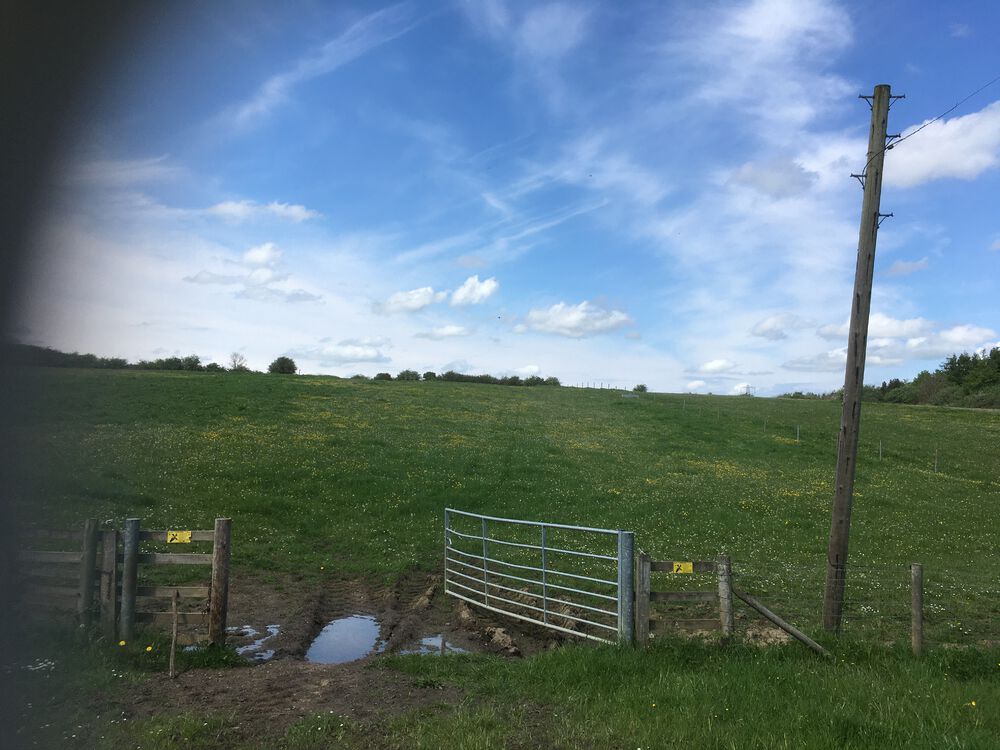
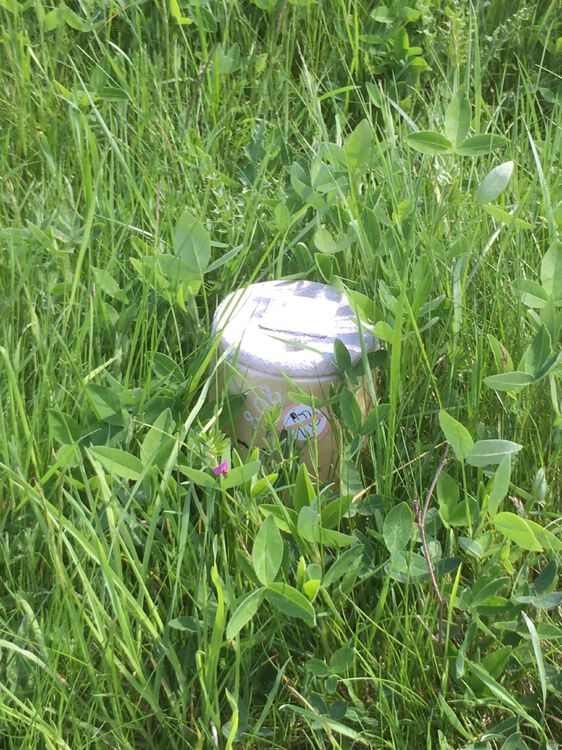
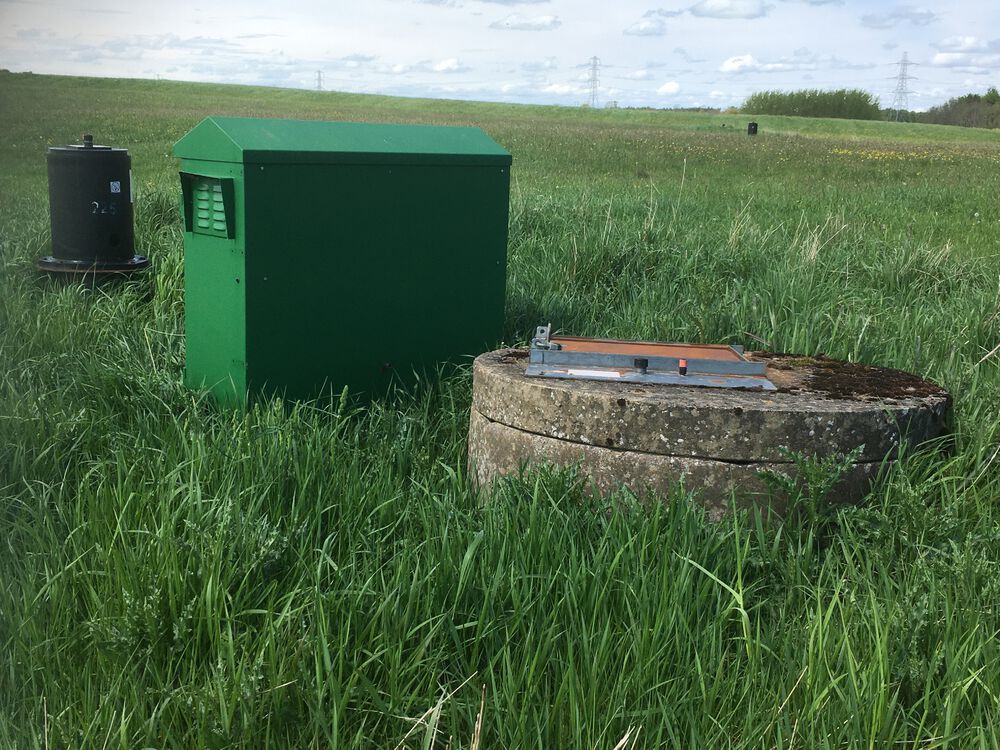
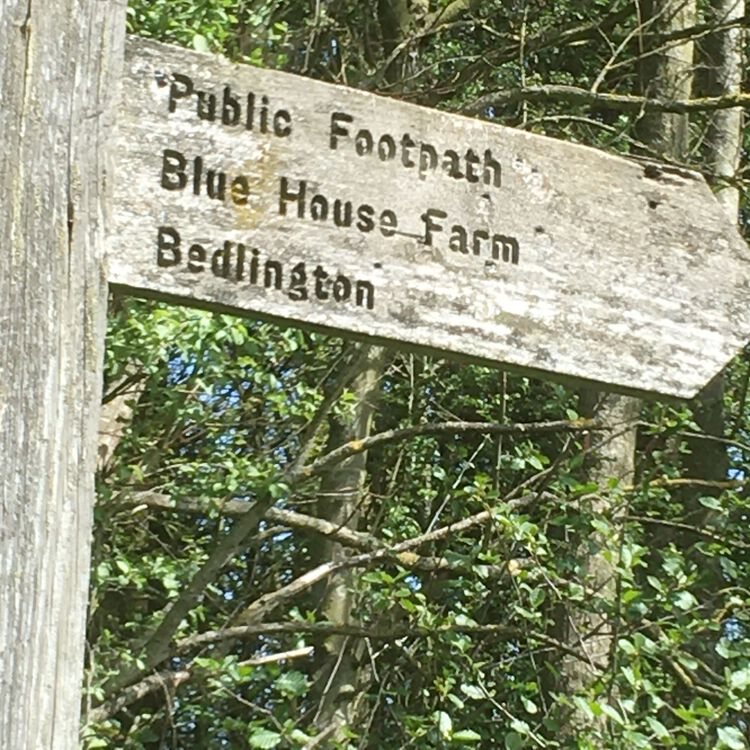
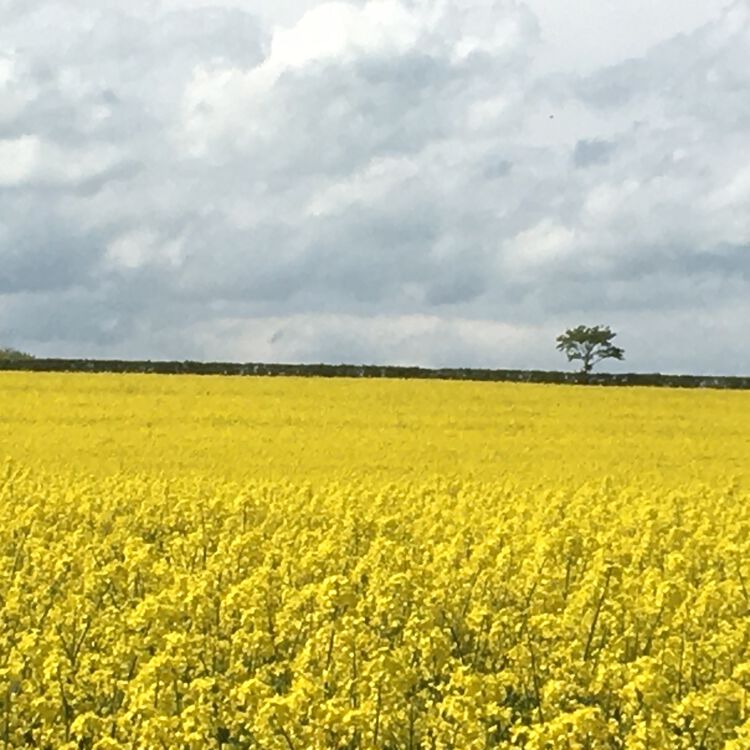
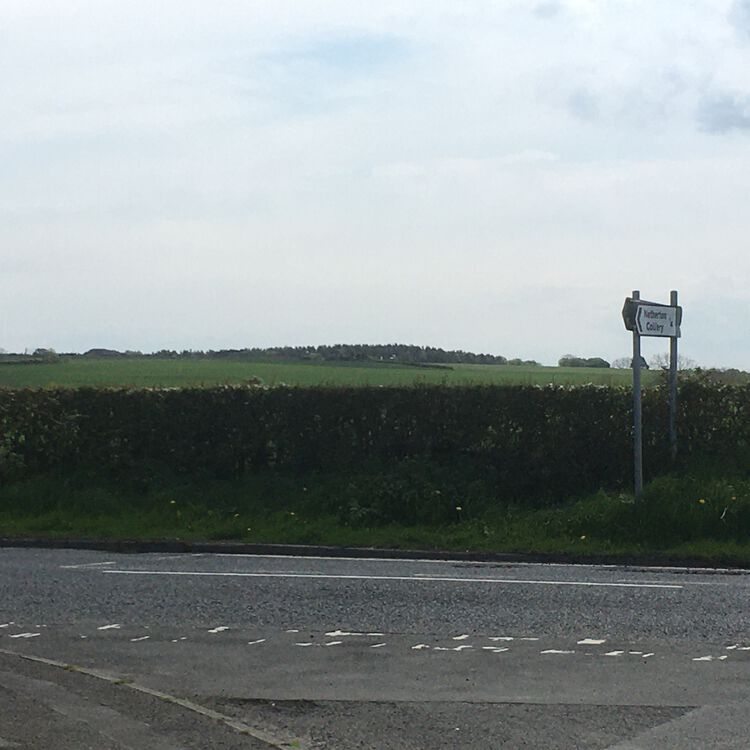
1 pointLast pic? Ewart Hill viewed from blue house farm Lane end/Nedderton road junction.
 1 point
 -
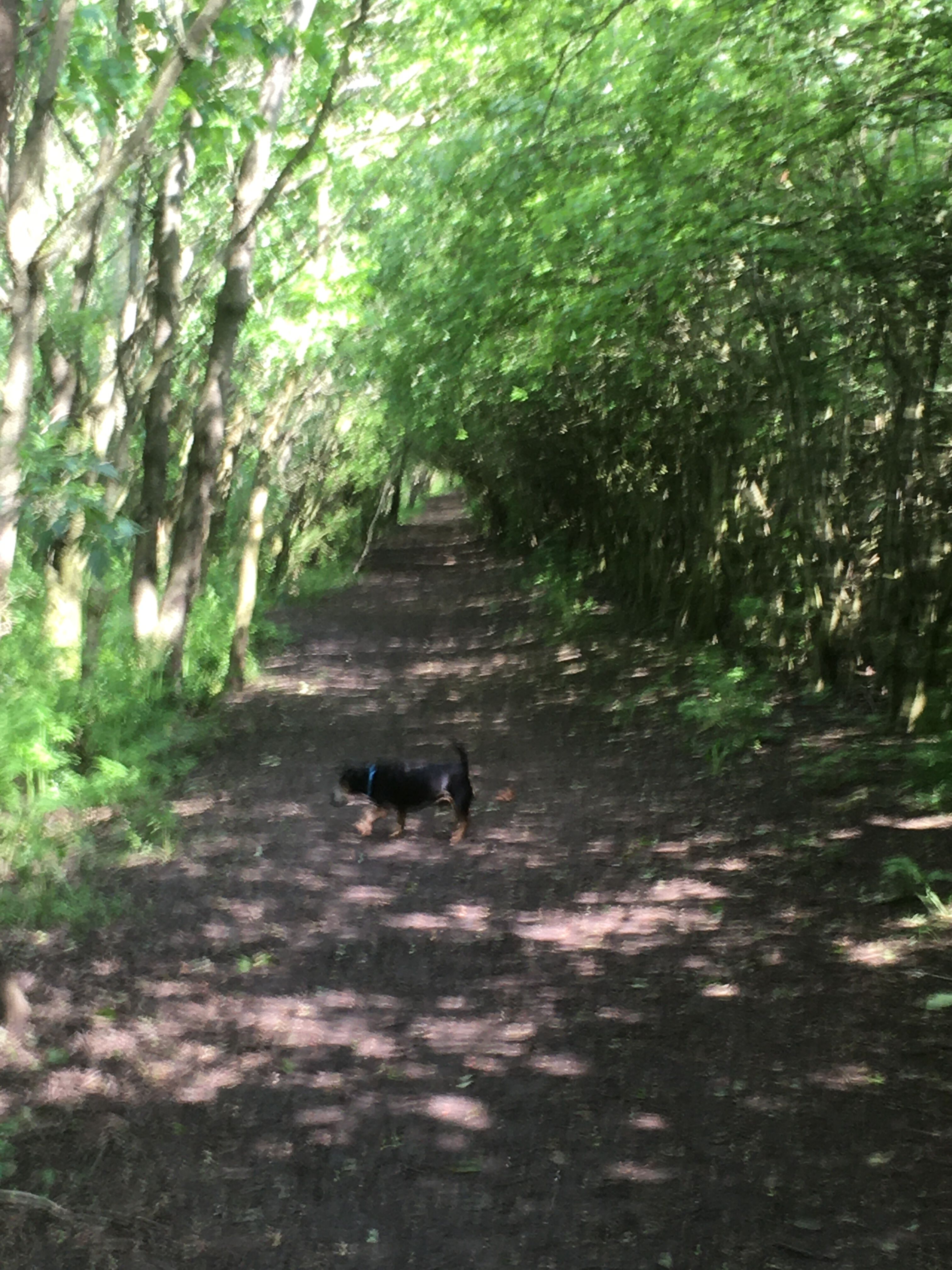
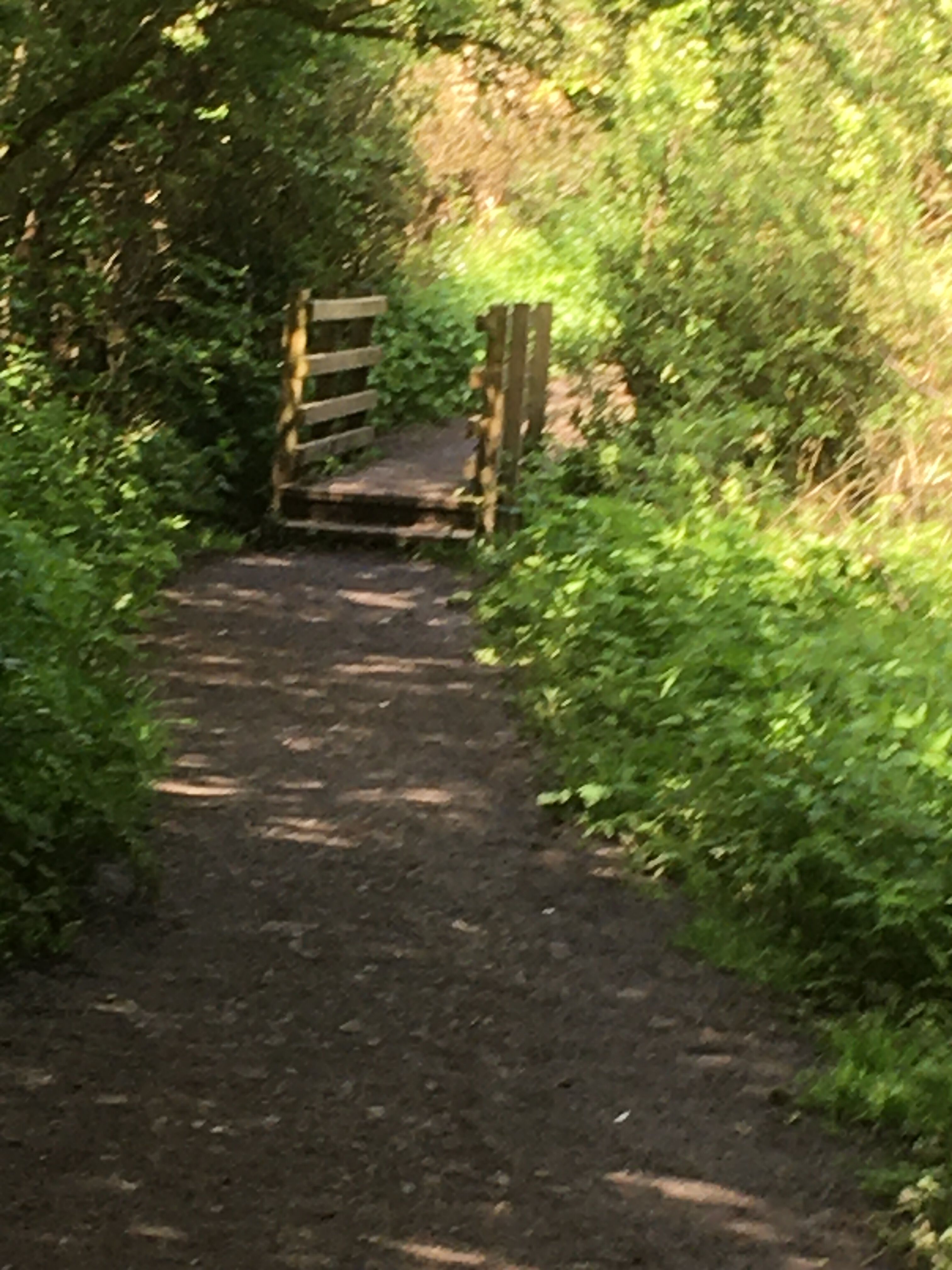
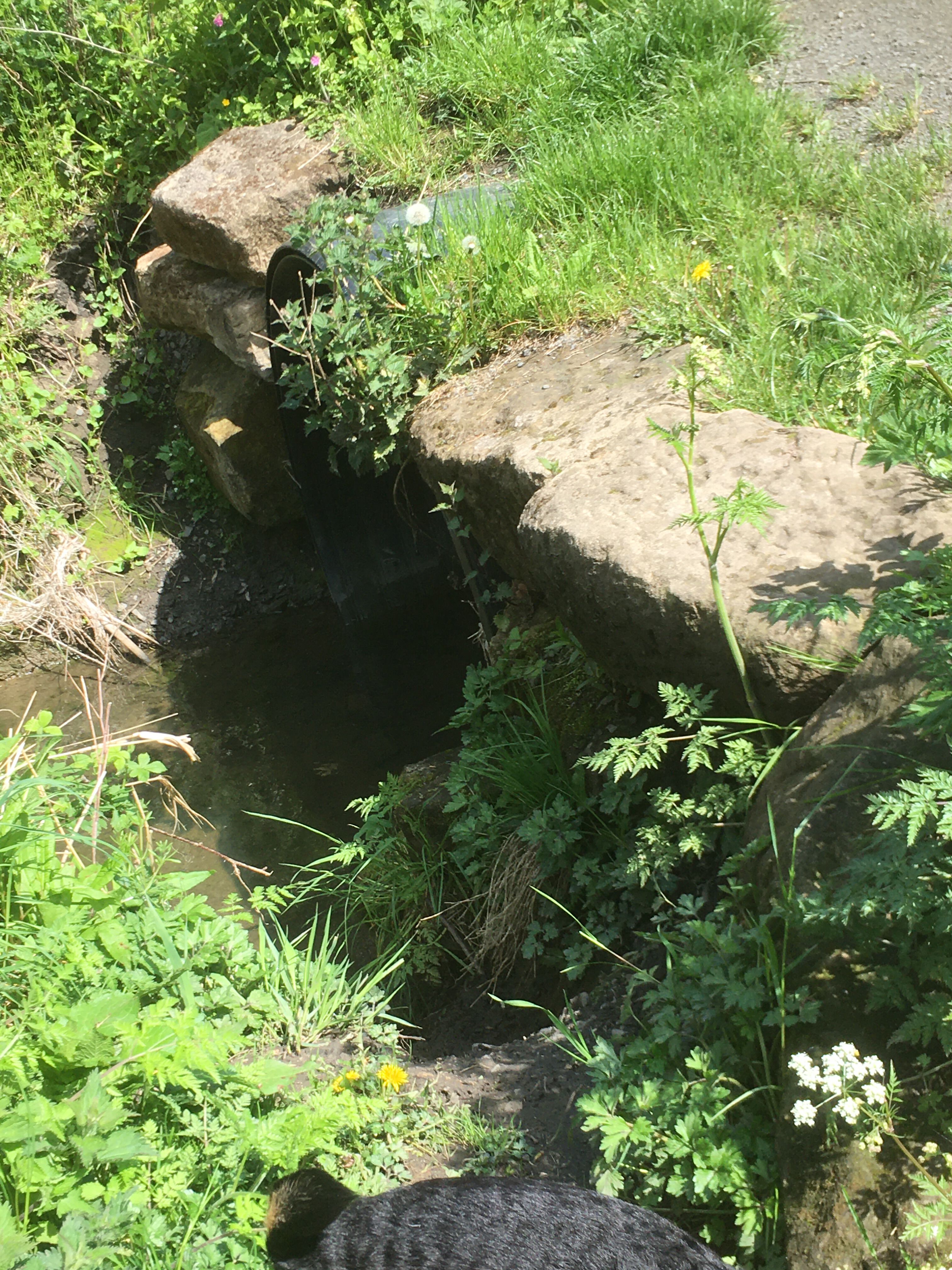
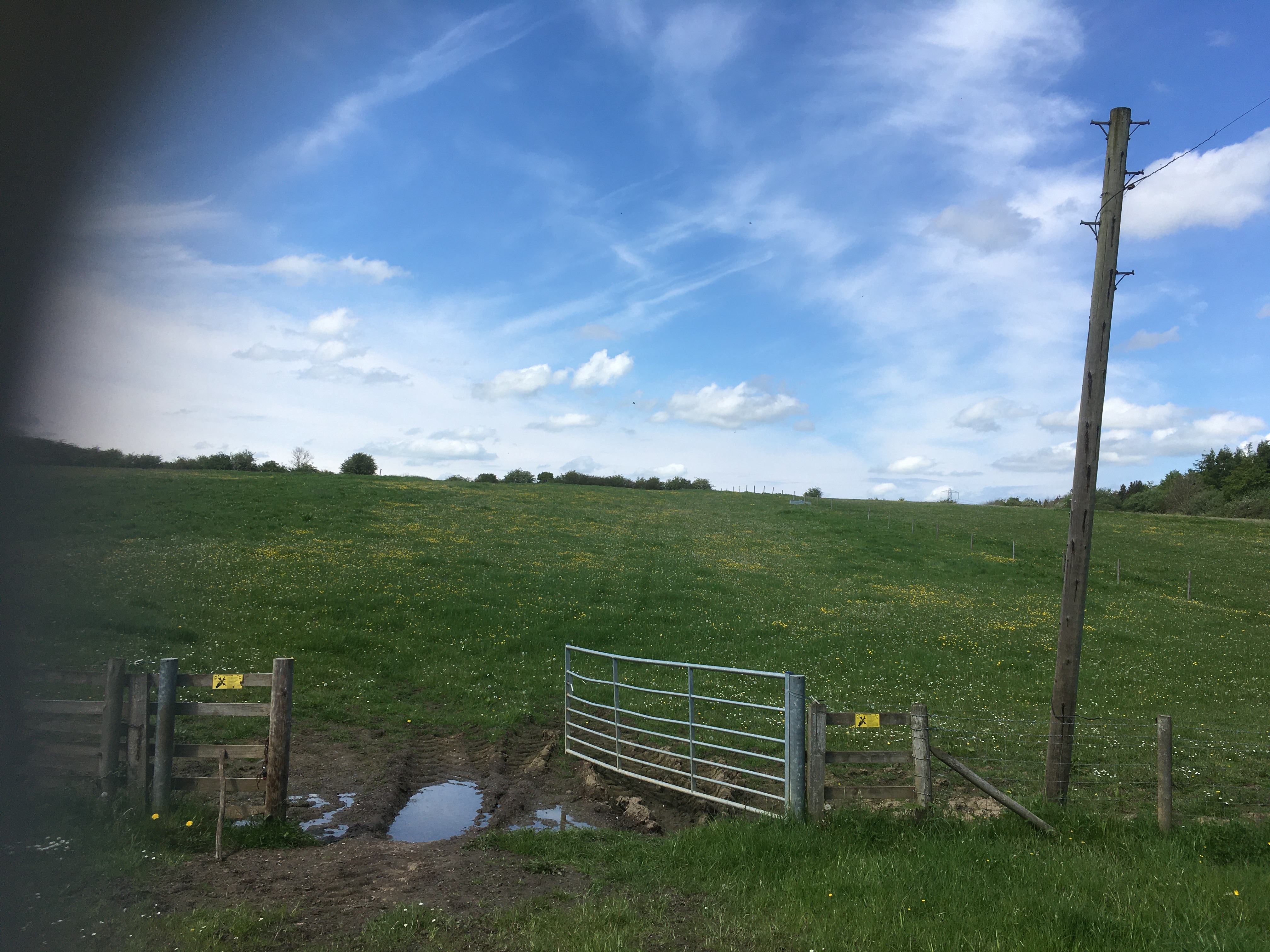
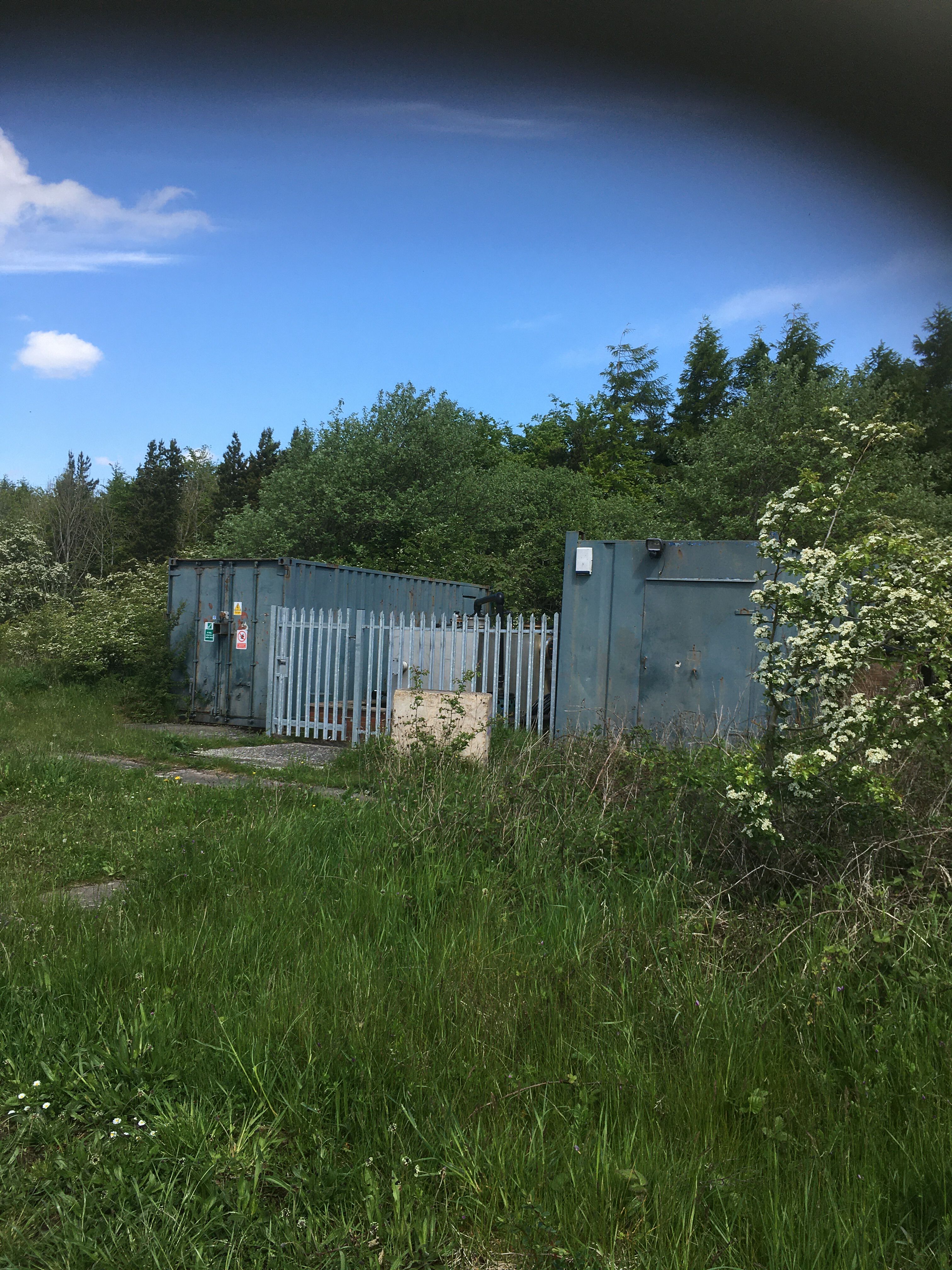
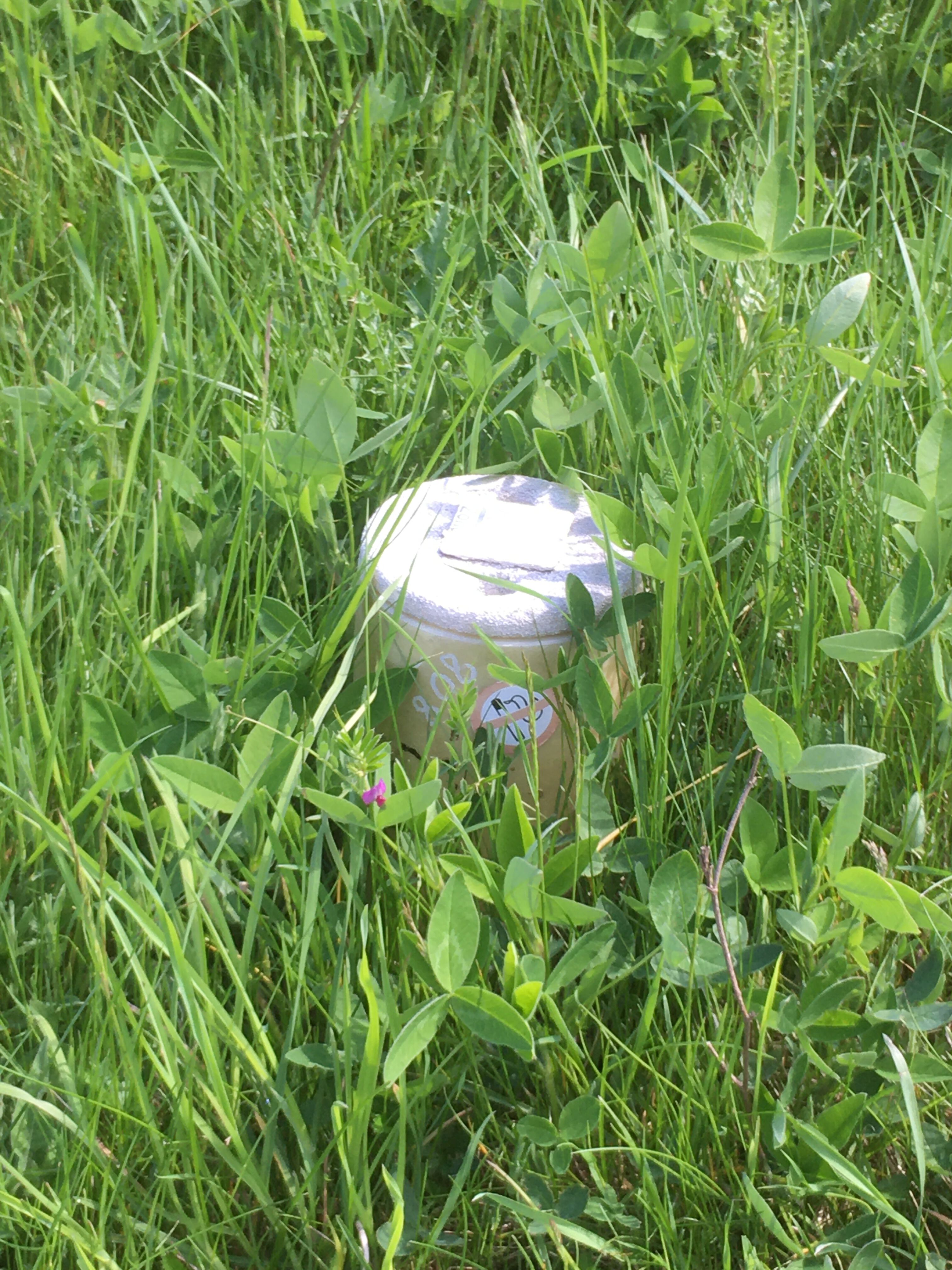
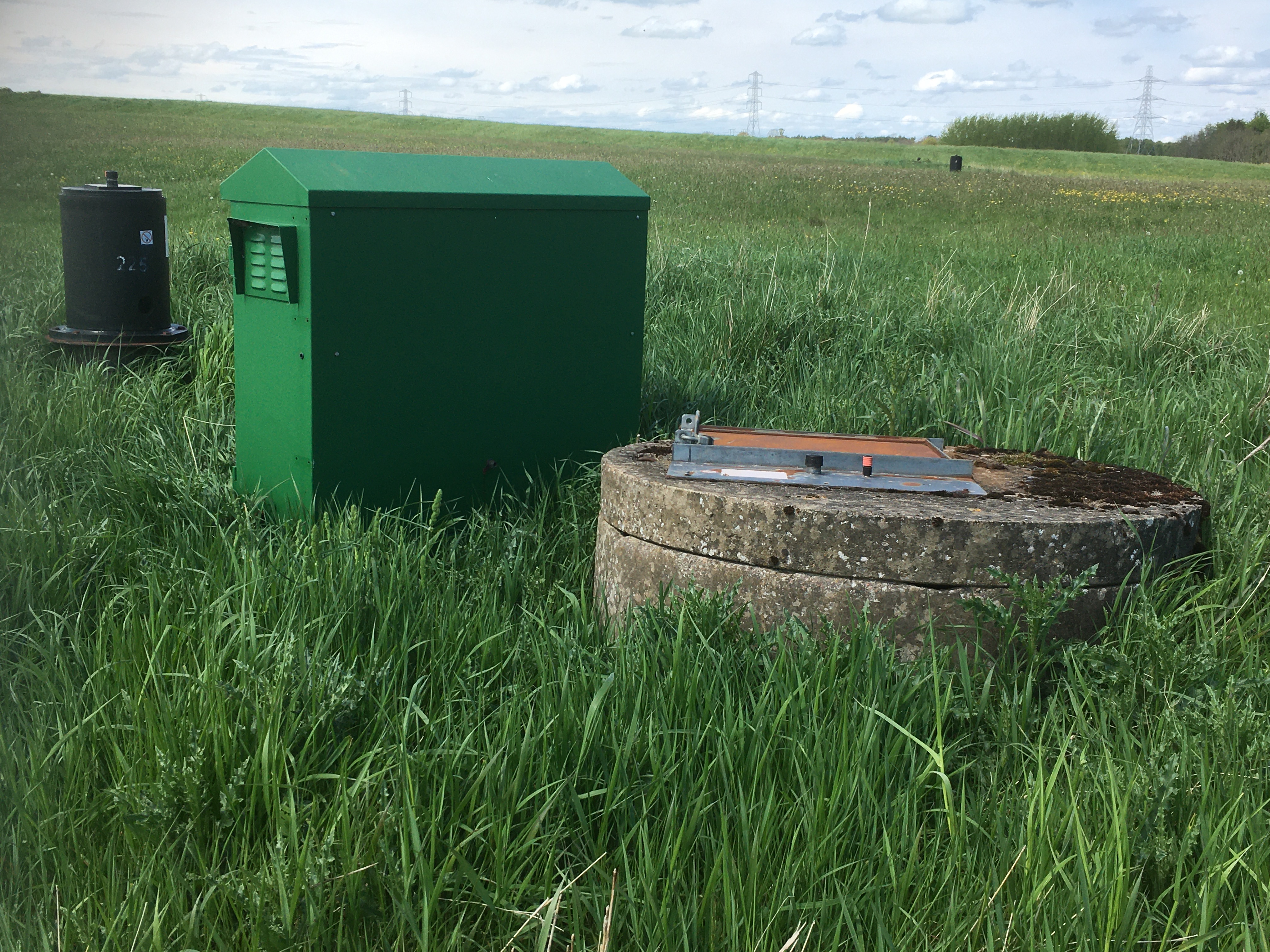
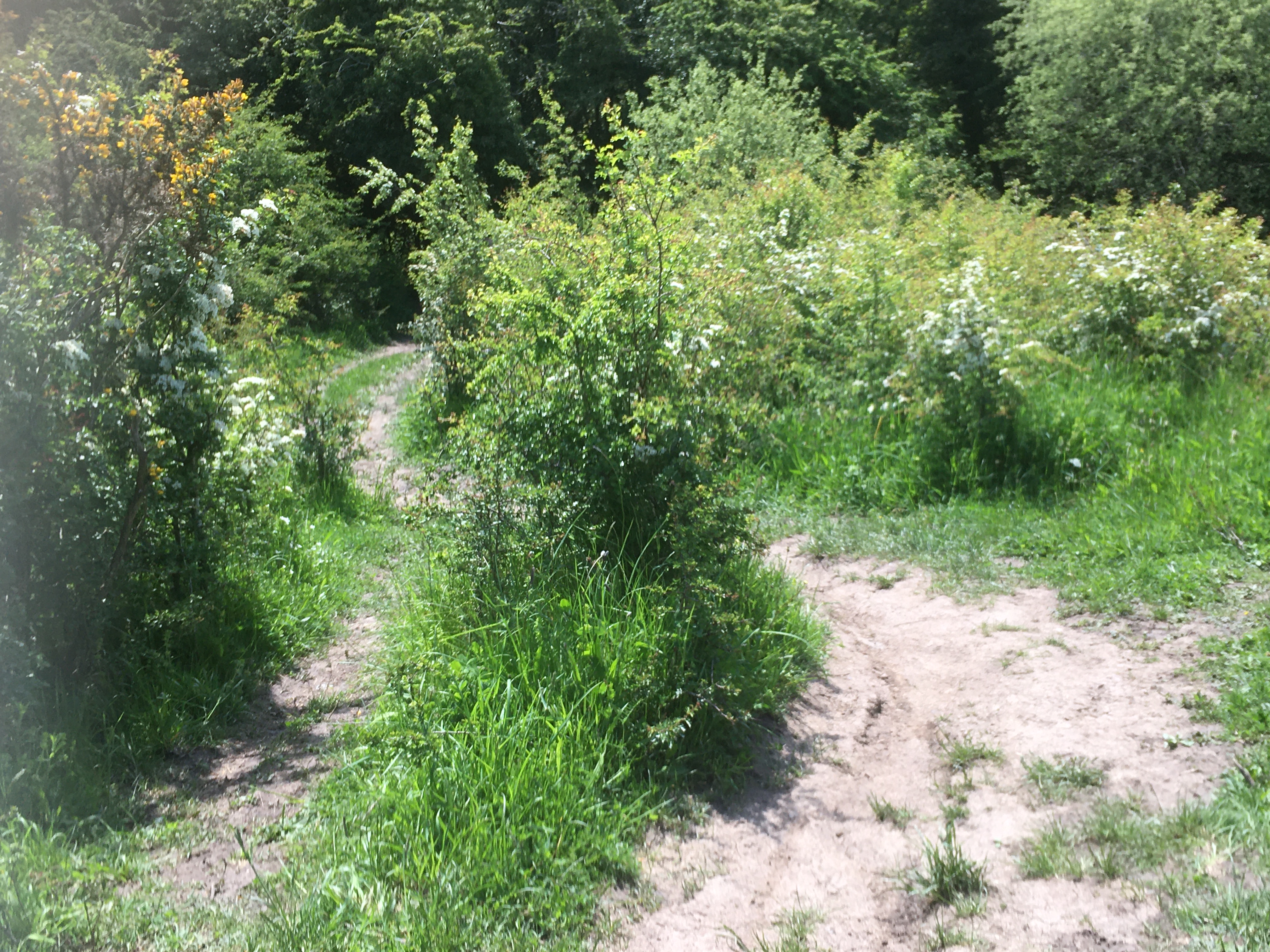
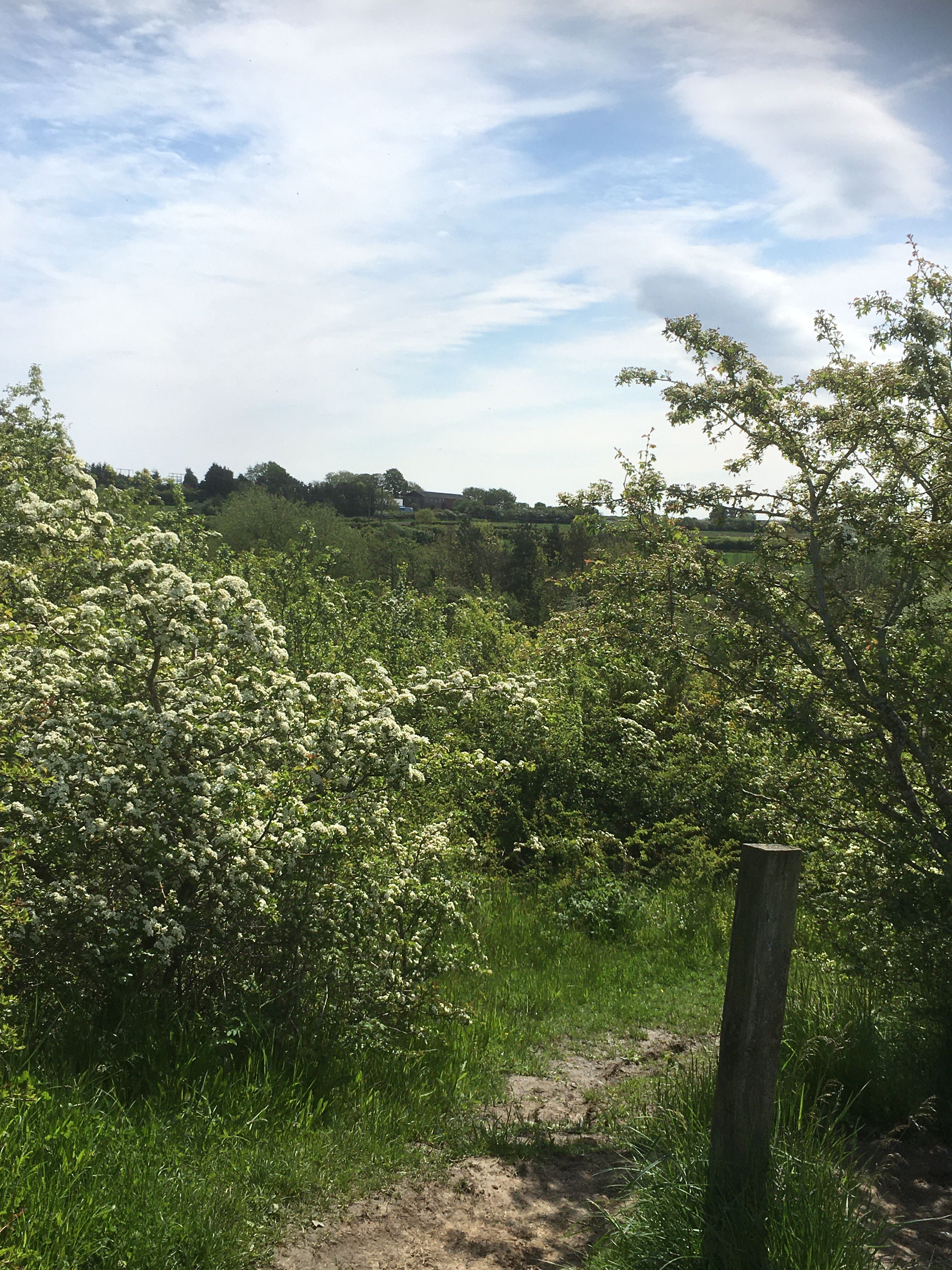
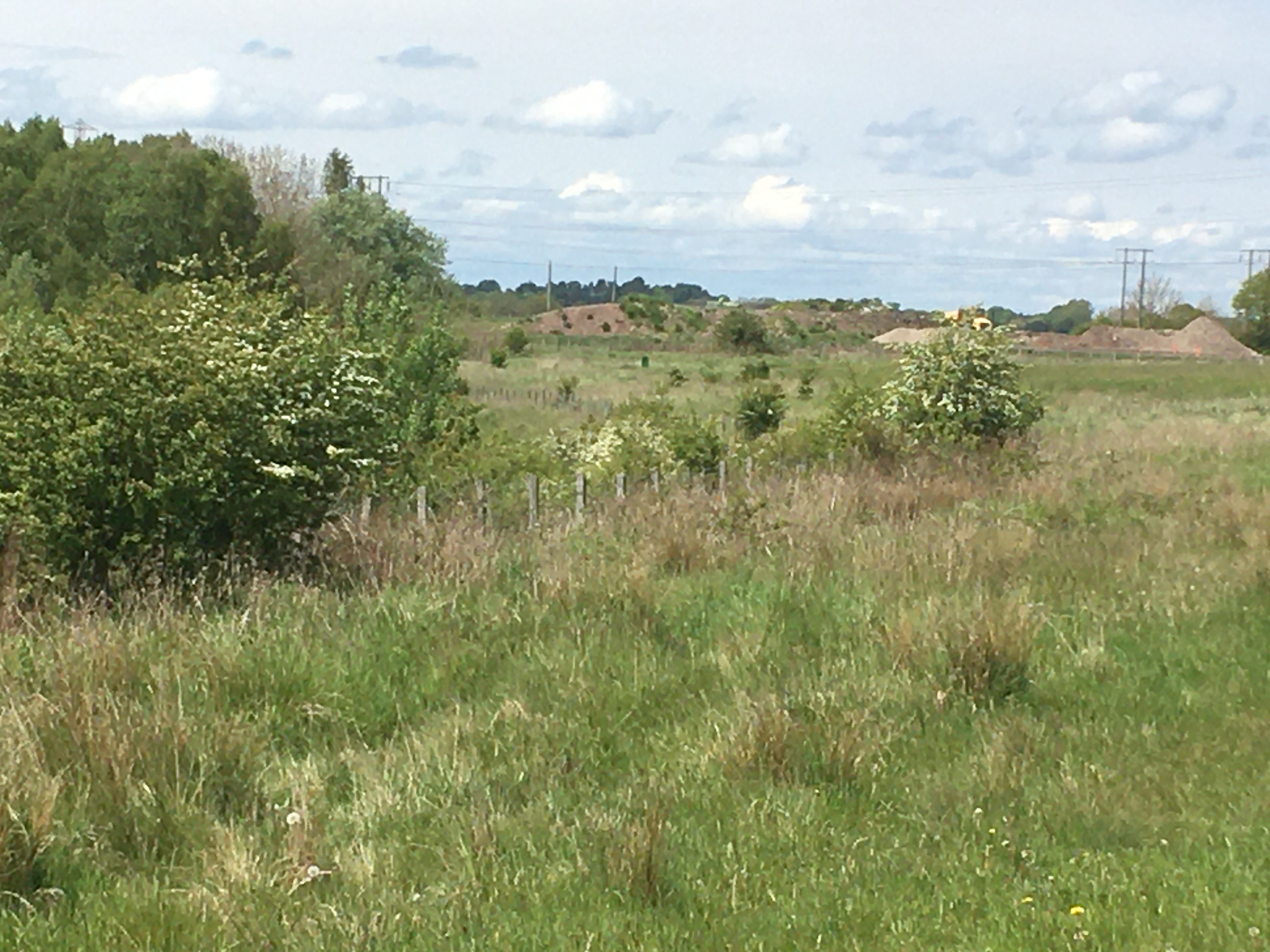
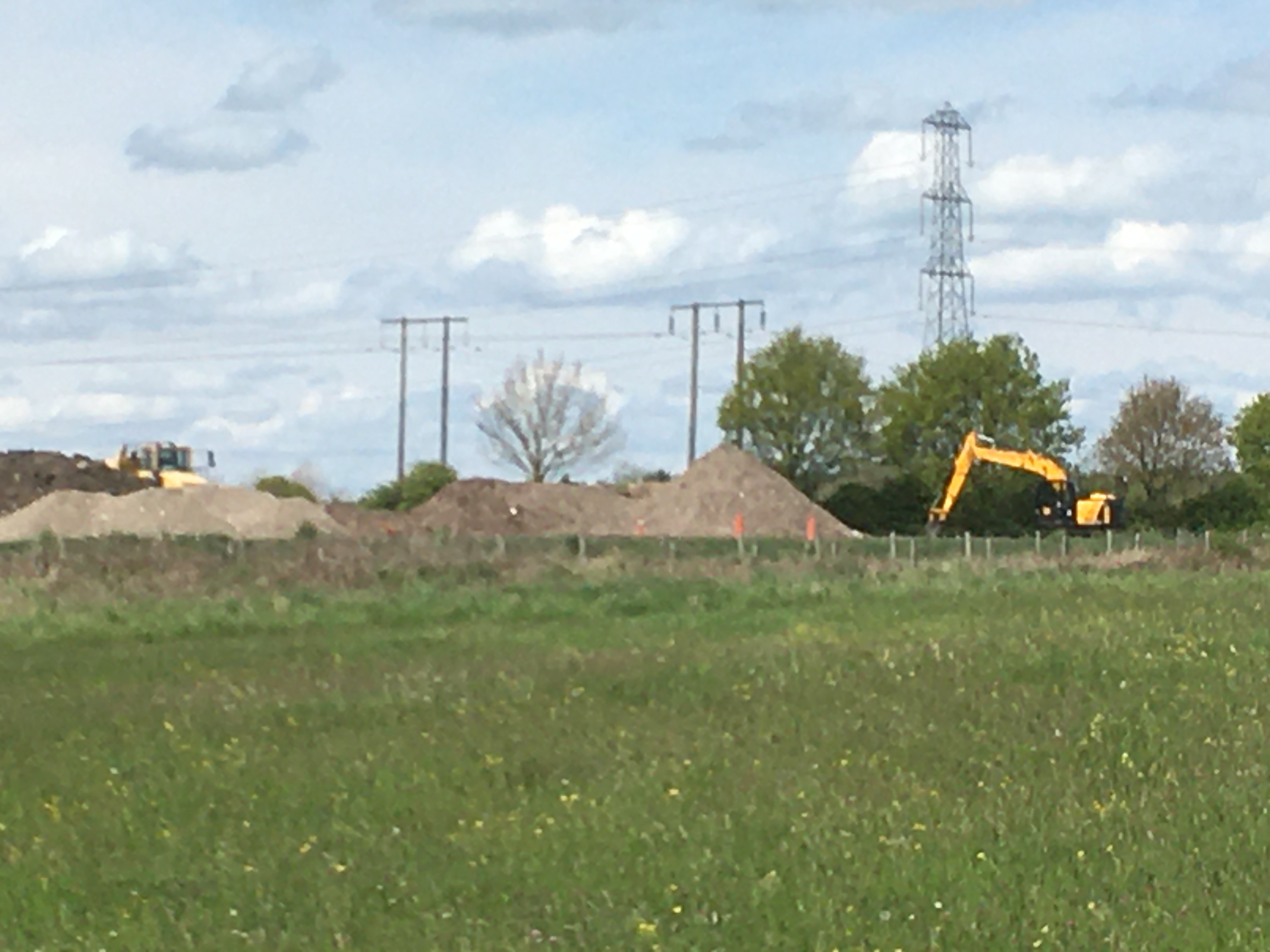
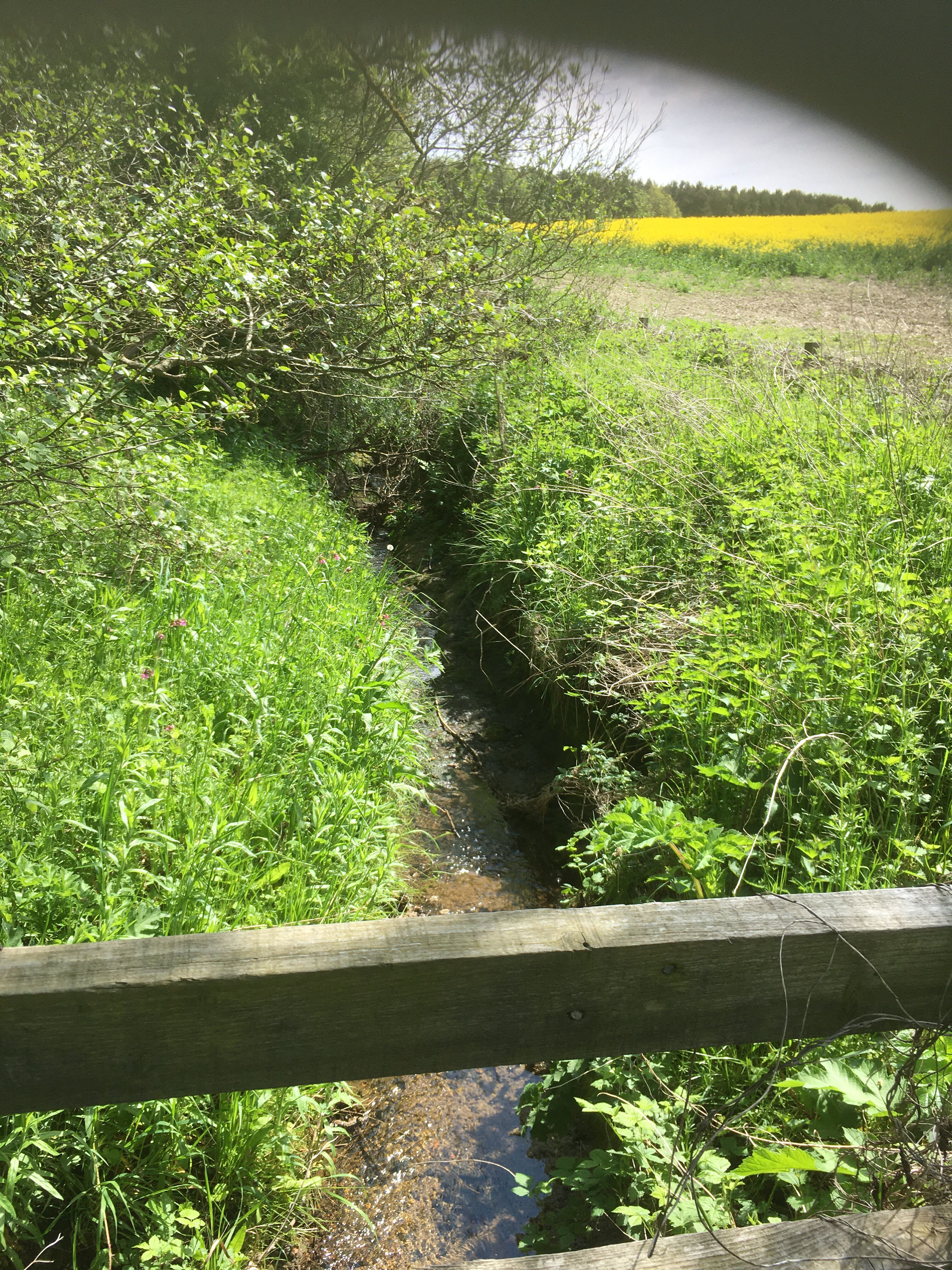
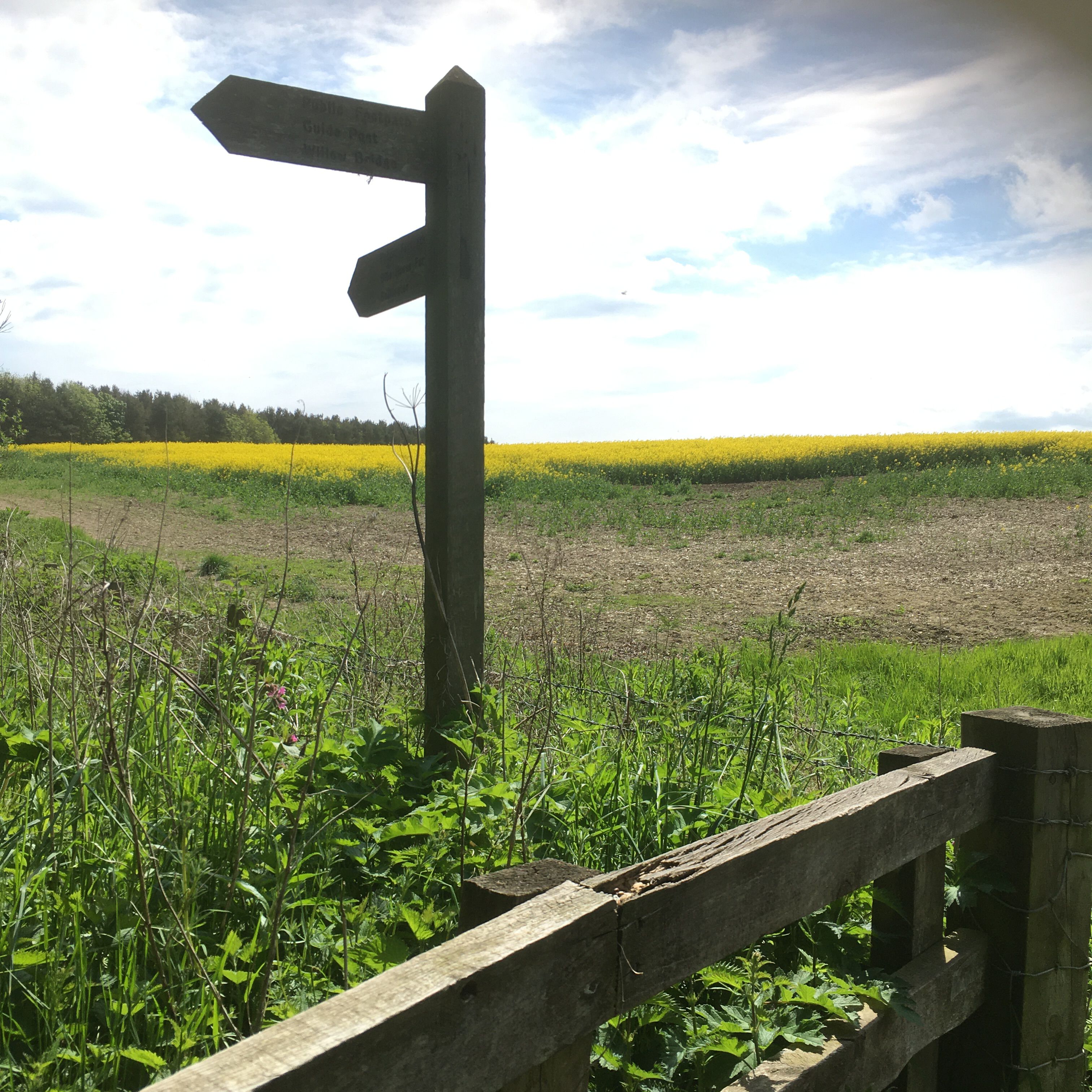
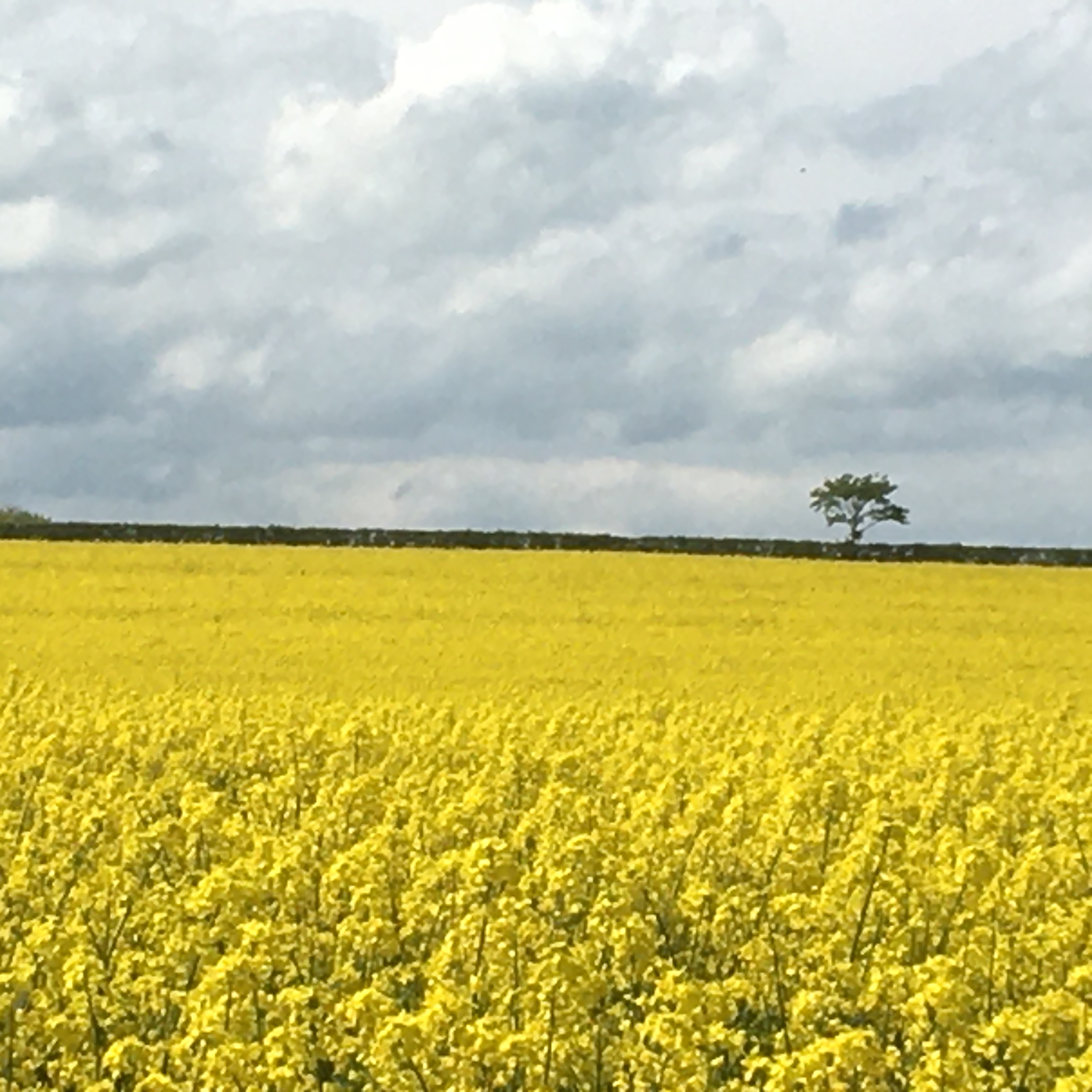
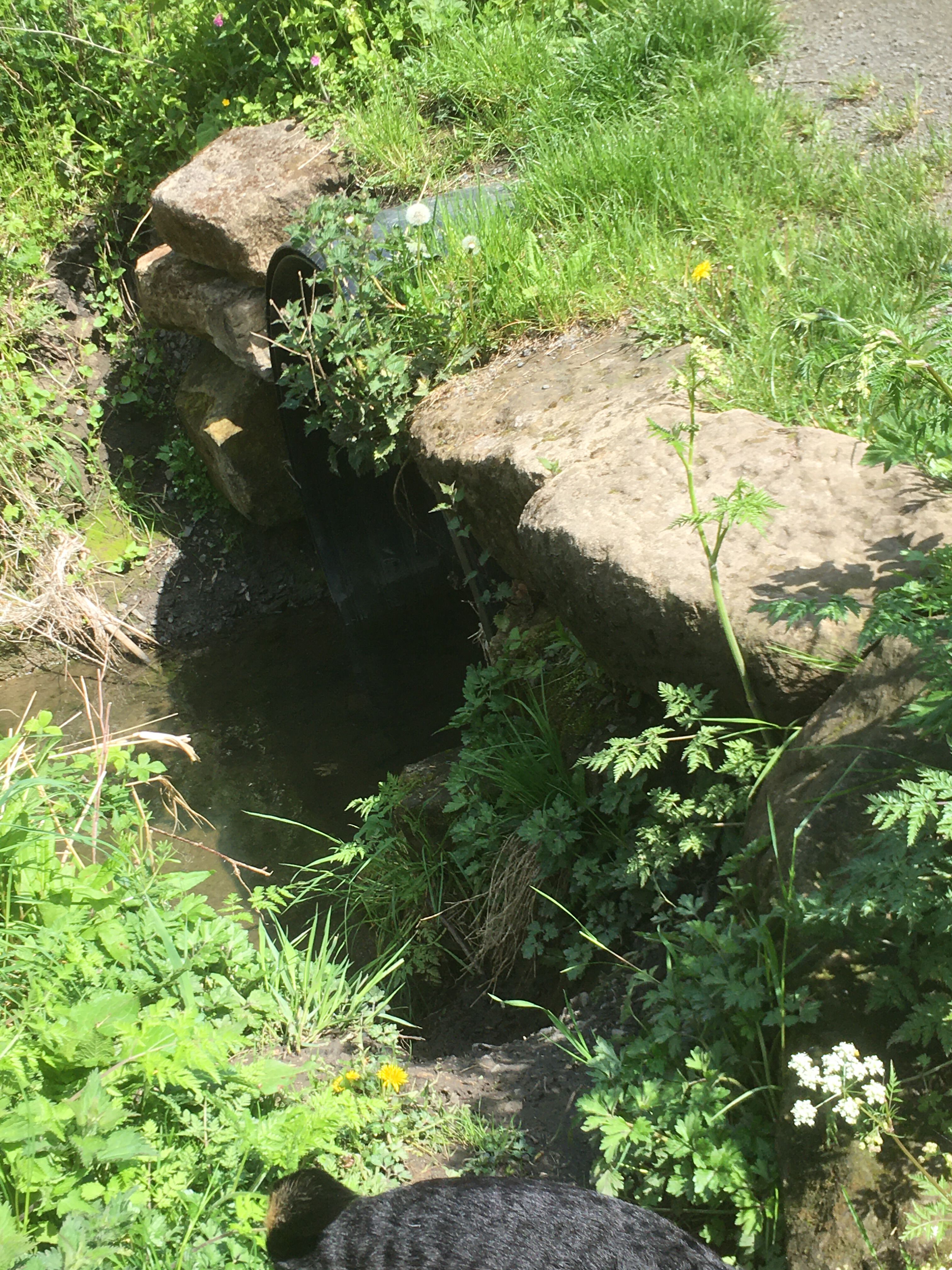
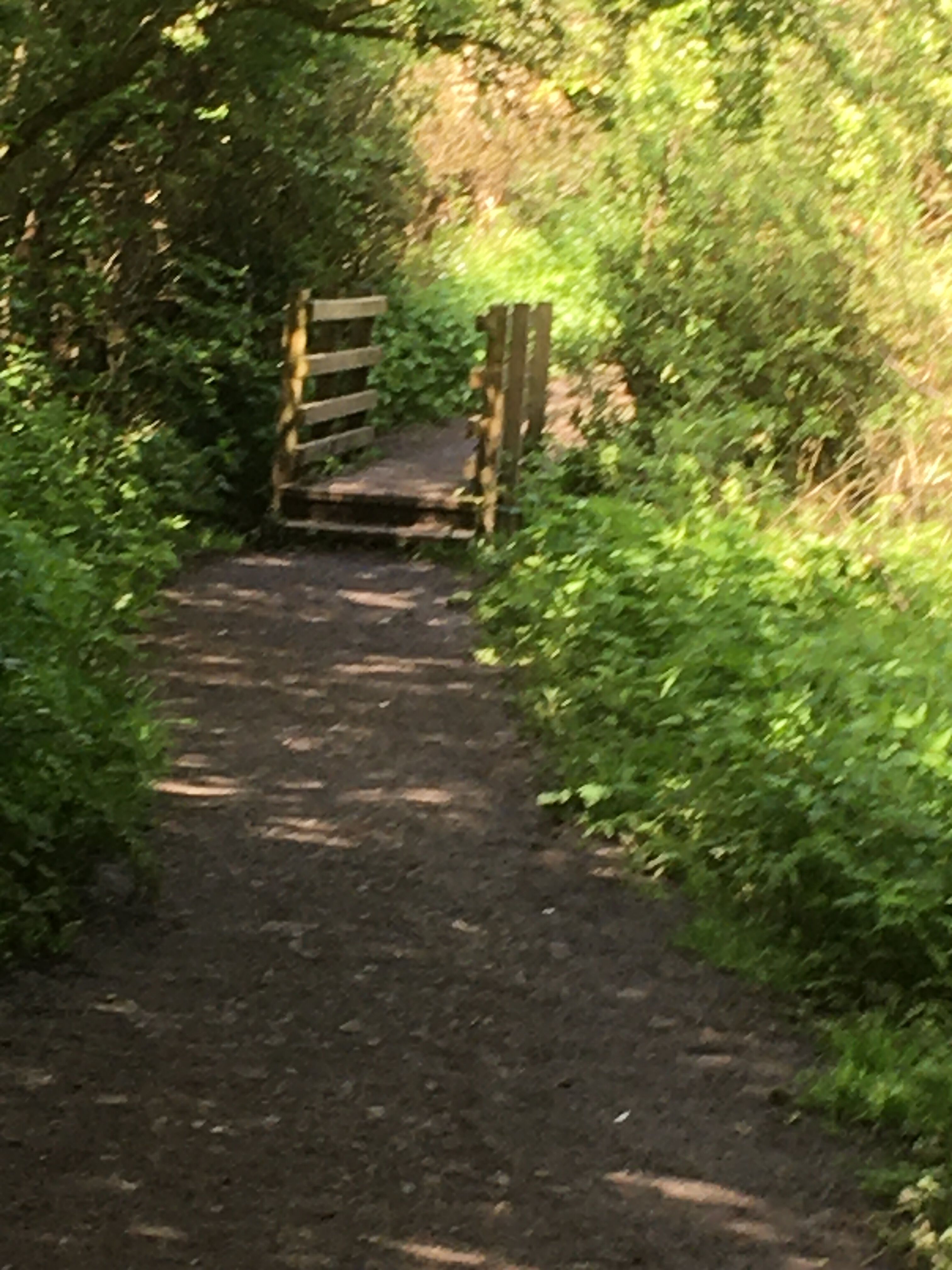
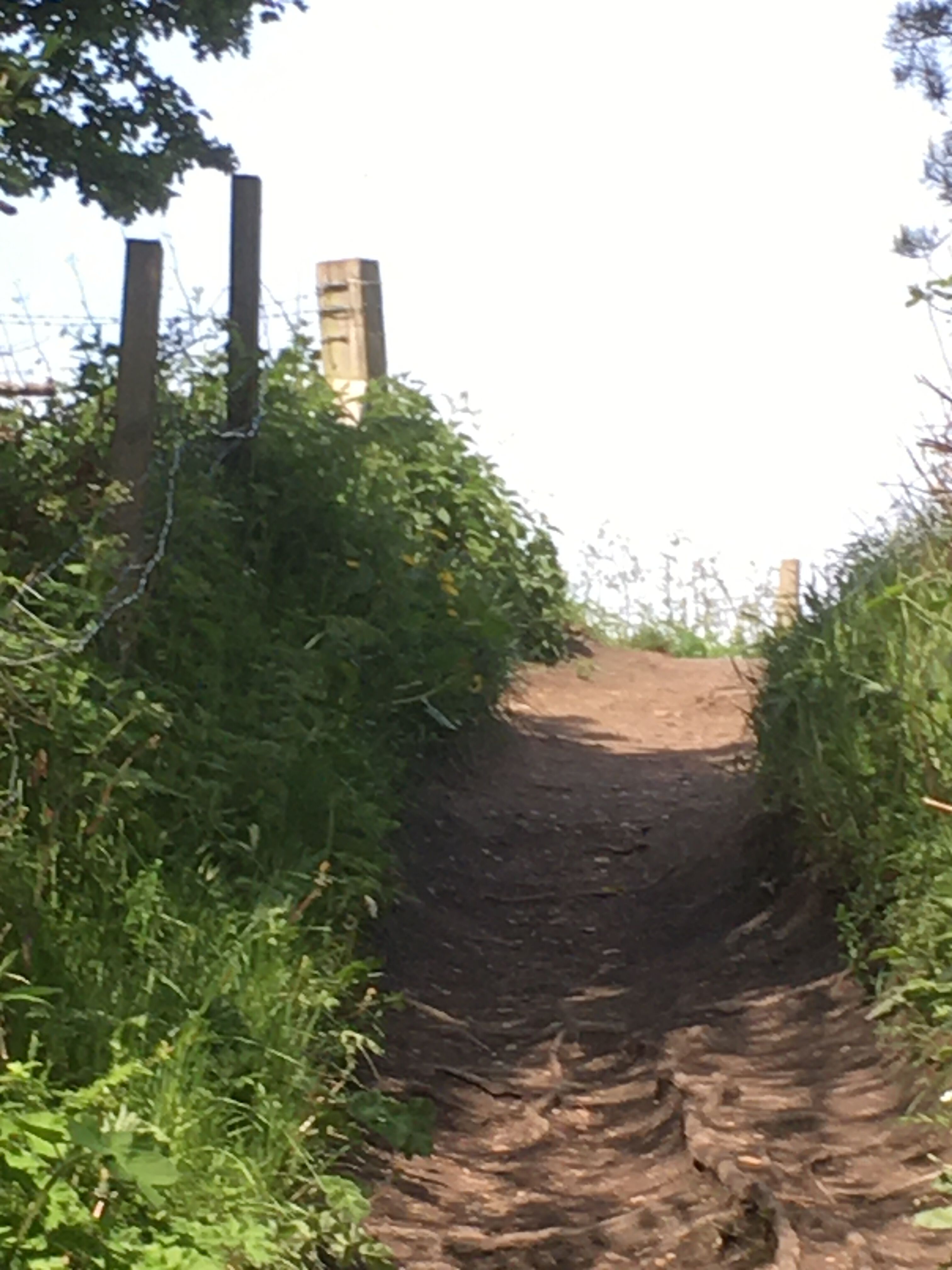
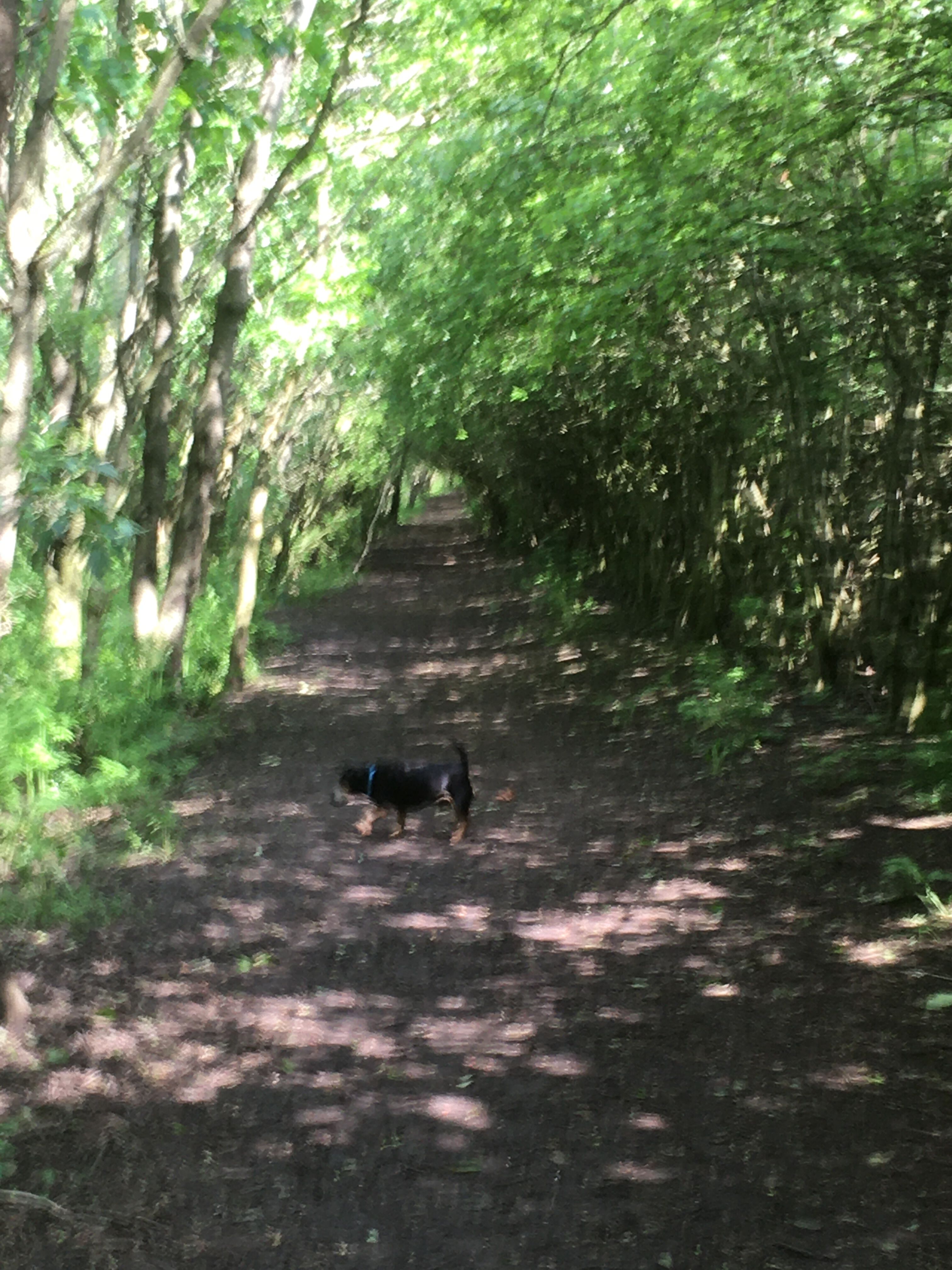
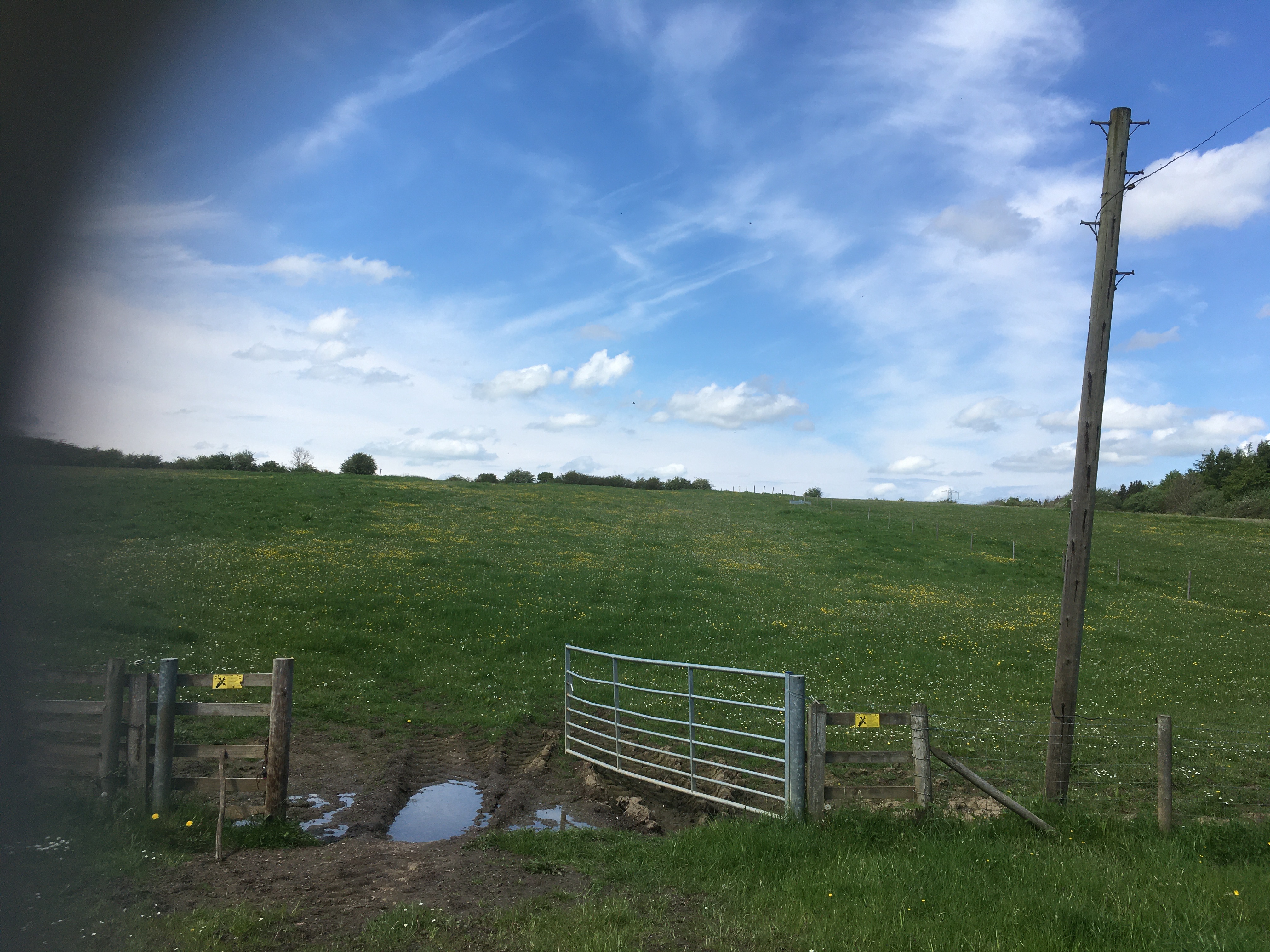
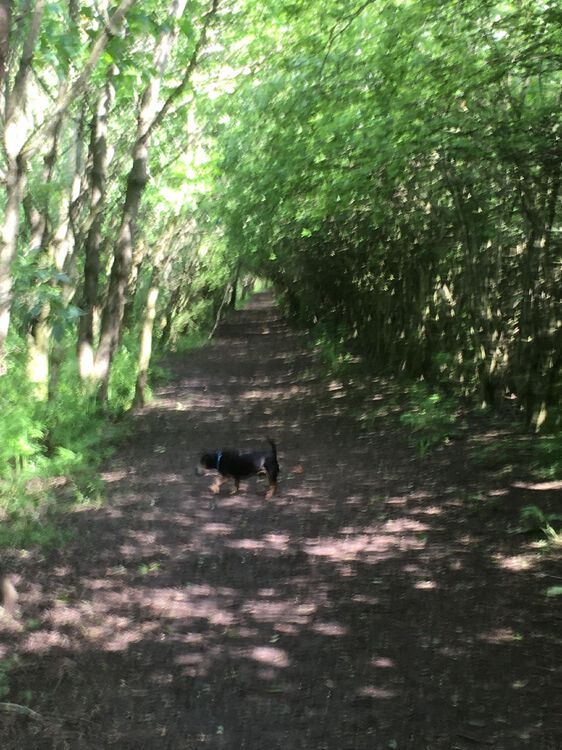
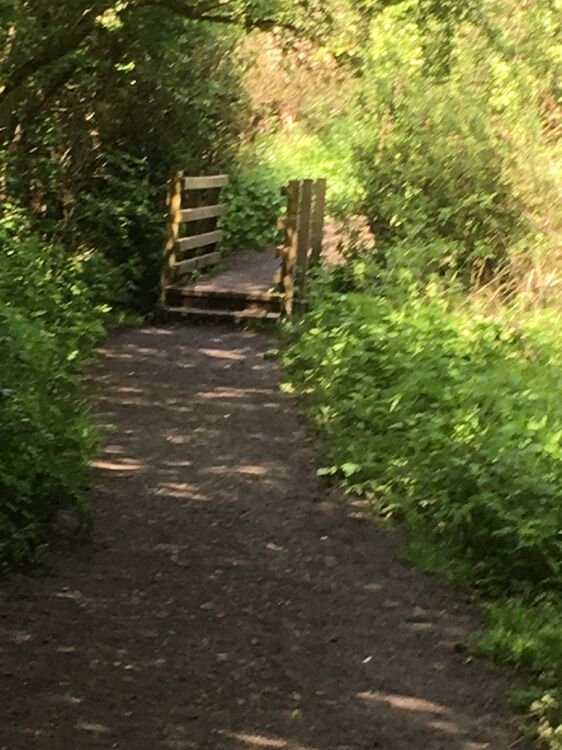
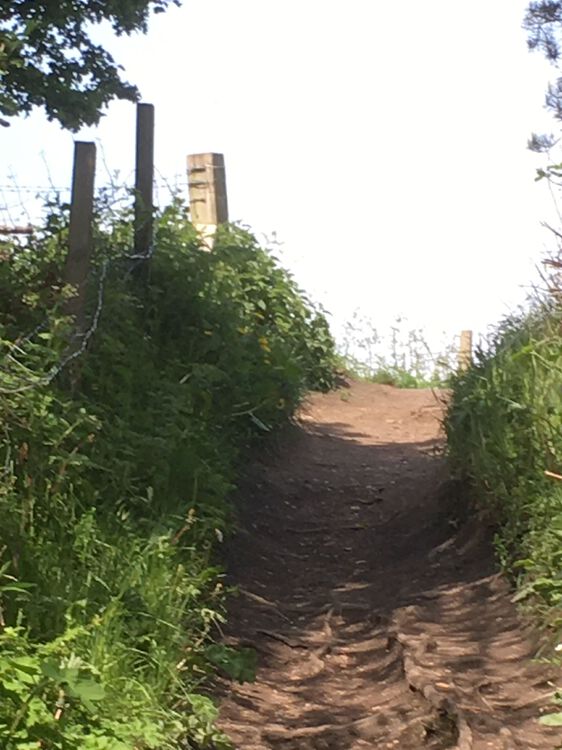
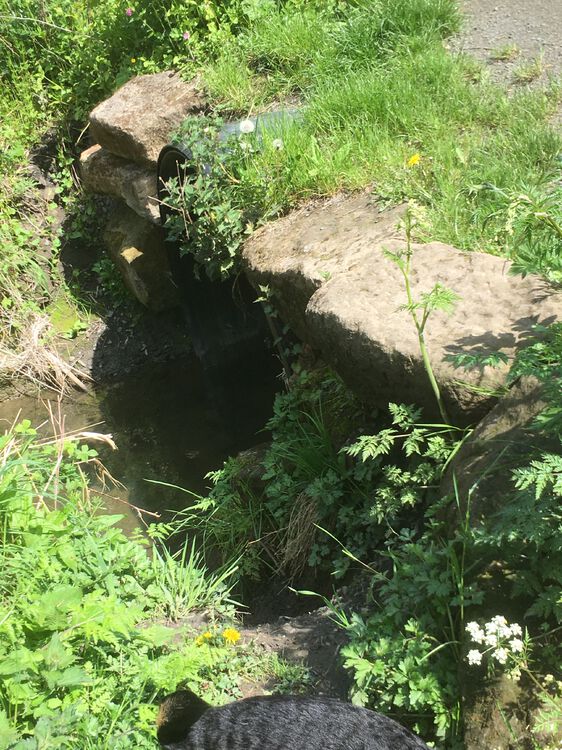
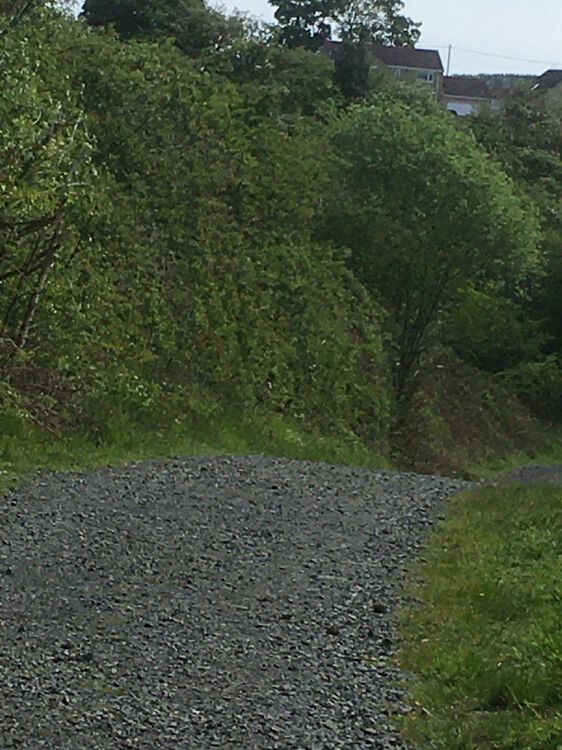
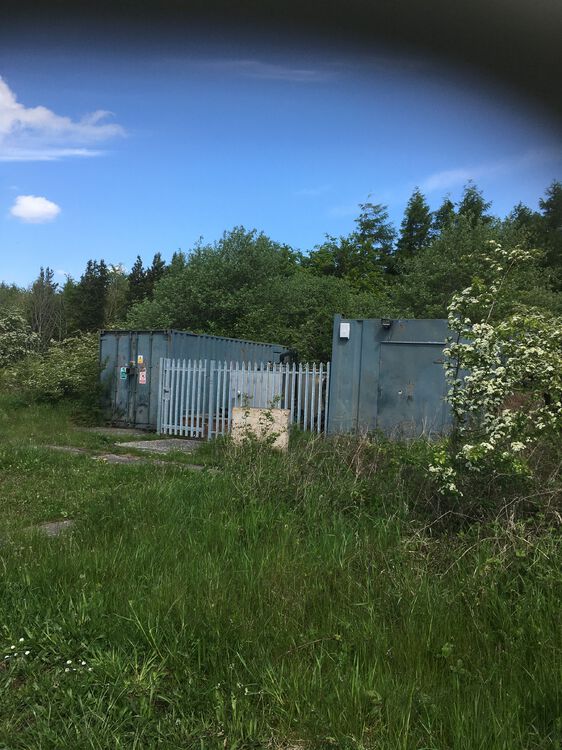
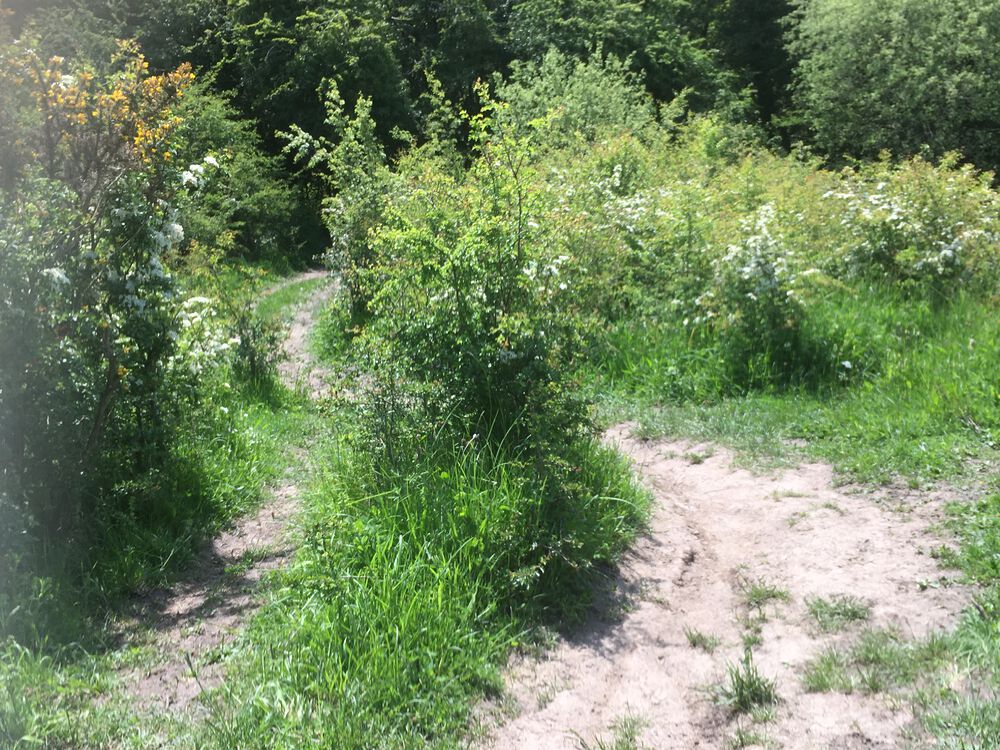
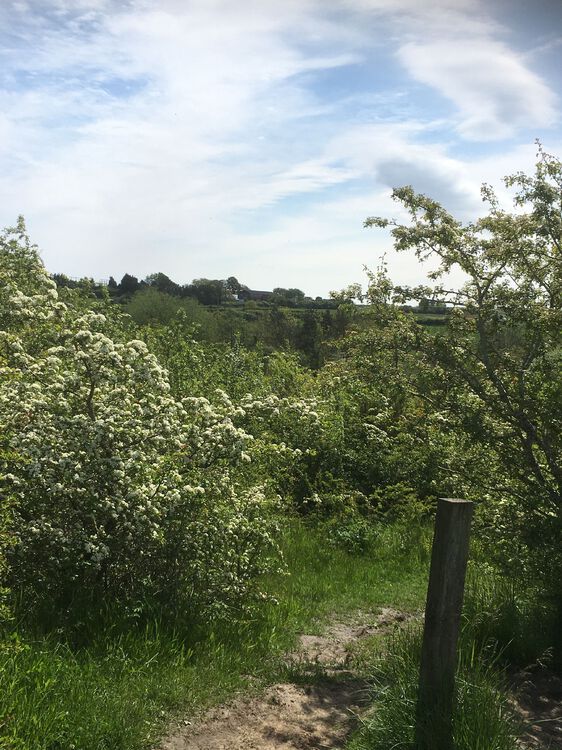
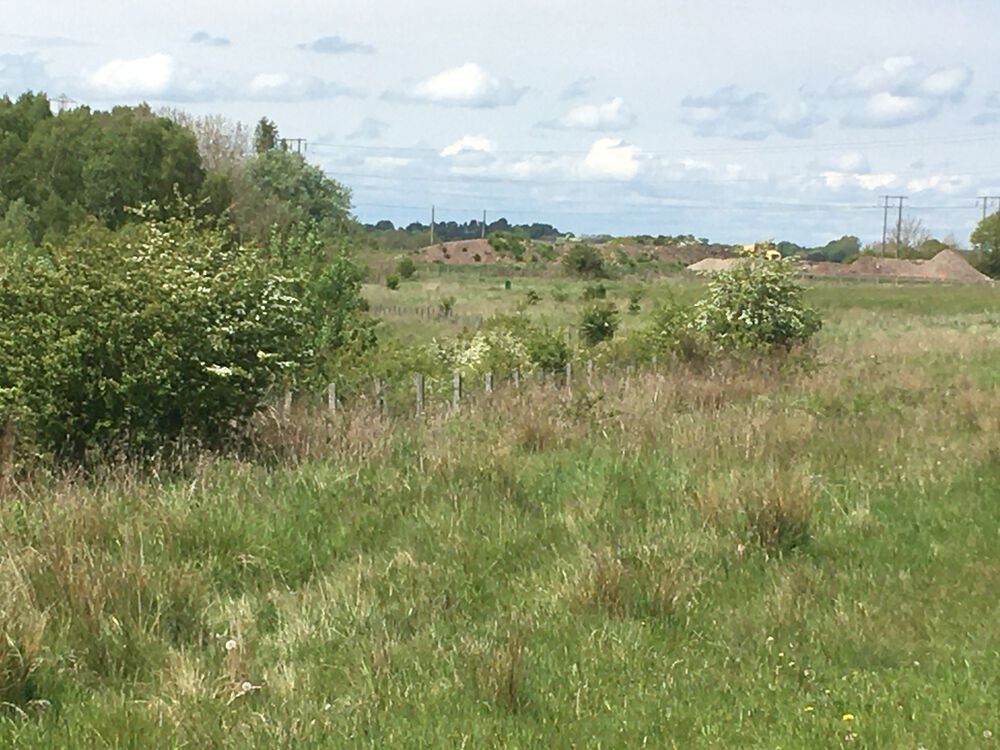
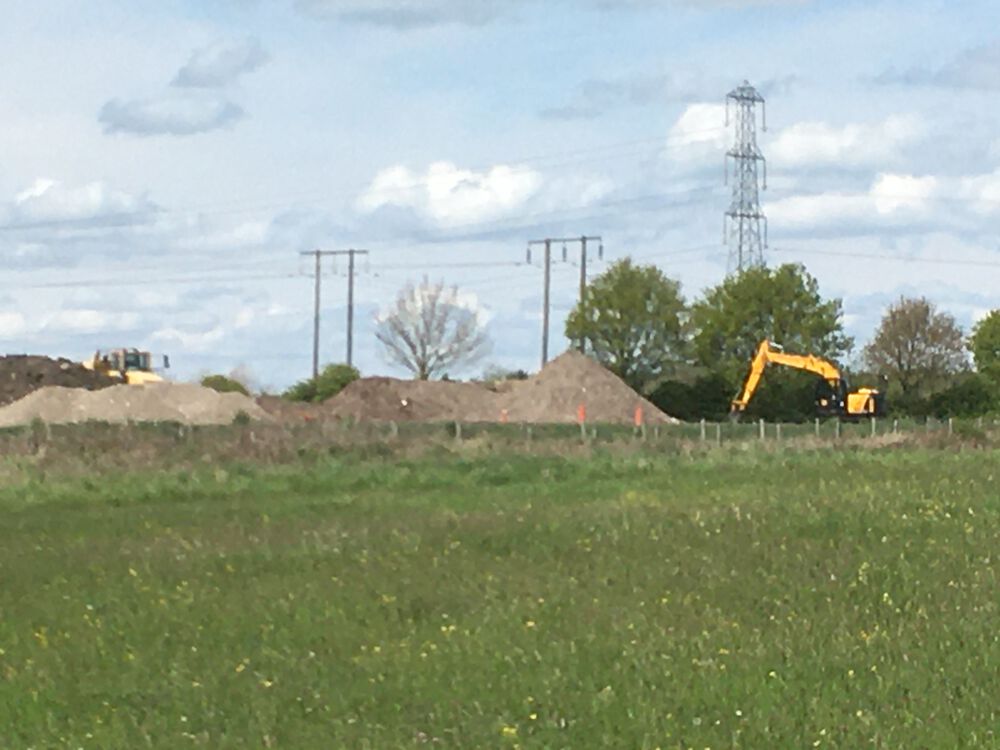
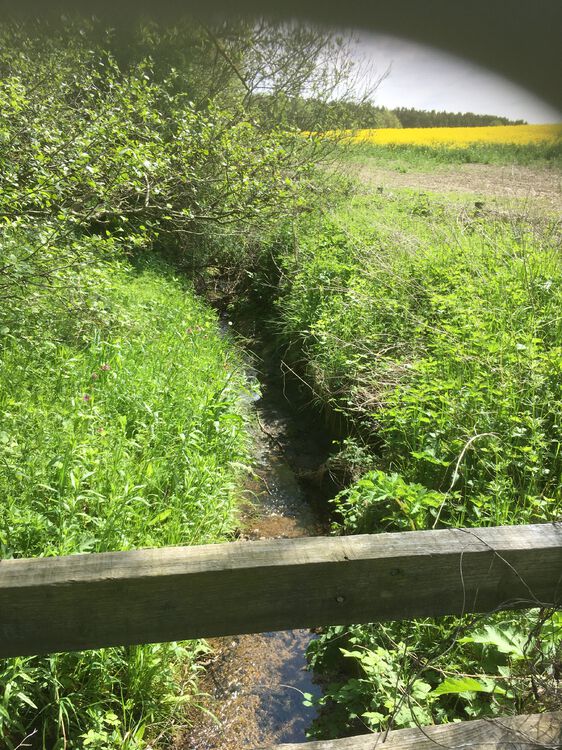
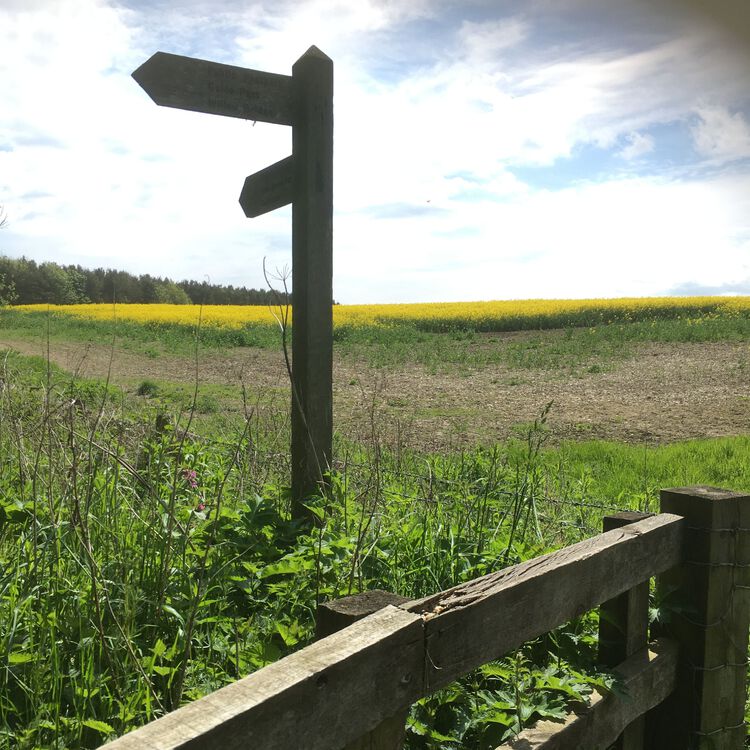
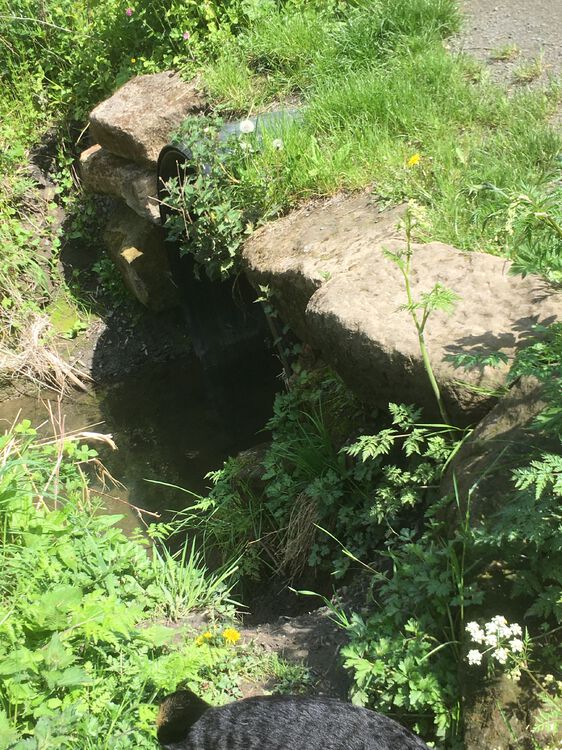
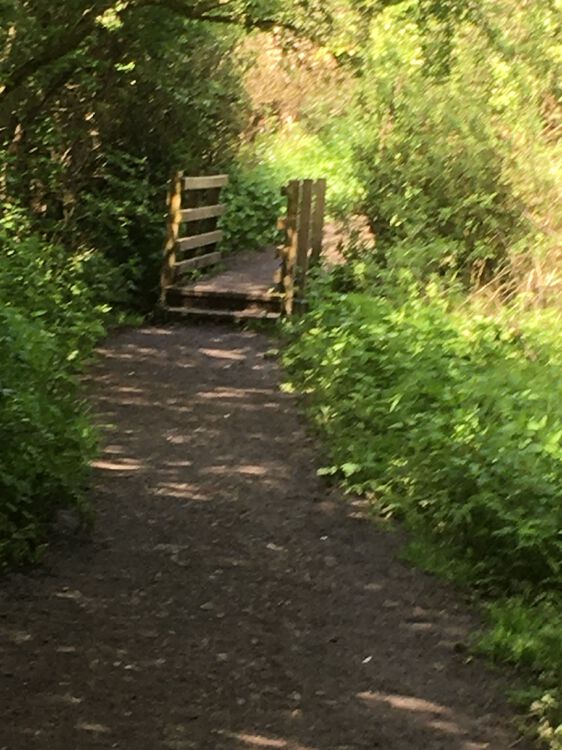
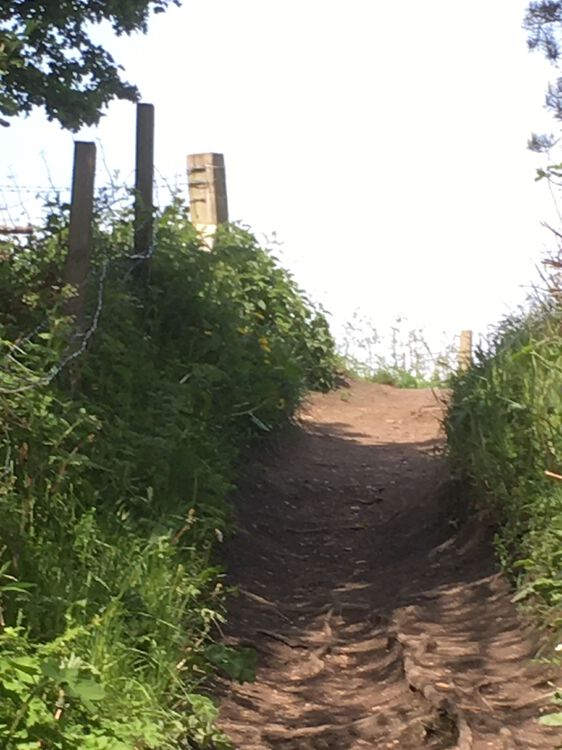
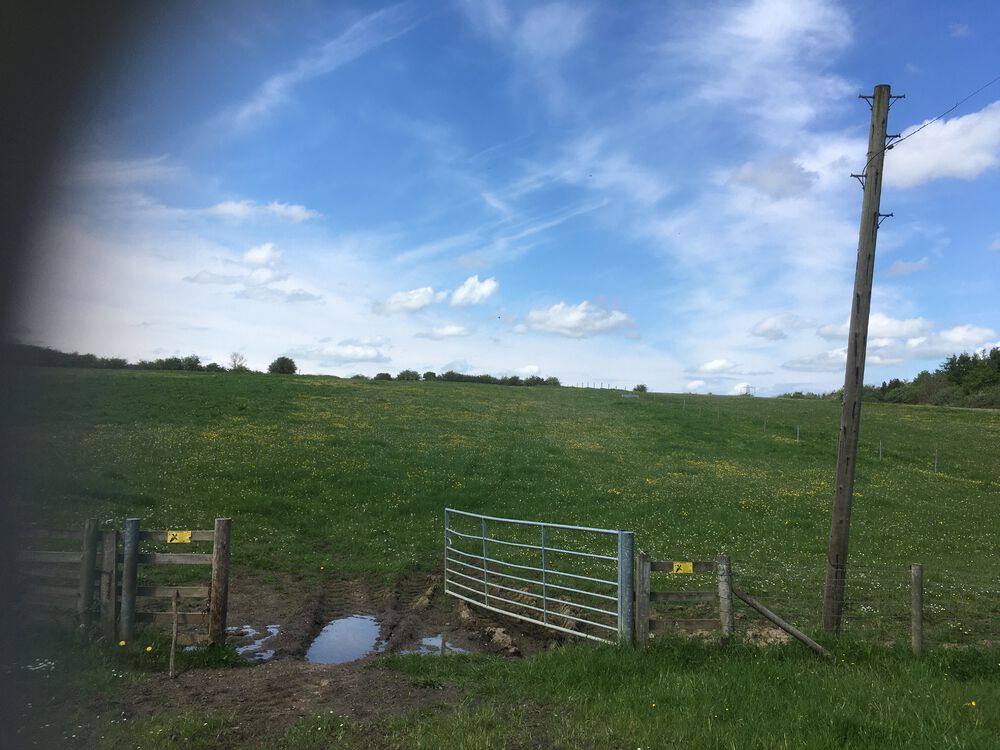
1 pointEvening @Canny lass, back from my travels, glorious day! I took pics along the way, most of which need editing so I’ll just share a couple now and the others when they’re tidied up. Didn’t find any remnants of Francis or Howard pits, there’s a lot of trees and quite dense undergrowth along the GLetch, or cultivated fields in the areas suggested by the map making it impossible for me to see anything notable. I took pics of the 2 bridges I crossed, both in deep gullies, the wooden one certainly en route for the Nland Ave path you marked on the map. Anyway, my bath is calling, speak soon Rx
 1 point