Contributor Leaderboard
-
John Fox (foxy)
Moderators1Points1,417Posts -
.jpg.cdd7f8371d17e2f2f2e2a0e21e02f727.jpg) 1Points3,654Posts
1Points3,654Posts -
John H Williams
Members1Points23Posts

.thumb.jpg.7493ddab4a696108cf2b849323d3c155.jpg)

Popular Content
Showing content with the highest reputation on 30/07/21 in Posts
-
1 point... that last post just made me a rookie (2/14)!!!!!! I was perfectly happy with the site as it was. I must be getting old(er).1 point
-
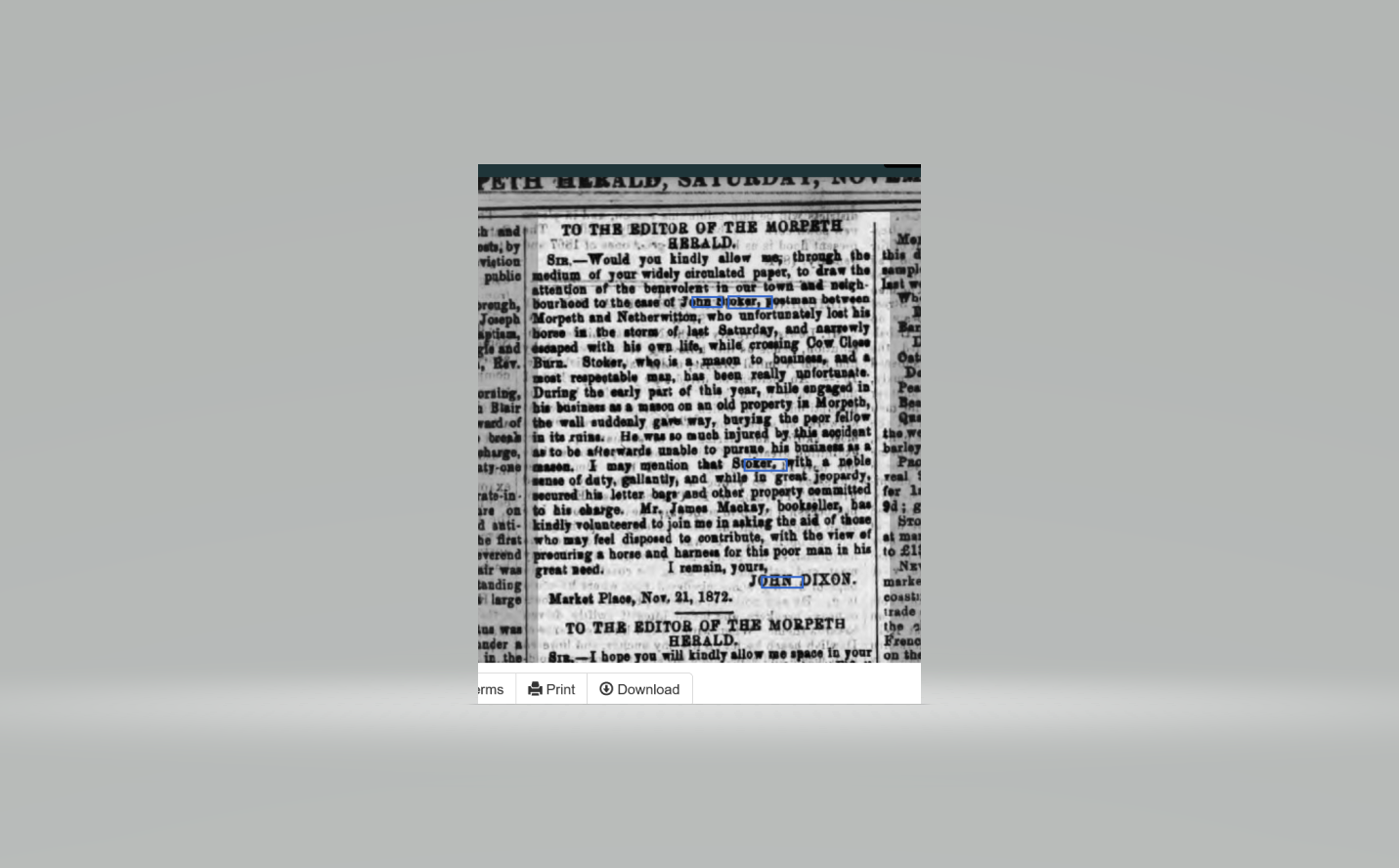
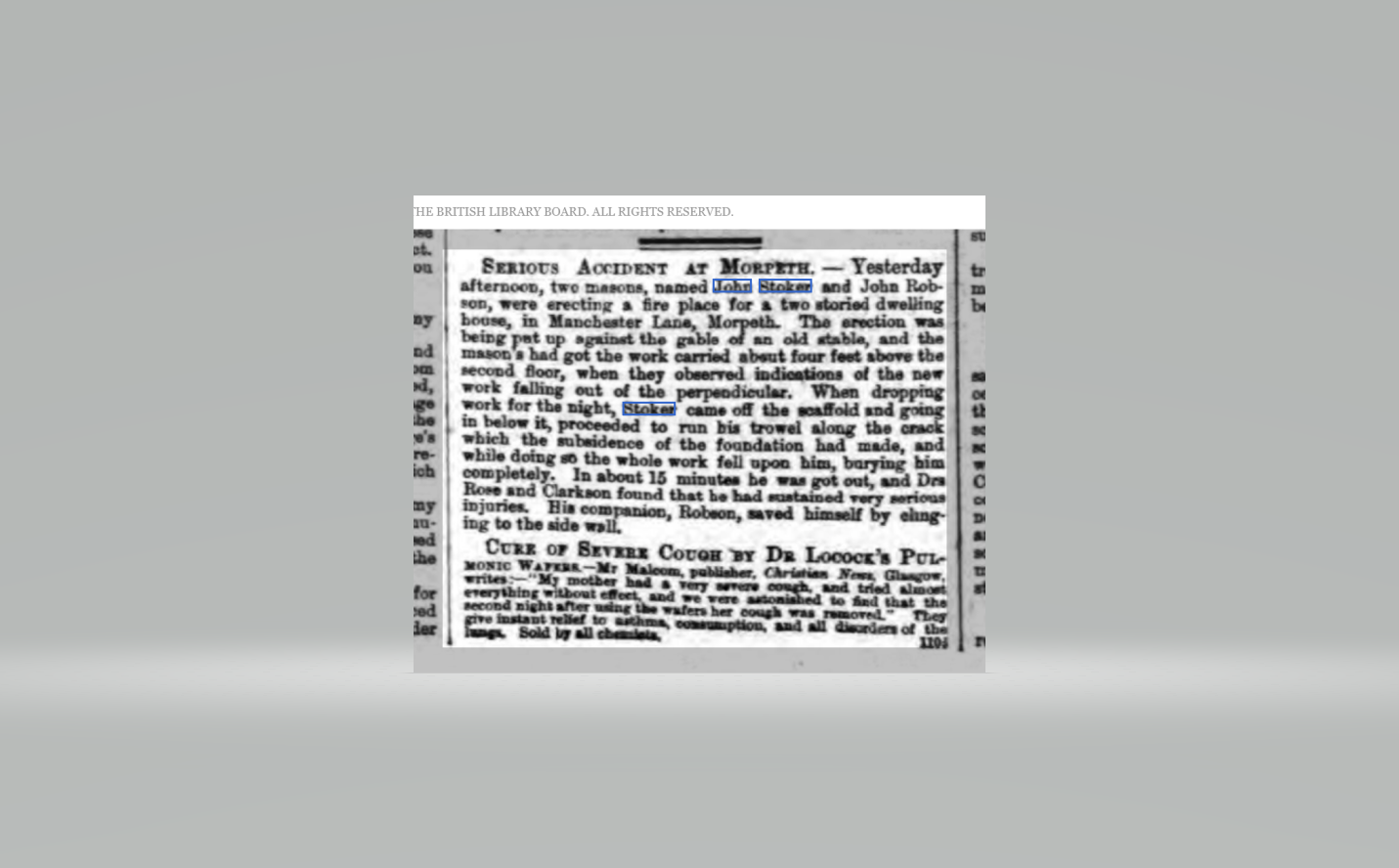
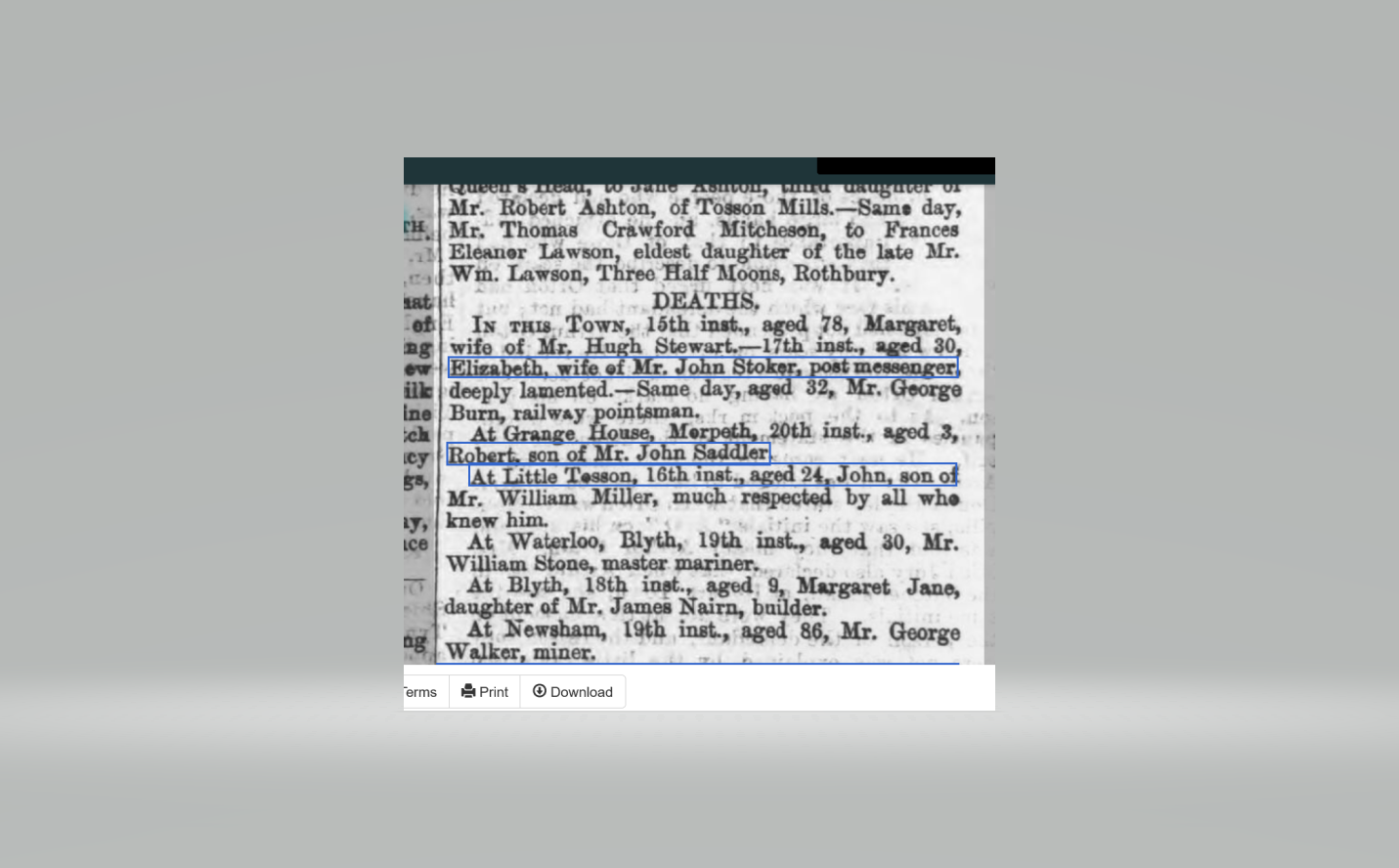
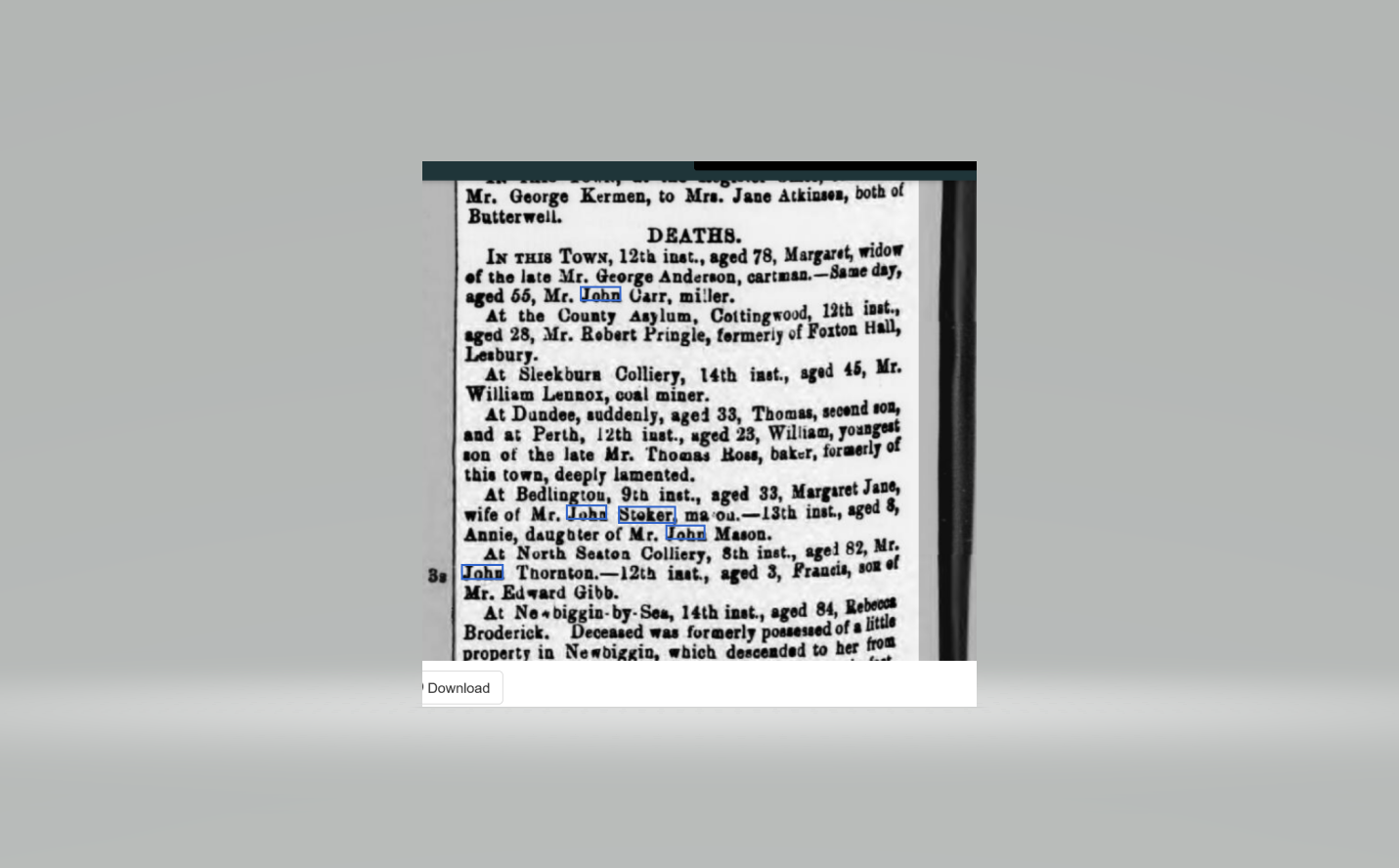
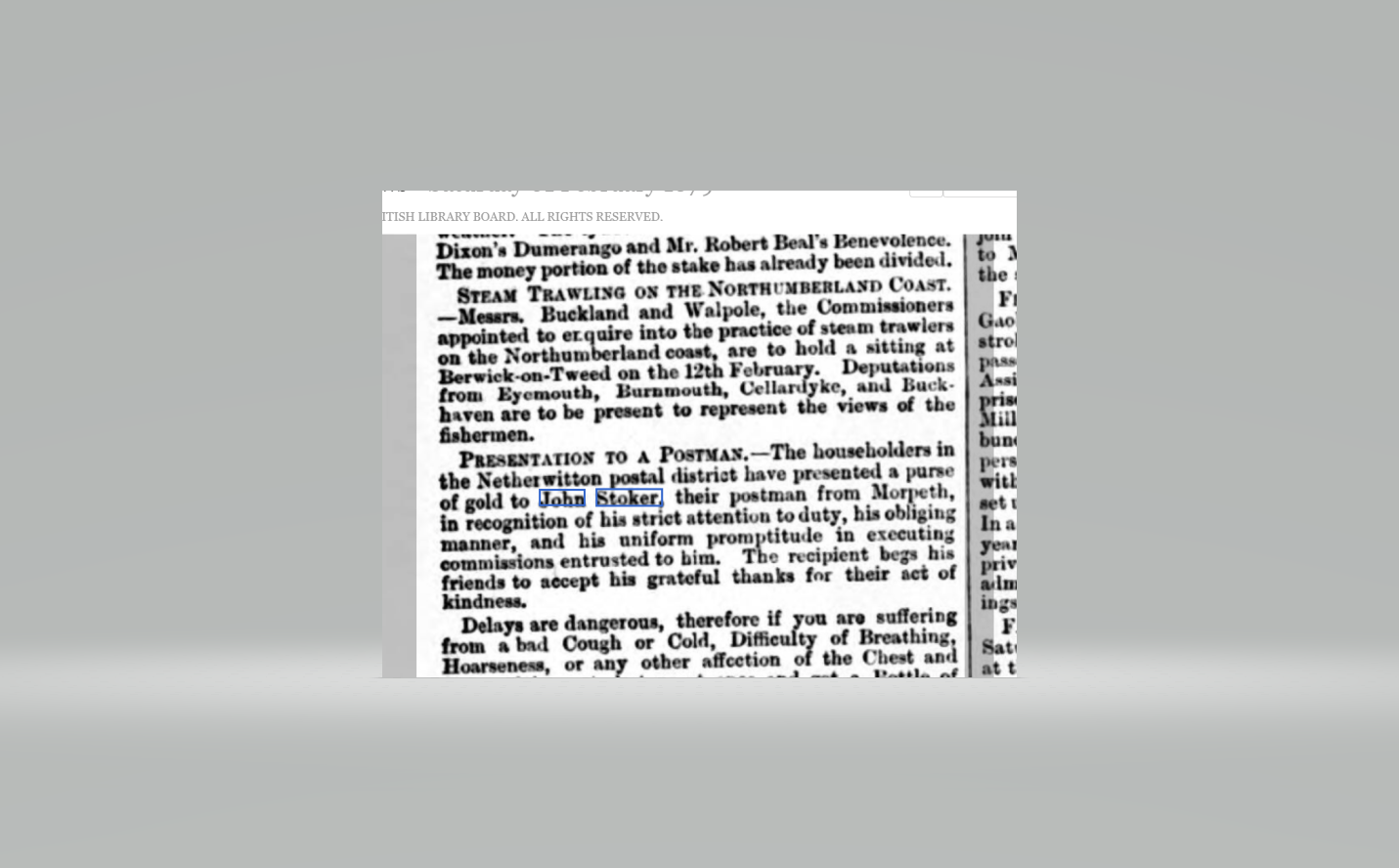
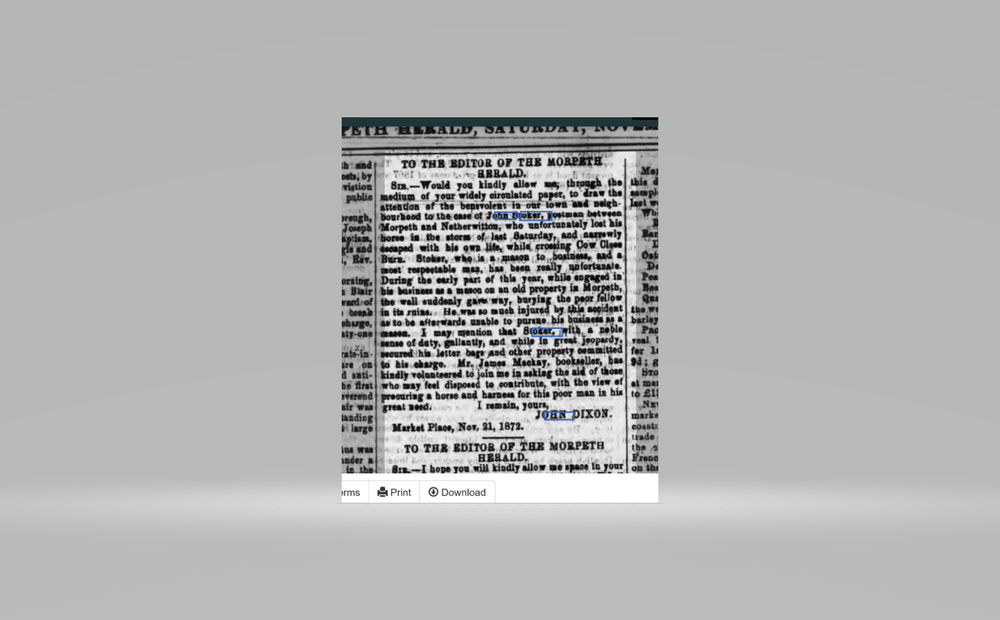
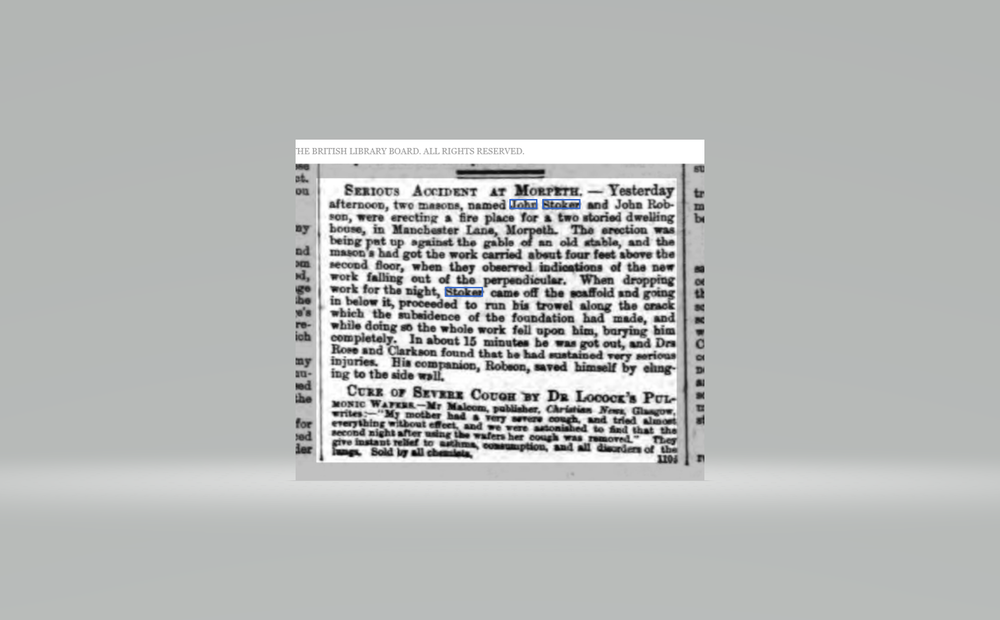
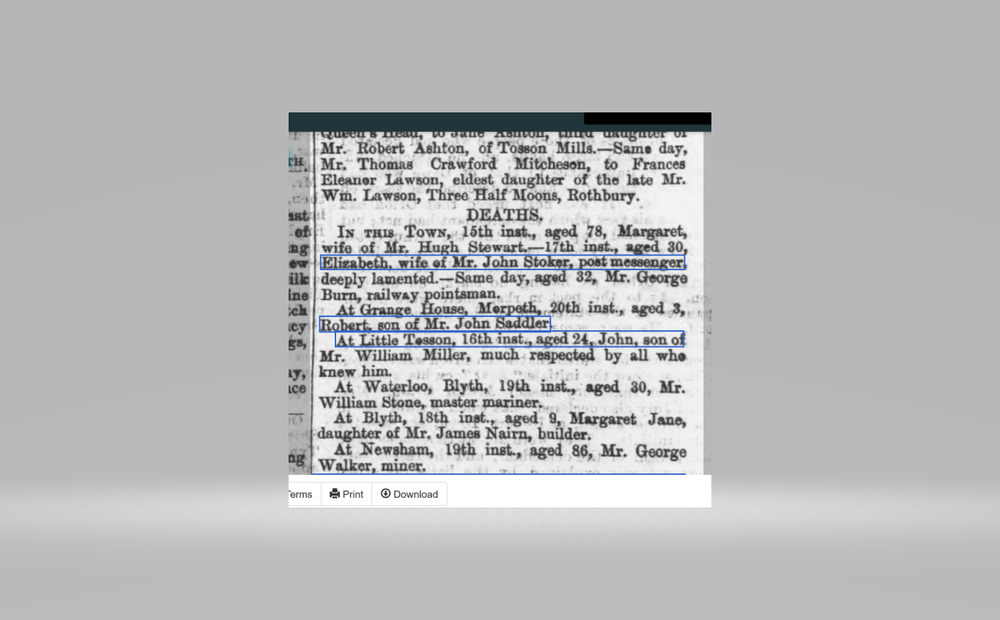
1 pointA few months ago,I asked if anyone had any further information about a letter written by John Stoker about Bedlington Terriers in 1878. Anyway,I have been trying to learn more about John Stoker,and I found the following newspaper cuttings which may perhaps be of some interest,as they describe life in a very different way to the present. John Stoker buried two wives at an early age,probably through childbirth (??),suffered a serious accident at work,was almost drowned while trying to deliver the Mail (he was also the postman) - his horse was drowned but he survived and - most importantly,of course - he managed to save the Mail !! He was later given 'a purse of gold' by grateful villagers for his diligence as a postman. And,despite all these trials and tribulations,he maintained 'an obliging manner' without recourse to Counselling! How different to today!
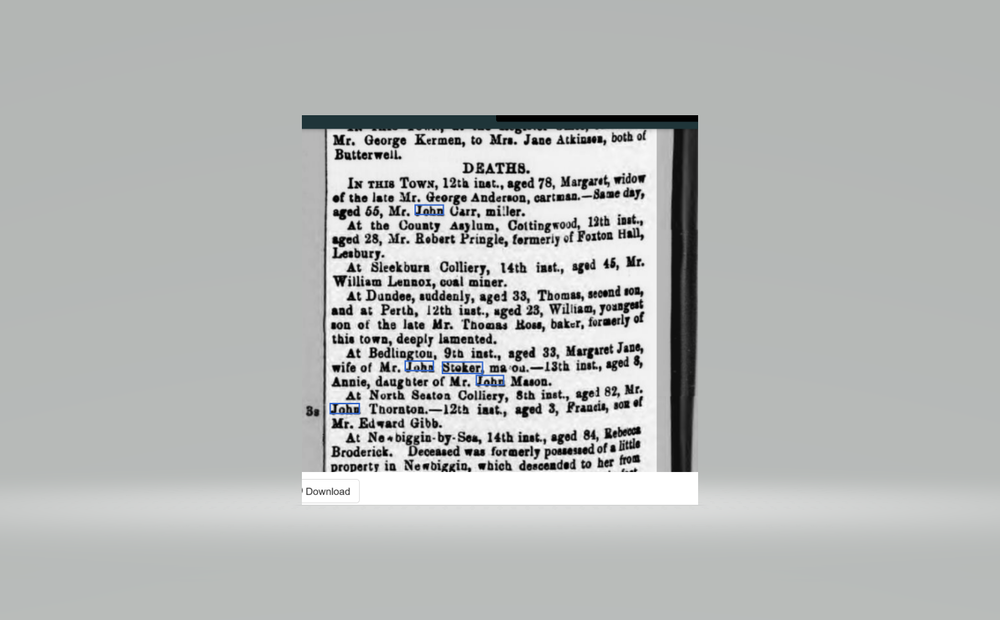
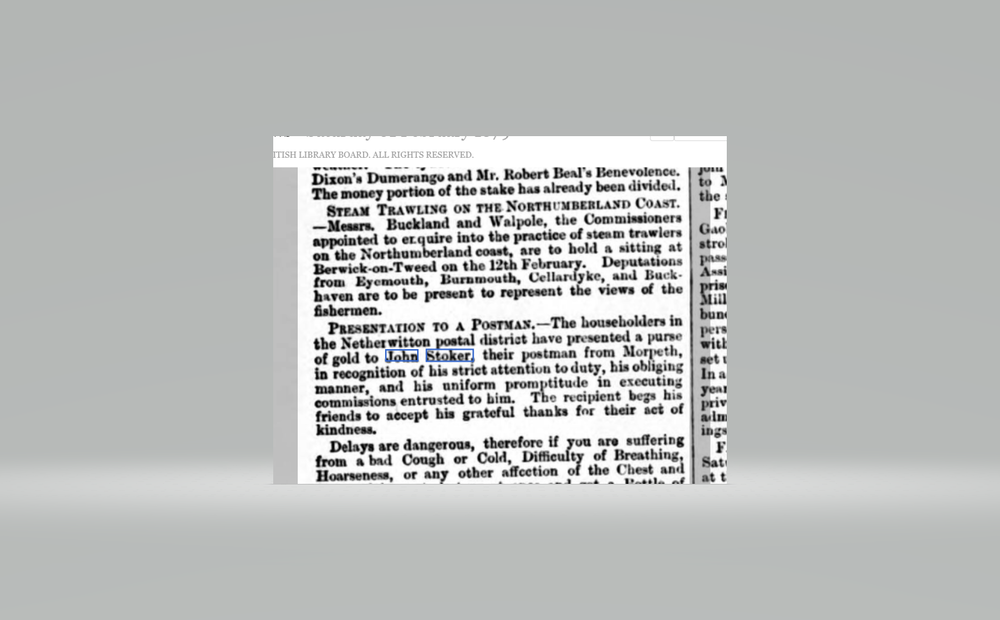 1 point
 -
1 point