Contributor Leaderboard
-
1Points6,989Posts
-
Maggie/915
Members1Points2,571Posts


Popular Content
Showing content with the highest reputation on 20/09/21 in Posts
-
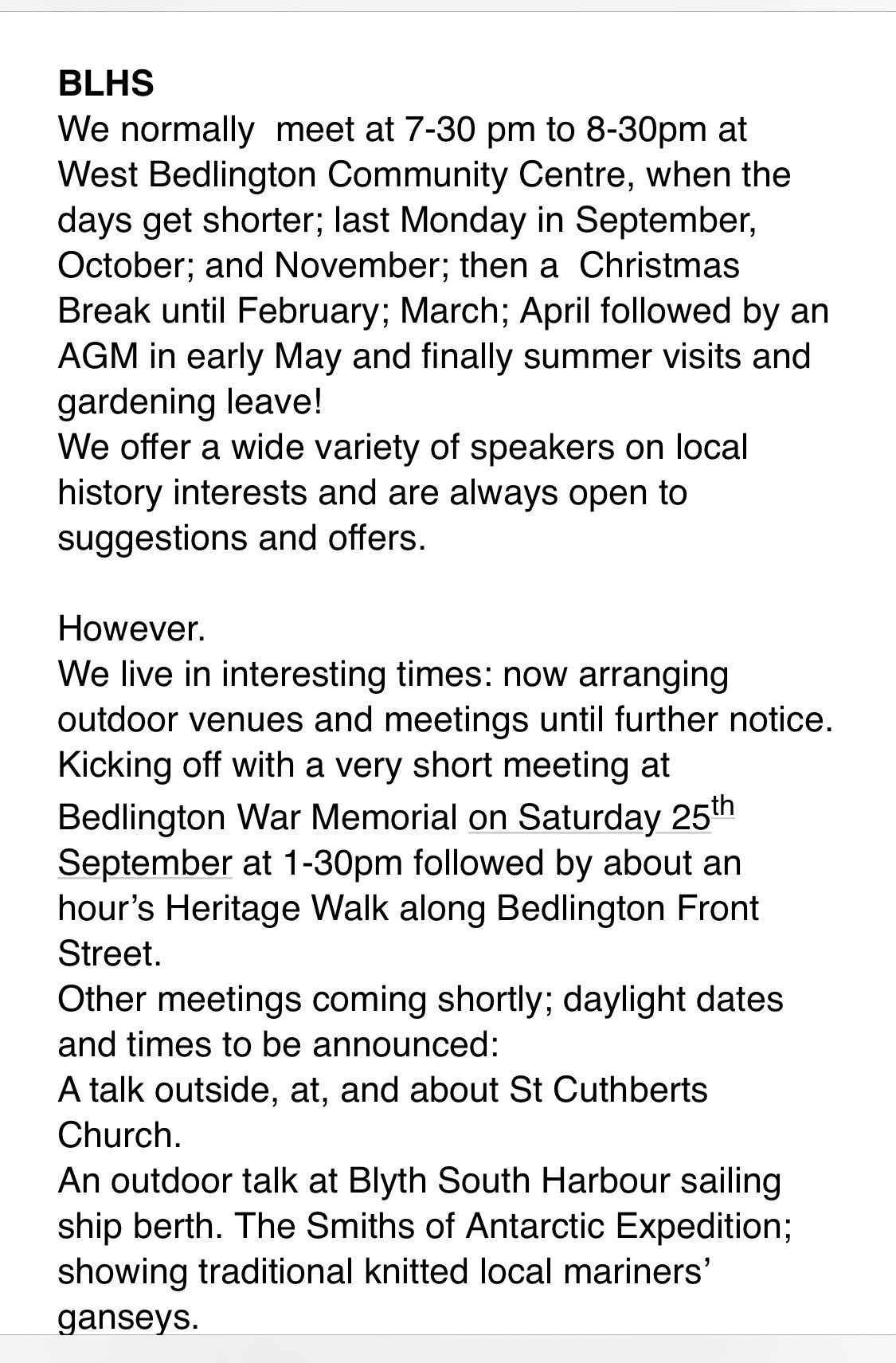
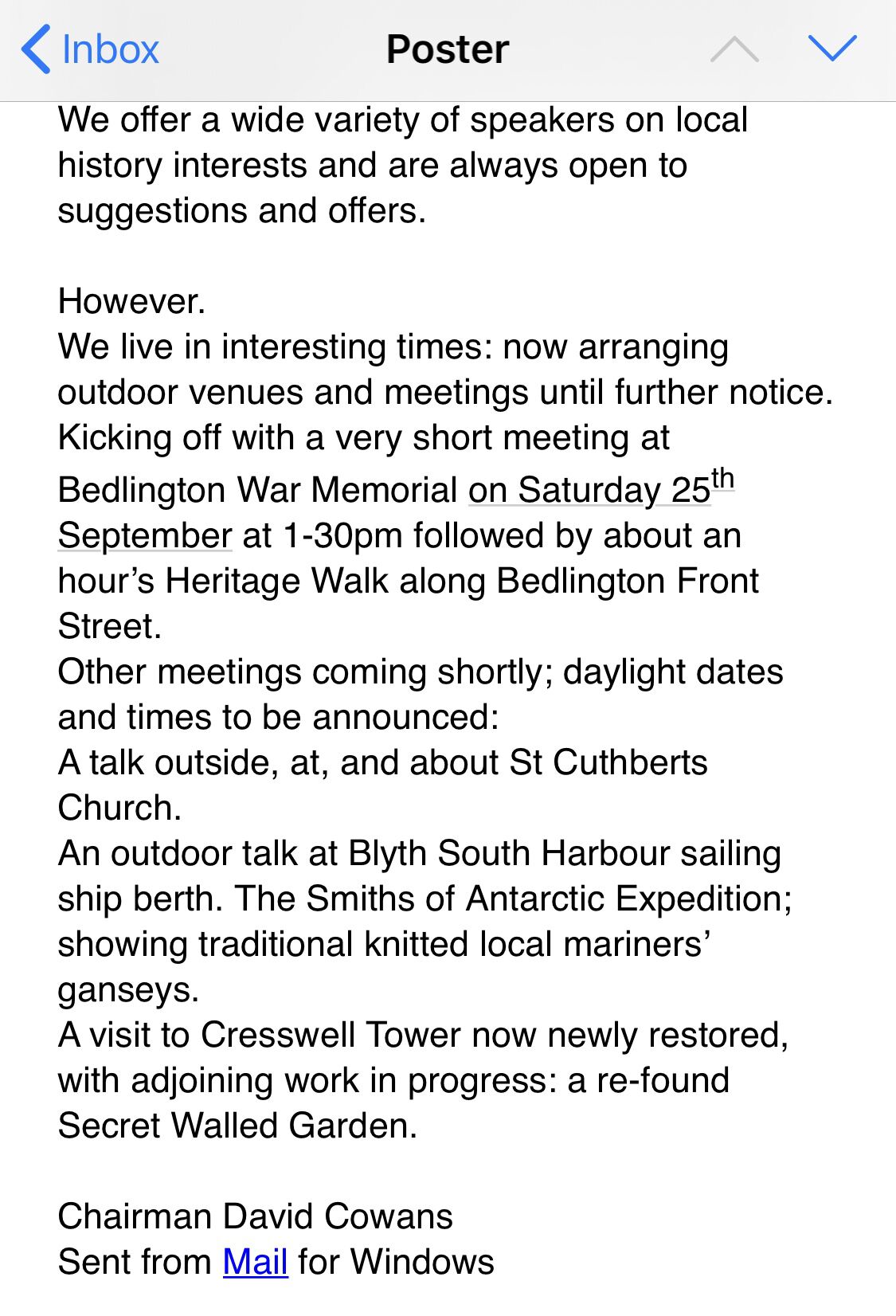
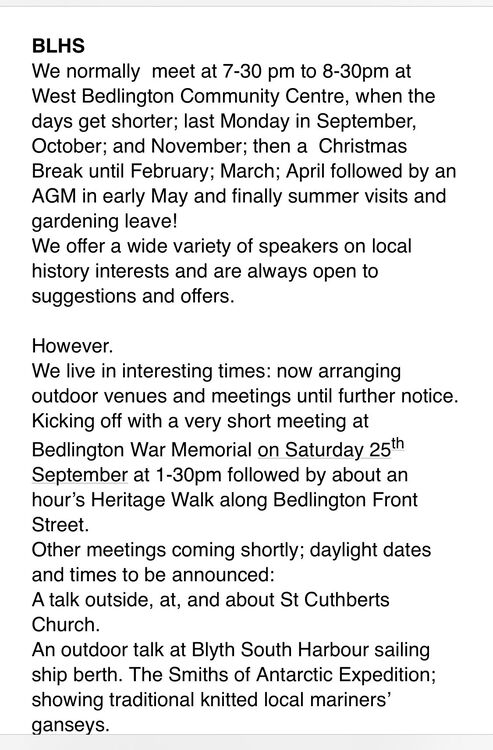
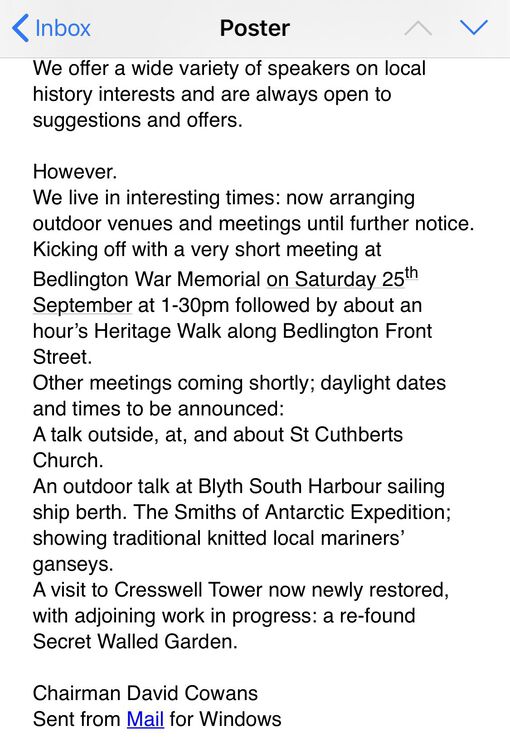
Bedlington History Society and the plan for 2021/22 Starts of with a get together and walk on Saturday 25th at 1:30 These are the details :- I just hope they load correctly .
 1 point
 -
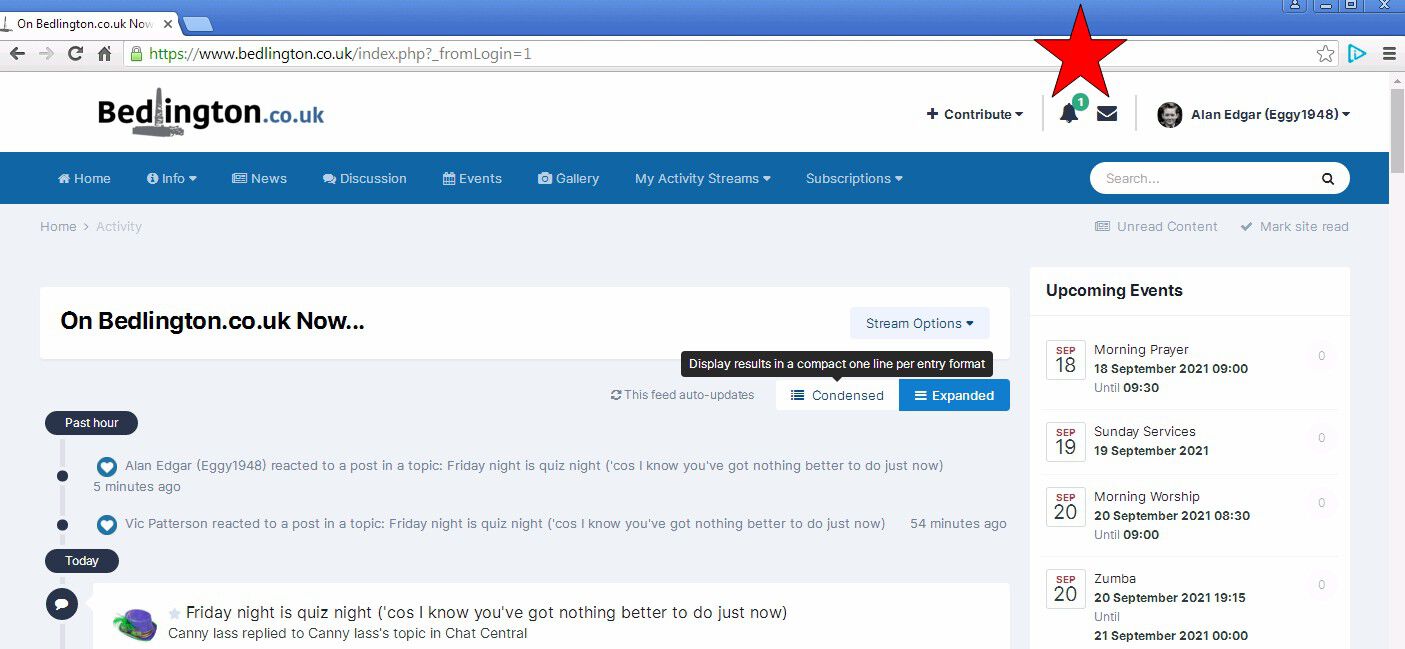
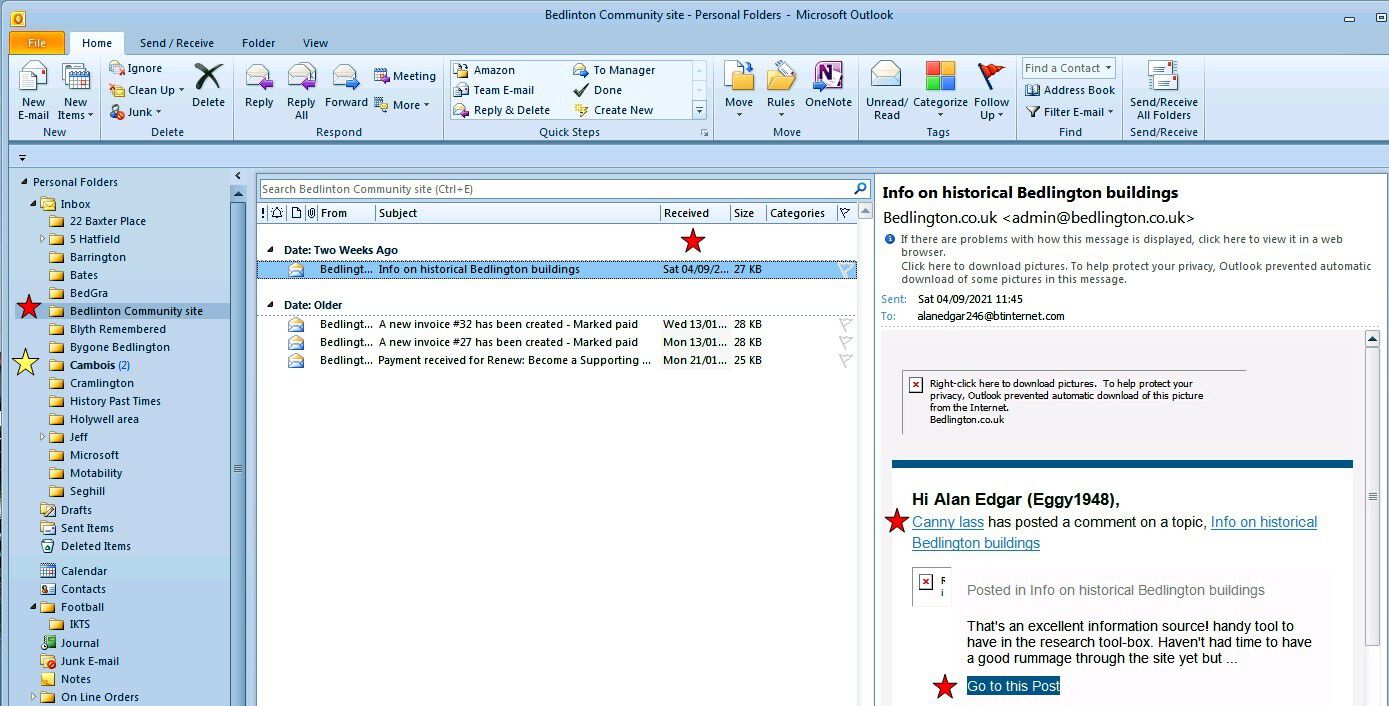
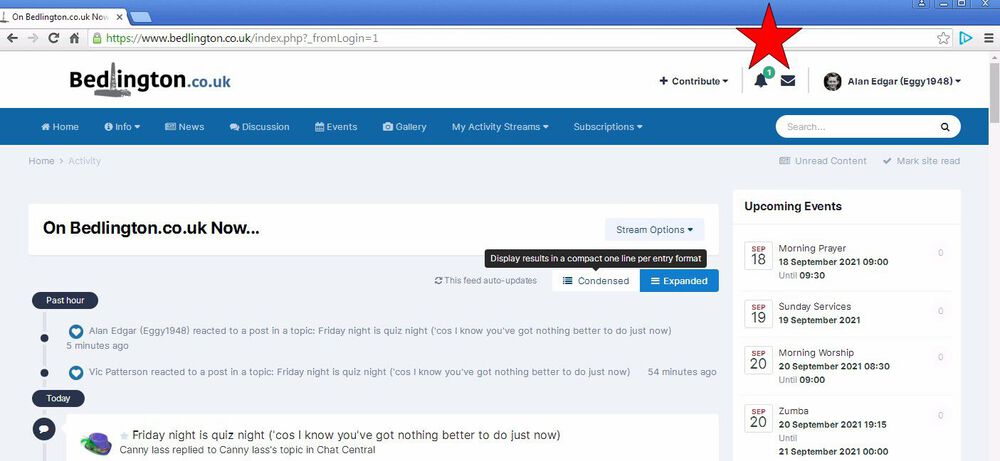
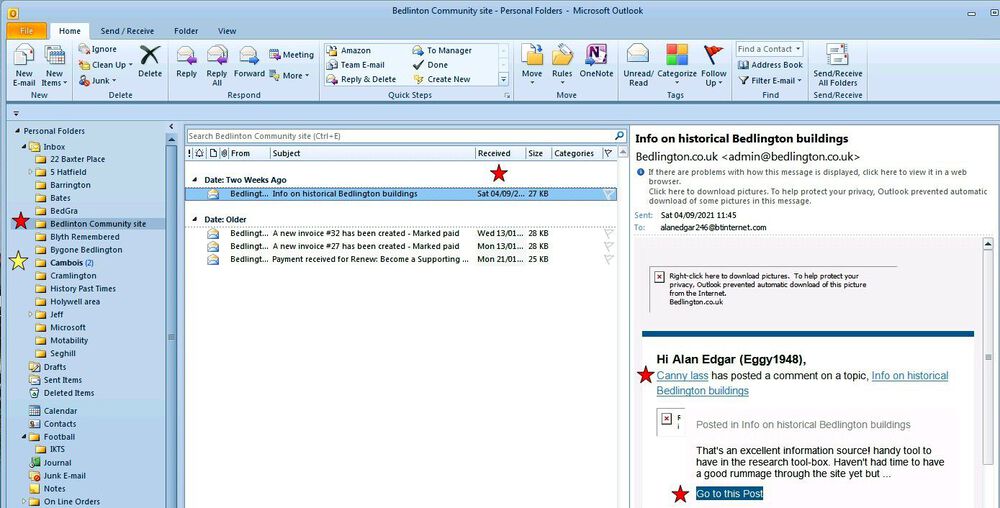
I still get the notifications within the group = But I used to get an email for every new post or comment that was made in the group and the email contained a link taking me directly to that new post or comment. Within my Outlook setup I have a separate folder for all the groups I am a member of and Outlook allows you to set rules, with conditions etc., so that when an email comes it uses the conditions to place that email in the relevant folder - if no condition met then the email goes into the 'top level' folder = Inbox. Can't remember the exact date I stopped receiving notifications via email but as you can see from the following screen shot I still have a notification, red asterisk, from when you commented, Saturday 04/09/2021, on the 'Info on Historical Buildings' topic.(The yellow asterisk just shows a group where there are still unseen emails (still in bold). No doubt @Andy Millne can explain why the email notifications have stopped being sent to me.
 1 point