


Contributor Leaderboard
-
.jpg.cdd7f8371d17e2f2f2e2a0e21e02f727.jpg) 2Points3,654Posts
2Points3,654Posts -
AllanUK
Members1Points8Posts
.thumb.jpg.7493ddab4a696108cf2b849323d3c155.jpg)

Popular Content
Showing content with the highest reputation on 09/04/22 in Posts
-
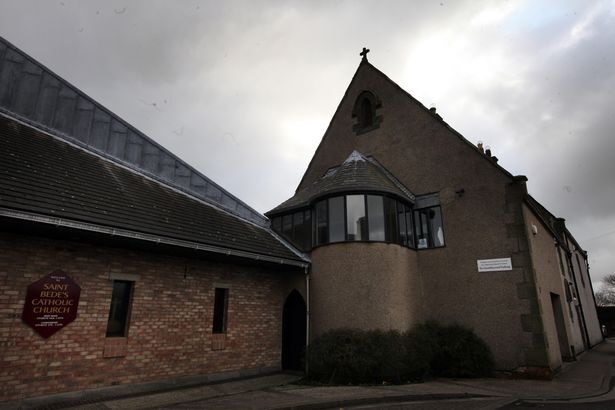
1 pointCanny Lass you are a star -- the largest building (with the cross on the gable end) is indeed the 'old' St Bede's, I believe that it was pulled down in the early 1990s. Allan1 point
-
1 pointWas it this building (the gable end showing with cross at its highest poin) or am I totally mistaken? I have one picture from my sister's wedding which I believe to be taken on the corner of the building early 1960s.
 1 point
 -
What do you mean "will have gone back"? I've never stopped. Netherton habits die hard.1 point