


Skip to content
View in the app

A better way to browse. Learn more.

Bedlington.uk

A full-screen app on your home screen with push notifications, badges and more.

To install this app on iOS and iPadOS
  1. Tap the Share icon in Safari
  2. Scroll the menu and tap Add to Home Screen.
  3. Tap Add in the top-right corner.
To install this app on Android
  1. Tap the 3-dot menu (⋮) in the top-right corner of the browser.
  2. Tap Add to Home screen or Install app.
  3. Confirm by tapping Install.

Bedlington Has a New Residents Group!

ccs-2524-0-61143200-1362997389_thumb.jpg

The reputation that Burnside has had over the last decade or two has not been the best, to say the least. Things have improved significantly over the last 12 months or so and it is our intention to build on that and make it an estate that people wont be ashamed to admit to living on.
ccs-2524-0-61194700-1362997421_thumb.jpg

There are many good people living on this estate and they have had to suffer the stigma of living on Burnside because of the way a certain few chose to lead their lives by disrespecting their neighbours and environment and, in doing so, tarring everyone on the estate with the same brush, things can only change for the better.

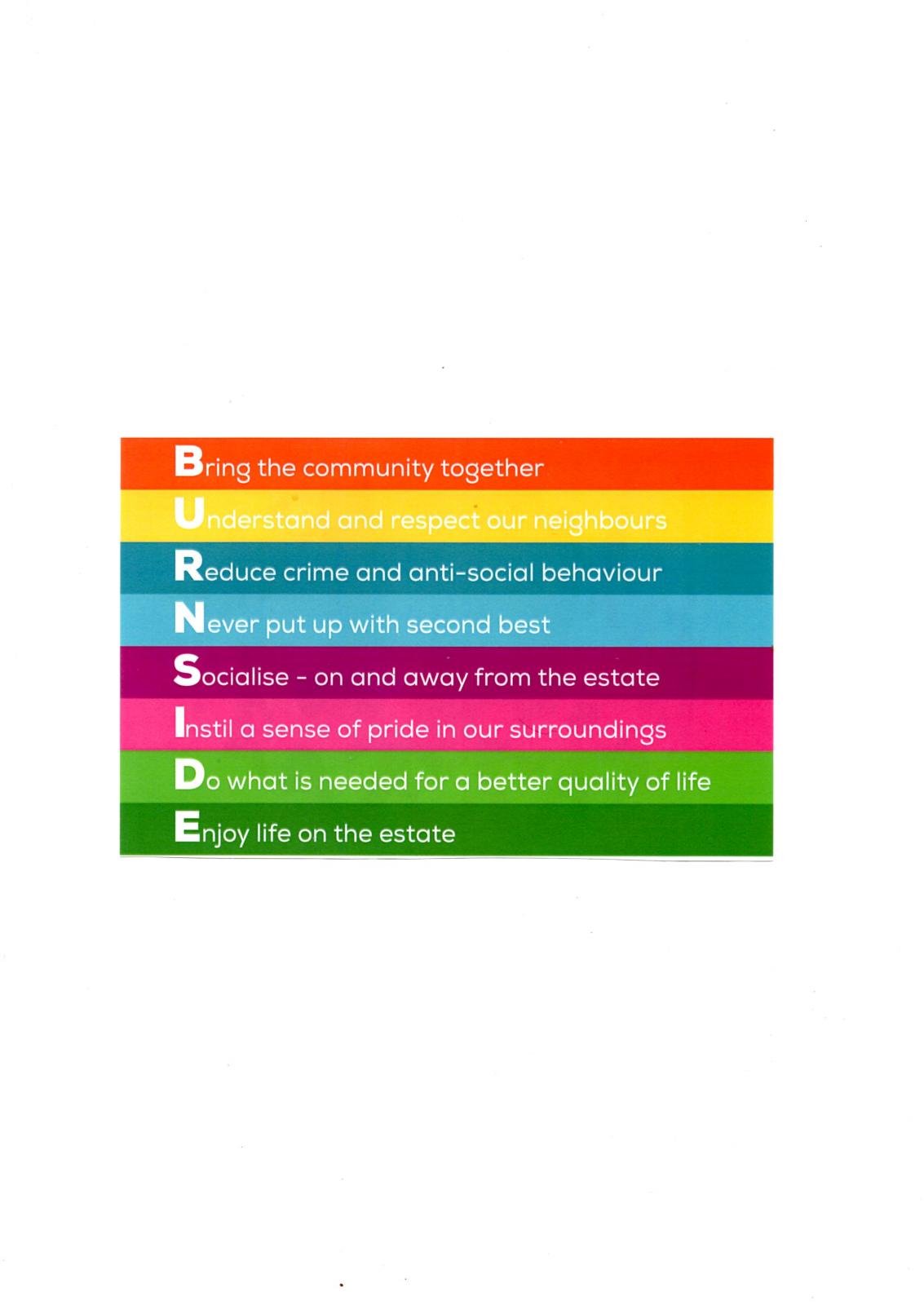
BURNSIDE ESTATE RESIDENTS GROUP

---- neighbours pulling together ----

User Feedback

Recommended Comments

We have our first Cheque. We are now waiting for some other people to pull their fingers out so we can get some more.

the lone ranger

Members

i moved into burnside in 1952 then moved to blyth in 19 70 the worst thing i have done in my life

The Residents Group is still growing strong. We had a quiet time re organising events etc over the past 18 months because of all the renovation work on the estate . Plenty planned for next year.


Create a free account or sign in to comment

Account

Navigation

Search

Search

Configure browser push notifications

Chrome (Android)
  1. Tap the lock icon next to the address bar.
  2. Tap Permissions → Notifications.
  3. Adjust your preference.
Chrome (Desktop)
  1. Click the padlock icon in the address bar.
  2. Select Site settings.
  3. Find Notifications and adjust your preference.