


Skip to content
View in the app

A better way to browse. Learn more.

Bedlington.uk

A full-screen app on your home screen with push notifications, badges and more.

To install this app on iOS and iPadOS
  1. Tap the Share icon in Safari
  2. Scroll the menu and tap Add to Home Screen.
  3. Tap Add in the top-right corner.
To install this app on Android
  1. Tap the 3-dot menu (⋮) in the top-right corner of the browser.
  2. Tap Add to Home screen or Install app.
  3. Confirm by tapping Install.

michael lown

Members
  • Joined

  • Last visited

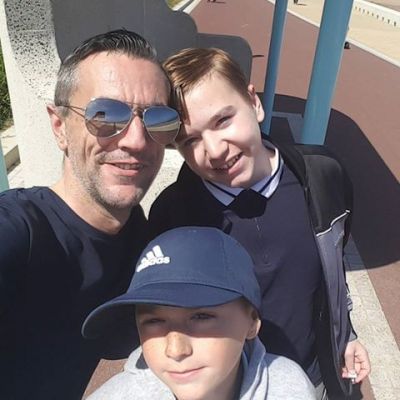
  1. michael lown changed their profile photo
  2. I remember going there during the school holidays when my mam worked behind the bar, I loved playing snooker when it was empty
  3. Happy Birthday Malcolm
  4. He still lives on the lane , I walked past him today.
  5. Happy Birthday Pete
  6. Hi Millie and welcome
  7. why haven't mobility scooter drivers been stopped from driving on pavements?
  8. Hello and welcome lechies
  9. You get the leader, we havent had it drop through the letter box for months
  10. Hi Twinkles, welcome
  11. We have been forgotten and ignored for years, time to stand alone and fight for our town. F.o.g.p is making a good start.
  12. Hi Rea and welcome
  13. Precisely Monsta, surely Bedlington needs more important things than more fast food?
  14. Hiya Gemma! *waves back* You can be related to me too if you want, I'll let you
Account

Navigation

Search

Search

Configure browser push notifications

Chrome (Android)
  1. Tap the lock icon next to the address bar.
  2. Tap Permissions → Notifications.
  3. Adjust your preference.
Chrome (Desktop)
  1. Click the padlock icon in the address bar.
  2. Select Site settings.
  3. Find Notifications and adjust your preference.
