


Skip to content
View in the app

A better way to browse. Learn more.

Bedlington.uk

A full-screen app on your home screen with push notifications, badges and more.

To install this app on iOS and iPadOS
  1. Tap the Share icon in Safari
  2. Scroll the menu and tap Add to Home Screen.
  3. Tap Add in the top-right corner.
To install this app on Android
  1. Tap the 3-dot menu (⋮) in the top-right corner of the browser.
  2. Tap Add to Home screen or Install app.
  3. Confirm by tapping Install.

R & L Keenleysides

Members
  • Joined

  • Last visited

About Me

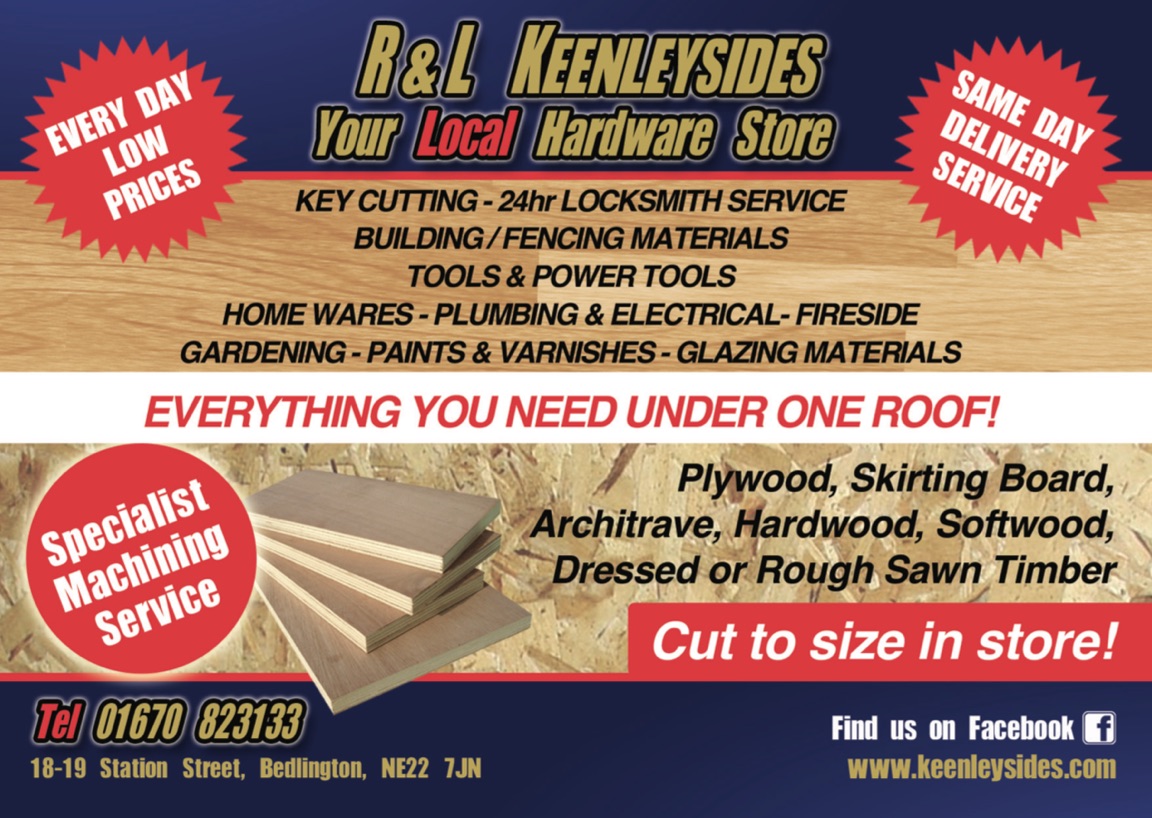
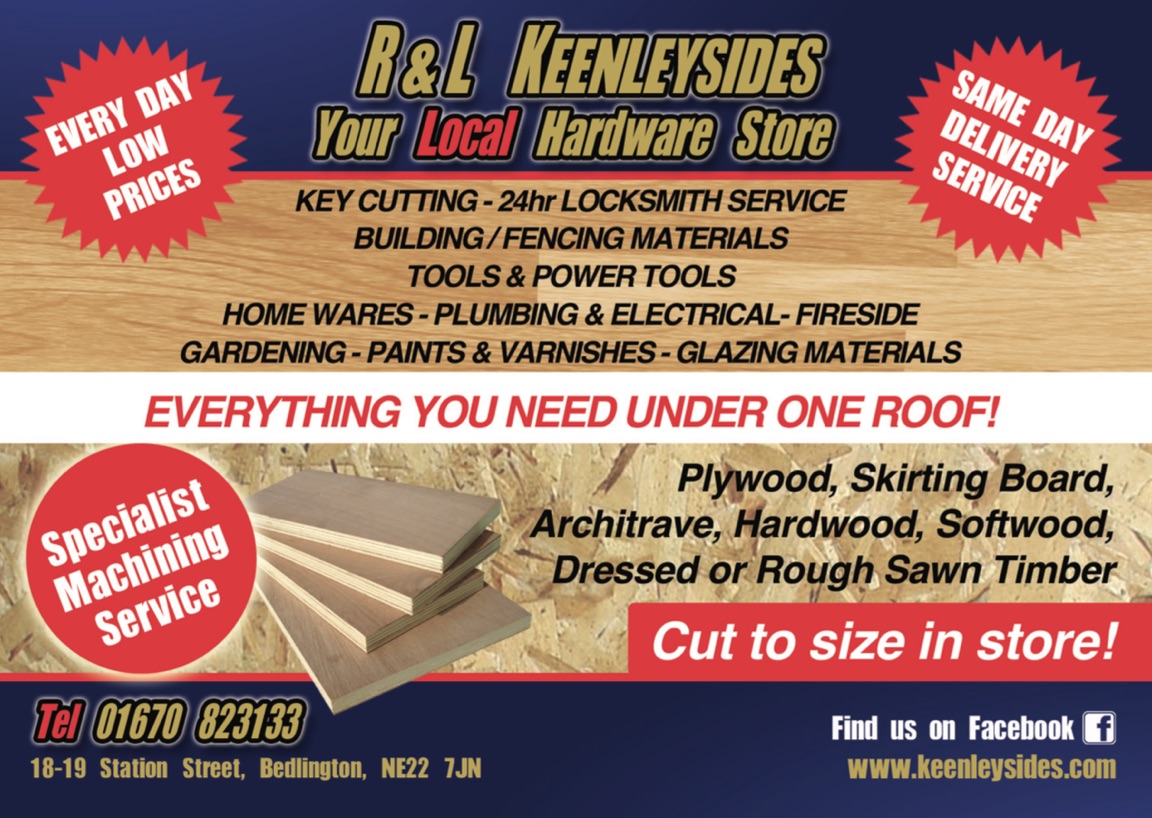
R & L Keenleysides is a long established local hardware store, offering customers great value & service, something you don't get from the big sheds or the small "not so cheap" shops.
IMG_3461.thumb.PNG.8ef128d877676ba8e086a6642a7f24ae.PNG

also...

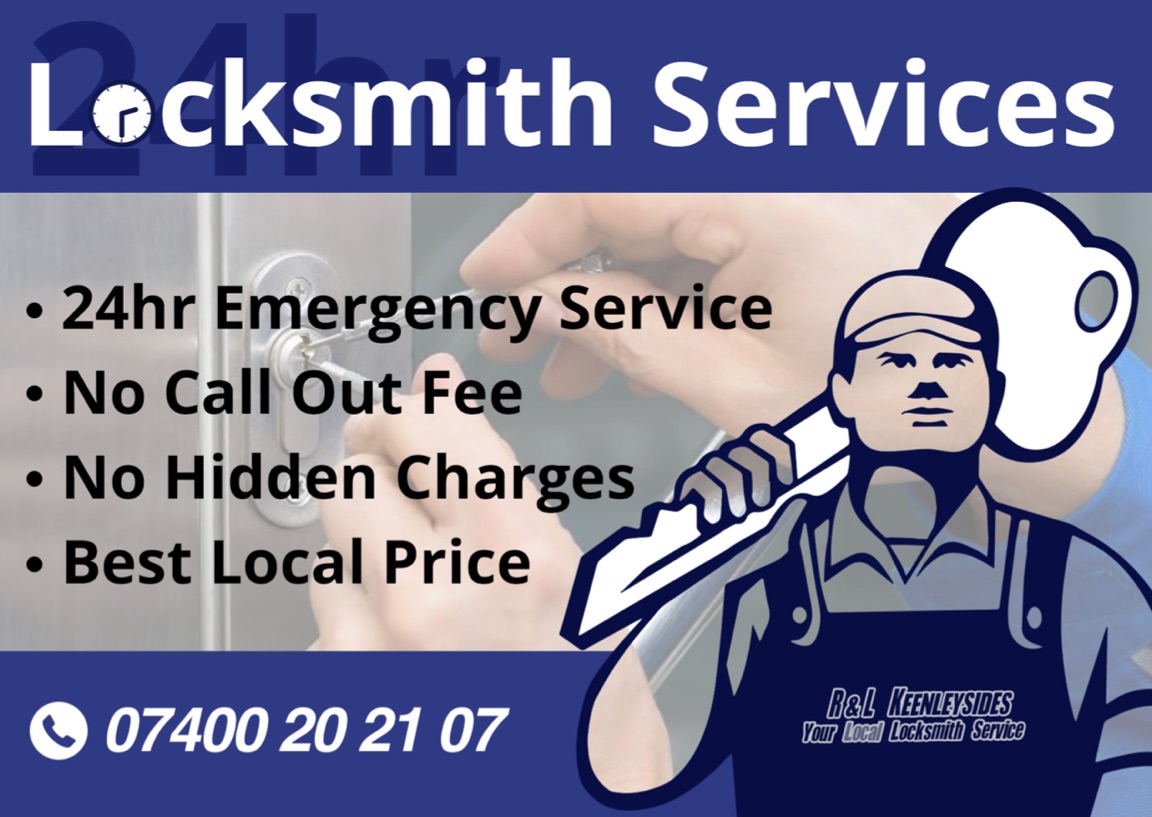
We are now pleased to offer a 24hr Emergency Locksmith and boarding up service. Call or txt 07400202107

No call out charge.

Best local price guaranteed. 

Save the number guys  

You never know when you might need it!IMG_3460.thumb.PNG.d9fb82584d9c0225051efd176d4db7db.PNG
Account

Navigation

Search

Search

Configure browser push notifications

Chrome (Android)
  1. Tap the lock icon next to the address bar.
  2. Tap Permissions → Notifications.
  3. Adjust your preference.
Chrome (Desktop)
  1. Click the padlock icon in the address bar.
  2. Select Site settings.
  3. Find Notifications and adjust your preference.