


Skip to content
View in the app

A better way to browse. Learn more.

Bedlington.uk

A full-screen app on your home screen with push notifications, badges and more.

To install this app on iOS and iPadOS
  1. Tap the Share icon in Safari
  2. Scroll the menu and tap Add to Home Screen.
  3. Tap Add in the top-right corner.
To install this app on Android
  1. Tap the 3-dot menu (⋮) in the top-right corner of the browser.
  2. Tap Add to Home screen or Install app.
  3. Confirm by tapping Install.

Gillyflower

Members
  • Joined

  • Last visited

About Me

Hello, Bedlington!!

You may know me, you may not! Recently, I decided to have a go at setting up a small enterprise to cope with redundancy and all-round fed-up-ness.

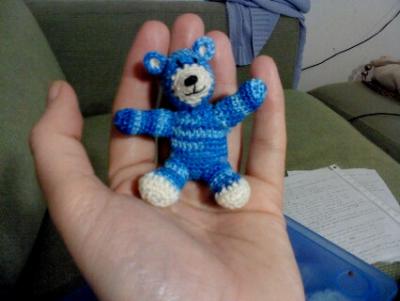
I'm an avid needle worker, especially crochet and have been doing this since I was knee-high to a grasshopper.

As a fully qualified teacher with CRB cover, I aim to engage the community in creating auction items for local charities.

Please contact me if you are interested or would like to know more!!

crochetyourself@gmail.com or 07723988544

Account

Navigation

Search

Search

Configure browser push notifications

Chrome (Android)
  1. Tap the lock icon next to the address bar.
  2. Tap Permissions → Notifications.
  3. Adjust your preference.
Chrome (Desktop)
  1. Click the padlock icon in the address bar.
  2. Select Site settings.
  3. Find Notifications and adjust your preference.