Everything posted by Alan Edgar (Eggy1948)
-
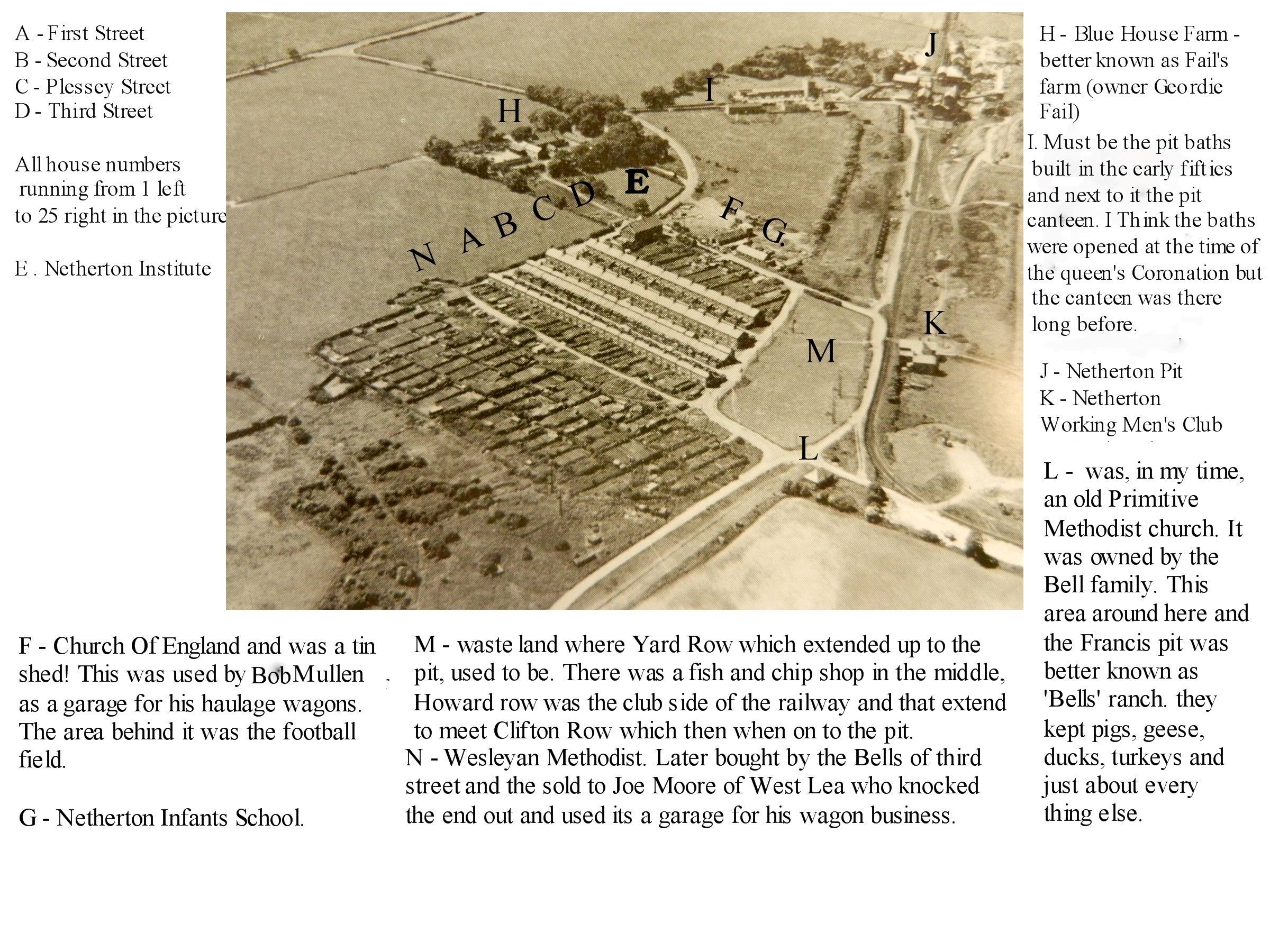
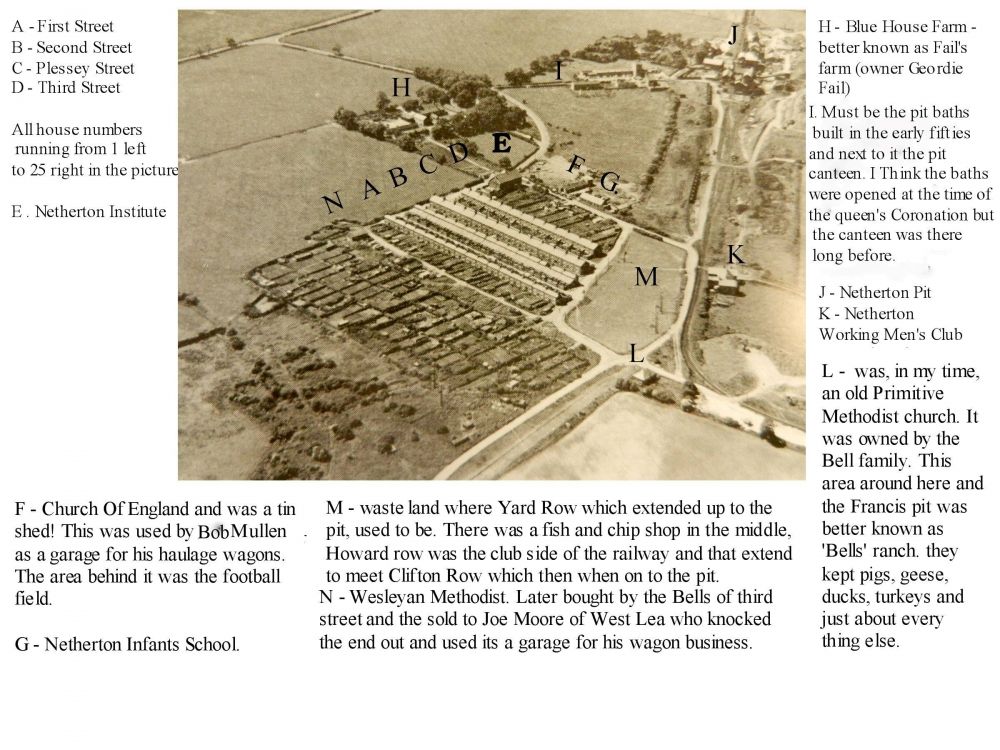
@Kevin1956 - I was searching for 'First Street' and noticed your posting from 5 years ago. Did you find the maps, and photos, of First street?
-
 Google satellite image showing the location of the Doctor Pit Welfare Park - now called Dr Pit Park.
 -
From the album: Doctor Pit Welfare Park
-
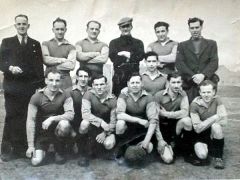 When the photo was posted on Facebook - @Ovalteeny posted this comment and image :- Jack Kidd Looking at the attachment below, which is taken from the information I have gathered from local newspapers, this team line-up never played together for any one club, in any one season. My conclusion is therefore it is a scratch side, most probably to participate in the annual Good Friday “Top Club” versus “Bottom Club” fixture. It would be brilliant if someone could confirm the year the photo was taken. In the 1940’s and 1950’s players could sign for more than one club, provided those clubs were in different leagues. Some of the men who played in the higher class of football (i.e Northern Alliance) were regarded as almost semi-pro as they received match expenses. So, they were prone to moving around, especially if the clubs made it worth their while. I still have a lot more research to do with local football from this era, my data is certainly incomplete, but I have enough information on all the teams in Bedlingtonshire to be able to make a calculated stab and say that this a scratch side, gathered together for some sort of friendly.
 -
Photo from Hellen Millar - Facebook group Bygone Bedlington. Not sure where this 1950's team played but the most reckon it would have been the Dr Pit Welfare ground as this team was mainly made up of mates from the Dr Pitt. The Matty Hall in the photo is the farther of Matty Hall the Whitley memorial school teacher.
-
From the album: Doctor Pit Welfare Park
-
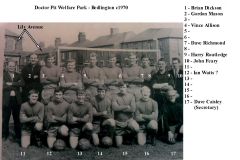 Don't have a record of who posted this photo or what Facebook the group it was first posted on.
 -
From the album: Doctor Pit Welfare Park
-
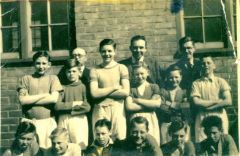 Photo from Ian Foster - his dad Burton Foster No 10.
 -
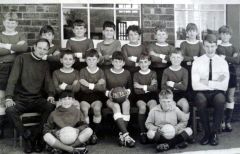 Photo from Lilian Hewitt and names from the Cambois Facebook group members.
 -
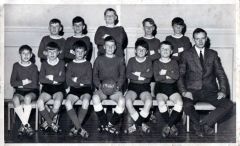 Photo and names from Margaret Smith.
 -
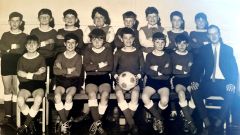 Photo from Lilian Hewitt and names from loads of Cambois Facebook members.
 -
From the album: Cambois Infant / Junior School
-
From the album: Cambois Infant / Junior School
-
From the album: Cambois Infant / Junior School
-
From the album: Cambois Infant / Junior School
-
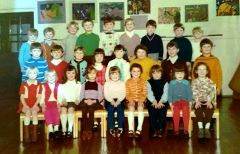 Photo and list of names from Ian Arkle. It is thought to be c1974. -
 -
From the album: Cambois Infant / Junior School
-
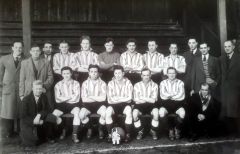 c1953 photo posted by John Davidson on the Facebook Bygone Bedlington group and names from the Bygone Bedlington group members = Alan Maguie - Susan Hemsted - Sheila Richardson & @Joe McNally. The ground whee the photo was taken has been identified as Croft Park, Blyth.
 -
From the album: Doctor Pit Welfare Park
-
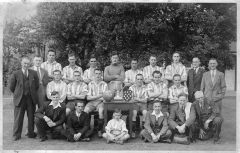 1949-50 team photo from @Layna Alexandrou-Panayiotou and names from members of the Facebook group Bygone Bedlington.
 -
From the album: Doctor Pit Welfare Park
-
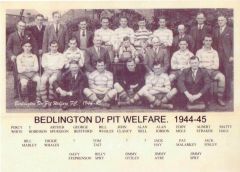 The first photo was from Stephen Wilkins and this clearer image provided by Jack Kid. The update to the names on this one are from @Reedy's dad.
 -
From the album: Doctor Pit Welfare Park
-
@graeme - searching for another football pic and I noticed your comment without a reply to it. I know it's a while back but did you see the entry in the Whitley Memorial Album, with this photo and some name, in the gallery? this is a link to the Album :-