


Skip to content
View in the app

A better way to browse. Learn more.

Bedlington.uk

A full-screen app on your home screen with push notifications, badges and more.

To install this app on iOS and iPadOS
  1. Tap the Share icon in Safari
  2. Scroll the menu and tap Add to Home Screen.
  3. Tap Add in the top-right corner.
To install this app on Android
  1. Tap the 3-dot menu (⋮) in the top-right corner of the browser.
  2. Tap Add to Home screen or Install app.
  3. Confirm by tapping Install.

mike22

Members
  • Joined

  • Last visited

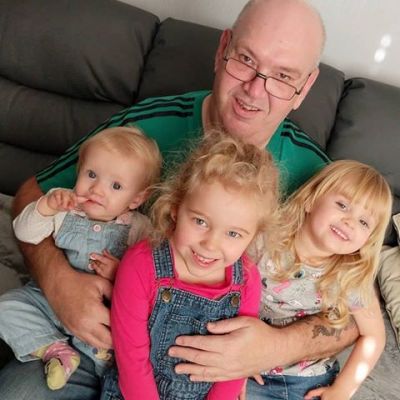
  1. mike22 changed their profile photo
  2. Thankyou Bret and Keith for the welcome got so many stories that my dad has told me about Bedlington and will share very soon thankyou once again Mike
  3. Hello everyone my name is Mike and I am looking for members of my dads family he was born in Bedlington in 1931 his name is Edward Neary, his father was also called Edward from what I have been told my dad had 4 cousins Audrey and Bridie (twins) Janis and Molly who died at only 16 if anybody could help please do not hesitate to contact me. Thankyou Mike

Account

Navigation

Search

Search

Configure browser push notifications

Chrome (Android)
  1. Tap the lock icon next to the address bar.
  2. Tap Permissions → Notifications.
  3. Adjust your preference.
Chrome (Desktop)
  1. Click the padlock icon in the address bar.
  2. Select Site settings.
  3. Find Notifications and adjust your preference.