Skip to content
View in the app

A better way to browse. Learn more.

Bedlington.uk

A full-screen app on your home screen with push notifications, badges and more.

To install this app on iOS and iPadOS
  1. Tap the Share icon in Safari
  2. Scroll the menu and tap Add to Home Screen.
  3. Tap Add in the top-right corner.
To install this app on Android
  1. Tap the 3-dot menu (⋮) in the top-right corner of the browser.
  2. Tap Add to Home screen or Install app.
  3. Confirm by tapping Install.

Palance

Members
  • Joined

  • Last visited

  1. Happy Birthday John.
  2. Palance replied to Malcolm Robinson's topic in Chat Central
    Free Bait On!!! Maybe "Nine Bob Note" & "Nomad" will turn up.
  3. Will the "NOMAD" be on the Bill.
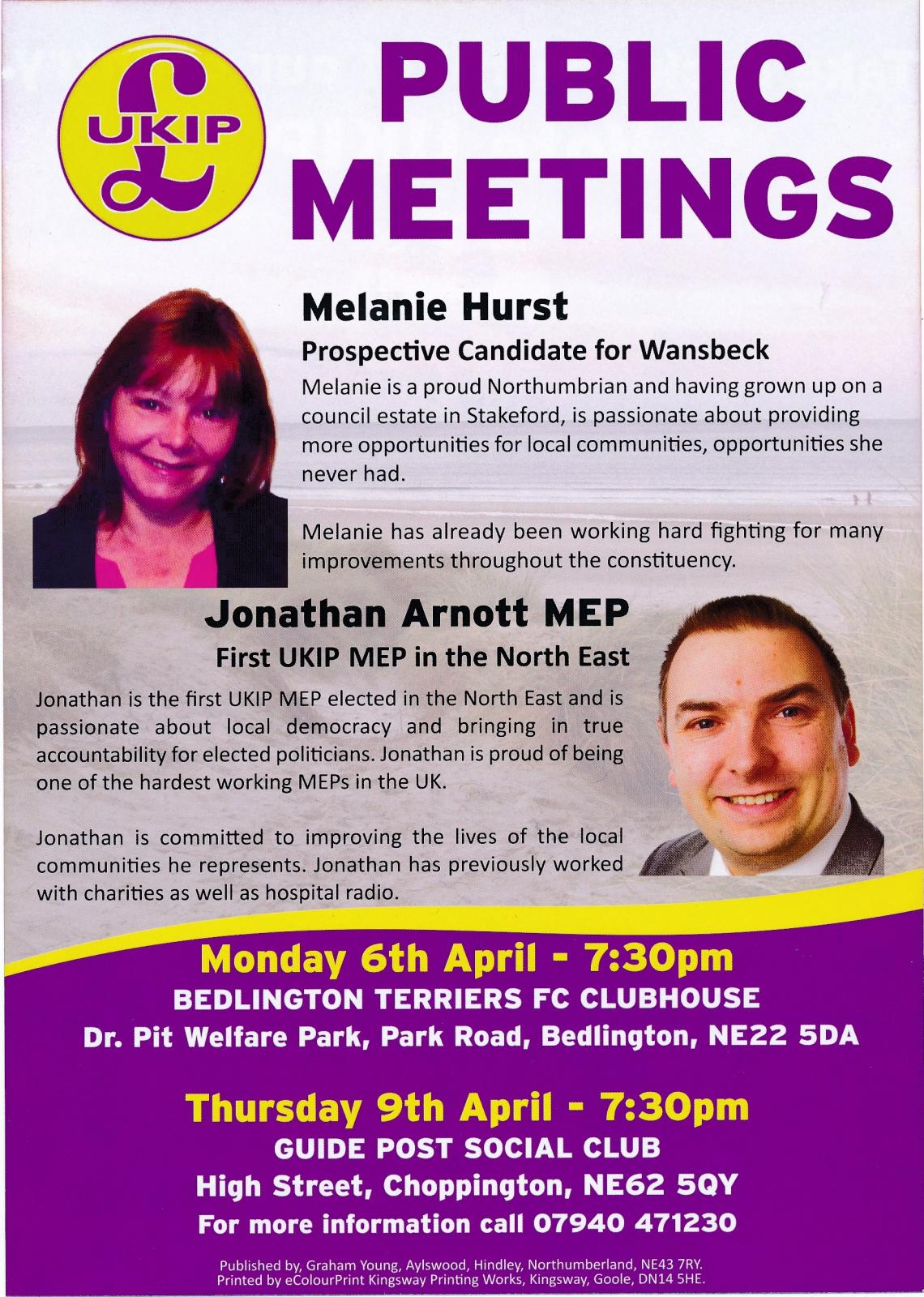
  4. We just need the Double up Today, Good Luck Melanie.
  5. Labour lose Control.
  6. I would give you 15,000 , to be on the safe side, and the same for Bill.
  7. If the Tory and Lib Dem's want rid of the Labour MP, there is a simple solution, VOTE UKIP.
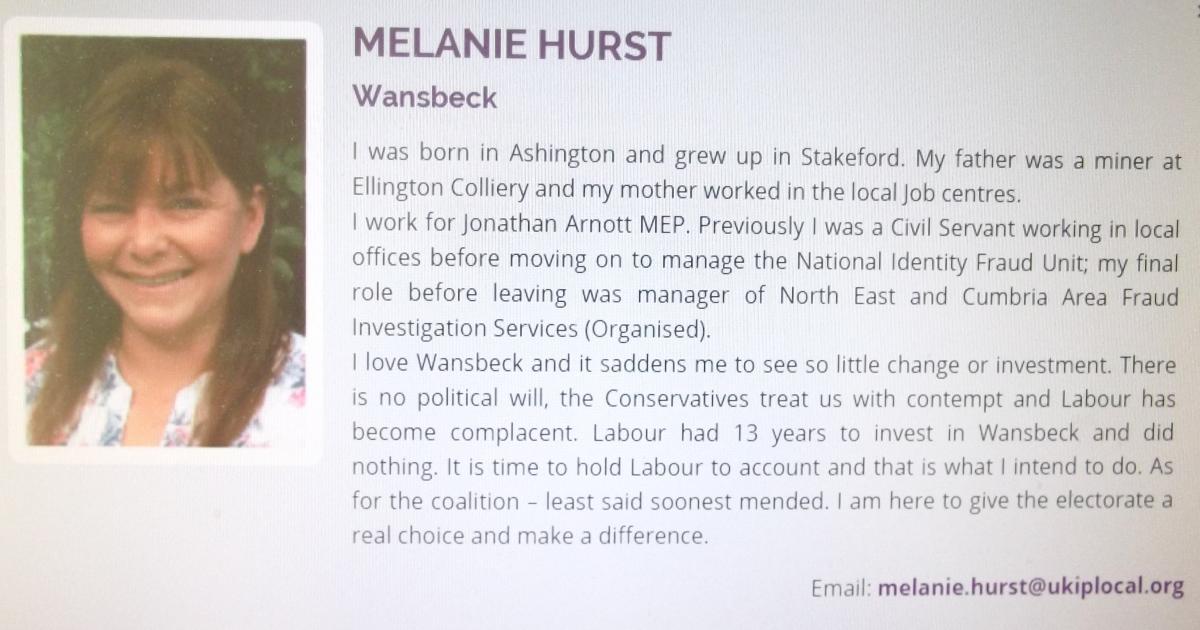
  8. If the majority of Voters, outside of Ashington, are fed up with the goings on,of the last 5 years, why not try a MINERS "Daughter" for the next 5 years.
  9. This maybe the one to find out. She has the right CV to find out.
  10. You can pick your friends, but do nowt about your FAMILY.
  11. Thanks. You just made my day.
  12. Is this the future???

Account

Navigation

Search

Search

Configure browser push notifications

Chrome (Android)
  1. Tap the lock icon next to the address bar.
  2. Tap Permissions → Notifications.
  3. Adjust your preference.
Chrome (Desktop)
  1. Click the padlock icon in the address bar.
  2. Select Site settings.
  3. Find Notifications and adjust your preference.