Skip to content
View in the app

A better way to browse. Learn more.

Bedlington.uk

A full-screen app on your home screen with push notifications, badges and more.

To install this app on iOS and iPadOS
  1. Tap the Share icon in Safari
  2. Scroll the menu and tap Add to Home Screen.
  3. Tap Add in the top-right corner.
To install this app on Android
  1. Tap the 3-dot menu (⋮) in the top-right corner of the browser.
  2. Tap Add to Home screen or Install app.
  3. Confirm by tapping Install.

Jason Miller

Members
  • Joined

  • Last visited

Everything posted by Jason Miller

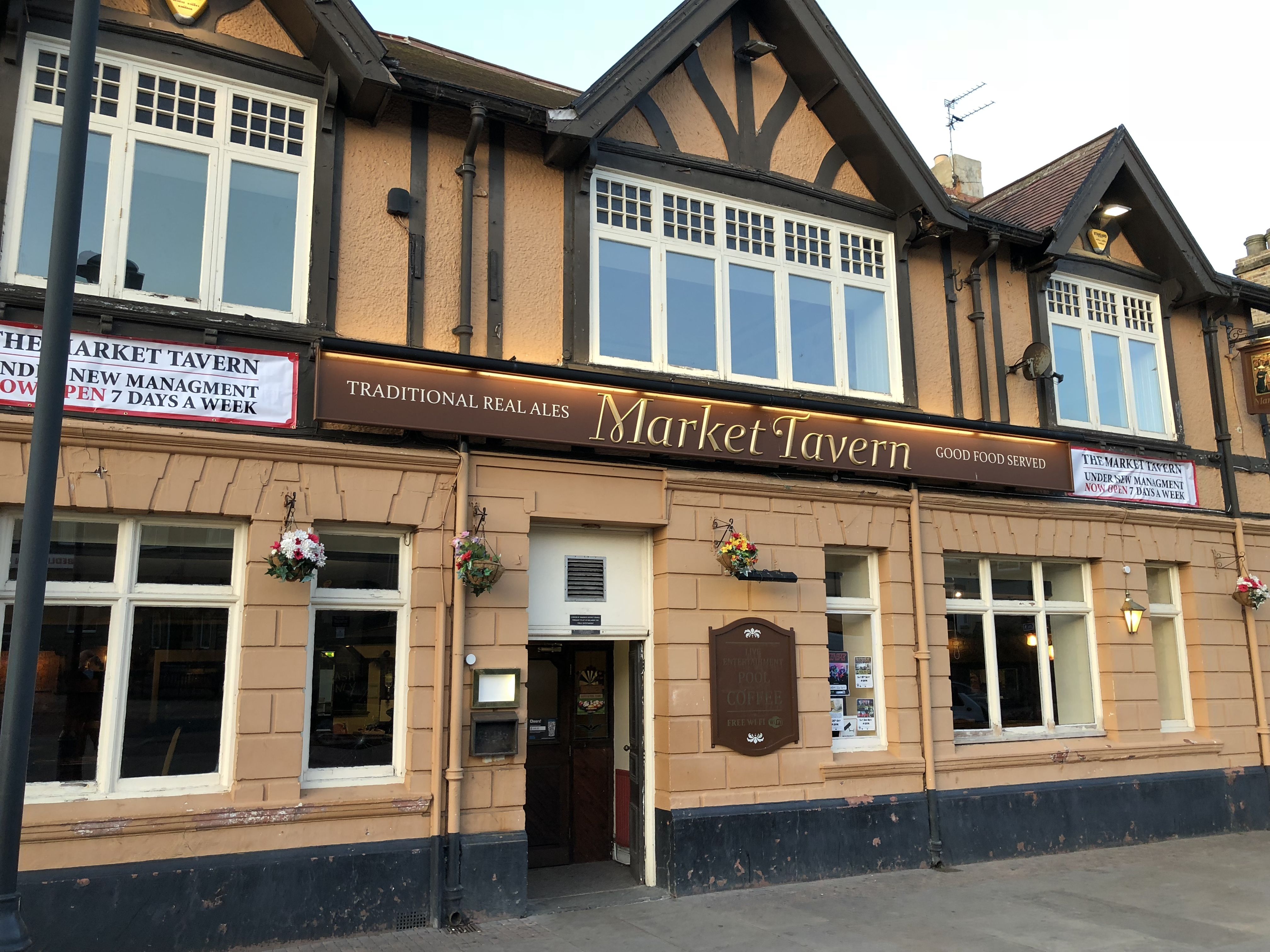
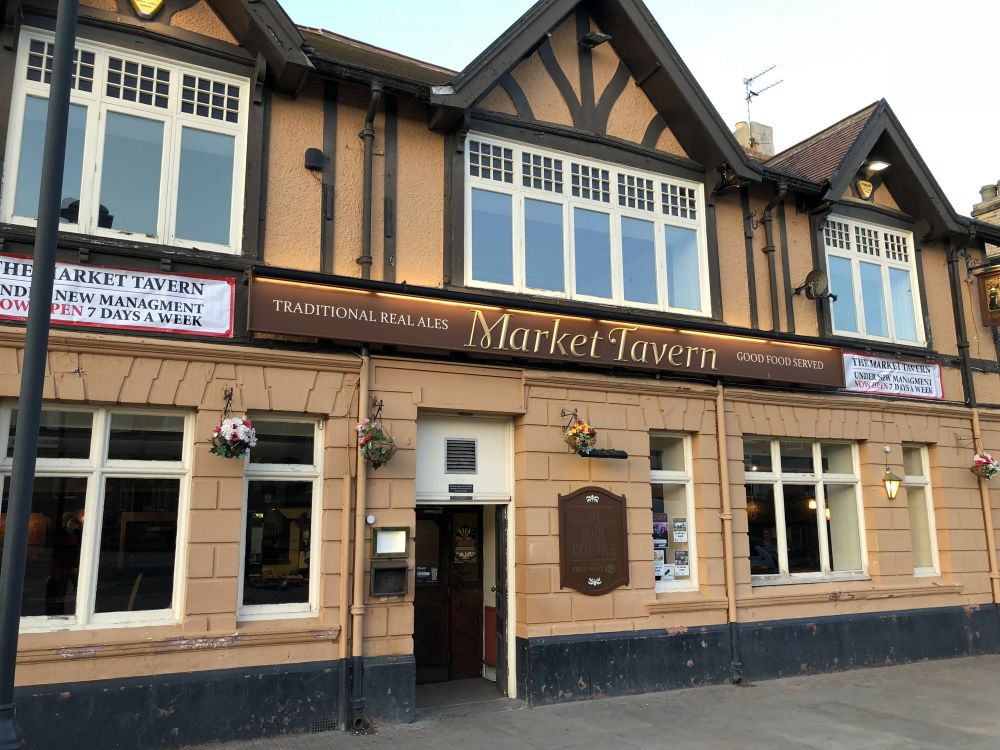
  1. It’s with great pleasure I like to announce to the folks of Bedlington and surrounding areas, that Sky Sports is arriving at the Market Tavern on Bedlington Front Street, this Tuesday! So why not spread the word, share the joy and pop in to Cheer England along this Tuesday night ! Come on England !!! The Market Tavern - the place for sport on TV !!!
Account

Navigation

Search

Search

Configure browser push notifications

Chrome (Android)
  1. Tap the lock icon next to the address bar.
  2. Tap Permissions → Notifications.
  3. Adjust your preference.
Chrome (Desktop)
  1. Click the padlock icon in the address bar.
  2. Select Site settings.
  3. Find Notifications and adjust your preference.