Rachel H
New Members
-
Joined
-
Last visited
Everything posted by Rachel H
-
Thanks, Alan. That's actually where I started my search a few years ago and I met with John! He was great but it's so hard to know where to search and he confirmed there are boxes and boxes of archives not sorted or saved. It's also likely any I fo about our house may sit with the coal board who are notoriously bad at keeping records. I emailed and never got a reply! A big job for retirement [in 30 years] I think! Never mind
-
Thanks Alan. I think you're right. I've had a good trawl over the years! Kurri is a few doors down from me and there have never been pics on those posts either. I have an unusual house, no windows were originally built at the back of the property, supposedly so the Pit Manager who lived here didn't need to see the pit from his home. Our house survey also mentioned a shaft in our back garden. Lots of history but only speculation I think. Never mind!
-
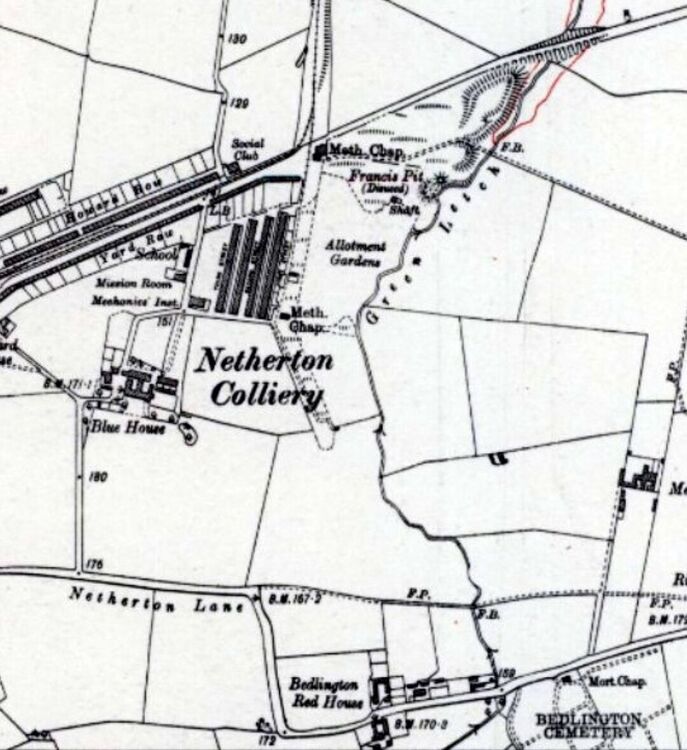
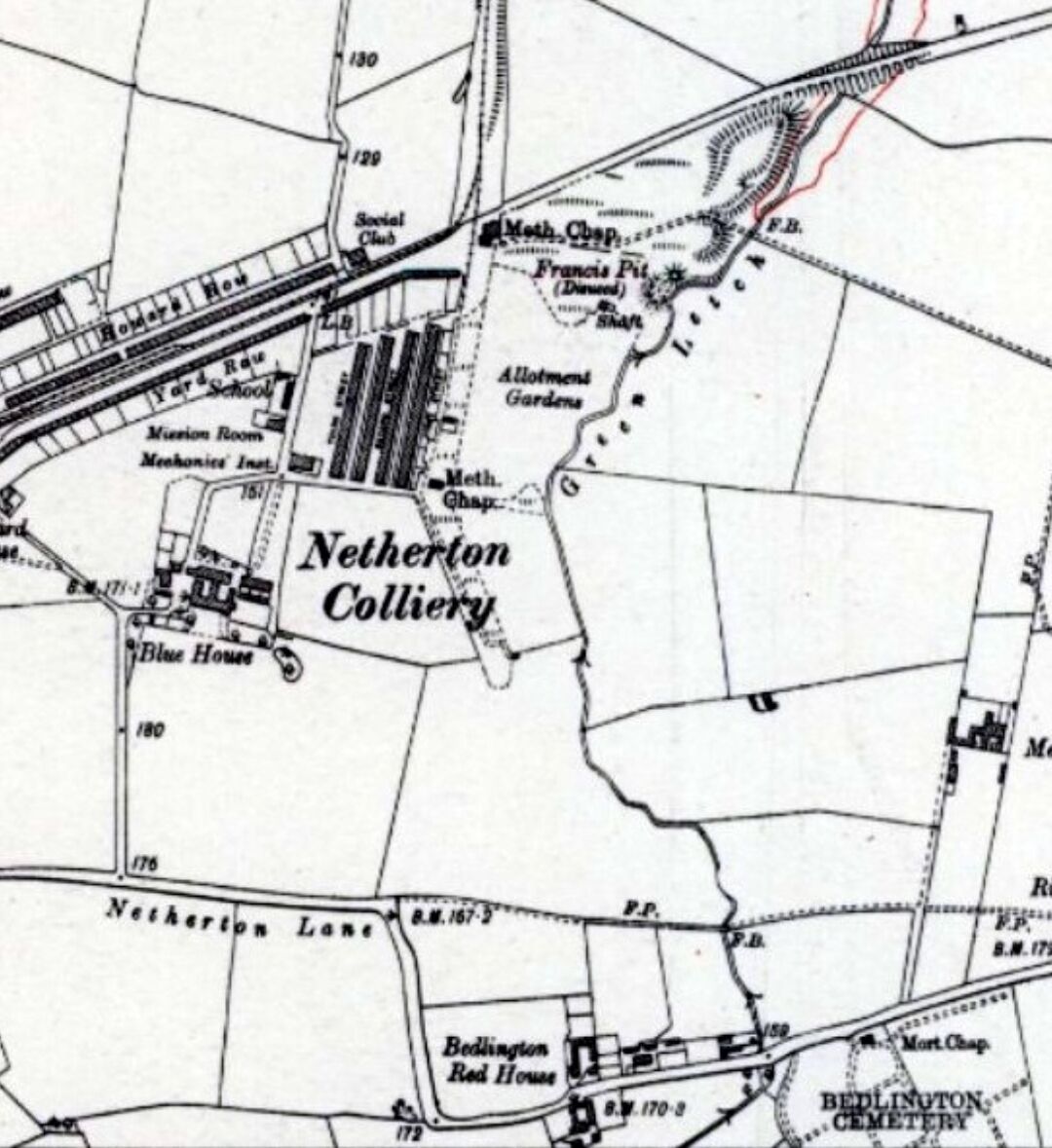
I'm looking for old photos of Netherton Lane, particularly the area around the cemetery. I live adjacent to the west lea side of the cemetery fence, my house isn't on the 1900 maps at Woodhorn but is there by 1905 so I was hoping to try find some old photos of what it and the area originally looked like. Any help would be lovely - I've tried and failed to find much info in the past - the downfall of having a home likely once owned by the coal board! Archived info isn't easy to find I thought I'd try again whilst on Maternity leave with a bit more time on my hands! Sort of...!