Search the Community
Showing results for tags 'vulcan place'.
Found 4 results
-
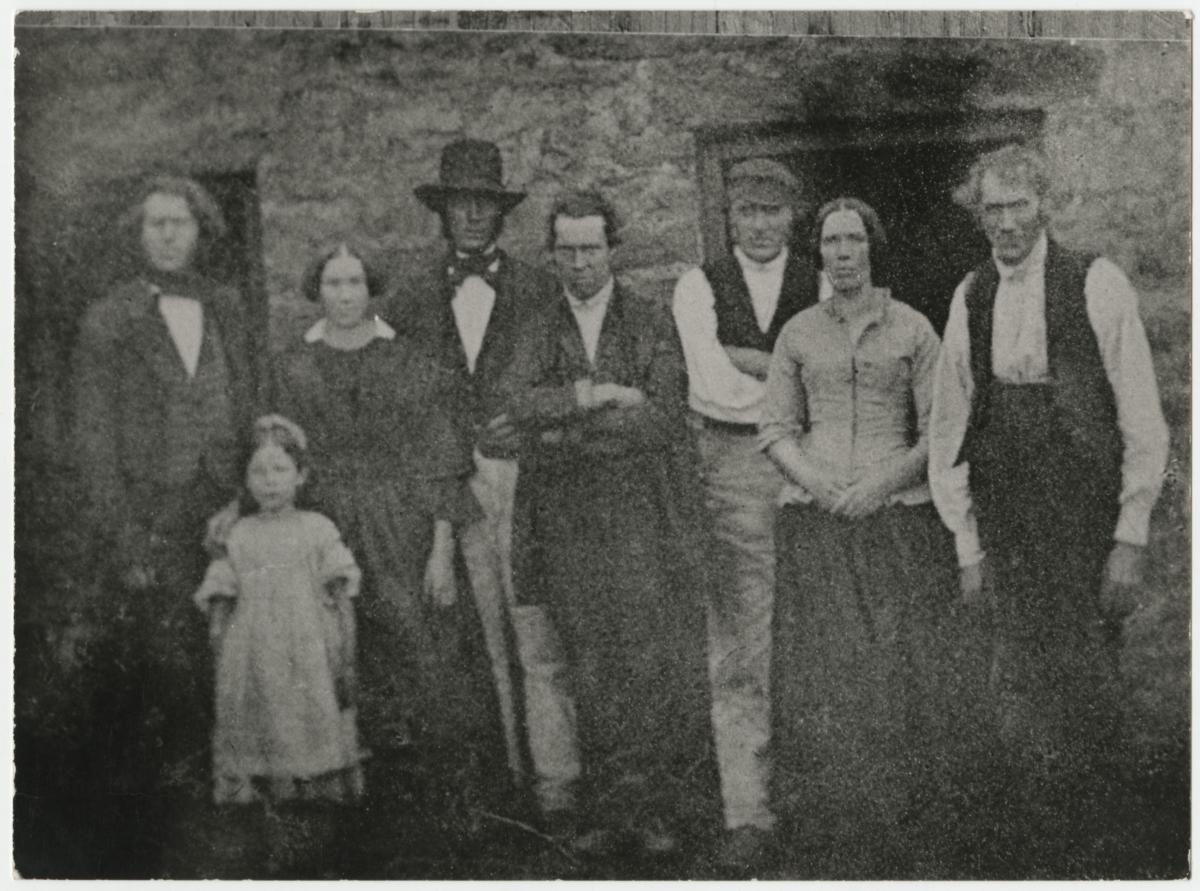
Hi. Been to see a very interesting person today. Had a chat on Bedlington and the Furnace. She has given me a photo of The Last of the Nailers. She says it is Bedlington and on the back it is dated 1858. This has got me puzzled as of the date but it is in her families photographs and she aint sure who it is of. She is getting on in late life now and have to take that into my thinking. Could this be the Gibson family of Bedlington and a previous family member have written this on the back of the photo ? I don't know, what do you think. ? Post something else later as soon as it is scanned. From the elderly lady too.
-
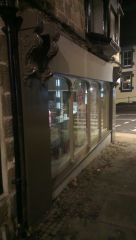 Photograph of the recent Townscape Heritage Initiative work that is being carried out on Front Street, Bedlington.
 -
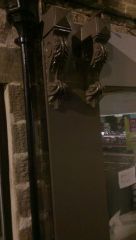 Photograph of the recent Townscape Heritage Initiative work that is being carried out on Front Street, Bedlington.
 -
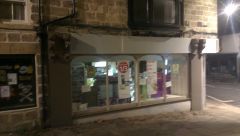 Photograph of the recent Townscape Heritage Initiative work that is being carried out on Front Street, Bedlington.