


Skip to content
View in the app

A better way to browse. Learn more.

Bedlington.uk

A full-screen app on your home screen with push notifications, badges and more.

To install this app on iOS and iPadOS
  1. Tap the Share icon in Safari
  2. Scroll the menu and tap Add to Home Screen.
  3. Tap Add in the top-right corner.
To install this app on Android
  1. Tap the 3-dot menu (⋮) in the top-right corner of the browser.
  2. Tap Add to Home screen or Install app.
  3. Confirm by tapping Install.

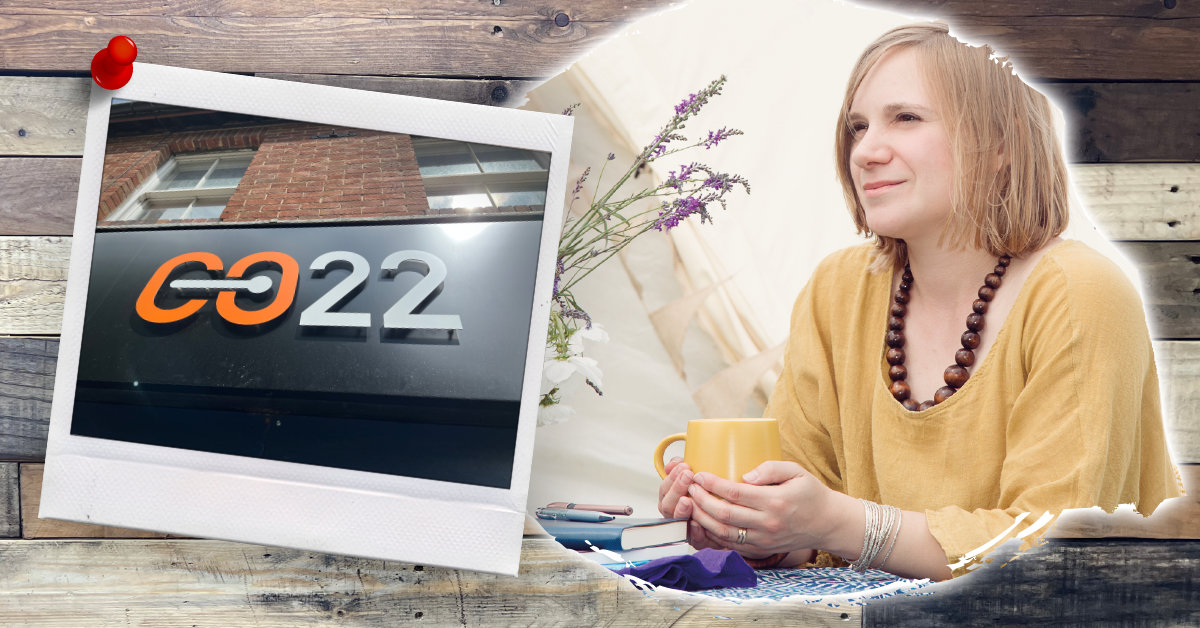
A crash-course in consistency with Amy Purdie… brand explorer

Join us for the first *free* networking event at CO22 in Bedlington.

All businesses from Bedlington and the surrounding area are welcome.

Guest speaker: Since 2007, Amy has been helping businesses like yours create pioneering brands to be proud of. 

Gain clarity on your brand, promote your business, learn about others and discover the new space for coworking.

6:30 - Drinks reception.
7:00 - Guest speaker.
7:30 - Relaxed networking.

Drinks and appetisers will be provided and all members are very welcoming.

Please mark yourself as going using the links on this page and share with others. 

For any questions or more info please email info@co22.uk or call in to the office.

Recommended Comments

There are no comments to display.

Create a free account or sign in to comment

Account

Navigation

Search

Search

Configure browser push notifications

Chrome (Android)
  1. Tap the lock icon next to the address bar.
  2. Tap Permissions → Notifications.
  3. Adjust your preference.
Chrome (Desktop)
  1. Click the padlock icon in the address bar.
  2. Select Site settings.
  3. Find Notifications and adjust your preference.
