Skip to content
View in the app

A better way to browse. Learn more.

Bedlington.uk

A full-screen app on your home screen with push notifications, badges and more.

To install this app on iOS and iPadOS
  1. Tap the Share icon in Safari
  2. Scroll the menu and tap Add to Home Screen.
  3. Tap Add in the top-right corner.
To install this app on Android
  1. Tap the 3-dot menu (⋮) in the top-right corner of the browser.
  2. Tap Add to Home screen or Install app.
  3. Confirm by tapping Install.
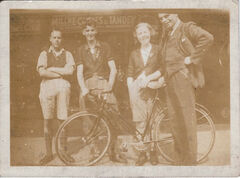
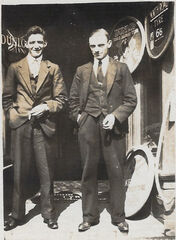
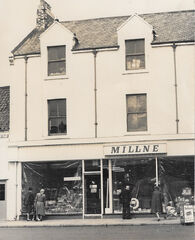
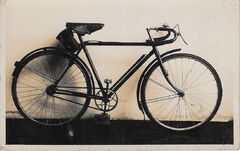
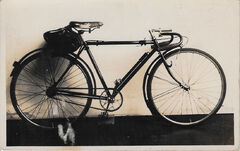
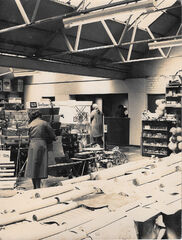
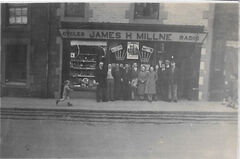
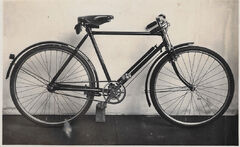
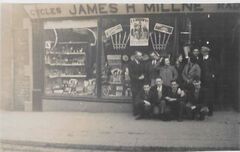
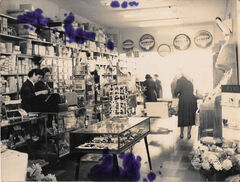
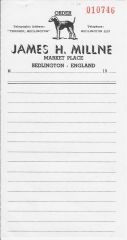
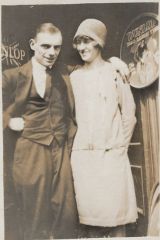
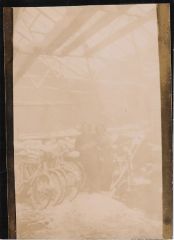
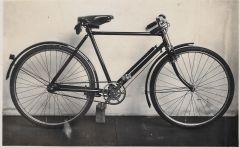
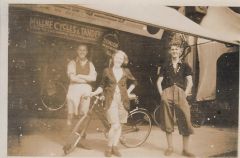
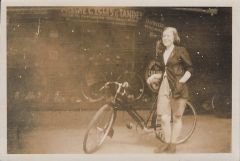
Millne's Cycle & Radio Stores

Millne's Cycle & Radio Stores

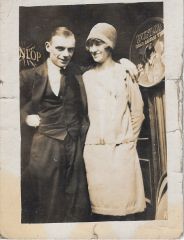
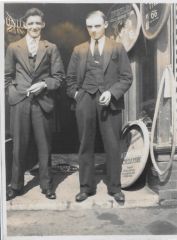
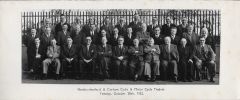
Album created by Andy Millne · Updated

Available for full use subject to a clear attribution to Bedlington.co.uk including a link to the image location and current commentary on Bedlington.co.uk.

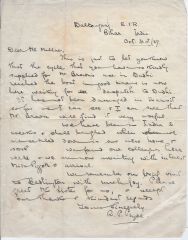
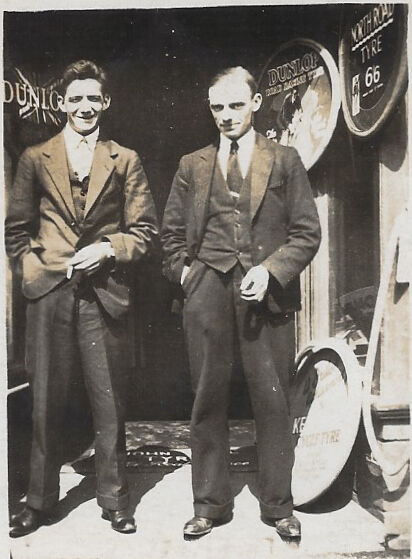
@Alan Edgar (Eggy1948) I'm working on gathering info to go with these photos but everyone please feel free to comment if you have any insight.

I also have a private album here with other family photos from Lairds House and elsewhere around Bedlington going back to 1893 that I'll move over to public albums once I've sorted through them for any with public interest.

Create a free account or sign in to comment

Account

Navigation

Search

Search

Configure browser push notifications

Chrome (Android)
  1. Tap the lock icon next to the address bar.
  2. Tap Permissions → Notifications.
  3. Adjust your preference.
Chrome (Desktop)
  1. Click the padlock icon in the address bar.
  2. Select Site settings.
  3. Find Notifications and adjust your preference.