


![10s TAILGATE - DALEK [FLYGHT] - PUMP IN THE WATER.](https://bedlington.uk/uploads/gallery/monthly_2017_02/small.5899a9d7a6057_10sTAILGATE-DALEK_FLYGHT_PUMPINTHEWATER.jpg.a3a3225986d731edf59e453af471da29.jpg)
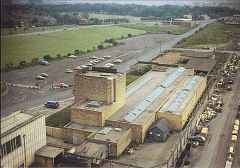
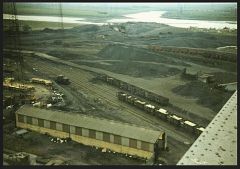
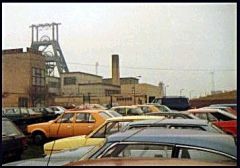
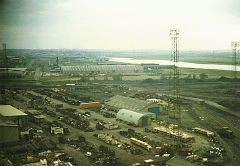
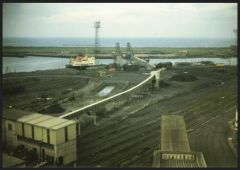
PIT BATHS - CANTEEN

- 8,106 views
- View Alan Edgar (Eggy1948)'s images
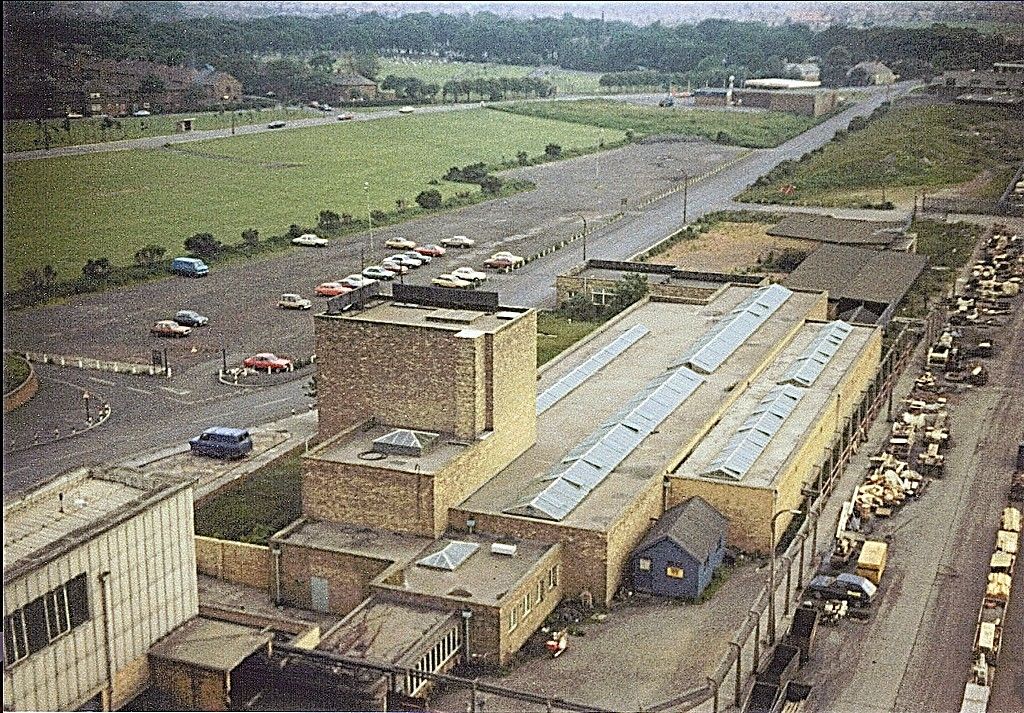
- AND PART OF WORKSHOPS COMPOUND-NOFIRESTATIONTHEN!
BigLoada :- I cannot see tye Ventora in the car park. Was it there?
high pit wilma :- Sure thing! It would have been doon in that little area at the dorty end o' thi pit baths..hidden from view by the buildings.[see note].
hoggy03 :- Hi Bill, when was this shot taken? i would say it was late in the day with only a few cars in the car park and the "trusty steed" parked up he,he,he. but i don't know.
high pit wilma :- Hi hoggy,all the surface pics up from the wheels were taken about 7-0pm,after the gaffers had all gone home![ Give or take a haaf-hoor or two!]
Jilly2k2 :- Love all these pictures! high pit wilma :-Thanks Jilly,i'm really pleased i had the foresight to take a camera down.before the pit was closed,and lost forever.
Recommended Comments
Create a free account or sign in to comment