


Skip to content
View in the app

A better way to browse. Learn more.

Bedlington.uk

A full-screen app on your home screen with push notifications, badges and more.

To install this app on iOS and iPadOS
  1. Tap the Share icon in Safari
  2. Scroll the menu and tap Add to Home Screen.
  3. Tap Add in the top-right corner.
To install this app on Android
  1. Tap the 3-dot menu (⋮) in the top-right corner of the browser.
  2. Tap Add to Home screen or Install app.
  3. Confirm by tapping Install.

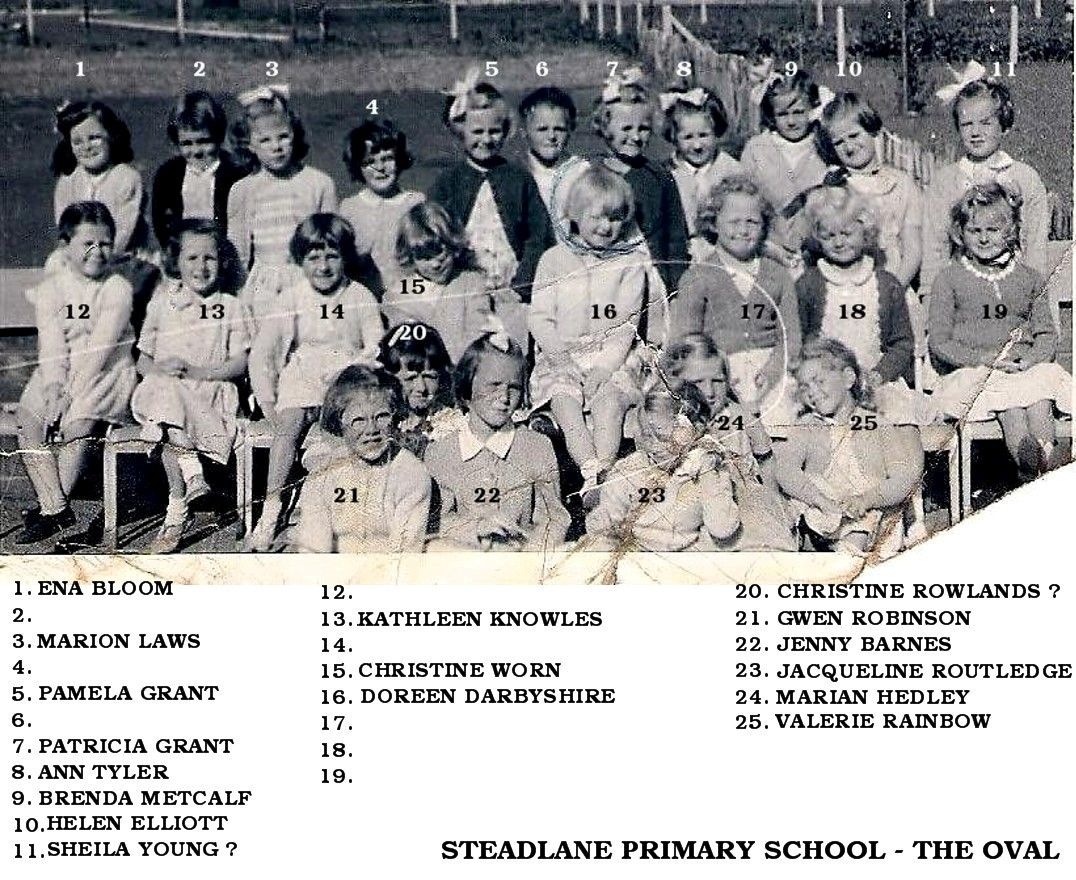
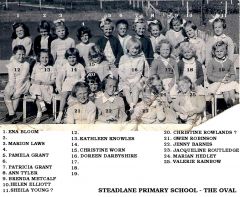
Class photo of pupils born 1951-52

Photo from Doreen Riley, Facebook Bygone Bedlington group and posted with the comment :- 'The Oval School girls born 1951/2. Some of the girls I remember are Ena Bloom, Marion Laws, Pamela Grant, Patricia Grant, Ann Tyler, Christine Worn, Doreen Darbyshire, Jaqualine Routledge, Christine Rowlands, Valerie Rainbow, Maybe someone can recognise the others'


    • Like 1

    Account

    Navigation

    Search

    Search

    Configure browser push notifications

    Chrome (Android)
    1. Tap the lock icon next to the address bar.
    2. Tap Permissions → Notifications.
    3. Adjust your preference.
    Chrome (Desktop)
    1. Click the padlock icon in the address bar.
    2. Select Site settings.
    3. Find Notifications and adjust your preference.