


Skip to content
View in the app

A better way to browse. Learn more.

Bedlington.uk

A full-screen app on your home screen with push notifications, badges and more.

To install this app on iOS and iPadOS
  1. Tap the Share icon in Safari
  2. Scroll the menu and tap Add to Home Screen.
  3. Tap Add in the top-right corner.
To install this app on Android
  1. Tap the 3-dot menu (⋮) in the top-right corner of the browser.
  2. Tap Add to Home screen or Install app.
  3. Confirm by tapping Install.

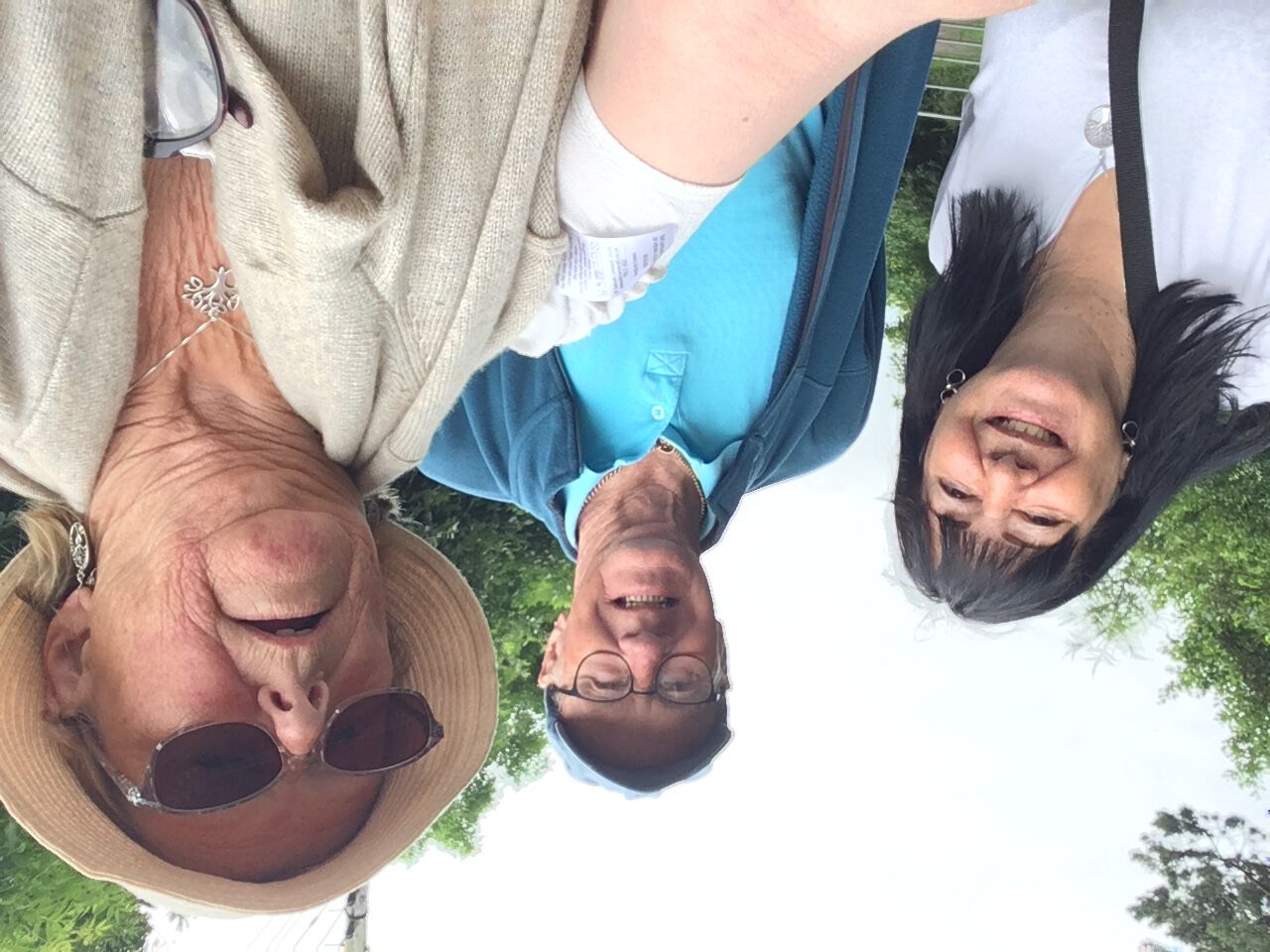
48285399-EA0E-42D3-8E93-189B5B3B5728.jpeg
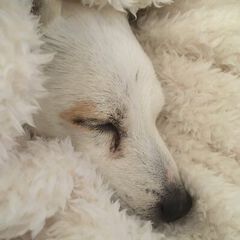
Guess who we met in the depths of Choppington Community Woods this morning??!! Only…. The One and Only…. Actually he doesn’t need naming because he’s already a legend in his own lifetime!! ❣️ @lilbill15 & @Josimarsz delighted to meet the Barnton legend in his natural habitat 😁🌈x

Credit

Roseanne Rainbow

Copyright

© Duh
  • From the category:

    People and Events Gallery

    · 189 images

    Photo Information

    • Taken with Apple iPhone SE (1st generation)
    • Focal Length 2.2 mm
    • Exposure Time 1/199
    • Aperture f/2.4
    • ISO Speed 50

    Account

    Navigation

    Search

    Search

    Configure browser push notifications

    Chrome (Android)
    1. Tap the lock icon next to the address bar.
    2. Tap Permissions → Notifications.
    3. Adjust your preference.
    Chrome (Desktop)
    1. Click the padlock icon in the address bar.
    2. Select Site settings.
    3. Find Notifications and adjust your preference.