Contributor Leaderboard
-
Monsta®
Members1Points3,565Posts -
mickypotts
Members1Points298Posts -
norman
Members1Points39Posts



Popular Content
Showing content with the highest reputation on 14/05/10 in all areas
-
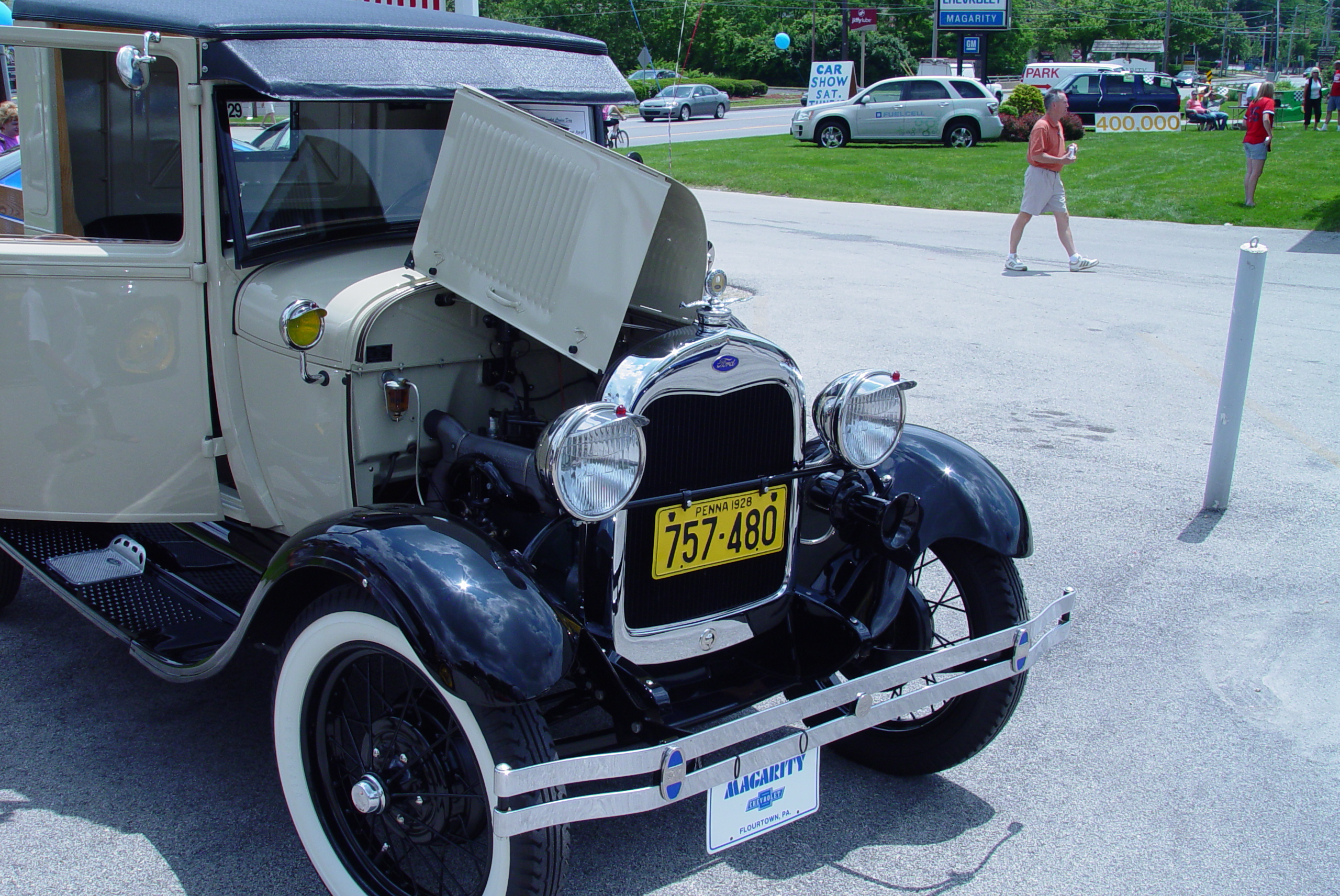
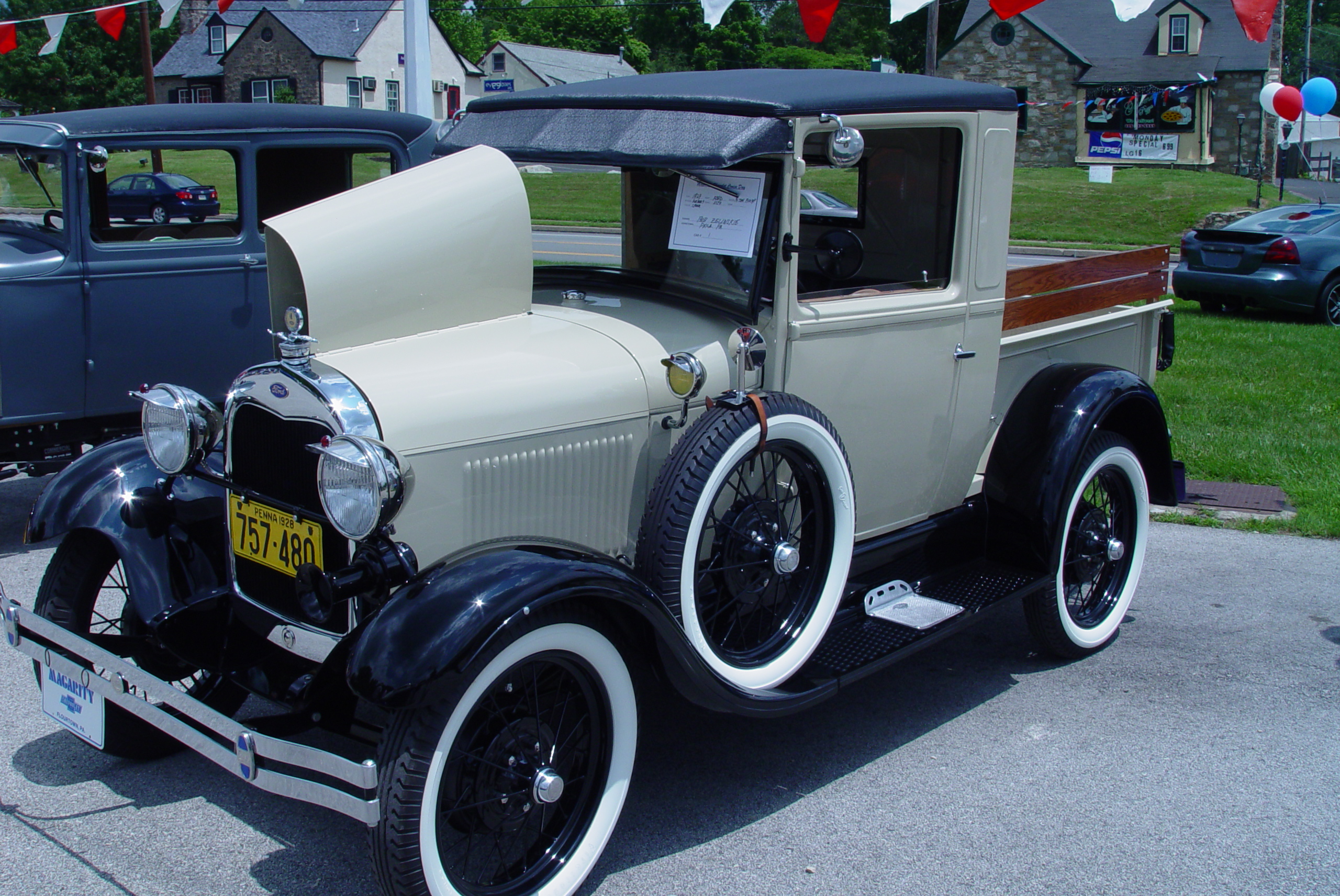
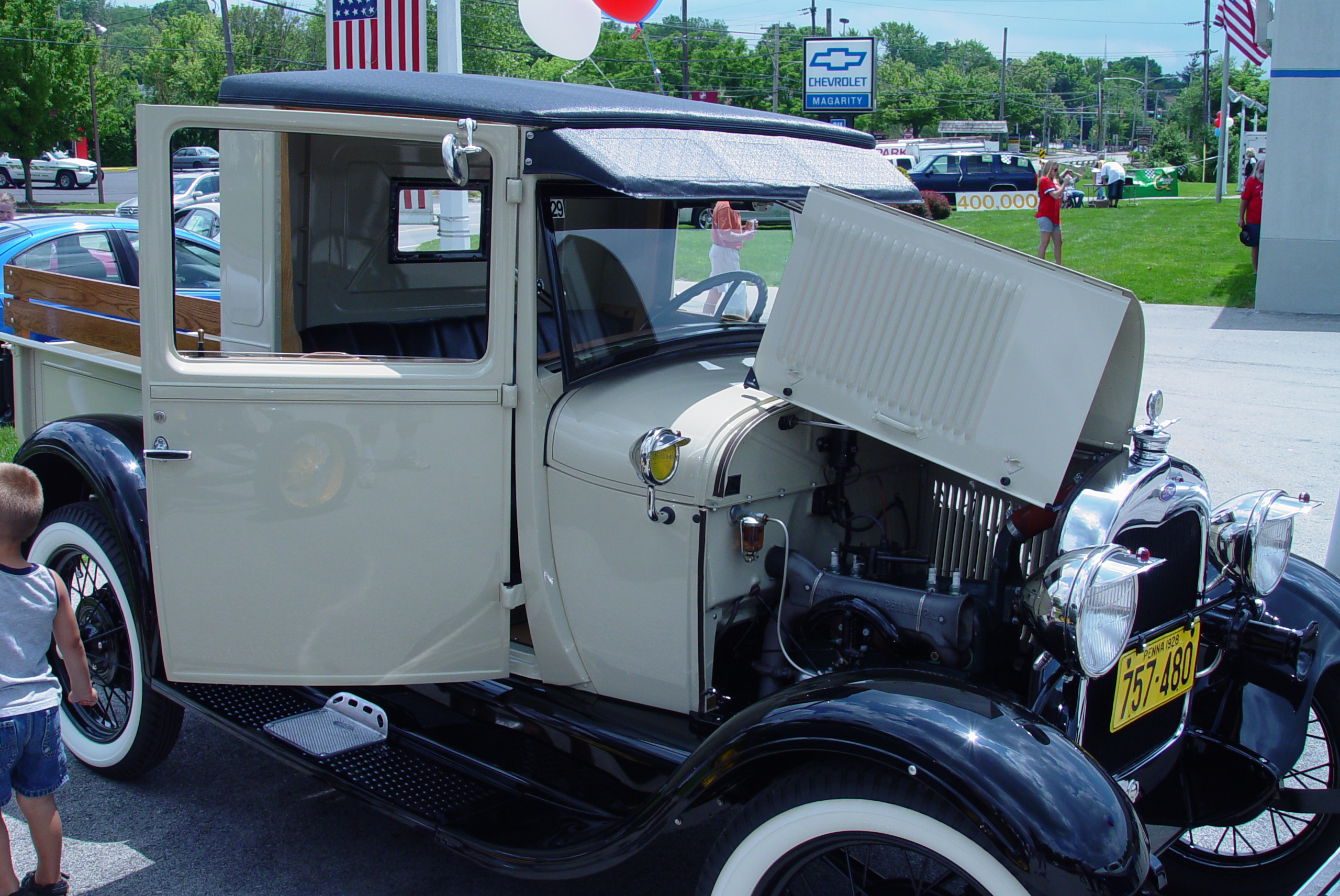
1 pointHeres a pic of a 1930 model T wagon that my freind Bobby restored from the ground up, it took him 2 years but its taken 1st prize at a lot of shows


 1 point
 -
1 pointGinnie Wilkinsons fish and chips, catching raisbecks bus from the Terrier to Westridge School cost a penny. Playing in the Free Wood and the Happney Woods, swimming in the Flaggy and at the quay, camping on the green behind Beaty Road. Building camps in the A pit timber yard and getting chased by the colliery police.1 point
-
1 pointwell if its gone DOWN to 6.50 a meal that must be because its a load of bollicks! nuff said! no i love bedlington its just a shame you live here yup walk blind folded up the spine road!1 point