


Contributor Leaderboard
-
UJAY
Members1Points3Posts
Popular Content
Showing content with the highest reputation on 03/06/15 in all areas
-
1 point
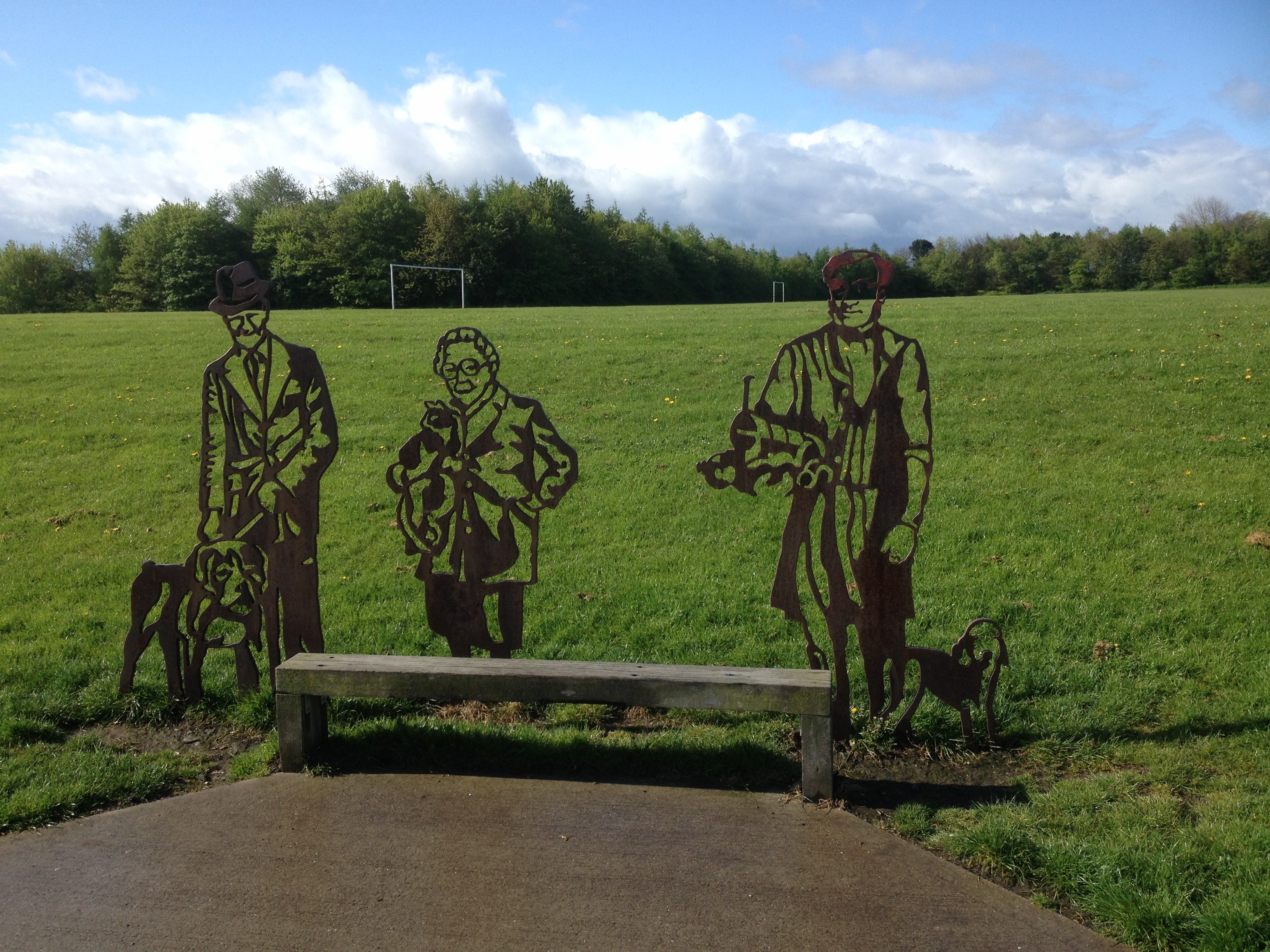 These three characters have all had a positive influence on this, their local community. Shown on the left, I remember Dr Brown with his pet Boxer dog. He was the perfect 'Gentle Man' who spoke to everyone,tipped his hat to all the ladies and spoke to their children. Unfortunately, in his later years, after losing his wife, he became a little confused. I was always amused to see his car parked at all angles along Bedlington Front Street. Everyone seemed to understand and did not mind. I once found him driving his little, light blue, Ford Fiesta, around the Plessey roundabout, the wrong way, hopelessly lost. I had to lead him back into Bedlington. I am pleased to have known him as he was of a generation when Doctors were only too glad to be available to their local community.1 point