Skip to content
View in the app

A better way to browse. Learn more.

Bedlington.uk

A full-screen app on your home screen with push notifications, badges and more.

To install this app on iOS and iPadOS
  1. Tap the Share icon in Safari
  2. Scroll the menu and tap Add to Home Screen.
  3. Tap Add in the top-right corner.
To install this app on Android
  1. Tap the 3-dot menu (⋮) in the top-right corner of the browser.
  2. Tap Add to Home screen or Install app.
  3. Confirm by tapping Install.

Contributor Leaderboard

Popular Content

Showing content with the highest reputation on 17/04/16 in Posts

  1. Make a pot of tea and relax and listen for 55mins
  2. 1 point
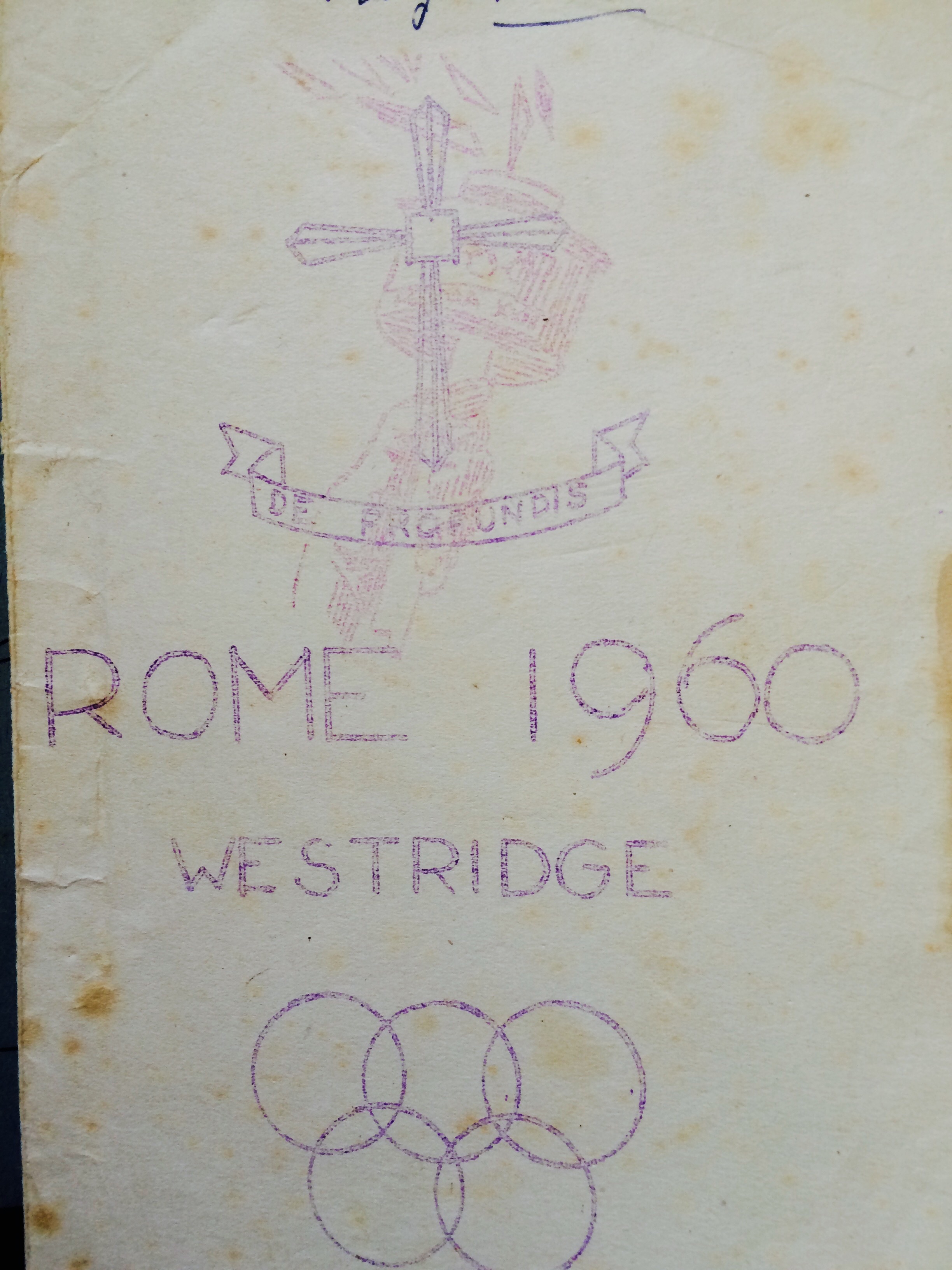
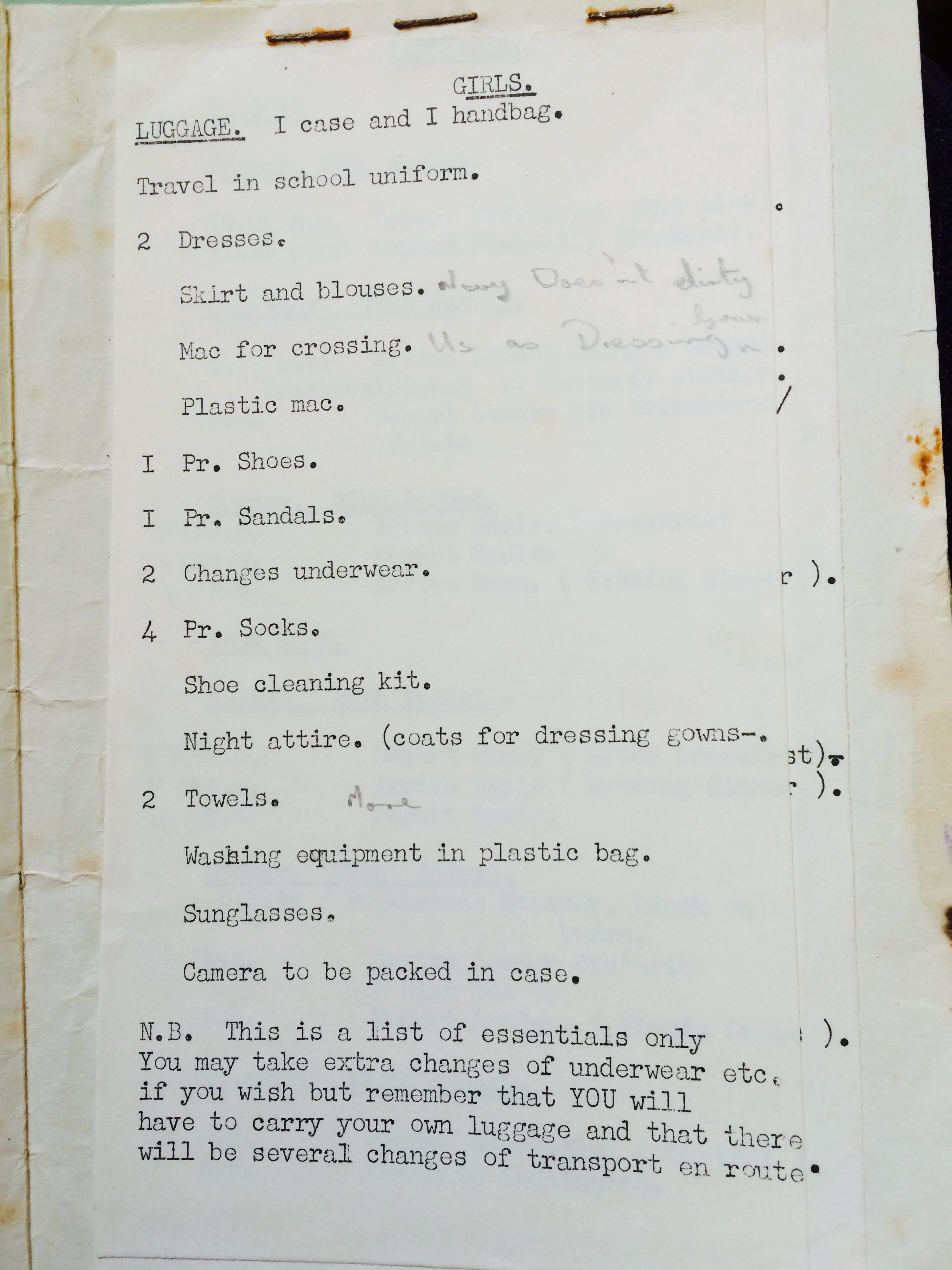
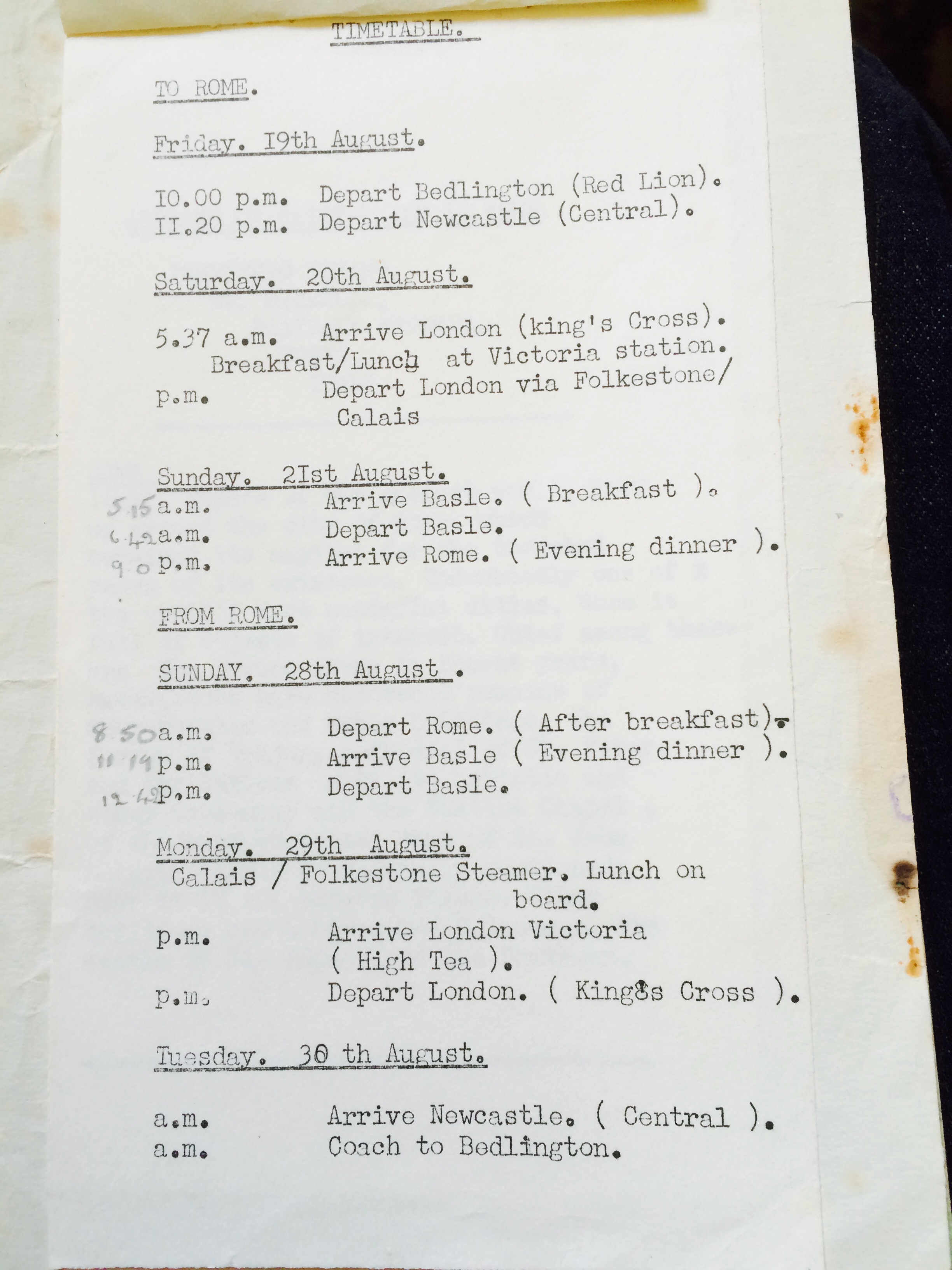
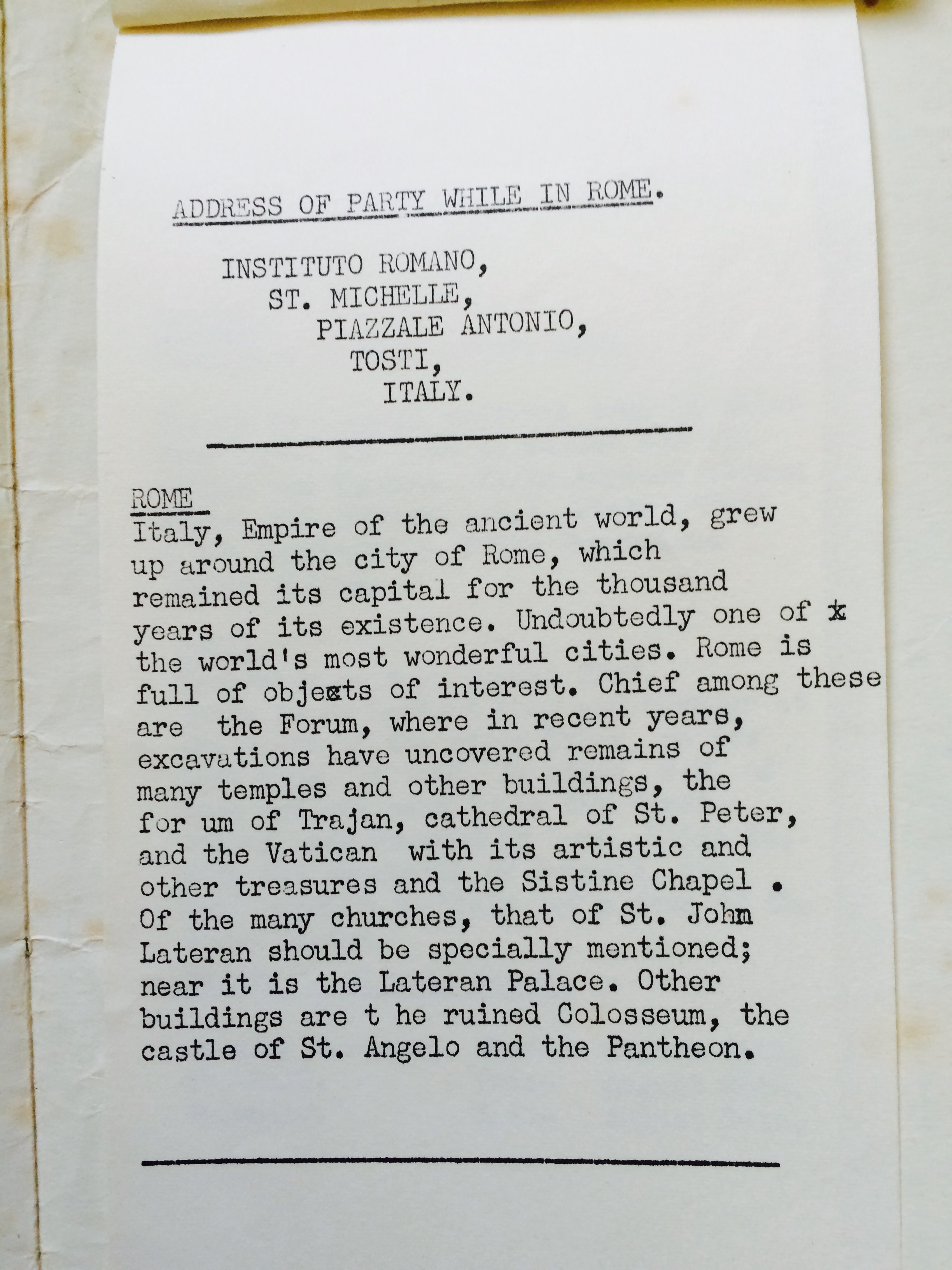
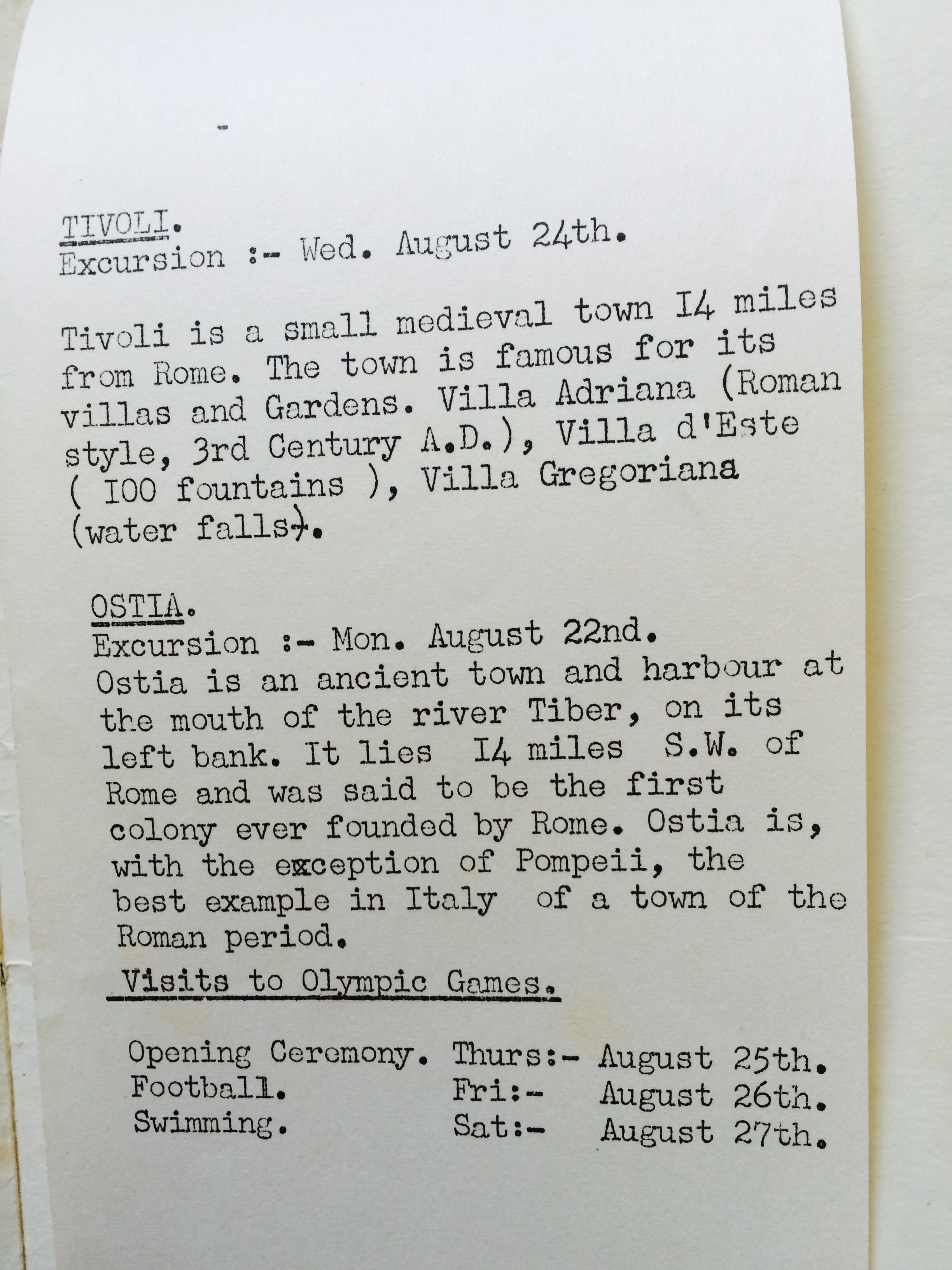
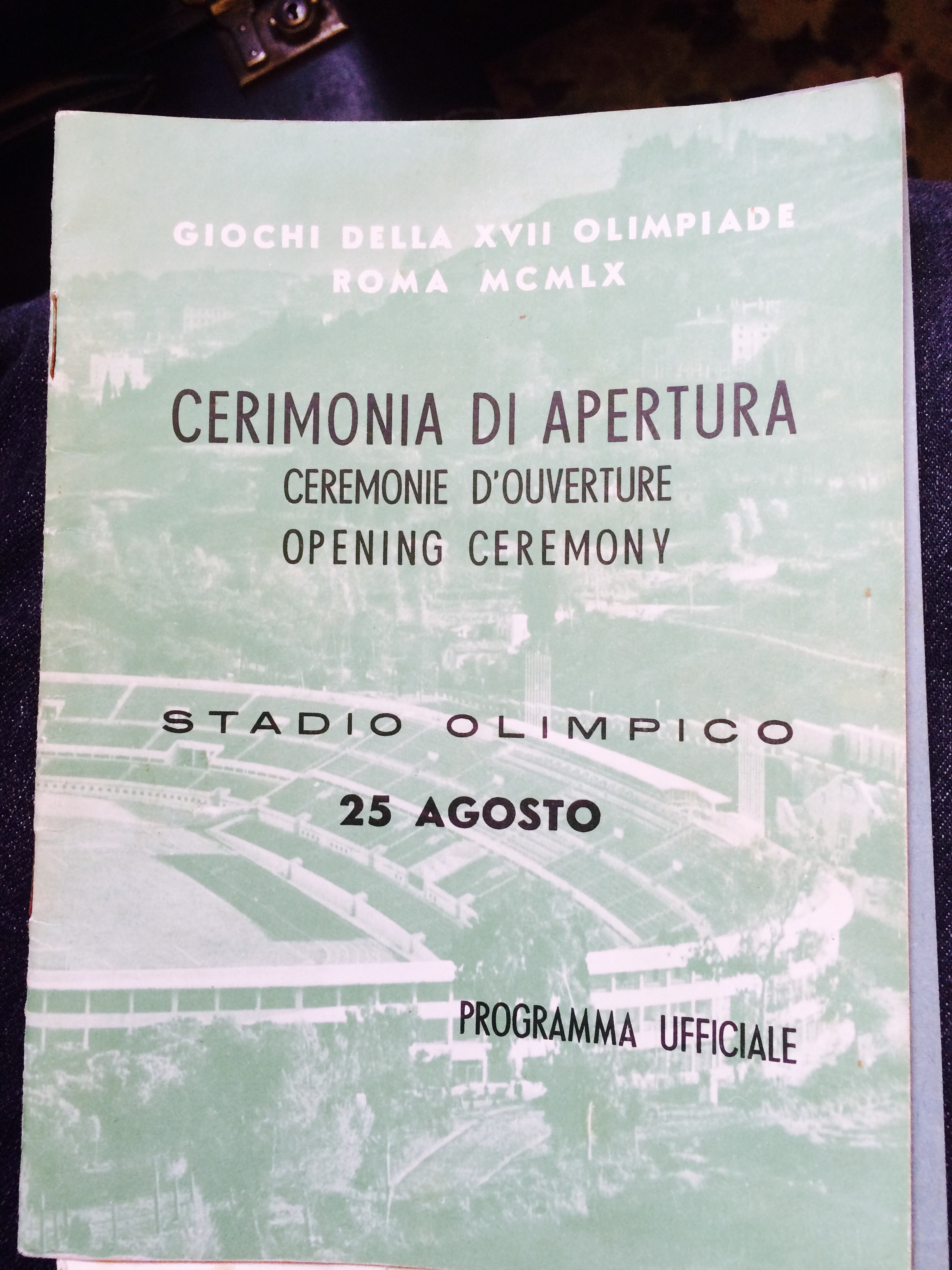
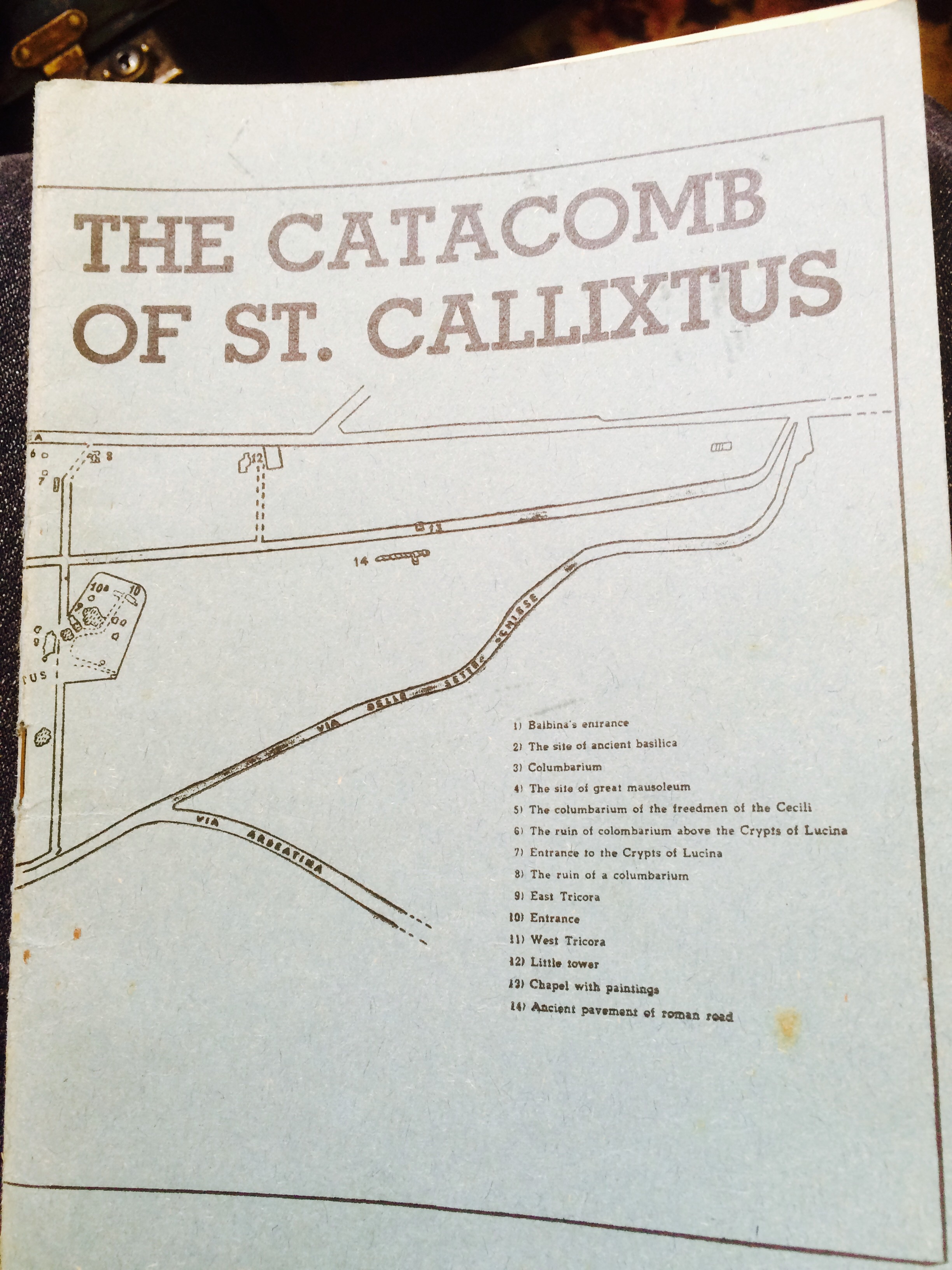
    Westridge Rome Trip 1960 Timetable/ Itinerary
  3. 1 point
    Old Days Rome 1960 More to follow Foxy and Canny Lass
  4. 1 point
    Oh happy days! I remember my mother buying a pair of hair-curling tongs that plugged into the light socket. Problem was that when it was plugged in there was no light! We had to sit on a chair in the doorway to the 'kitchen' (scullery it was called in my day) and use what little light came from there. I've had many a burned ear from those tongs.

Account

Navigation

Search

Search

Configure browser push notifications

Chrome (Android)
  1. Tap the lock icon next to the address bar.
  2. Tap Permissions → Notifications.
  3. Adjust your preference.
Chrome (Desktop)
  1. Click the padlock icon in the address bar.
  2. Select Site settings.
  3. Find Notifications and adjust your preference.