Contributor Leaderboard






Popular Content
Showing content with the highest reputation on 30/05/16 in Posts
-
2 pointshttp://www.ispreview.co.uk/index.php/2016/05/northumberland-village-gets-80mbps-wireless-cabinet-broadband.html2 points
-
2 pointshttp://trimdon.com/trimdon-history/trimdon-snippets/mining-work-page-13/local-mining-terms-pages-29-30-31/ There are some good web sites but I like its simplicity for simpletons like me! There is also a good book that is worth getting a hold of. Pitmatic - the talk of the north east coal field by Bill Griffiths. BB2 points
-
Your ignorance in that last post is utterly astonishing. My 'mates in the pub' are a bunch of intelligent, politically aware professionals from many different walks of life; your blanket dismissal is typical of your superior attitude, and serves little purpose in the discussion. For the record, and this is yet another display of ignorance on your part, you'll find few in Bedlingto in support of Mr Lavery; his core vote is from Ashington. I stand, firmly, by my point: people, in general, have lost interest.2 points
-
1 point
-
Nowt wrang wi' Vista! ................................... once you've disable UAC! Both my Vista machines have been running fine for years now. They run everything I need, including the hardwareI use in my 'day' job (making stuff for ebay), a wide format printer and a drag-knife cutter.1 point
-
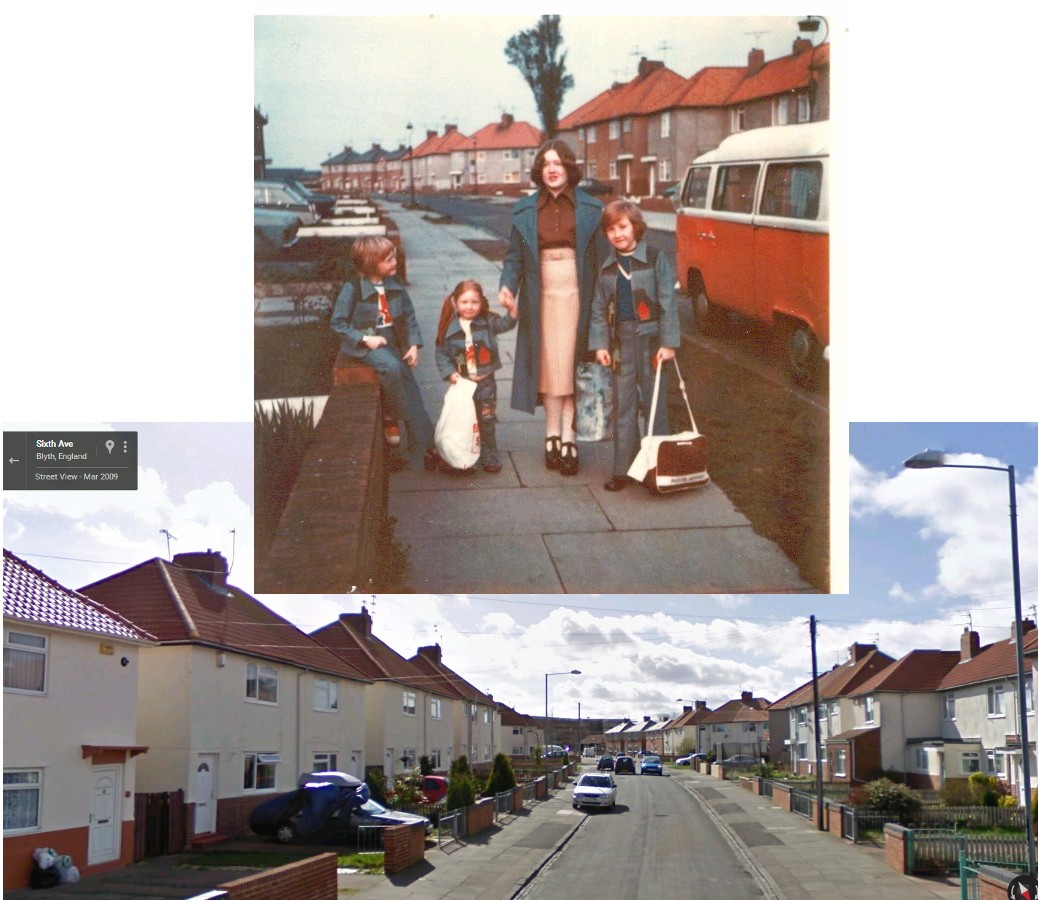
1 pointThank you everyone. Yes great memories, Webtrekker it was taken in Sixth Avenue, Blyth, my mom’s home.1 point