-
With winter approaching maybe there will be a bit more activity.
-
Alan. You mean to leave Vista? Windows went downhill after Vista. 😉 I went mostly to Apple... but still often go back.
-
Hi, No we don't have any serious fires near us, but the smoke is very bad, we had some low 30 but now low 20 which is just fine for me. Fires have been bad again this year, BC is getting hit just now, causing lots of evacuations, it's bad out east as well, it's that bad Mr Trump wants to put on tariffs because of the smoke, we are getting lots of his smoke. I see Europe is having the same problem, even King Arthur's seat was ablaze! but I don't see any in the N.E.
-
I think it was her "National Registration Identity." I have my late Father in law's card and the top line has "G C E V. 310:1 " then his name, address etc. The disc would just be more durable than a paper card, especially in the war time conditions, air raid shelters etc
-
Thank you Alan, I'm relieved it's not me! I'm used to going straight to this page then sometimes going to other areas later, I can live with it but would call it a downgrade rather than an upgrade! (perspective!) I still miss the live camera... 🤸
-
Has there been changes made to the website? I'm having all sorts of navigating problems, I could be just me! 🙃
-
First class move Taylor Wimpy Homes, (and Mal for the prodding!) they will greatly appreciated I'm sure. But really should it be up to private companies to supply a essential piece of equipment?
-
A good plan, if anyone comes...
-
Congratulations, good luck.
-
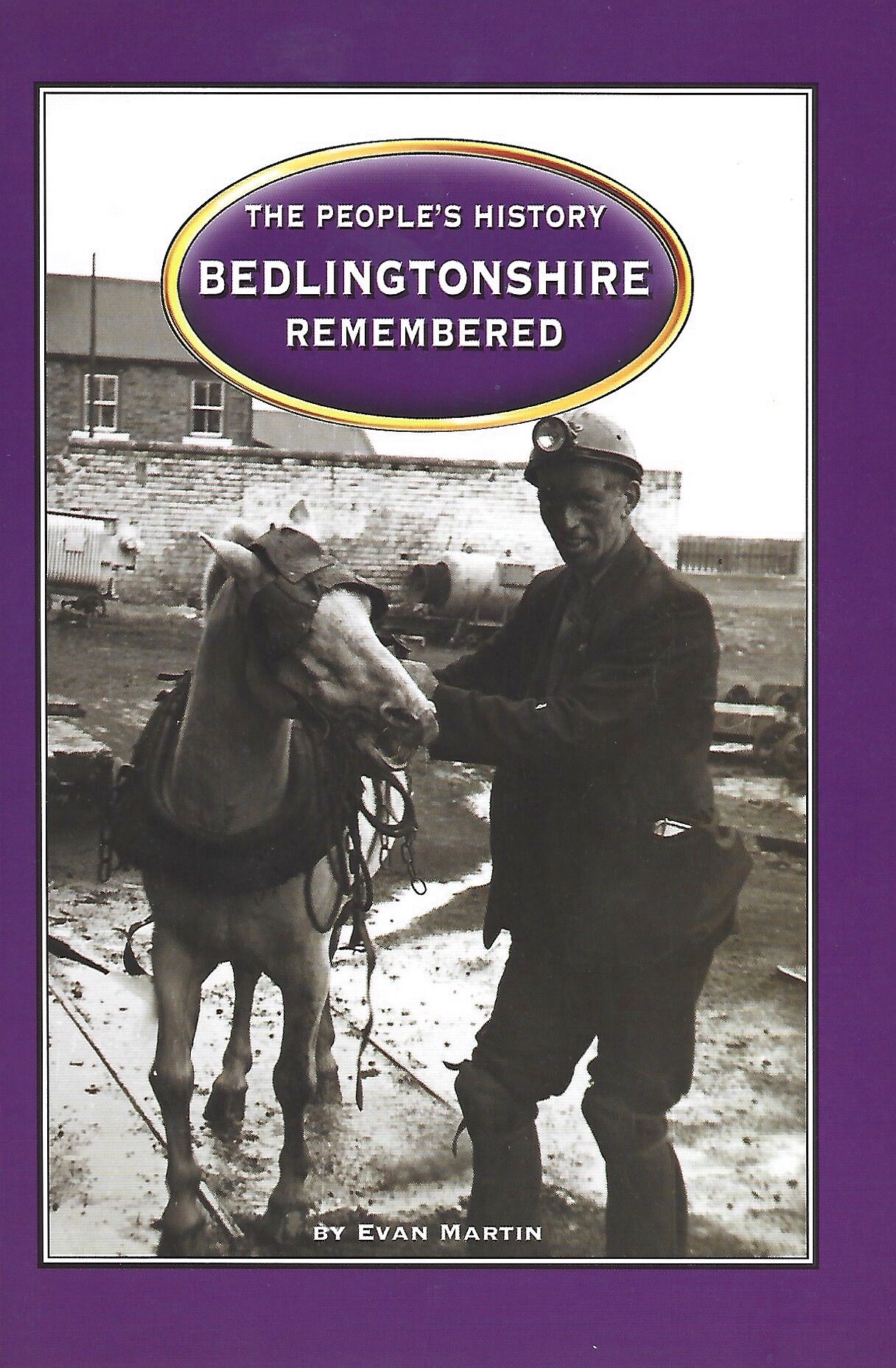
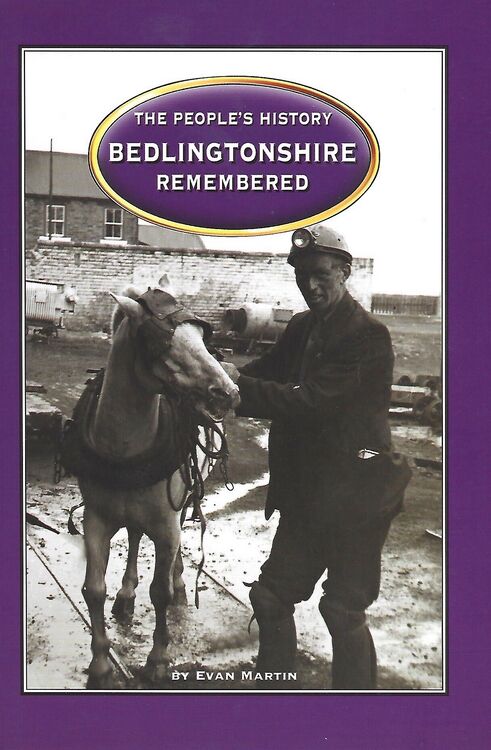
Unfortunately he doesn't give any references but only acknowledgements.
-
I understand Alan, My windows Vista is on old computer but not on line, can't beet some of those old programs. Steady daily snow 2-3" here, -20c keeps the mosquitos away.
-
That kept you busy Alan? Thank you Canny lass, I look forward to the annual brain check.
-
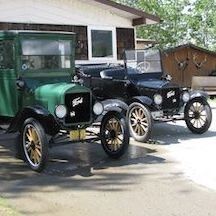
Just the 1920, open touring. not the grain truck. 😃
-
Yes Canny lass, 1920 and 1926 model T Fords. 1926 is a farm truck.
-
Zero answers for the quiz but I did know about the Bennett buggies. I drive two of them. Thank you Canny lass, and Google!