Contributor Leaderboard
-
.jpg.cdd7f8371d17e2f2f2e2a0e21e02f727.jpg) 1Points3,654Posts
1Points3,654Posts -
1Points6,990Posts
.thumb.jpg.7493ddab4a696108cf2b849323d3c155.jpg)

Popular Content
Showing content with the highest reputation on 15/08/16 in Posts
-
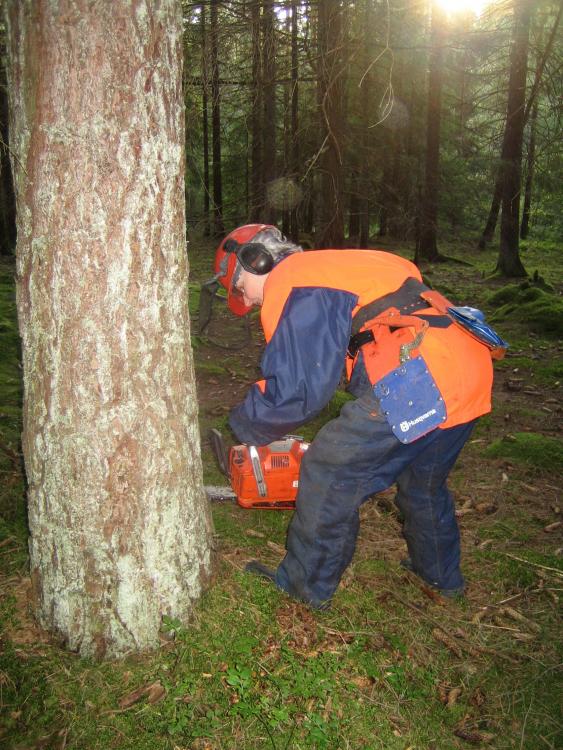
1 pointYou'd never cope! there's more to being a woman than drinking wine and cooking: There's taking your man out for the evening, paying for the pleasure and being an unpaid, SOBER chauffeur. Then, there's shopping for shoes! There's also pots to wash and clothes to iron and did I mention shoe shopping? School runs and laundry, dusting and polishing and shoe shopping! And, of course, there's home fires to be kept burning: trees to fell, chain saws to be oiled, logs to cut, kindling to collect - if you can find the time in between shopping expeditions Now get that pinny off and get the wife another glass of wine!
 1 point
 -
1 pointFoxy has a photo, dated the 60's, of the old houses just before the Coffin Chapel, in the Gallery Album - Historic Bedlington / Days Gone Around the Town. It's on page 2, 3rd from the end. My dad, Adam Edgar, worked at Hugh Bolckows in the late 60's. You've got me scratching me head now, Albert Hooper - possibly an occasional pint in the Percy Arms?1 point