Contributor Leaderboard
-

Andy Millne
Administrators2Points3,465Posts -
John Fox (foxy)
Moderators2Points1,417Posts -
Malcolm Robinson
Moderators1Points6,416Posts



Popular Content
Showing content with the highest reputation on 03/02/17 in all areas
-
2 pointsI've made a few subtle usability tweaks to the site over the last few days particularly on mobile. I hope everyone likes the changes, if there's anything you find awkward or you think could use improvement please reply here.2 points
-
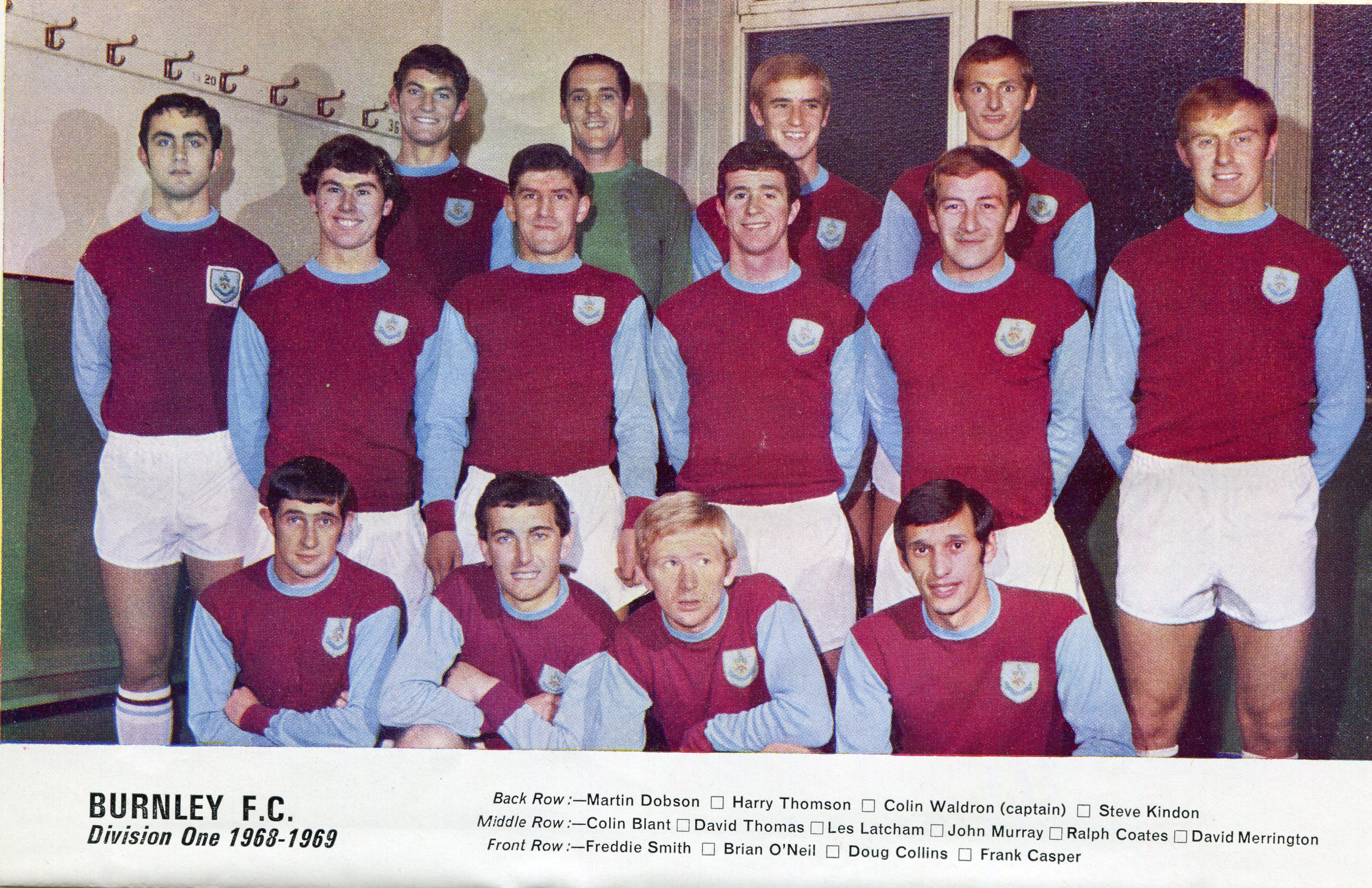
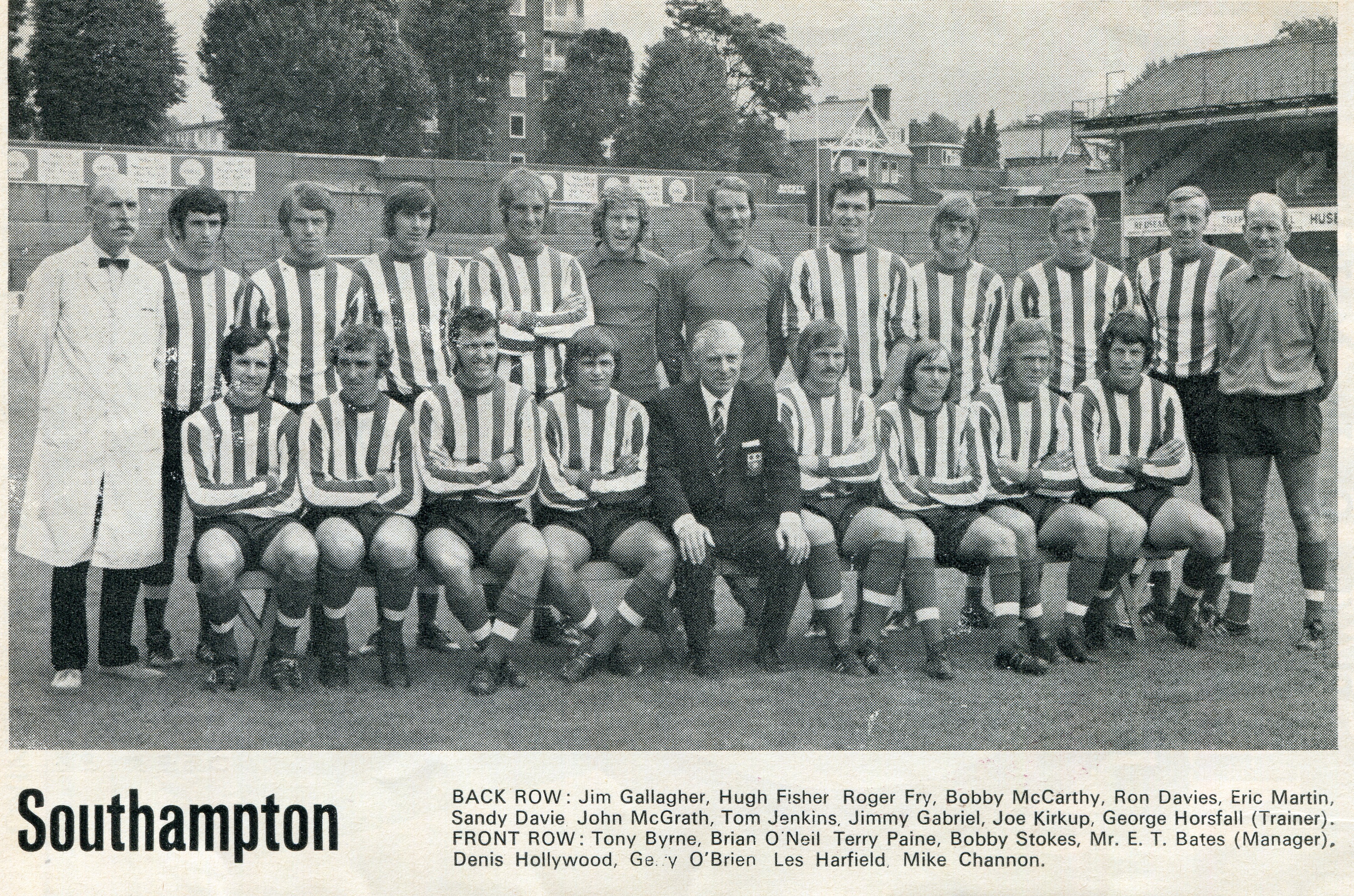
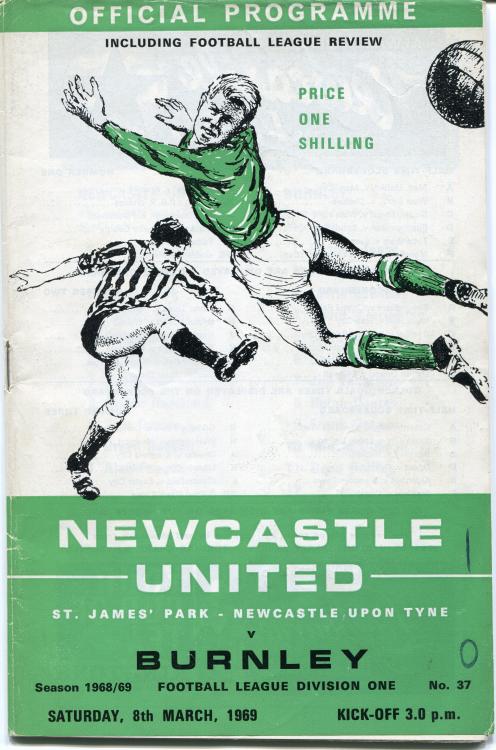
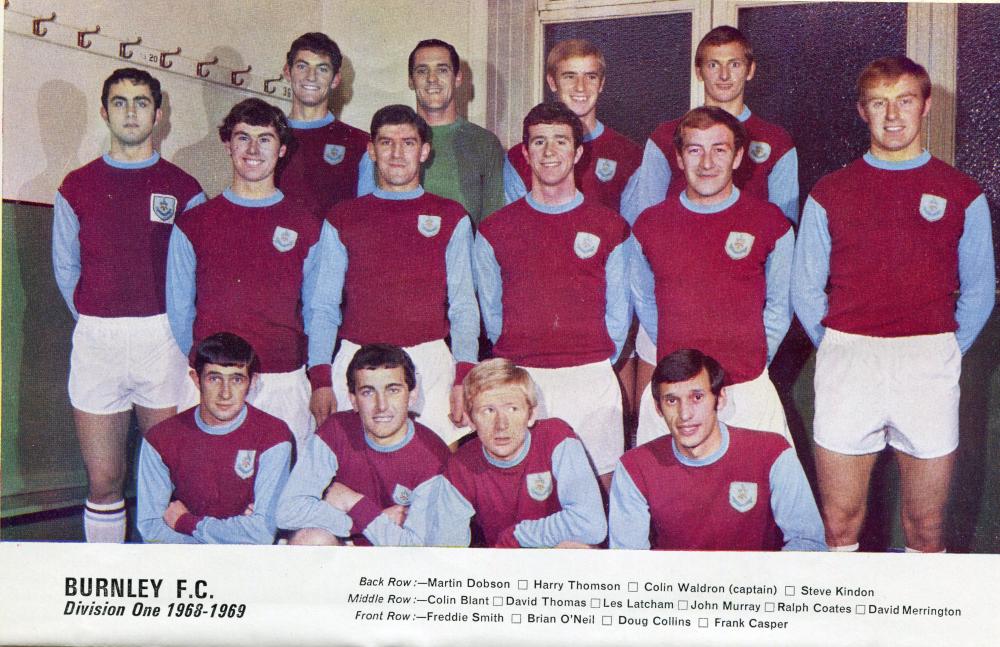
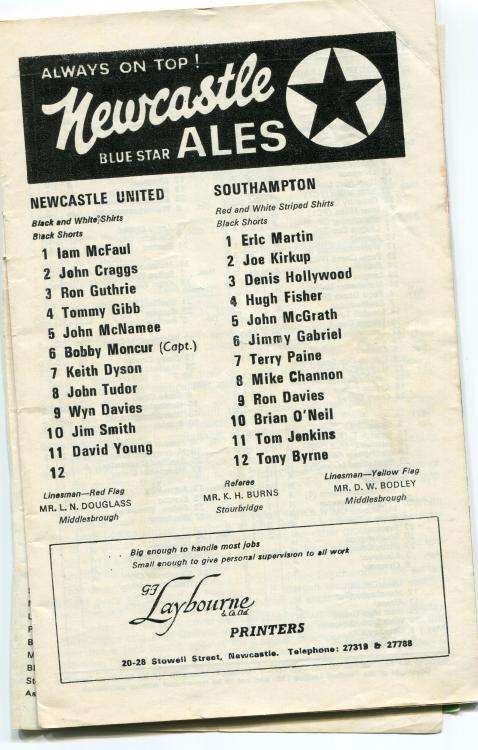
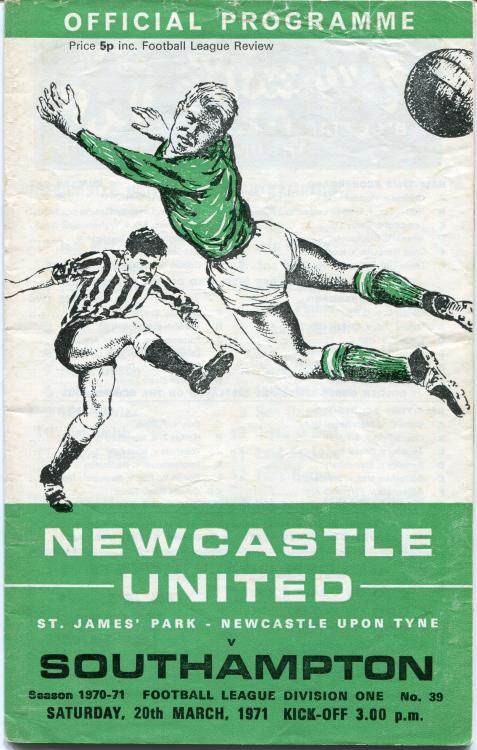
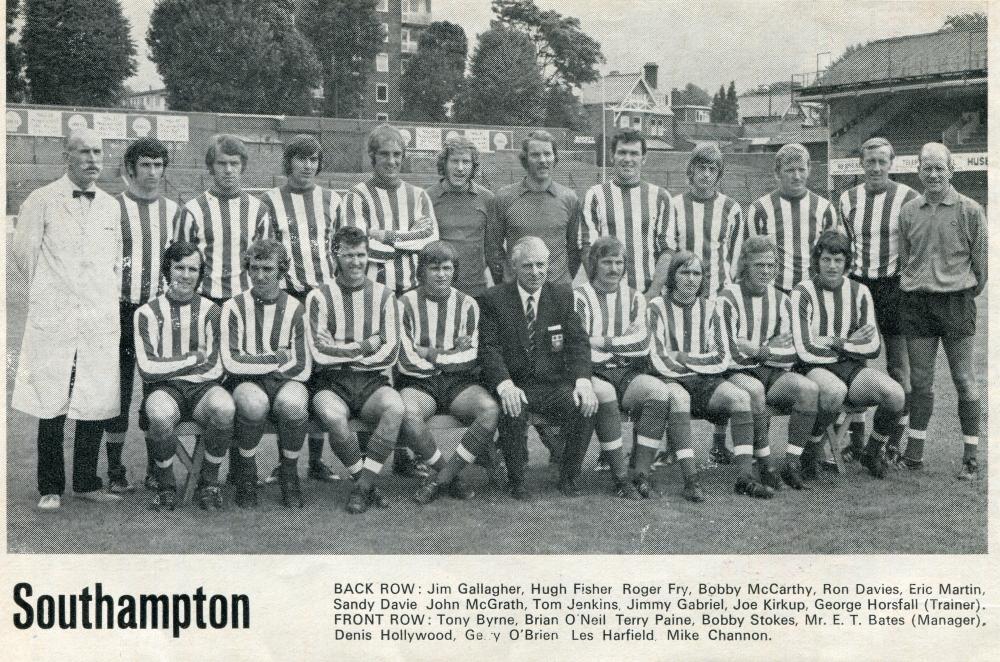
Brian was good mates with my brother in law and he would always pay him a visit on the Friday night before Match day when his team were playing against Newcastle. Never forgets where he comes from and still keeps in touch with his old mates.
 2 points
 -
1 point