


Contributor Leaderboard


Popular Content
Showing content with the highest reputation on 08/07/17 in all areas
-
1 pointI knew Jim Temple quite well. I went through a phase of building radios (with valves in), when I was a teenager and used to go to Jim's house for advice and to admire all his woderful Amature radio kit. Lots of which he had built himself. It was my dad who put me in touch with him as he knew of him from the pit. Dad worked at Netherton until he had a serious accident and had to come out of the pits, which he very much regreted "Once a pitman allways a pitman", he used to say. The photo looks very much like the pavillion at Bedlington station? Perhaps they were all built to a standard design back then? Kalee1 point
-
1 point
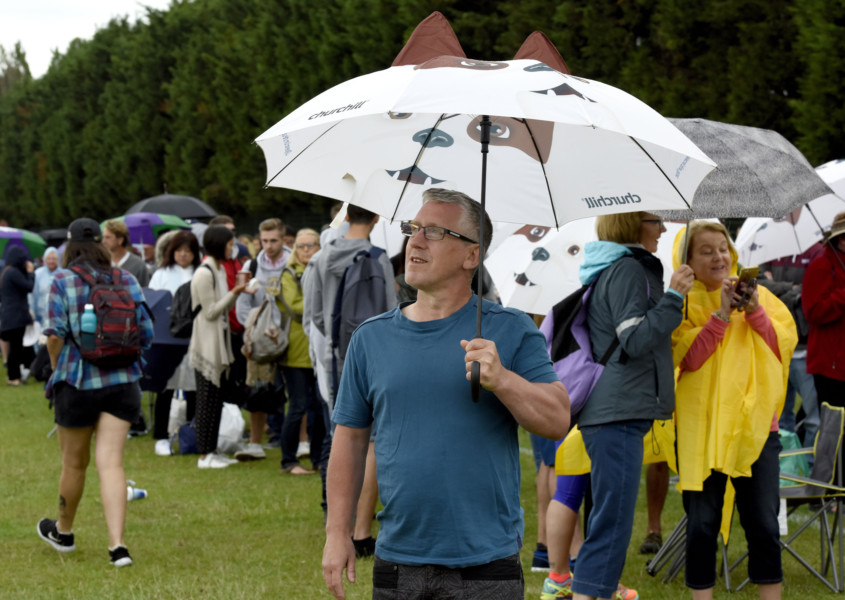 A Choppington man was served up with a Centre Court ticket for Wimbledon on Monday after waiting in line for 56 hours. To give himself the best possible chance of realising his top bucket-list dream, Des Robson packed up a tent and comfy chair and left his home at 6pm on Friday. He drew up the list after surviving two heart attacks two years ago. The computer technician arrived at the main gate of the All England club at 1.30pm on Saturday and he was rewarded with first place in the queue. This meant he was able to get a ticket for the showpiece court with the action on Monday including defending champion Sir Andy Murray beating Alexander Bublik in straight sets.1 point