Skip to content
View in the app

A better way to browse. Learn more.

Bedlington.uk

A full-screen app on your home screen with push notifications, badges and more.

To install this app on iOS and iPadOS
  1. Tap the Share icon in Safari
  2. Scroll the menu and tap Add to Home Screen.
  3. Tap Add in the top-right corner.
To install this app on Android
  1. Tap the 3-dot menu (⋮) in the top-right corner of the browser.
  2. Tap Add to Home screen or Install app.
  3. Confirm by tapping Install.

Contributor Leaderboard

Popular Content

Showing content with the highest reputation on 05/06/18 in all areas

  1. Due to the council cut backs the cemetery is in a terrible state. My son has started a small venture to provide a service to the local community. He has started a memorial and headstone tendering service, which includes grass cutting and headstone cleaning, as well as the laying of flowers. It would be wonderful if the local community could help a young lad who wishes to help out. Check out his Facebook page here. https://m.facebook.com/lovethemtender/
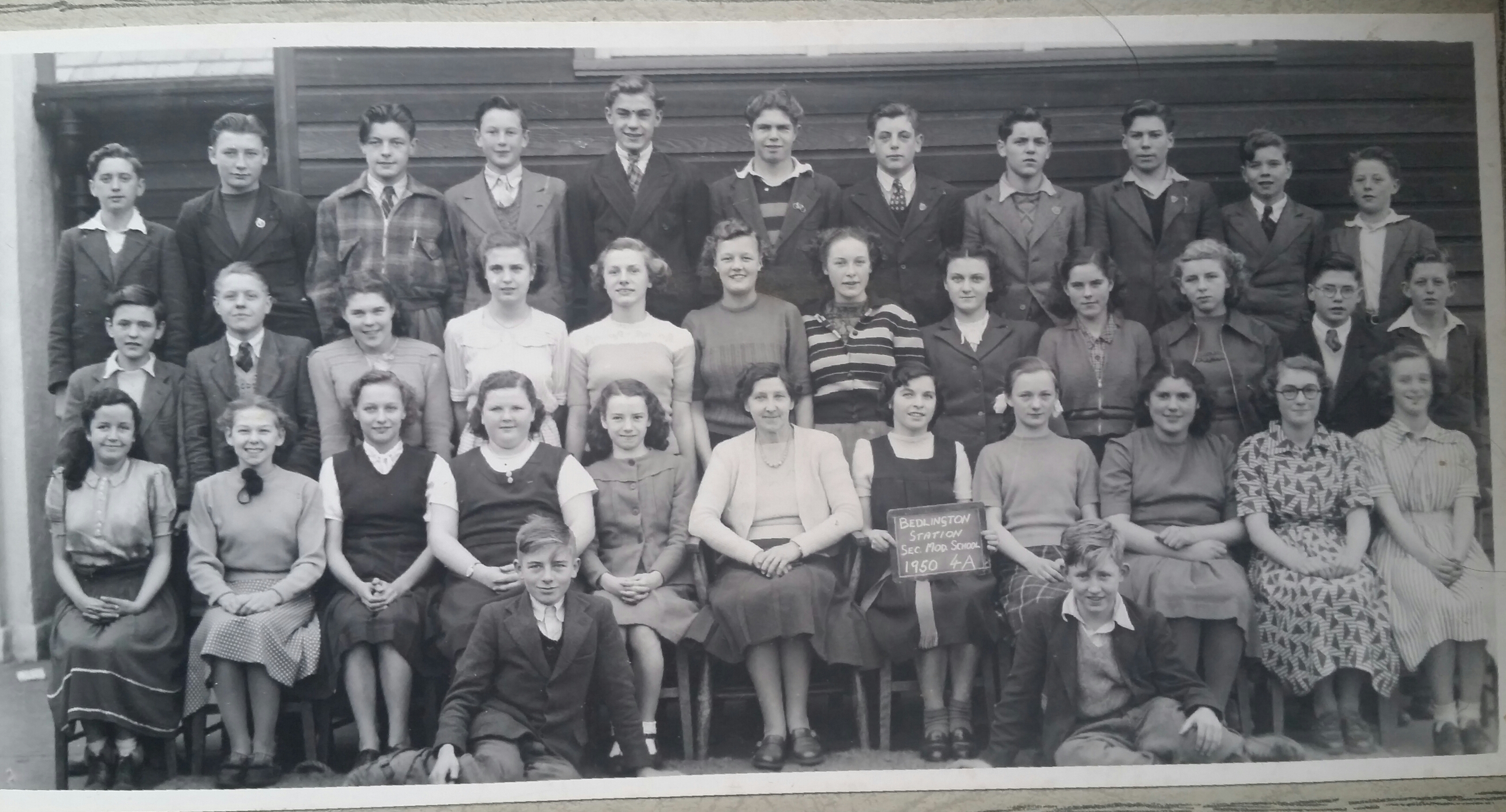
  2. Can anyone put names to these faces?

Account

Navigation

Search

Search

Configure browser push notifications

Chrome (Android)
  1. Tap the lock icon next to the address bar.
  2. Tap Permissions → Notifications.
  3. Adjust your preference.
Chrome (Desktop)
  1. Click the padlock icon in the address bar.
  2. Select Site settings.
  3. Find Notifications and adjust your preference.